GitHub Actions Self‑Hosted Runners: Upgrade by Sept 25
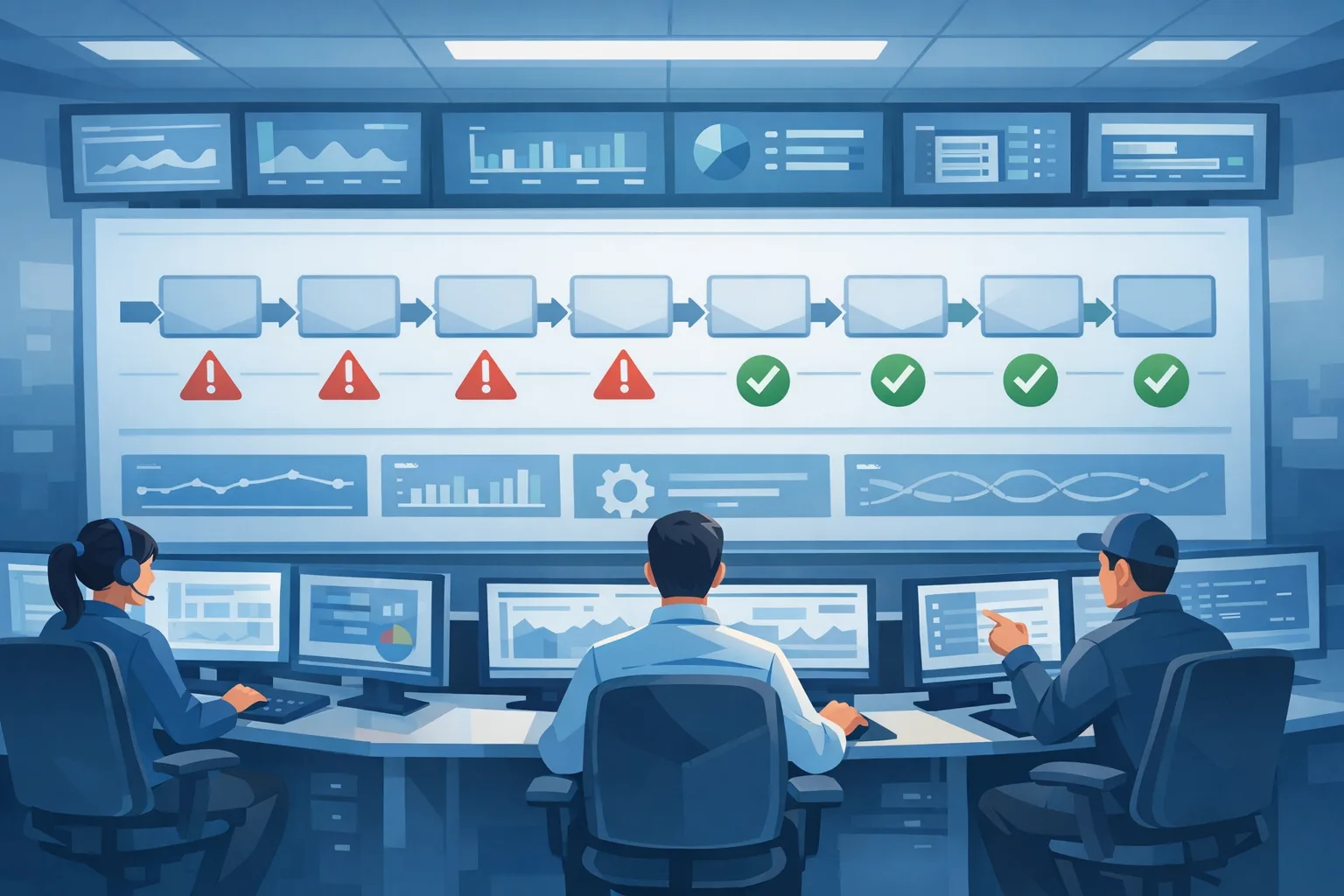
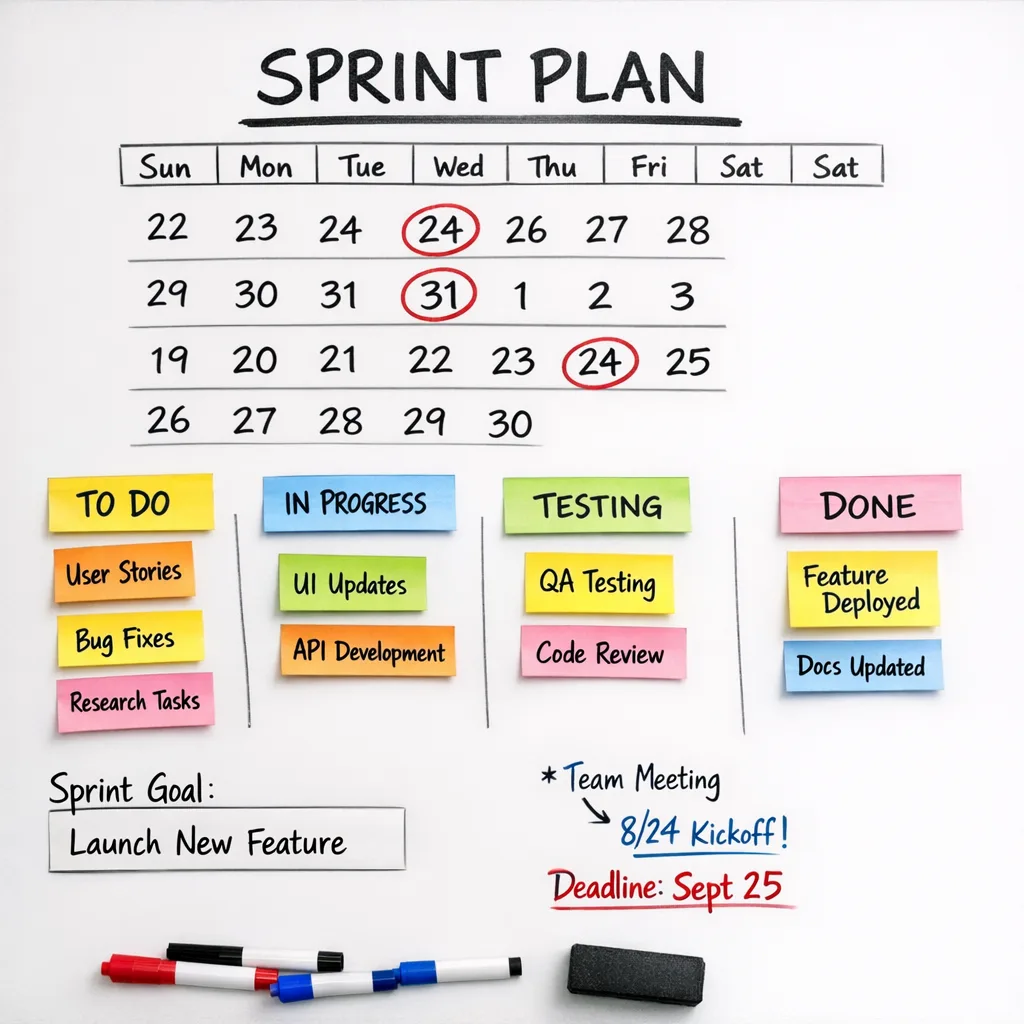
GitHub Actions self-hosted runners are getting stricter requirements right now. Brownouts start on August 24, 2026, and full enforcement for GitHub Enterprise Cloud lands on September 25, 2026. If your fleet isn’t up to date—both at registration time and within 30 days of each new release—jobs can stop queuing or fail to run. Here’s the thing: this isn’t just a version bump. It’s a platform upgrade with real operational consequences and a tight calendar.
What’s changing, exactly (and on which dates)
GitHub rebuilt core services behind Actions to improve reliability and scale. With that architecture in production, they’re resuming enforcement for runner compatibility.
What to know:
- Registration minimum: runners must be on version 2.329.0 or later to register or re-register with the new platform.
- Ongoing updates: runners must install each new release within 30 days; pinning a version and never updating will cause jobs to stop picking up.
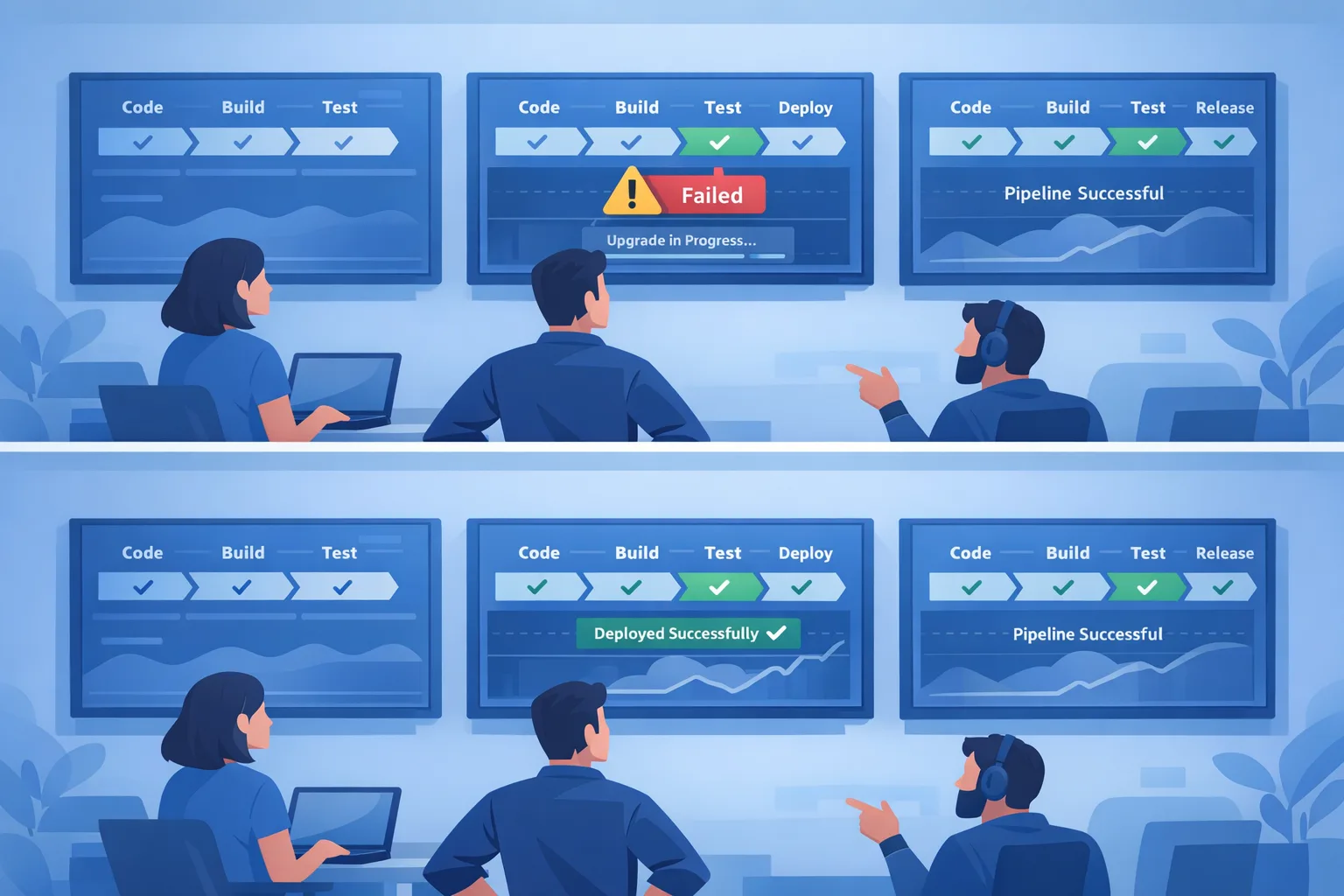
- Brownouts: for Enterprise Cloud, temporary blocks run 11:00 AM–3:00 PM ET on August 24; August 31 and September 2; September 7, 9, 11; and September 14, 16, 18, 2026. Some windows block only registration; others also block job execution.
- Full enforcement: September 25, 2026 for GitHub Enterprise Cloud. (Enterprise Cloud with Data Residency already enforced July 31, 2026.)
- Scope: github.com (Enterprise Cloud variants). GitHub Enterprise Server isn’t affected at this time.
Translation: by late September, any stragglers below the required levels will break at the worst time—during deploys and hotfixes.
Why GitHub is doing this (and why you should care)
Actions traffic is massive—think nine figures in jobs per day. To keep that humming, GitHub tightened compatibility requirements so older runners don’t misbehave on the upgraded backend. For you, the risk isn’t theoretical. When the platform starts rejecting outdated runners, the symptoms look like “random” queue stalls, flaky registration, or jobs that never start. That’s not a fun incident report.
Upside: fleets that meet the bar get a more predictable, better-performing CI/CD backbone. Less ghost-chasing on network blips, fewer zombie runners, and a faster mean time to green across repos.
Use this 10‑step plan to upgrade runners without breaking delivery
Let’s get practical. Treat this as a short, focused program—measure twice, cut once.
- Inventory your fleet with authority. Pull runner versions via the enterprise/org audit log events for runner registration, and cross-check with your infra source of truth (Kubernetes, Auto Scaling groups, VM inventories). Identify owners per runner group.
- Set a hard floor at 2.329.0 for registration. Update install scripts and images to fetch the latest release on boot, not a pinned tarball from six months ago. If you must pin, add an auto-update step that runs daily.
- Rebuild base images. Bake the newest runner into your golden images. Clear any cached old runner layers in container registries and AMIs to avoid drift. Label images with build date and runner version.
- Enable auto-update, but don’t blindfold yourself. Turn on the runner’s built-in auto-update. Then add monitoring to catch failed updates (e.g., metrics from the runner service logs, alerts on version skew).
- Open the update path. Runner hosts must reach GitHub’s update service. In egress-restricted networks, whitelist the endpoints and verify TLS inspection won’t break downloads. If you use a proxy, test at scale.
- Prefer ephemeral runners for cleanliness. Ephemeral or one-shot runners reset state every job, guaranteeing fresh versions and fewer supply-chain surprises. If you can’t switch yet, schedule weekly restarts to pull updates.
- Canary the change. Move 10–20% of runners per platform (Linux/Windows/macOS) first. Route non-critical repositories to the canary group. Watch queue times, success rates, and job durations for 48 hours.
- Harden secrets and tokens. Rotate PATs and runner registration tokens during the rollout. Scrub images for embedded credentials; rely on OIDC and short-lived tokens wherever possible. Pair this with our secret scanning playbook if you haven’t fully deployed coverage.
- Roll forward relentlessly. Remember the 30-day clock. Add a recurring task in your platform backlog to validate that your runner version is never more than one release behind.
- Document your break-glass path. If a runner image update bricks a platform, how do you revert in minutes? Keep a last-known-good image handy, plus a script to re-register cleanly.
Run a brownout‑day drill (90 minutes)
You don’t want the real brownout to be the first time your team sees failures. Rehearse with a short, high-signal exercise:
- Brief (10 minutes): Explain the enforcement and simulate the day’s scope (Config only vs Config + Runtime). Agree on success metrics: no blocked releases, 0 stale jobs.
- Flip traffic (15 minutes): Drain a subset of repos to your canary runner group. Kick off representative matrix builds across languages and OSs.
- Fault injection (20 minutes): Temporarily disable auto-update on a few runners or deploy one at an older version to watch expected failures. Confirm alerts trigger, dashboards light up, and runbooks are clear.
- Recovery (25 minutes): Re-enable updates, force a runner refresh, and rerun failed workflows. Validate green. Capture timings.
- Debrief (20 minutes): List the two biggest friction points and assign owners to fix before the next brownout window.
People also ask: do I need to change anything in my workflows?
Usually not, but check for steps that assume a specific runner path or cached tool versions. Some older toolchain caches can behave differently after an image refresh. Pin tool versions explicitly with setup actions, and avoid relying on system-level defaults.
What version do GitHub Actions self‑hosted runners need?
To register or re-register, you need at least 2.329.0. For job execution, you must stay current—install each new runner release within 30 days. Don’t set-and-forget at 2.329.0; that will eventually stop running jobs.
Will GitHub Enterprise Server be affected?
No. The current enforcement targets github.com variants (Enterprise Cloud, including Data Residency). Enterprise Server has its own lifecycle and requirements.
How do I check which runners are out of date?
Use the audit log events for runner registration and the REST API that now returns runner versions. Cross-reference with your infra inventory, because the audit log shows registering runners, not every machine that still exists in your fleet.
Common gotchas we keep seeing
Pinned binaries in homegrown installers. Teams copy a tarball URL once and never touch it again. Six months later, every new VM boots with an old runner. Fix by templating the latest release fetch in your provisioning logic and logging the version at service start.
Images built from stale caches. CI systems that build runner images often reuse cached layers. Unless you bust the cache on every image build—or pull the runner at container start—you’ll ship the wrong version silently.
Air‑gapped environments. If you mirror artifacts internally, mirror the runner releases too and test the sync job’s cadence. Validate signatures if your org requires it. Keep your allowlist tight but complete so updates don’t time out mid-deploy.
OS‑specific quirks. Windows runners can stall on service updates if they lack reboot permissions. macOS runners tied to Xcode versions might require image swaps rather than in‑place upgrades; audit your build matrix.
Ephemeral at the edge, persistent in the core. Many orgs deploy ephemeral containers for PR builds and keep a small persistent pool for release jobs. Make sure both pools meet the 30‑day rule. It’s easy to fix one and forget the other.
Zooming out: adjacent policy shifts this month
Two more changes worth putting on your calendar this August:
- August 25, 2026: GitHub begins a cloud data retention policy for closed Dependabot alerts. Closed alerts remain fully accessible for two years; older ones move to archival storage and are downloadable. If you’ve built reports off old closed alerts, plan for the new retrieval path.
- August 26, 2026: Copilot Business and Enterprise introduces a default model enablement policy. By default, generally available models will be on unless you opt out; explicit per‑model choices remain respected. Governance teams should review model settings this week.
If you want a deeper security tune‑up while you’re already touching CI, pair this work with our July guide to harden GitHub Actions and validate secrets coverage with our GitHub Secret Scanning playbook. If you need hands‑on help, see how we roll in our services or just get in touch.

Field checklist: fast runner readiness review
Use this lightweight framework to judge your risk in under an hour:
- Coverage: Do 100% of runner groups auto-update within 30 days? Show evidence.
- Visibility: Can you list all runners, versions, and owners in a single report?
- Egress: Are required endpoints reachable from every subnet and proxy?
- Drift control: Do golden images embed the latest runner and expire old caches?
- Canarying: Do you route at least one critical pipeline through the canary pool daily?
- Rollback: Do you have a last-known-good image and re-registration script tested this month?
- Security: Are tokens short-lived, and are secrets verified by automated scanning?
- Observability: Do you alert on version skew and failed updates?
- Ownership: Does each runner group have a named owner and SLOs?
- Brownout plan: Do you have a calendar invite and runbook for each brownout window?
What to do next (this week)
- Audit all runner versions; fix anything below 2.329.0 today.
- Turn on auto-update and verify it actually runs (watch logs, not just flags).
- Rebuild images; drain and replace long-lived runners.
- Schedule a 90‑minute brownout drill before August 31.
- Review Dependabot alert retention and Copilot model settings with security and compliance.
You’ve got a short runway, but a clear path. Tighten your runner lifecycle now and you’ll skate through the August/September brownouts while everyone else scrambles.
FAQ for leadership: what’s the business impact?
Risk: Miss the window and feature work stalls; release trains slip and on-call burns cycles firefighting queues. Cost: Mostly time—updating images, testing, and improving observability. Benefit: Faster, more reliable CI, fewer flaky runner incidents, better auditability for compliance. When you consider the throughput gains GitHub cites from the new backend, the ROI is solid.
Need a second set of eyes? We’ve guided multiple clients through Actions hardening and runner lifecycle work. See a few of our approaches on the Bybowu blog, and reach out if you want a tailored plan for your stack.







Comments
Be the first to comment.