
Next.js Monthly Security Releases: Your Playbook
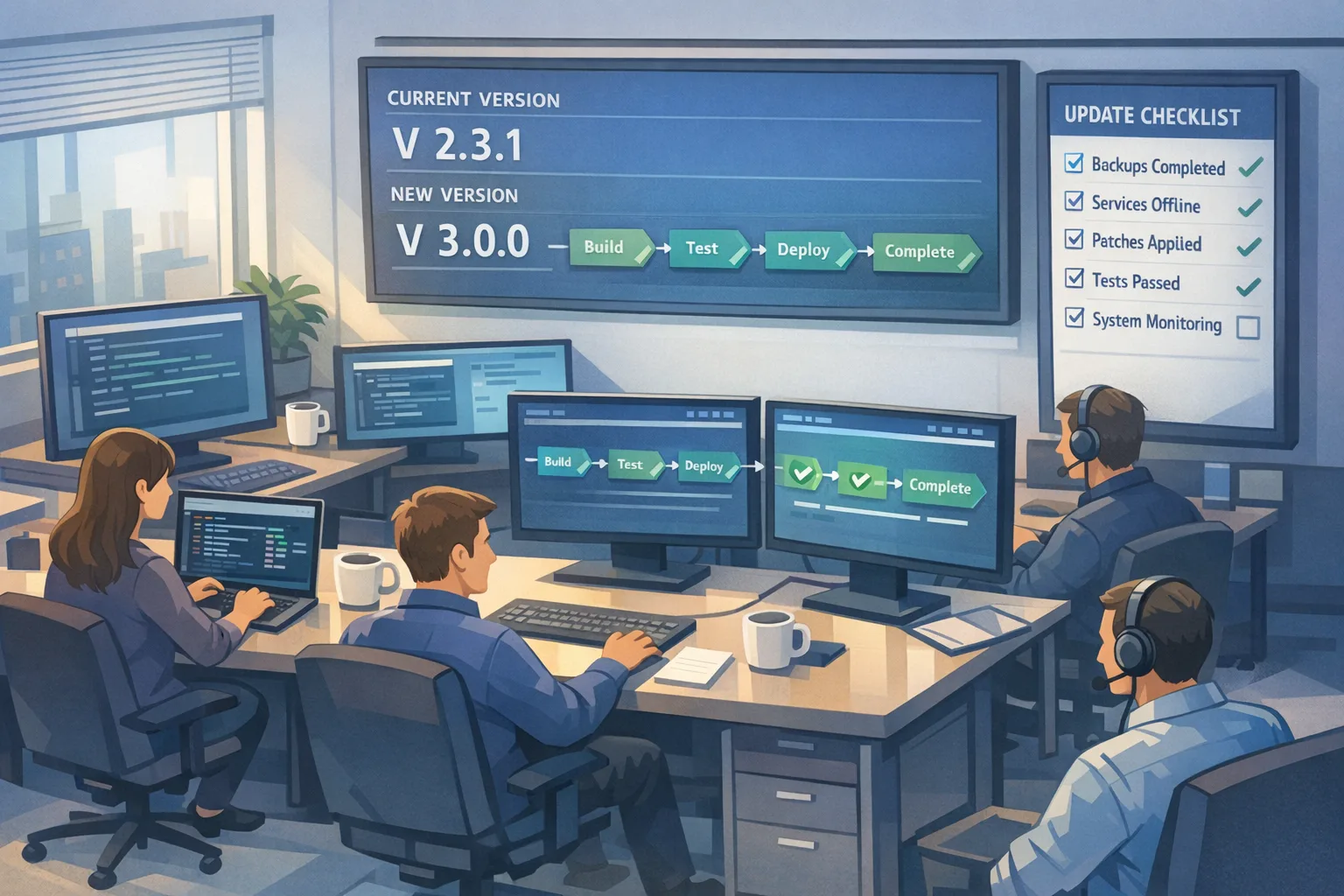
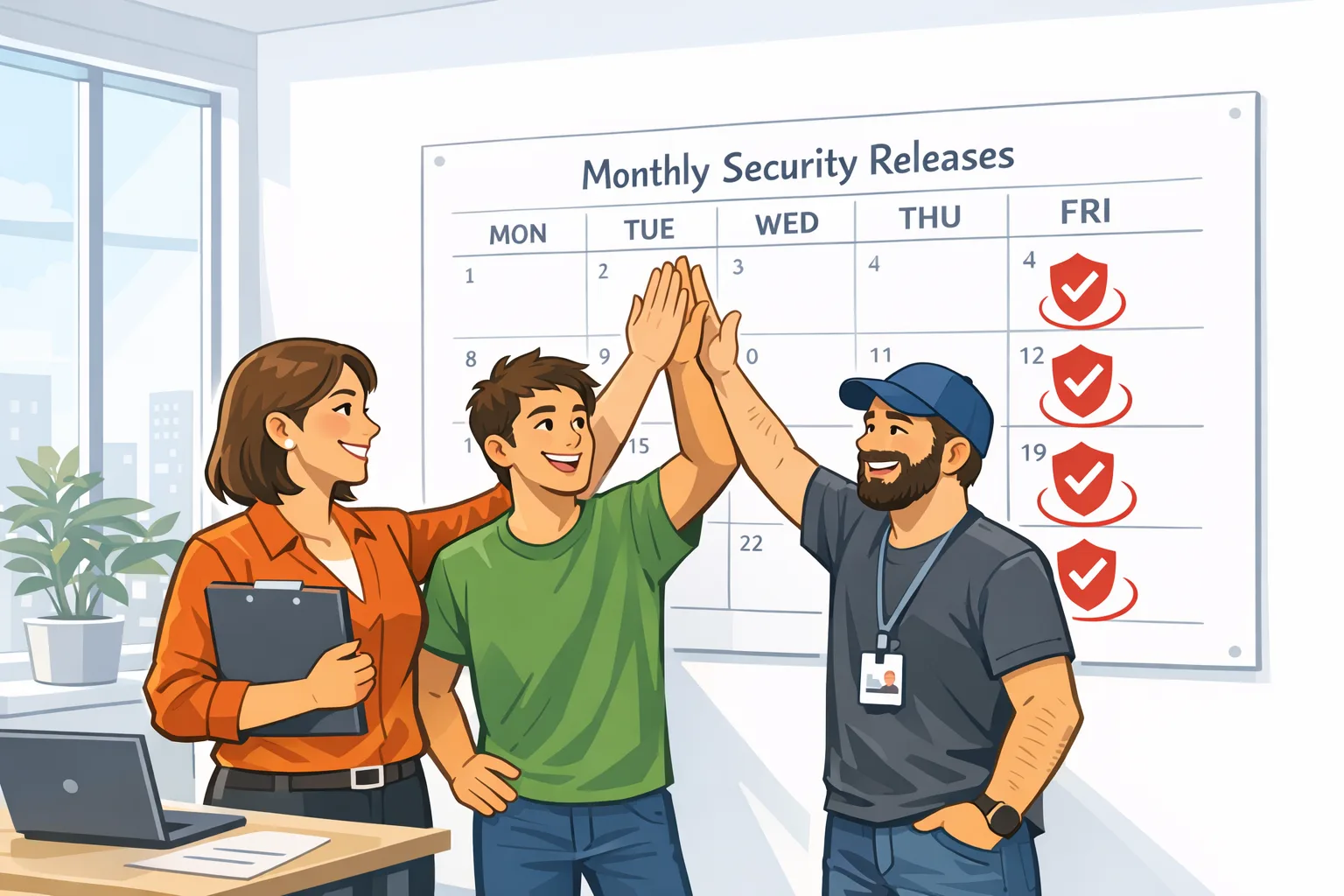
Next.js now publishes a monthly Next.js security release on a schedule, with advance notice and version targets. In July 2026, the team pre‑announced the drop on July 13 and shipped the first set of coordinated patches around July 20–21, directing production apps to upgrade to 16.2.11 (Active LTS) or 15.5.21 (Maintenance LTS) to address nine vulnerabilities (four HIGH, five MEDIUM). If you’ve ever been paged at 2 a.m. by a framework CVE, this cadence is a win—provided your patch routine is ready.
What changed—and why it matters now
Here’s the thing: for years, framework security fixes often arrived ad hoc. That’s hard on teams—especially if you run many sites, have strict change windows, or need business sign‑off to ship. In mid‑July 2026, the Next.js team said, in effect, “we’re putting security releases on a calendar,” and then actually did it the following week with LTS‑line patches. The signal is clear: treat framework patching like a monthly ritual, not a fire drill.
Zooming out, this follows a spring 2026 pattern. In early May, a coordinated batch landed across the 15.5 and 16.2 trains to fix a mix of denial‑of‑service, middleware/proxy bypass, cache poisoning, and XSS issues—plus an upstream React Server Components item. Going further back to March, advisories called out misbehavior around rewrites/proxies. The July cadence doesn’t mean “more bugs,” it means faster, predictable delivery and herd immunity when the ecosystem patches together on the same day.
Are we affected? A 10‑minute triage for sane teams
You’ll obviously scan your dependency graph—but that’s not enough. Risk tends to bunch up around specific features and deployment shapes. Start with this quick read on your app’s surface area:
- App Router + Middleware: Do you authorize in middleware or rely on segment‑prefetch behavior? You’re in the hot zone when patches touch routing logic, URL parsing, and i18n defaults.
- Rewrites/Proxies and custom servers: If you forward traffic to backends or shape requests in a custom server, pay attention to any advisory mentioning boundary disagreements, chunked encoding, or header quirks.
- React Server Components and Server Actions: These are powerful—and still consolidating. DOS and cache interaction fixes frequently reference this stack layer.
- Cache Components / Partial Prerendering: Caching is a force multiplier for both speed and bugs. Look for cache poisoning or invalidation issues and verify your tags and revalidation paths.
- Image Optimization API: Seemingly simple, but it’s still network I/O. DOS angles show up when resource limits and caching interact.
- WebSocket upgrades: If you accept WS upgrades behind Next.js routes, read closely; SSRF and upgrade handling pop up in patch notes.
If two or more of those bullets sound like your architecture, assume “likely affected” and plan to patch within 24–48 hours of each calendar release.
Next.js security release checklist (from pre‑alert to cleanup)
You don’t need heroics; you need muscle memory. Here’s a concrete, repeatable routine you can drop into any team’s month.
When the pre‑announcement drops (T‑7 to T‑3 days)
Time box: 15–30 minutes.
- Pin targets: Note the recommended LTS versions (e.g., 16.2.11 and 15.5.21 in July) and add a calendar event on the patch date with owners.
- Stage a branch: Create a “security‑rollup‑YYYY‑MM” branch, bump Next.js and any related React RSC packages in a draft PR, and enable dependency diffs.
- Snapshot config: Export current
next.config.js, middleware, rewrites, and custom server entry points for quick diffing post‑patch. - Decide blast radius: Pick two representative apps (or routes) for smoke and cache‑behavior checks—one dynamic, one static‑heavy.
Tip: If you run GitHub Actions, wire a scheduled job that opens the draft PR and tags owners the day the pre‑announcement posts. For a lighter lift, at least drop a templated comment in your platform channel reminding folks what’s coming. Our GitHub Actions security runbook shows how to add guardrails without slowing teams down.
Patch day (T‑0)
Time box: 60–90 minutes for most apps.
- Upgrade: Move to the advised LTS target the post calls out. If you’re straddling majors, prefer the newer LTS (e.g., 16.2.x) unless a pinned platform adapter forces 15.5.x.
- Rebuild with a clean cache: If you’re on Turbopack, blow away stale artifacts. Persistent caches are fast until they hide a bad assumption. Fresh runs surface schema drifts quickly.
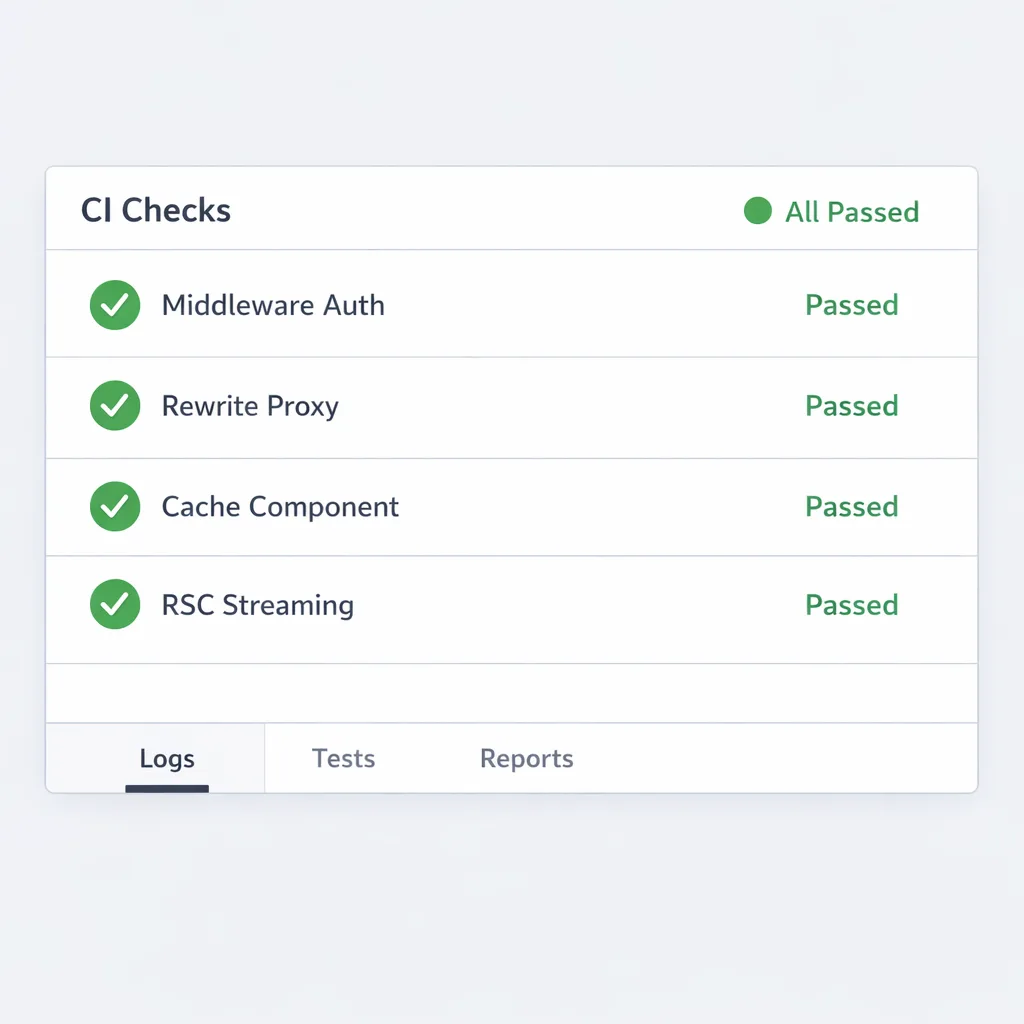
- Run the “four checks”: auth via middleware, a rewrite/proxy path, a cache‑component route, and one RSC flow with streamed partials. Watch logs for header oddities and 499/502s.
- Verify source maps: If you publish production maps, use protected or gated access. Don’t burn your patch window by accidentally exposing internals.
Deploy to one production project (smallest blast radius) and monitor. If clean for 20–30 minutes, roll to the rest.
Day 1 follow‑through
- Rate‑limit spikes: After security drops, scanners and botnets wake up. Confirm WAF or rate limits are in place for auth routes and API POSTs.
- Cache sanity: Purge or revalidate the most‑hit pages where cache keys changed. A quick ISR tag sweep prevents “it’s still broken on my laptop” mysteries.
- Telemetry diff: Compare error class counts 24h before/after the patch. Pay special attention to RSC boundary changes and image optimizer timeouts.
Day 7 cleanup
- Backfill: If you keep a maintenance LTS on long‑lived branches, patch them. Don’t let “the demo env” become your soft underbelly.
- Retire workarounds: Remove temporary flags, custom rewrites, or bespoke header parsing added to dodge an issue that the patch fixed.
- Write a 200‑word retro: What broke, what didn’t, and what to automate before next month.
CI/CD wiring so security releases are boring
Let’s get practical: you want patches to look like any other Tuesday deploy. A few glue moves go a long way.
Version guardrails: set a policy to block deploys on known‑bad framework versions after a grace period. If you deploy to Vercel, combine their environment protections (like sensitive variable redaction and a security dashboard) with your own semver checks to nudge stragglers. Keep PR previews behind auth; the fastest path to an incident is a world‑readable preview with debug flags on.
Pre‑merge checks: add a job that runs a tiny route‑matrix—one middleware‑protected path, one rewrite to a backend, one Cache Component route, and one RSC stream. Fail the build if those can’t complete with expected headers. These are cheap and catch the 80% issues early.
Release automation: a scheduled Action that opens the security PR, runs your matrix on the draft, and posts a comment with perf diffs from the last release turns “remember to patch” into muscle memory. If you need inspiration, our browser security updates checklist shows how to structure a fast, focused patch window across multiple apps.
People also ask: quick answers you can use with leadership
How often will Next.js ship security releases?
The team has moved to regular, pre‑announced monthly drops. Expect an advisory post a few business days ahead (often the prior week), then the actual patch release with exact versions on the target date.
Do we still need to patch if we host on Vercel?
Yes. Provider defenses can blunt entire bug classes, but framework releases fix the code you run. The July release explicitly directed production apps to install new LTS versions. Treat hosting‑level controls as layers, not substitutes.
We’re on 13.x/14.x. What now?
Security guidance in 2026 has consistently pointed to maintained LTS lines. If you’re stuck on older majors, plan a sprint to 15.5 LTS at minimum, then step to 16.x. Teams that practice monthly patching find migrations easier because dependencies stay fresher and test coverage tracks reality.
What breaks most often after a Next.js security release?
Based on real‑world patches: implicit assumptions in middleware auth flows, brittle rewrites to backends with strict header parsing, cache keys for partially prerendered routes, and image optimizer resource limits. None of these are new, but security releases tighten edges, which surfaces shortcuts.
A pragmatic test matrix for Next.js apps
If you only add one thing to your repo, make it this four‑route smoke:
- /account (middleware‑gated): Log in, hit a deep link, and confirm redirects aren’t cacheable. Expect a 302 with no surprise headers.
- /api/upstream (rewrite to backend): Send chunked requests and verify the upstream sees the same boundaries and verbs. Watch for 400/411/502 surprises.
- /products (Cache Components): Navigate twice; the second hit should be instant, and a tag‑based revalidate should flush correctly without stale fragments.
- /stream (RSC streaming): Slow down an RSC data fetch; confirm the shell renders, then the stream completes. Look for client errors related to boundaries or mismatched payloads.
Automate those in CI and run them in canary after every framework bump. They’ll save you hours.
Risk management notes for founders and PMs
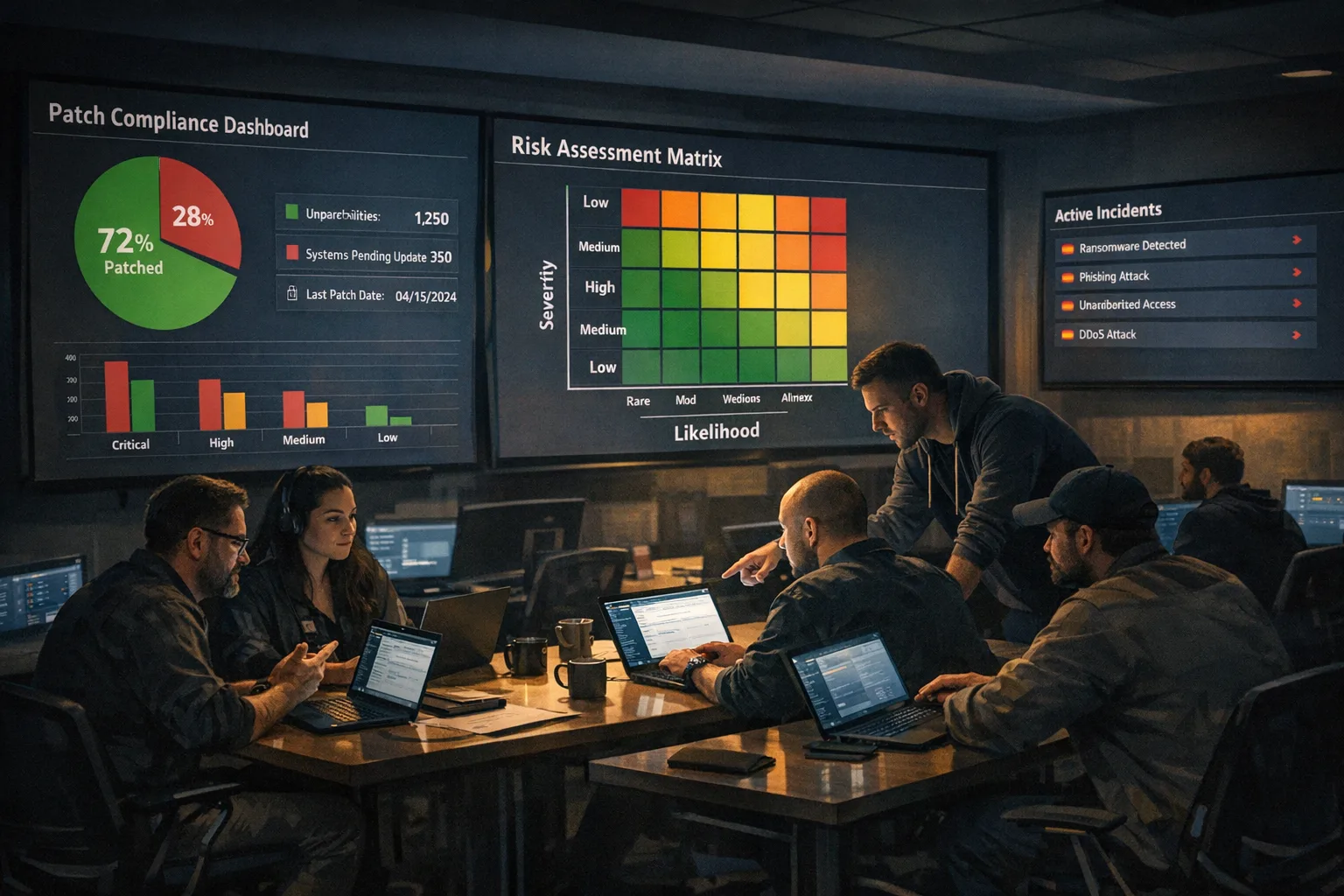
Monthly releases shift security from “surprise firefight” to “process.” The benefit isn’t just fewer incidents; it’s predictability. Teams that patch same‑day spend less time in one‑off hotfixes and more time shipping. Budget one hour per app, keep a playbook, and measure mean‑time‑to‑patch as a KPI.
If you lead a portfolio of sites, put this on a shared calendar and nominate a weekly owner. A small habit change now pays itself back the first time a CVE would’ve woken your team up at midnight.
What to do next
- Put the monthly Next.js security release on your team calendar with a 5‑day pre‑alert and named DRI.
- Add the four‑route smoke tests and fail builds if any regress after a framework bump.
- Automate a draft PR on pre‑announcement with version bumps and diffs.
- Lock down previews and protect your source maps before the next patch window.
- Need a hand? See what we do for secure delivery or reach our team to set up a monthly patch routine.
Security shouldn’t be adrenaline. With a little prep, the new cadence turns into a steady, quiet rhythm—and your users never notice a thing beyond fast, reliable apps.
Want more production‑ready checklists? Browse our latest posts on the Bybowu blog and keep your tooling sharp between releases.







Comments
Be the first to comment.