
Vercel now.json Deprecation: A Zero‑Downtime Plan
Heads up: Vercel’s now.json deprecation becomes real on March 31, 2026. The official guidance says most teams can simply rename now.json to vercel.json and move on. That’s directionally right—but if you run a monorepo, rely on legacy routes or builds, or mix dashboard settings with file-based config, you’ll want a methodical pass. Here’s the practical playbook I use to ship this change without downtime.

What exactly changes on March 31, 2026?
On March 31, 2026, Vercel stops accepting now.json. Configuration must live in vercel.json (static) or vercel.ts (programmatic). For the majority of projects, renaming the file is truly enough to keep deployments green the same day.
But there’s a catch: some fields popularized in the now.json era are discouraged or deprecated. If your config uses version, routes, or builds, you should modernize while you’re touching the file:
- version: Don’t set it. It’s no longer needed.
- routes: Prefer
rewrites,redirects,headers(cleaner, typeable, safer). - builds: Prefer
functionsfor function-level settings—or rely on framework detection when possible.
That modernization step prevents “it works today but becomes technical debt tomorrow.”
The 60‑minute audit: find risk fast
You don’t need a massive program to scope this. Run a focused audit and open a PR per repo. Here’s how to get it done in an hour:
1) Inventory your codebases
Search across your org for now.json. On macOS/Linux with ripgrep:
rg -n --hidden --glob '!node_modules' '^' -g 'now.json'Or use your Git host’s code search for path:now.json. For monorepos, check both the root and app directories.
2) Flag legacy fields
Open each file and look for version, routes, and builds. Jot quick notes on what each does today. Keep any custom behavior you rely on, but plan the modern equivalent.
3) Note how env and domains are set
List environment variables (in dashboard vs code) and custom domains. Some older configs used alias; that’s replaced by dashboard domain settings. If in doubt, prefer dashboard for domains and secrets, and keep the config file focused on deploy/build/routing rules.
Zero‑downtime migration checklist
Use this sequence to minimize risk and keep production stable.
Step 1: Rename and validate
Rename now.json to vercel.json. Ensure you don’t also have a vercel.ts—you can only use one. Add JSON schema for editor autocomplete and validation:
{
  "$schema": "https://openapi.vercel.sh/vercel.json"
}
Create a draft PR. Let CI run, but don’t deploy to prod yet.
Step 2: Fix deprecated properties
- Remove
version: Safe to delete. - Migrate
routestorewrites/redirects/headers: Example:
// before (routes)
{
  "routes": [
    { "src": "/product/(?<id>[^/]+)", "dest": "/api/product?id=$id" }
  ]
}

// after (rewrites)
{
  "rewrites": [
    { "source": "/product/:id", "destination": "/api/product" }
  ]
}- Replace
buildswithfunctionswhere relevant:
// before (builds)
{
  "builds": [
    { "src": "*.js", "use": "@vercel/node" }
  ]
}

// after (functions)
{
  "functions": {
    "api/*.js": { "maxDuration": 30 }
  }
}
In many Next.js/Nuxt/SvelteKit apps, you can drop custom builds entirely and let framework detection do the right thing.
Step 3: Monorepo sanity check
If you deploy multiple apps from one repo, ensure each Vercel project points to the correct Root Directory, and put each app’s vercel.json in that app folder (not the repo root) unless you’re intentionally setting org‑wide rules. When working locally, link projects from the repo root with the CLI and confirm vercel dev targets the intended app. For multi‑project linking, use a current CLI (20.1.0 or newer is a good baseline).
Step 4: Environment variables
Pull env and settings locally so vercel dev and vercel build behave like cloud:
vercel pull --environment=previewIf you’ve been exporting secrets into vercel.json, move them to the dashboard or vercel env so they’re not committed to source.
Step 5: Local and preview testing
Run locally:
vercel devTwo gotchas I see repeatedly:
- cleanUrls locally: With
cleanUrls: true, some extensionless routes 404 locally but work when deployed. Test both local and Preview to be sure. - Trailing slashes: Setting
trailingSlashflips 308 behavior. Validate frontend links and canonical tags.
Smoke test in a Preview deployment before promoting to Production. Use the Deployment’s Resources tab to verify functions, static assets, and middleware were detected as expected.
Step 6: CI/CD details
If your pipeline uses prebuilds, remember:
vercel build && vercel deploy --prebuilt--prebuilt skips a cloud build and deploys your local .vercel/output. It’s fast, but some features (like system env at build time and skew protection) won’t apply. If your app relies on those, deploy via Git or a normal CLI deploy without --prebuilt.
Step 7: Cut over
Once Preview looks good, merge and promote to Production. If your router rules changed, keep an eye on logs and 404s for 24–48 hours, especially on high‑traffic pages.
When should you move to vercel.ts?
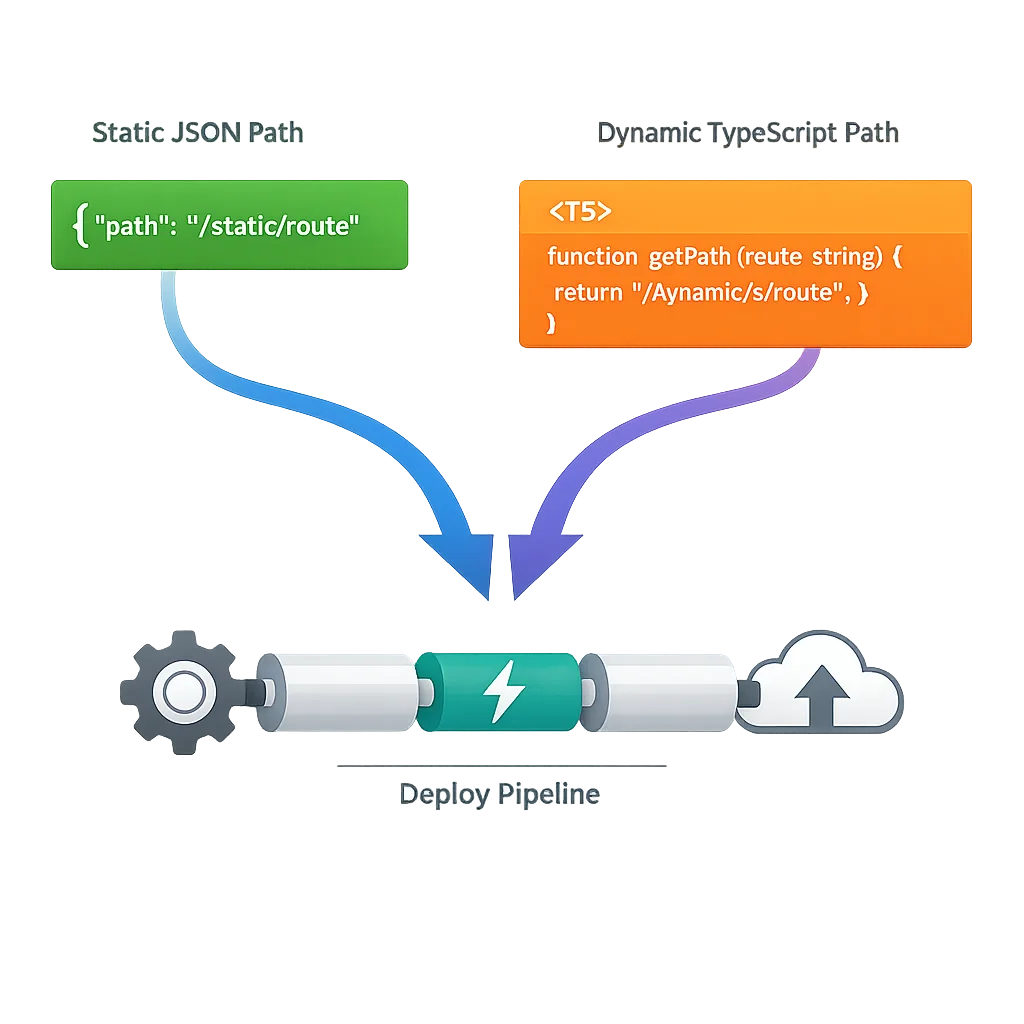
Static vercel.json is perfect for most teams. Use vercel.ts when you need dynamic, build‑time logic or type‑safe helpers:
- Environment‑aware config: Build different redirect sets for Preview vs Production without branching JSON.
- Bulk redirects: Generate from CSV/JSON at build time and commit only the source.
- Multi‑tenant/monorepo coordination: Compute routes or headers based on workspace state.
- Typed routes: Use helpers for
rewrites/redirects/headersto avoid regex footguns.
A minimal vercel.ts you can copy
import { routes, type VercelConfig } from '@vercel/config/v1';

const isPreview = process.env.VERCEL_ENV === 'preview';

export const config: VercelConfig = {
  buildCommand: 'npm run build',
  cleanUrls: true,
  rewrites: [
    routes.rewrite('/api/(.*)', 'https://backend.example.com/$1'),
  ],
  redirects: isPreview
    ? [routes.redirect('/me', '/preview-profile.html', { permanent: false })]
    : [routes.redirect('/me', '/profile.html', { permanent: true })],
};
One more rule of thumb: don’t mix vercel.json and vercel.ts. Pick one per project.
Risks and edge cases
Here’s where teams get bitten:
- Both files present: If you leave
now.jsonin the repo alongsidevercel.json, teammates may update the wrong one. Delete the old file in the same PR. - Legacy aliases:
aliasin config is deprecated. Map domains in the dashboard instead, then rely on deploy promotion rules. - Routes precedence: Filesystem beats rewrites. If you’re trying to route
/aboutbutabout.htmlexists, you’ll serve the file unless you rename or adjust rules. - Functions vs builds: If you still define
builds, you’re opting into legacy behavior and more complexity. Preferfunctionsor framework defaults. - Monorepo root confusion: A root‑level
vercel.jsoncan accidentally affect sub‑projects if you later move directories. Keep configs close to each app unless you explicitly want shared rules. - CI cache ghosts: After config changes, clear your build cache (or bump a cache key) so you don’t debug stale artifacts.
People also ask
Can I really just rename and ship?
Often, yes. If your now.json sticks to mainstream fields and your framework is auto‑detected, a straight rename to vercel.json works. I still recommend a quick pass for version, routes, and builds, and a Preview deploy before promoting.
What breaks if I miss the deadline?
After March 31, 2026, deployments that still rely on now.json will fail validation. Existing live deployments don’t instantly vanish, but new deploys won’t pick up config from the legacy file. Treat this as a blocking item for active repos.
Should I move everything to vercel.ts?
Not automatically. vercel.ts shines when you need dynamic or typed config. If your rules are static and simple, vercel.json keeps things lightweight—and simpler to review in code.
How do I test routing changes safely?
Use Preview deployments and the Deployment Resources view to confirm detected routes, middleware, and functions. For local parity, run vercel pull to sync env/settings and then vercel dev. For critical rewrites, script curl checks in CI so regressions are obvious.
A quick modernization map (old → new)
- version: delete
- alias: move to dashboard domains
- routes: split into
rewrites,redirects,headers - builds: prefer framework auto‑detect or
functions
While you’re at it, add the $schema line for IDE hints and validation. Low effort, high return.
Let’s get practical—use this PR template
Here’s a lightweight template you can paste into your PR description to make reviewers’ lives easier:
Title: Migrate now.json → vercel.json (no functional change)

Summary
- Rename now.json to vercel.json
- Remove deprecated `version`
- Migrate `routes` → `rewrites`/`redirects` (1:1 behavior)
- Drop `builds` (framework detection covers our use case)
- No env or domain changes; validated in Preview

Test Plan
- `vercel pull --environment=preview`
- `vercel dev` loads expected routes
- Preview deployment 200s/308s match prod
- Checked Deployment Resources for functions/assets
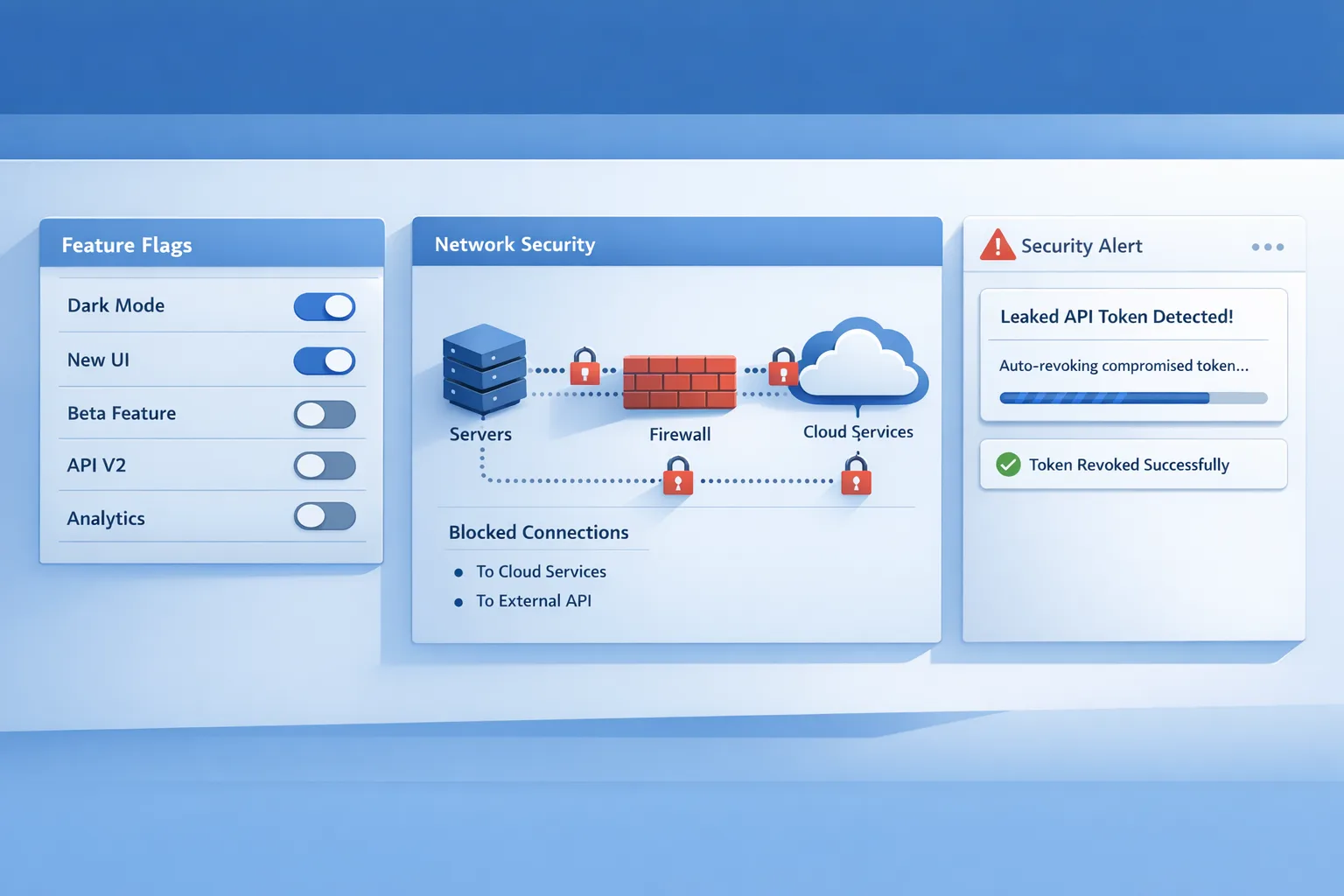
If you’re juggling env hardening or egress policies for AI agents and Webhooks, pair this change with a security pass. We’ve written more about safer shipping patterns in our piece on Vercel Flags and Sandbox Egress.

What to do next
- Today: Run the 60‑minute audit and open rename PRs.
- This week: Modernize
routes/builds, sync env withvercel pull, validate in Preview. - Before March 31, 2026: Merge and promote; monitor logs and 404s for two days.
- Quarterly: Revisit whether
vercel.tswould reduce complexity (bulk redirects, typed routing, multi‑tenant rules).
Need a second set of eyes?
If your team is mid‑sprint and this falls through the cracks, we can help you ship it safely. See how we approach migrations on our What We Do page, explore representative work in the portfolio, or talk to us about a focused hardening + migration sprint via engineering services. For more technical playbooks, browse the engineering blog.
The change itself is small. The opportunity is bigger: tighten your routing rules, trim legacy config, and set yourself up for cleaner deploys the rest of the year. Handle the Vercel now.json deprecation well once, and you won’t have to think about it again.



Comments
Be the first to comment.