TypeScript 6.0 Upgrade Guide for Real‑World Teams
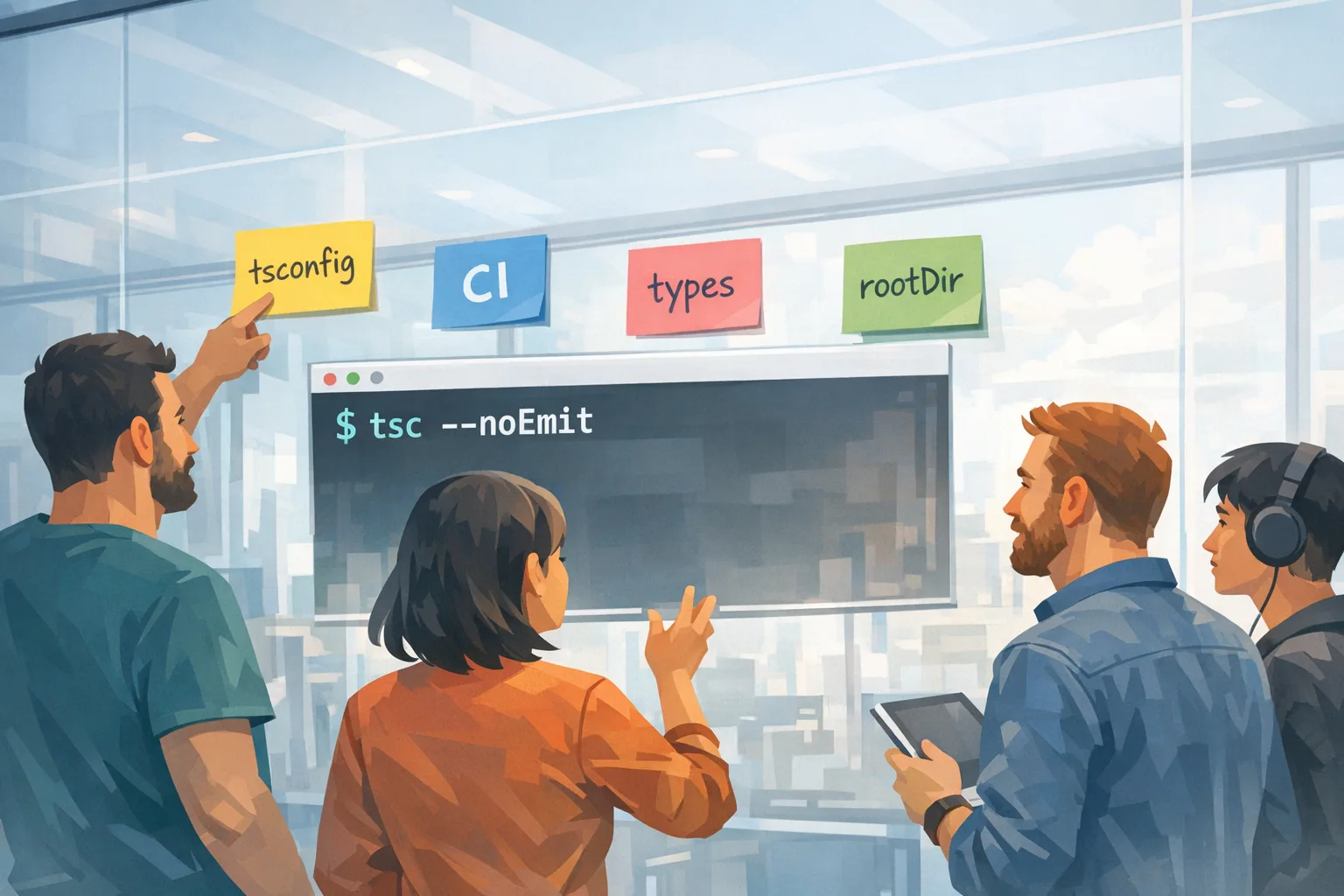
TypeScript 6.0 is more than a version bump. It’s a staging lane for the native compiler era and it changes defaults you’ve relied on for years. If you treat the TypeScript 6.0 upgrade like any other minor chore, you’ll ship surprises to production—usually when your CI image or an editor plugin auto‑updates. This guide translates what changed into a practical upgrade playbook you can run this week.
What actually changed in TypeScript 6.0?
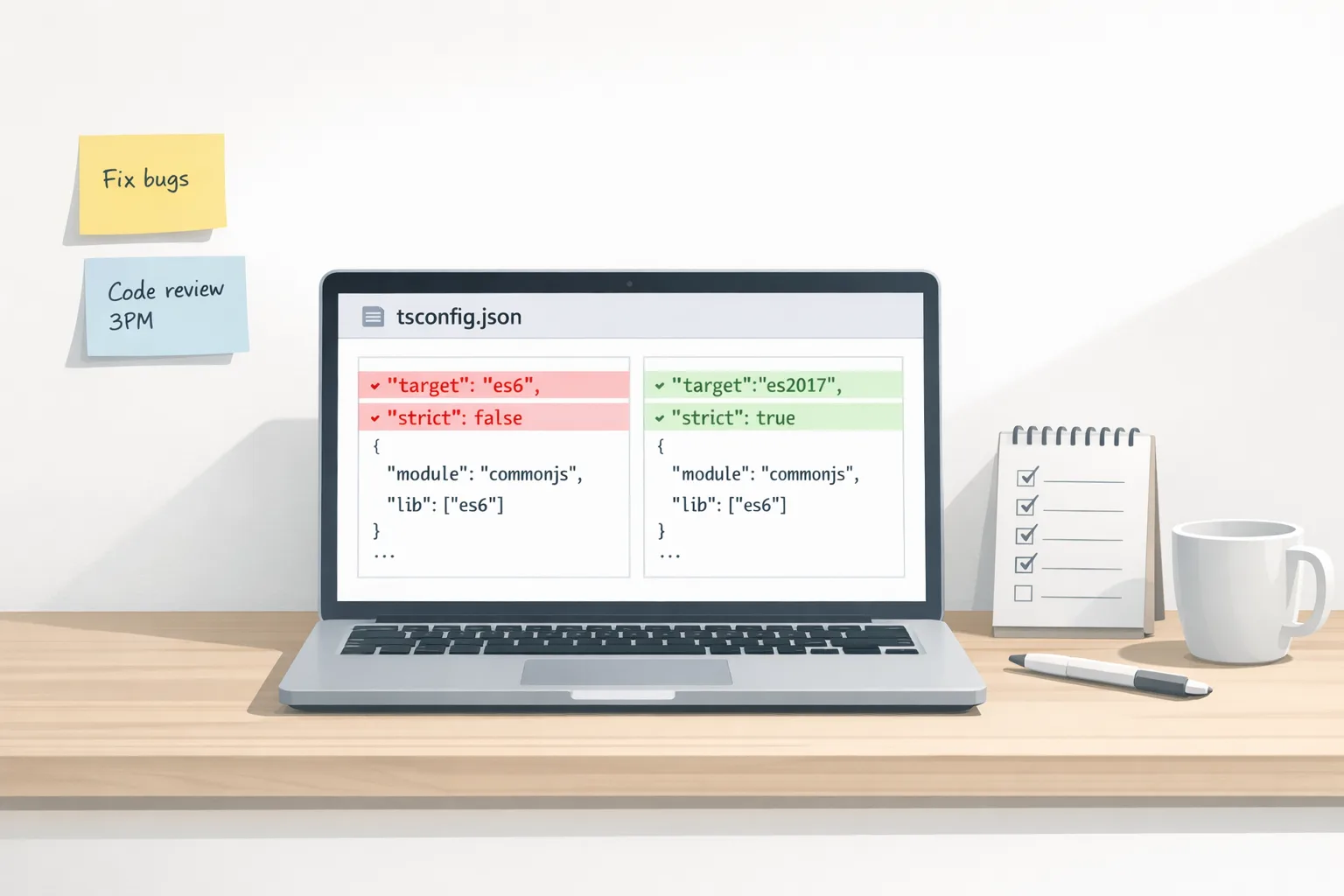
Here’s the thing: TS 6 focuses on defaults and ecosystem alignment. You’ll feel it in fresh installs and in repos that depended on historical behavior.
The headline changes you’ll run into first:
- Stricter by default.
strictnow defaults totrue. Teams that once eased into strict typing must now choose to opt out—and that’s a good nudge. - ESM first.
moduledefaults toesnext. That aligns with modern bundlers and evergreen runtimes. - Modern JavaScript target.
targetfloats to the most recent supported ECMAScript (today, effectivelyes2025), so your baseline types include new built‑ins likeRegExp.escape. typesis empty by default. Previously, all@types/*undernode_moduleswere hoovered in. Now you explicitly list ambient types you want ("types": ["node"], test frameworks, etc.). Expect fewer accidental globals and faster builds.rootDirdefault is the tsconfig folder. No more inferred common root across scattered sources. If you relied on inference, you’ll see files emitted into the wrong subfolder until you setrootDirexplicitly.- Editor/CLI parity. Running
tsc file.tsbeside atsconfig.jsonnow throws unless you pass--ignoreConfig. Fewer “why didn’t my config apply?” moments. - DOM lib simplification.
dom.iterableanddom.asynciterableare folded intodom. One less footgun.
There’s also real language/library surface area you can use today:
- Temporal types. With Temporal now standardized, TS ships types so you can write reliable time code without homegrown wrappers.
Map.prototype.getOrInsertandgetOrInsertComputed. Clearer upsert semantics onMap/WeakMapreduce boilerplate for caches and registries.RegExp.escape. No more ad‑hoc escape utilities.
Why this matters before TypeScript 7
TS 6 is designed to surface deprecations and new defaults while still giving you an escape hatch ("ignoreDeprecations": "6.0"). That hatch disappears in 7. If you postpone the cleanup, the next major will pile on: compiler behavior changes, native builds in CI, and stricter assumptions across your toolchain.
For teams with multiple apps, SDKs, or a plugin ecosystem, this is especially urgent. A single stale baseUrl or implicit types pull can add minutes to type‑checking or introduce flaky DX in editors. That’s real money.
TypeScript 6.0 upgrade: a 9‑step plan
Let’s get practical. I’ve run this with product teams and internal platforms. It keeps risk low and feedback fast.
1) Lock the runtime matrix for CI and local dev
Pick and document the Node versions you support and test (e.g., 20, 22, 24, 26). Align dev containers and CI images. If you use nvm/volta, codify it. A mismatch here explains half of “works on my machine” TS issues.
2) Create a tsconfig baseline commit
Add a single PR that does nothing but adopt TS 6 and update config. Keep code changes for the next PR. The baseline makes diffs understandable.
{
  "compilerOptions": {
    "strict": true,
    "module": "esnext",
    "target": "es2025",
    "moduleResolution": "bundler",
    "rootDir": "./src",
    "outDir": "./dist",
    "types": ["node"],
    "skipLibCheck": true
  },
  "include": ["src"]
}
Note the explicit rootDir and types. If you have tests that rely on globals (describe, it), add your test runner’s types in the relevant tsconfig (types: ["vitest"], "jest", etc.).
3) Fix the “ambient types” breakage first
Because types no longer enumerates @types/*, your first build on TS 6 may light up with missing globals. Add only what you actually need. This usually trims 20–50% from type‑check time in large monorepos.
4) Decide your strictness posture explicitly
If you’ve been lax, TS 6 forces the conversation. Either keep strict and pay down any debt gradually, or set strict: false and introduce a per‑package ramp‑up (recommended). I like a “ratchet” model: enforce strict for new code, tolerate legacy, and file autosweep tickets for noImplicitAny hotspots.
5) Stop relying on inferred rootDir
If your emits suddenly land under dist/src, you were relying on inference. Set rootDir to the folder that contains all your sources (./src for apps; for libraries with src and scripts, point to the common ancestor or split configs).
6) Tame JSON and other import attributes
Import assertions are gone; use import attributes. In Node and modern bundlers, this “just works,” but pin your tooling.
// Old (now an error)
// import data from "./data.json" asserts { type: "json" }

// New
import data from "./data.json" with { type: "json" };
Snapshot‑test this in CI so a transitive tool bump doesn’t flip syntax handling without you noticing.
7) Embrace the new standard APIs where it’s safe
Temporal solves time math and time zones correctly. For server code and scheduling features, move off homegrown date math. Map.getOrInsert cleans up cache initialization. RegExp.escape eliminates hand‑rolled escape helpers. Keep polyfills or feature gates only where your runtime matrix genuinely needs them.
8) Use CI gates to keep TS 6 stable
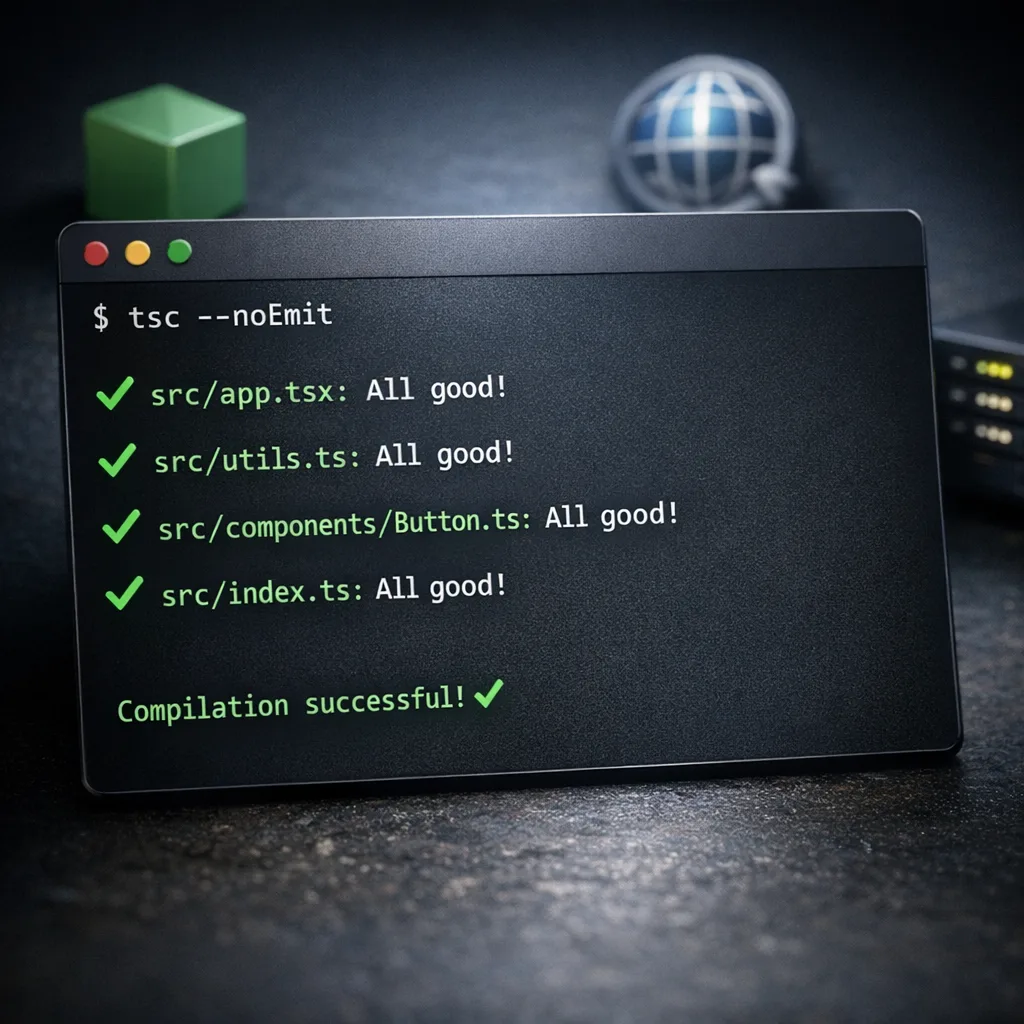
Add a fast “types only” job that runs tsc --noEmit. Lint for forbidden compiler flags (e.g., don’t allow "types": ["*"] in new packages). If you’re hardening pipelines, our take on secure GitHub Actions checks pairs well with this step.
9) Roll out with a canary and a kill switch
For apps, deploy a canary build with TS 6 while leaving production on the previous compiler version. For libraries, publish a -next or -rc tag first. Expose a quick way to pin the compiler (env var in CI, packageManager override) for emergency rollback.
People also ask: quick answers
Will my existing tsconfig break?
Probably in two places: missing ambient types (because types is now empty) and emitted file paths (because rootDir default changed). Both are easy fixes once you make them explicit.
Should I adopt strict mode now or later?
Adopt it now for new code and keep an allow‑list for legacy. Teams that punt this tend to accumulate any islands that quietly rot. Use ESLint rules and code owners to ratchet strictness per folder.
Do I need es2025 to use Temporal or getOrInsert?
The types come from the lib you target (es2025 and esnext cover today’s additions). Runtime support depends on your Node/browser versions. Where a target isn’t ready, you can still type your code and polyfill at runtime or guard with feature detection.
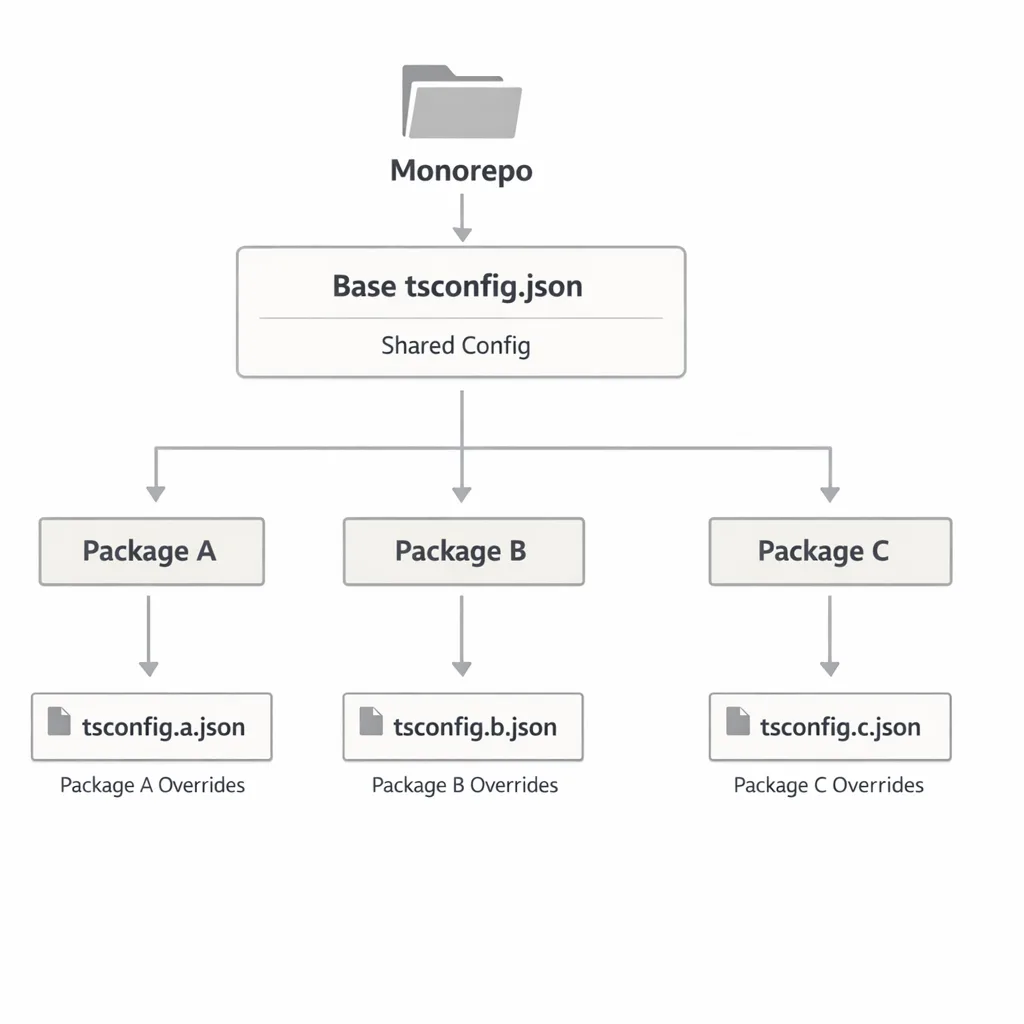
What about monorepos?
Centralize a base tsconfig and extend per package. Declare types per package (API, web, worker, tests). Keep references clean so editors and tsc -b don’t wander the whole repo for no reason.
Sample configs you can copy
Node ESM library (with types only build)
{
  "extends": "@myorg/tsconfig/base.json",
  "compilerOptions": {
    "module": "esnext",
    "target": "es2025",
    "declaration": true,
    "emitDeclarationOnly": true,
    "outDir": "./dist",
    "types": ["node"],
    "rootDir": "./src"
  },
  "include": ["src"]
}
Web app + Vitest
{
  "compilerOptions": {
    "strict": true,
    "module": "esnext",
    "target": "es2025",
    "moduleResolution": "bundler",
    "jsx": "react-jsx",
    "types": ["node", "vitest"],
    "rootDir": "./src",
    "outDir": "./.tsbuild"
  },
  "include": ["src", "vite.config.ts", "vitest.config.ts"]
}
In both cases, explicitly state the types you want and the root for your source. If you’re consuming DOM APIs in a web‑app config, include "lib": ["dom", "es2025"] and skip dom.iterable—it’s folded in.
Gotchas teams trip over
1) Editor/CLI mismatch. Your editor may run a different TypeScript than your repo. Pin the workspace version in your editor settings and add a postinstall sanity check that logs tsc --version.
2) Emitted paths changing under your feet. CI scripts that copy from dist may break when output becomes dist/src. Fix the cause (rootDir) rather than patching copy commands.
3) Flaky global types. Tests suddenly can’t find describe. That’s because types no longer pulls in all of @types. Declare them.
4) JSON module imports. Swap to import attributes and confirm your bundler/Node combo supports it. For older runtimes, keep a lightweight loader or codegen step.
5) Over‑eager polyfilling. With Temporal, resist dumping a universal polyfill into apps that don’t need it. Prefer feature detection and targeted shims only where your browser/Node baseline lacks support.
Performance wins you can bank
Most teams see faster type‑checks after pruning ambient types and stabilizing rootDir. If you need to compare behavior between 6 and 7 during a trial, TS 6 introduces an optional --stableTypeOrdering flag that makes output more comparable across versions. Don’t leave it on forever—it can slow checks by double‑digits—but it’s great for diffing declaration emit or flaky inference.
A pragmatic checklist to finish the week
- Upgrade to TS 6.0 in a dedicated PR and pin the exact compiler in
devDependencies. - Align runtimes for CI and dev (document supported Node versions).
- Adopt explicit config: set
rootDir,types, and your preferred strictness. - Fix imports to use import attributes and snapshot‑test them.
- Adopt new APIs where valuable (Temporal for schedules,
getOrInsertfor caches,RegExp.escapefor search). - Add gates in CI for
tsc --noEmitand forbidden flags. - Roll out with a canary and a rollback switch.
Zooming out: make it part of your release discipline
Compiler upgrades belong on your monthly maintenance calendar, next to framework and security patches. If you’re already running a cadence for frontend stacks, treat TS 6 the same way you treat framework security updates—small, regular steps. Our write‑ups on managing monthly framework updates and on locking down CI show how to operationalize that. If you need help triaging broken builds or setting up a safe rollout, see what we do for engineering teams and browse a few relevant wins in our portfolio.
What to do next
If you’re a developer:
- Open a PR today that upgrades to TS 6, adds explicit
rootDir/types, and switches JSON imports to attributes. - Add a CI job for
tsc --noEmit, and snapshot a JSON import to catch regressions. - Replace one homegrown date util with Temporal and one cache init with
getOrInsert. Small wins build momentum.
If you’re a tech lead or product owner:
- Schedule a 60‑minute working session this week to make the baseline config changes together. Don’t delegate blindly; pair across teams.
- Track upgrade completion as an OKR or maintenance KPI. Compiler drift is silent tech debt.
- Budget time next month to trial the native compiler in a non‑critical service so TS 7 doesn’t blindside you.
Upgrades like this aren’t glamorous, but they compound. Get your TypeScript 6.0 upgrade done now, and you’ll spend the rest of the year building features—not untangling config puzzles.









Comments
Be the first to comment.