
Chrome 152: What Developers Should Ship This Week
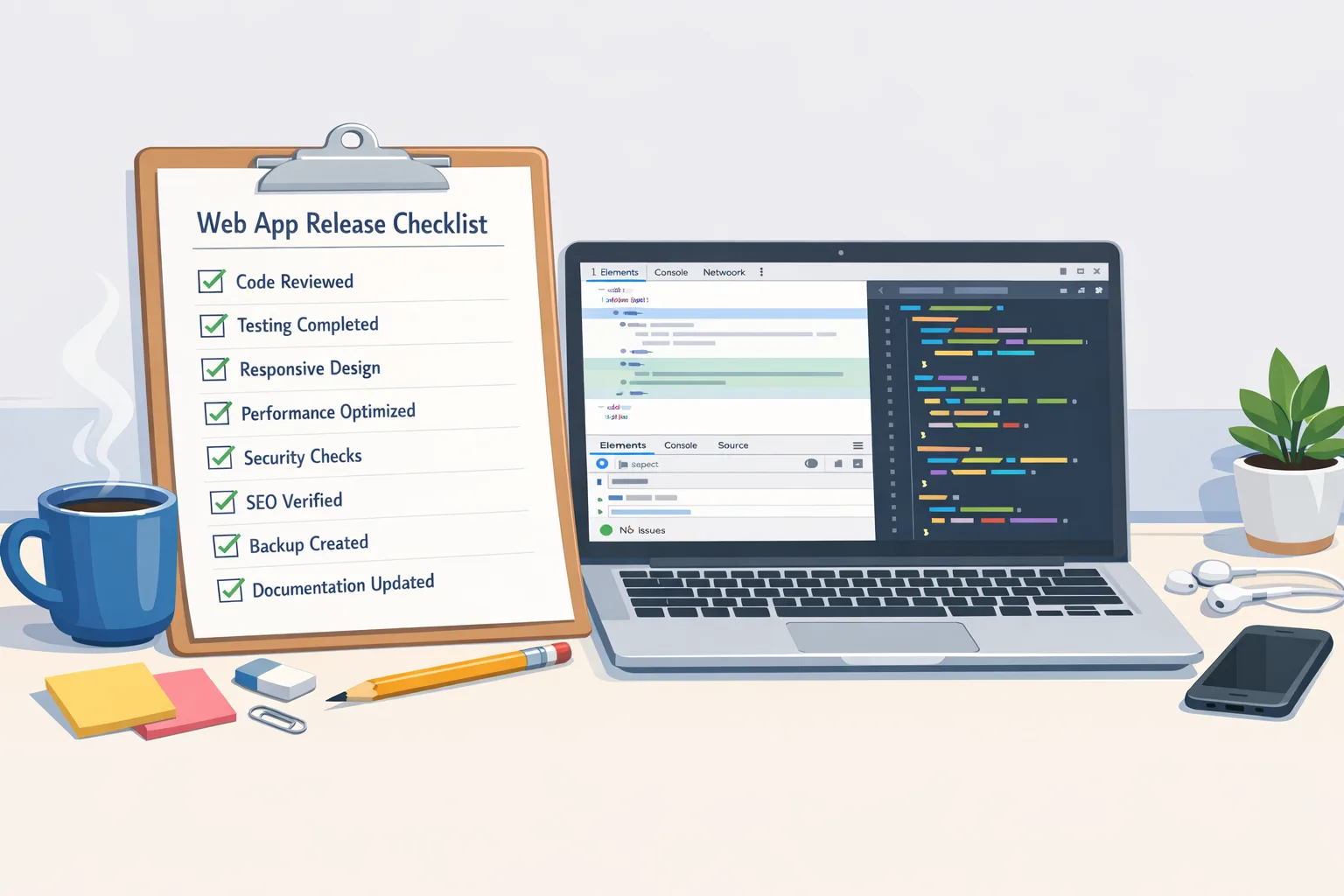
Chrome 152 arrived on August 25, 2026, and the headline for teams is simple: you can do smarter capability detection, ship safer front-end networking, and make your installed apps feel more native. This isn’t just “more APIs.” It’s a set of controls you can wire into your release process this week. Below I’ll break down the changes in Chrome 152 with a developer-first checklist, example code, gotchas, and a 90-minute test plan you can run before Friday.
Why Chrome 152 matters right now
Three things in Chrome 152 will change how you ship: the CPU Performance API for device-aware UX, Connection Allowlists for browser-enforced egress control, and the client-side XSLT deprecation trial that gives lagging sites a last migration window. On top of that, PWAs on macOS now get native notification attribution, Isolated Web Apps gain sub apps and unframed display mode, and WebGPU adds subgroup size control—useful if you’re pushing ML in the browser.
Here’s the thing: these capabilities touch product, security, and infra at the same time. Treat Chrome 152 as an opportunity to harden—and to measure. The fastest teams will wire these features into existing CI/CD and observability instead of “waiting for a refactor.”
CPU Performance API: tailor the experience to real hardware
The CPU Performance API gives you a browser-exposed tier for the device’s CPU performance. It’s designed to be paired with Compute Pressure but stands on its own for right-sizing work. Think: adaptive timeline rendering, background task batching, or selecting a lighter WebGL/WebGPU path on low tiers.
Practical gating pattern
Don’t overthink it. Read the tier once at app start, store it, and gate heavy features behind a switch. Provide a manual override in your settings screen, because users and admins can override tier reporting in Chrome.
Example sketch:
const tier = await navigator?.cpu?.getPerformanceTier?.().catch(() => null); const level = tier?.level ?? 'unknown'; // Coerce to three buckets you control const bucket = level === 'high' ? 'high' : level === 'medium' ? 'mid' : 'low'; featureFlags.useHighFidelity = bucket === 'high'; featureFlags.batchWorkAggressively = bucket !== 'high';
Two rules of thumb: never couple UX parity to the tier (users hate that), and always log the bucket along with RUM metrics so you can validate wins. If your product supports offline, persist the bucket and reevaluate on app version upgrades.
Edge cases to expect
Perf tiers may be conservative on thermally constrained laptops, and kiosk devices can be locked via enterprise policy. Build a “Reset performance profile” in-app to requery on demand, and document for support. If you gate AI features, give users a way to try them anyway with a clear “may be slow” nudge.
Connection Allowlists: lock down front‑end egress
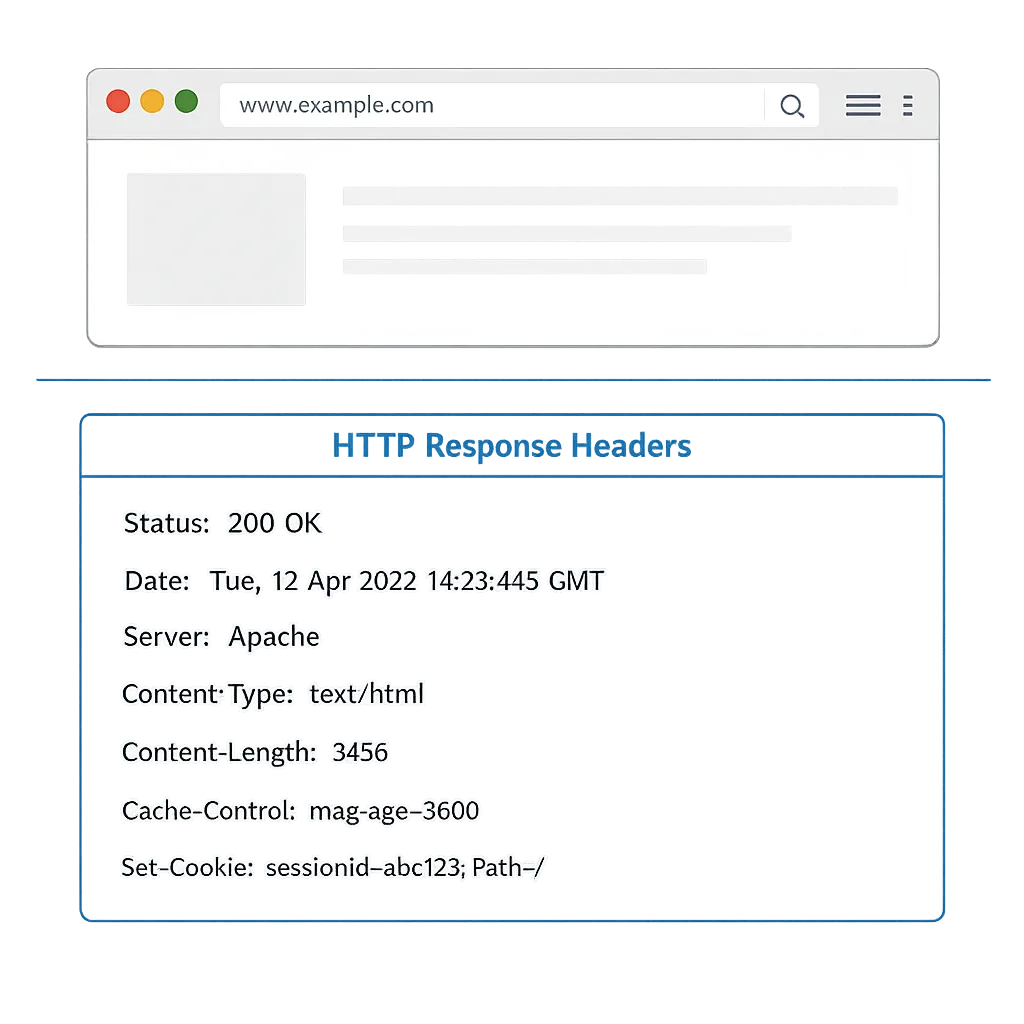
Connection Allowlists let the server hand the browser an explicit list of allowed endpoints via an HTTP response header. Chrome then blocks fetches, websockets, and other network calls to destinations outside the allowlist. This is a big deal for supply-chain risk and data exfiltration control in the browser—especially for apps that load third‑party widgets.
Minimal viable rollout
Start in report-only. Add a response header from your edge and log violations to your observability stack. Then ratchet up to enforced mode per origin when you’ve cleaned the violations.
Header sketch (report-only):
Connection-Allowlist-Report-Only: https://api.example.com/*, https://auth.example.com/*; report-to="allowlist"
Once your dashboards are quiet, switch to:
Connection-Allowlist: https://api.example.com/*, https://auth.example.com/*
Pro tips: include your CDN POP hostnames, your analytics collector, and your asset domain. Many teams forget preconnect/prefetch hosts and break warmups. If you embed third‑party chat or payments, prefer their documented egress domains rather than wildcarding.
Enterprise and CI/CD integration
Add a job to parse your application bundles for hardcoded URLs and compare them against your allowlist. Fail the build if the delta isn’t justified. Security teams: attach the allowlist to your threat model and record which team owns each egress entry. Rotate this list quarterly during your release review.
Client‑side XSLT deprecation trial: wind it down
Chrome 152 begins the deprecation trial for client‑side XSLT. If your site still transforms XML in the browser, use the trial only as a bridge while you migrate to server-side transforms or a JavaScript templating path. The trial is there to buy time, not to justify indefinite delay.
Migrate like this: move the transform to your API layer or edge function, cache the rendered result aggressively, and treat any on‑the‑fly template evaluation as untrusted input. If you must keep XML in the pipeline, run it server-side in a locked sandbox and sanitize aggressively. For security reviews, document that client transforms are removed and link to the deprecation note in your internal wiki.
PWAs on macOS: notifications that look truly native
With Chrome 152, installed PWAs on macOS get native attribution for notifications. Users will see your app name and icon, not “Google Chrome.” That’s a trust boost for transactional alerts and a small but real engagement lift.
Two footnotes: the requireInteraction field isn’t honored on macOS, and app badges via the Badging API will require notification permission for the badge to appear. Audit your badging logic to avoid confusing “missing badge” states when permission is denied.
Shipping checklist for macOS PWAs:
- Verify your app name and icon assets at all DPIs.
- Gate any reliance on
requireInteractionwith a platform check. - Add a “Manage notifications” entry in Settings that deep-links to macOS Notification Center preferences.
UI and component upgrades you can slip into this sprint
Chrome 152 adds quality-of-life primitives that clean up weird edges in component work.
window-drag
The new window-drag CSS property standardizes draggable regions in desktop-installed web apps. If you’ve been using vendor-specific app-region tricks, replace them. Remember to carve out interactive islands (window-drag: none) for buttons inside your custom title bar.
CSSPseudoElement expansions
JavaScript access to ::backdrop, ::scroll-marker, and ::view-transition via CSSPseudoElement means you can orchestrate transitions that respect element geometry and gather click telemetry on markers without brittle DOM spelunking. If you already use view transitions, plan for geometry‑aware upgrades to cut jank on slow GPUs.
Relative alpha colors
CSS Color 5’s alpha() function lets you tweak transparency relative to a base color. It’s a tidy way to keep theme systems coherent without duplicating token variants.
Form controls: OpaqueRange
OpaqueRange exposes a live text span within inputs and textareas for range-like work—highlighting, inline suggestions, and anchored popovers—without leaking DOM internals. This pairs nicely with the CSS Custom Highlight API for spellcheck and autocomplete experiences that don’t fight the browser.
Cross‑root ARIA reference targets
Shadow‑DOM component authors can now forward ID‑based relationships into the shadow tree via a declarative shadowrootreferencetarget or the ShadowRoot.referenceTarget API. Translation: no more awkward mirrors just to wire up aria-labelledby or <label for> across the shadow boundary.
Media, capture, and GPU: small levers, real wins
MediaCapabilities gains an encryptionScheme hint in decodingInfo(), which helps players decide on DRM pipelines before you hit play. Screen share can now signal an audio preference in getDisplayMedia(), smoothing UX for collaborative apps.
On the compute side, WebGPU adds subgroup size control—a niche feature that matters a lot if you’re doing shader work with subgroup ops. Picking a consistent subgroup size can stabilize performance on certain vendors. If you’re pushing in‑browser inference or visualization, test this path. For deeper guidance on deploying GPU in prod, see our take in WebGPU in Production: The August 2026 Playbook.

Privacy and security changes worth a standup
Safe Browsing’s enhanced protection mode adds a new bypassable warning for “suspicious” sites. If you run an internal app with odd naming or a brand-new domain, pre‑announce this to support so they can help users through it. Consider adding a status page banner if you see an uptick in reports.
Chrome 152 also removes the Private Aggregation API and related Privacy Sandbox pieces following Google’s 2025 decision to maintain third‑party cookie choice instead of full cookie removal. If you prototyped against Private Aggregation, cut the code now and move your metrics pipeline to server‑side aggregation.
People also ask: Does Chrome 152 break my extension? Will cookies behave differently?
Extensions aren’t the focus of this release, and cookie behavior for the average user isn’t changing this week. That said, embedded contexts still need to label cookies correctly (SameSite=None; Secure) and you should continue testing storage partitioning effects where you rely on cross‑site state. If you maintain a heavy content script, benchmark on low CPU tiers to make sure you don’t regress page responsiveness for budget devices.
Cross‑browser reality check
Firefox 154 shipped on August 18, 2026, and Mozilla is moving to a two‑week release cadence starting with Firefox 155 on September 1. If you manage enterprise fleets or test matrices, that tighter cadence means your “latest Firefox” window is shorter. Safari’s public feature set hasn’t landed an equally disruptive change this week, but you should still verify your PWA install experience and view‑transition behavior across engines.
The 90‑minute Chrome 152 test plan
Block one focused session. No meetings. Run this in staging:
- CPU Performance API (20 min): Log the reported tier across a low‑end Chromebook, a mid‑range Windows laptop, and a recent Mac. Flip your feature flags and confirm graceful degradation. Verify your manual override toggles the same code paths.
- Connection Allowlists (25 min): Ship report‑only headers on staging. Trigger your app’s heaviest flows while DevTools Network tab is open. Confirm violations appear in logs. Whitelist any legitimate analytics and payments hosts.
- PWAs on macOS (15 min): Install your app, send a test notification, and capture a screenshot to confirm the app’s own name and icon are shown. Verify badge behavior with permission denied and granted.
- XSLT deprecation trial (10 min): If you use client‑side XSLT anywhere, register the trial key in staging only, confirm functionality, and create a ticket to remove XSLT by a specific sprint.
- UI polish (20 min): Test
window-dragregions on your custom title bar, verify button islands aren’t draggable, and smoke‑test view transitions on low CPU tiers for jank.
A lightweight rollout framework
Use this simple framework to turn Chrome 152 work into repeatable practice.
1) Inventory
List all outbound endpoints your front end touches in production. Compare to your Connection Allowlist. Annotate the owner for each domain and whether it’s contractual or discretionary.
2) Guardrail
Adopt a default deny stance in report‑only for two sprints. Treat new egress as a change request. In CI, parse bundles for URLs and fail on unexpected hosts.
3) Adaptation
Introduce the CPU tier flag into your feature flag system. Start by dialing down non‑essential effects on low tiers and measuring user‑visible gains in Time to Interactive and interaction latency.
4) Migration
If you have client‑side XSLT, create a short, time‑boxed plan to remove it. Server‑side transforms with caching are usually straightforward. Do not let the deprecation trial roll forever.
5) Observability
Log CPU tier, allowlist violations, and notification permission state in your telemetry. Build a one‑page dashboard for your on‑call engineer that answers: “Are we breaking network calls? Are low‑tier devices getting a usable UI?”
Risks and gotchas
Connection Allowlists mismatch: most breakages I’ve seen come from forgotten analytics, A/B SDKs, or image CDN variants. Start with report‑only, watch for a week, then enforce.
Perf tier whiplash: thermal throttling can downshift a “mid” device to “low” in long sessions. Don’t swap entire UI layouts mid-session; limit changes to effect intensity or worker batch sizes.
Notifications on macOS: some orgs disable app notifications via profile. Add detection in your settings UI and link to platform docs to reduce support tickets.
View transitions: geometry‑aware upgrades are powerful, but they’ll magnify layout trashing if your DOM mutates too much per frame. Profile before rolling out across marketing pages.
What to do next
Today: enable report‑only Connection Allowlists on staging, log violations, and wire a CI check against hardcoded URLs. Add a CPU tier read to your app bootstrap and flip at least one heavy feature based on it.
This week: validate PWA notifications on macOS, replace app-region with window-drag, and publish an internal note on the XSLT migration deadline. If you ship in-browser compute, spend an hour testing WebGPU subgroup size control on your target devices.
This quarter: formalize your front‑end egress policy and ship allowlists to production enforcement. Run an A/B on CPU tier gating for a feature that causes real user pain on low‑end devices. Bake these checks into your regular release cadence.
If you need a partner who can turn these changes into measurable wins, see what we do for product teams, browse recent portfolio highlights, or start a scoped engagement via our services catalog. For more hands‑on engineering content, our blog posts include step‑by‑step playbooks you can adapt today.
FAQ: Can I ignore Chrome 152 if my app seems fine?
You could, but you’ll pay interest. The security posture from Connection Allowlists and the UX wins from CPU-aware gating are compounding advantages. The sooner you adopt them, the fewer one-off exceptions you’ll ship later.
Final thought
Chrome 152 isn’t flashy; it’s practical. If you wire these features into your process—allowlists as code, performance as a first-class signal, and a clean exit from legacy tech—you’ll ship faster with fewer surprises. That’s what your users notice.







Comments
Be the first to comment.