
Chrome Manifest V2 Deprecation: The 10‑Day Plan
Here’s the thing: the Chrome Manifest V2 deprecation is no longer a someday problem. On August 31, 2026—ten days from today—Google will remove remaining MV2 extensions from the Chrome Web Store. If your business depends on an MV2 build for blocking, scraping, autofill, or enterprise workflows, you’re officially on the clock. This is the guide I wish I’d had the first time I moved a complex extension to MV3 under pressure.
What exactly happens on August 31, 2026?
Your public MV2 listing will disappear from search and category pages in the Chrome Web Store. New installs stop. Auto‑updates to MV2 builds stop. Existing users may keep a disabled or orphaned copy depending on their channel and policy settings, but practically speaking, your distribution channel is gone and future browser updates will complete the shutoff. Microsoft Edge is also moving consumers to MV3 now and expects to finish the consumer transition by the end of 2026, with enterprise deprecation following after. The MV2 grace policy that once gave enterprises breathing room expired last year; you can’t bank on a policy flag or pinning old channels anymore.
Translation: if you don’t have a production‑ready MV3 build in review this week, you’ll bleed users. Even if your market is B2B, help desks will light up when auto‑updates fail and security teams see a removed listing.
Chrome Manifest V2 deprecation: what changes in MV3?
MV3 isn’t a cosmetic bump. It forces architectural shifts that affect performance, capabilities, and review times. Here are the changes that matter in practice:
Background pages are gone; service workers run the show
MV2’s persistent background pages let you keep state in memory and run long jobs. MV3 replaces them with extension service workers—event‑driven, short‑lived workers that spin up on events and are suspended when idle. That means:
- No more relying on long timers or in‑memory caches that you expect to live forever. Persist critical state in storage and design for cold starts.
- Use
chrome.alarmsand event listeners to schedule work. If you need DOM APIs (e.g., parsing HTML), create anchrome.offscreendocument just‑in‑time and tear it down. - Expect a small startup penalty; optimize your first 100–300 ms by lazy‑loading modules and short‑circuiting non‑critical work.
From blocking webRequest to declarativeNetRequest
The biggest behavioral change: you can’t arbitrarily intercept and modify requests with custom code. MV3’s declarativeNetRequest (DNR) matches traffic against rules you define ahead of time. Key constraints developers run into:
- Static vs. dynamic rules. Ship the heavy, stable rules as static sets in your package; adjust dynamic rules at runtime for user filters, enterprise policy, or quick mitigation.
- Rule quotas exist. Plan for caps on static and dynamic rules, and test your worst‑case lists. High‑churn lists belong in dynamic rules; large, stable blocklists belong in static rules, split across multiple rulesets.
- Debugging is different. Instead of console logging your request listener, lean on DNR feedback APIs to inspect which rules fired and why others didn’t match.
Host permissions and install prompts
MV3 tightens permission prompts and encourages site‑specific access. Use host_permissions sparingly. Where possible, defer to optional permissions and request them contextually inside the UI. This cuts friction during install and reduces review risk.
Content scripts and messaging
Message passing still works, but avoid assumptions that a background script is always running. Keep messages idempotent and design for retries. If you inject content scripts dynamically, ensure your matches patterns map to the new host permission model, not the old blanket wildcards.
MV3 migration traps I keep seeing
After helping a half‑dozen teams ship MV3 over the last year, these are the failure modes that cost real time:
- Persistent timers and long jobs. Don’t fight service worker lifetimes. If a task is long‑running, move it off‑browser (worker service, webhook, or queue) and sync results via storage or messaging.
- Regex rules everywhere. DNR supports limited regex, but it’s slower and subject to quotas. Pre‑compile to URLFilter where possible and keep regex to surgical cases.
- Massive static lists updated daily. Static rules update only with a store submission. If you update blocklists frequently, push deltas as dynamic rules and reserve quota for them.
- Over‑broad host permissions. MV3 reviews scrutinize wildcard access. Ask for “on click” permissions on first use and explain the need in your store listing.
- Memory‑heavy init. Cold starts are a tax now. Split initialization into fast path (feature detection, light routing) and background rehydration (fetching user config, telemetry).
The 10‑Day MV3 Sprint (copy, adapt, ship)
Assume you’re starting with a working MV2, a reasonable test suite, and access to your store listing. Here’s a plan that actually fits into the remaining window.
Days 1–2: Inventory, risk, and architecture
Make a crisp list of MV2 features that won’t port 1:1. High risk usually includes blocking webRequest, long‑running jobs, DOM work in the background, heavy regex filters, and broad host permissions. For each, choose a concrete MV3 pattern: DNR rules (static/dynamic), alarms, offscreen docs, site‑specific permissions, or moving computation server‑side.
Define your minimum‑viable MV3. Cut optional features. Your goal is continuity of core value—not perfect parity on day one.
Day 3: Background to service worker
Convert your background page to service_worker. Replace timers with chrome.alarms. Persist state in chrome.storage.session or chrome.storage.local and always handle the worker waking up cold. If you need DOM parsing, wire chrome.offscreen.createDocument() and clean up when done.
Day 4: DNR foundation
Model your blocking needs as rules. Start with one static ruleset and a small dynamic set for high‑churn filters. Prove you can add, remove, and prioritize rules at runtime. Add a debug view that surfaces matched rules to developers and support.
// Example: add a high-priority dynamic block rule at runtime
await chrome.declarativeNetRequest.updateDynamicRules({
  addRules: [{
    id: 900001,
    priority: 1000,
    action: { type: 'block' },
    condition: { urlFilter: '||example.com^', resourceTypes: ['main_frame', 'xmlhttprequest'] }
  }],
  removeRuleIds: []
});
Day 5: Permissions and UX
Move broad host access to optional and request per site on first use with clear copy. In the options page, give users a visual map of what’s enabled where. This reduces uninstall risk and smooths reviews.
Day 6: Content scripts and data flow
Audit every content script: why it runs, where it runs, and how it communicates. Consolidate scripts where possible and gate them behind permissions. Add backoff and retry to messaging so a cold worker doesn’t drop critical work.
Day 7: Performance hardening
Measure your first 300 ms on worker startup. Defer analytics and optional fetches. Cache user settings in session storage. Use alarms to stagger heavy sync. Aim for a cold‑start budget that keeps UI responsive even on low‑end hardware.
Day 8: Store package and listing
Ship the MV3 manifest, update screenshots and copy to reflect permission changes, and state plainly what’s new. Include a short migration note so existing users know why prompts look different. If you maintain enterprise variants, prepare a private or unlisted listing with org‑specific defaults.
Day 9: Staged rollout and telemetry
Roll out to a small cohort first. Track install rates, permission grant rates, errors from DNR APIs, and user‑visible regressions. Keep a “kill file” in dynamic rules so you can disable a misbehaving rule quickly without a full store update.
Day 10: Full release and support playbook
Promote to 100%. Publish a support article and in‑product banner explaining the MV3 update and how to approve new, narrower permissions. Set up escalation paths for enterprise customers and a fast‑patch cadence for the first two weeks.
People also ask
What happens to my MV2 users on August 31, 2026?
Your listing is removed and discoverability ends. Auto‑updates to MV2 stop, and subsequent browser updates will disable remaining MV2 installs. Expect a visible impact on growth and increasing churn as users migrate or reset profiles.
Can enterprises keep MV2 after the deadline?
No reliable path remains. The previous enterprise policy that extended MV2 operation expired in mid‑2025, and Chromium‑based browsers are now aligning deprecation. Build and ship MV3.
Does MV3 make ad blockers useless?
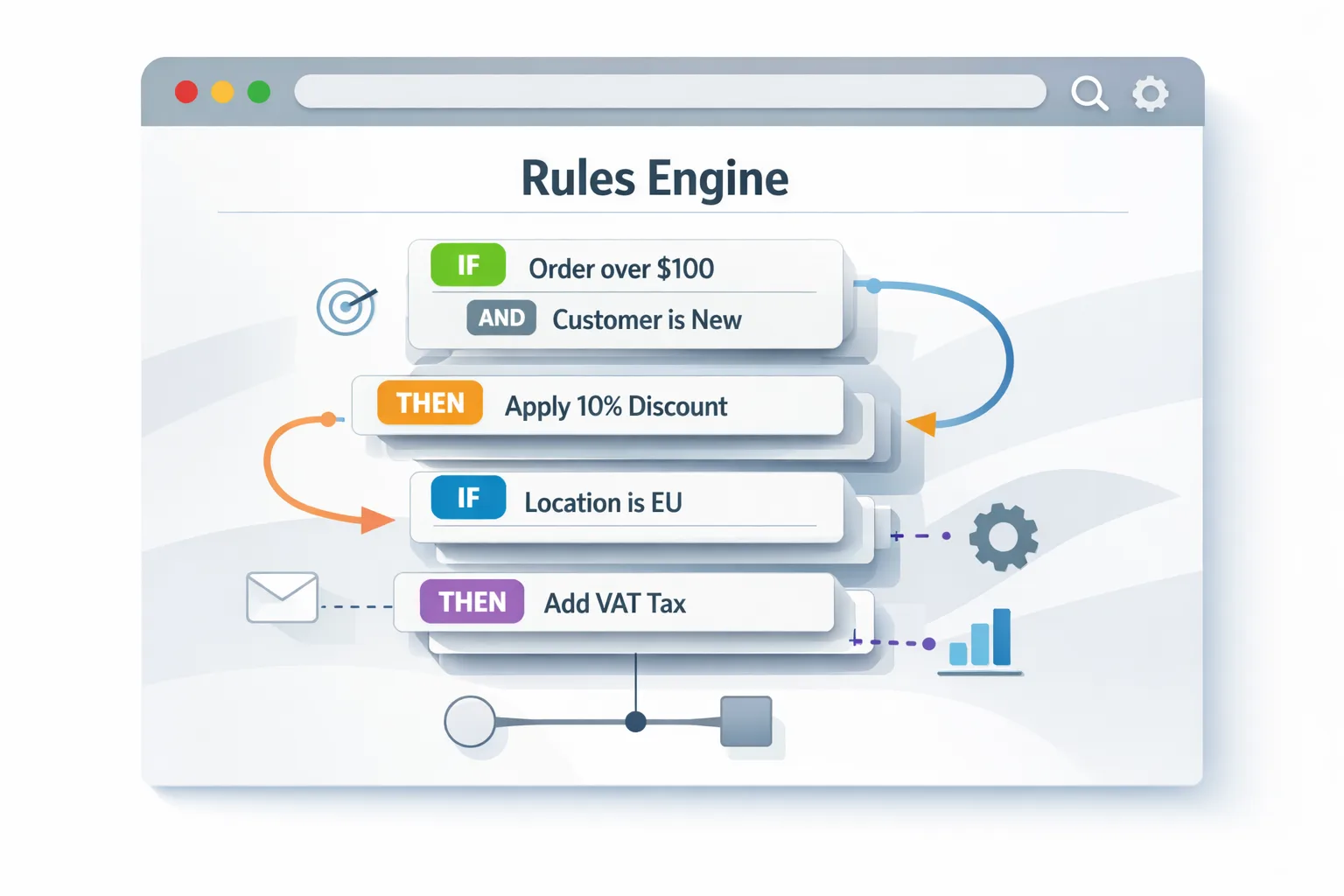
No. MV3 changes how blocking works. You’ll implement filtering as rules, not arbitrary code. With careful engineering—splitting static vs. dynamic rules, minimizing regex, and prioritizing high‑value filters—effective blocking is still achievable, just under different constraints.
MV3 rule design: a practical framework
If your product relies on content filtering, design rules with this three‑tier approach:
- Base static set. Stable, high‑signal filters compiled at build time. Split into multiple rulesets (e.g., core tracking, region‑specific, enterprise) so you can toggle them independently.
- Dynamic delta. User‑specific choices, hotfixes, and temporary mitigations. Reserve headroom for these; don’t max out static quotas.
- Session rules. Truly ephemeral mitigations that can be thrown away on restart—useful for experiments or incident response.
Track your rule counts and hit rates. If only 5% of rules account for 80% of matches, your static set is bloated—prune and move the long tail to dynamic to avoid blowing past limits.
Testing and debugging that actually works
MV3 debugging feels foreign if you grew up with MV2. A few habits shorten the loop:
- Enable developer mode and inspect your service worker. Treat every restart as a test of cold‑start resilience.
- Log which rules matched via the DNR feedback API and surface this in an internal diagnostics panel. Your support team will love you.
- Use Chrome Beta or Canary to test upcoming changes that may accelerate MV2 disablement. Bake this into CI so you catch breakage before users do.
Security and privacy upsides (if you lean in)
MV3’s stricter model—site‑scoped permissions, event‑driven workers, rules‑based network control—reduces the blast radius for compromised extensions and curbs some abusive patterns. If you’re in regulated industries, these defaults help audits: you can prove your extension can’t run arbitrary code on arbitrary sites without explicit consent.
Enterprise teams: minimize disruption
If you ship managed extensions to thousands of employees, plan the change like any SaaS rollout:
- Run an internal canary. Enroll a pilot group across OS variants and hardware tiers. Collect hard data: permission grant rates, latency on cold start, and success rates for critical tasks.
- Pre‑approve sites. If optional host permissions are required, pre‑seed the allowlist and publish short, visual guidance so people aren’t blocked on first run.
- Coordinate IT and SecOps. Announce the store update window, expected prompts, and the rollback policy. Prepare a help desk script for common questions.
Quick reference: MV2 → MV3 mapping
- Persistent background → Service worker +
chrome.alarms+ storage + optional offscreen document - webRequest blocking → declarativeNetRequest (static + dynamic + session rules)
- Wildcards in host permissions → Narrow
host_permissions+ optional permissions on demand - DOM work in background → Offscreen document scoped to the task
// Minimal MV3 manifest skeleton
{
  "manifest_version": 3,
  "name": "Your Extension",
  "version": "3.0.0",
  "action": { "default_title": "Your Extension" },
  "permissions": ["storage", "declarativeNetRequest"],
  "host_permissions": ["https://*.yourdomain.com/*"],
  "background": { "service_worker": "bg.js" },
  "declarative_net_request": {
    "rule_resources": [{
      "id": "core",
      "enabled": true,
      "path": "rules/core.json"
    }]
  }
}
What to do next (this week)
- Decide your minimum viable MV3. Ship core value; defer nice‑to‑haves.
- Refactor to a service worker and prove cold‑start resilience.
- Stand up DNR with one static and one dynamic ruleset; build a debug view.
- Switch to optional host permissions; update store copy to explain prompts.
- Submit to the Web Store by mid‑week and stage a 10–25% rollout with telemetry.
If you want a second set of eyes, our team has migrated ad‑blocking, autofill, and enterprise automation extensions to MV3 under tight deadlines. See how we work on our what we do page, skim recent projects in the portfolio, and browse more hands‑on guides in the blog. Ready to move fast? Book a call—we’ll review your manifest, estimate the scope, and help you hit the August 31 cutoff without drama.

Zooming out
Whether you love or hate MV3, the deprecation is real and the timelines are short. Extensions that adapt will survive; those that wait for another extension will simply lose their audience. Treat the next ten days as a focused release sprint. Ship the MV3 backbone now, then iterate once installs are safe and reviews are green.








Comments
Be the first to comment.