Node.js 20 EOL: Your 7‑Day Fix Plan
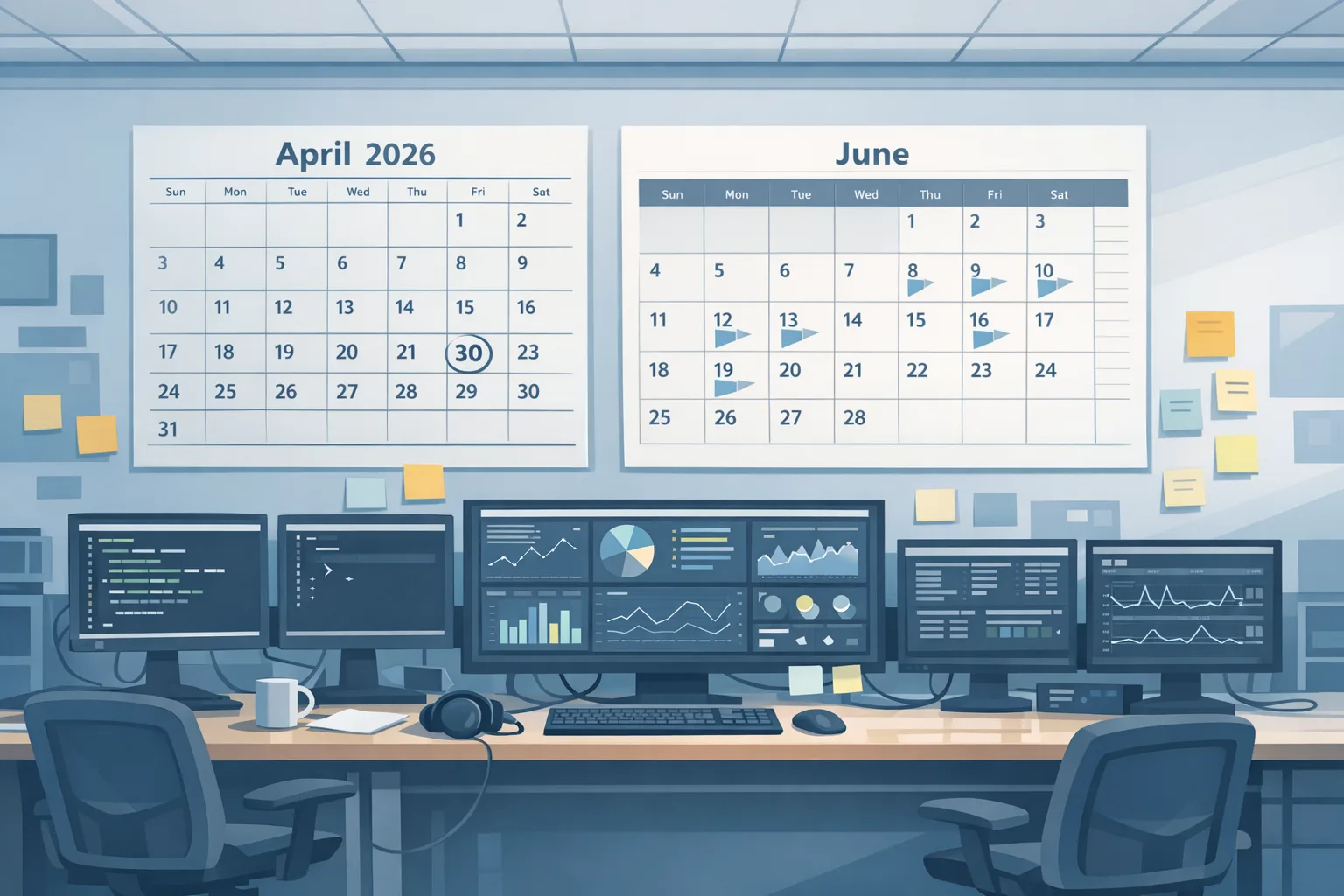
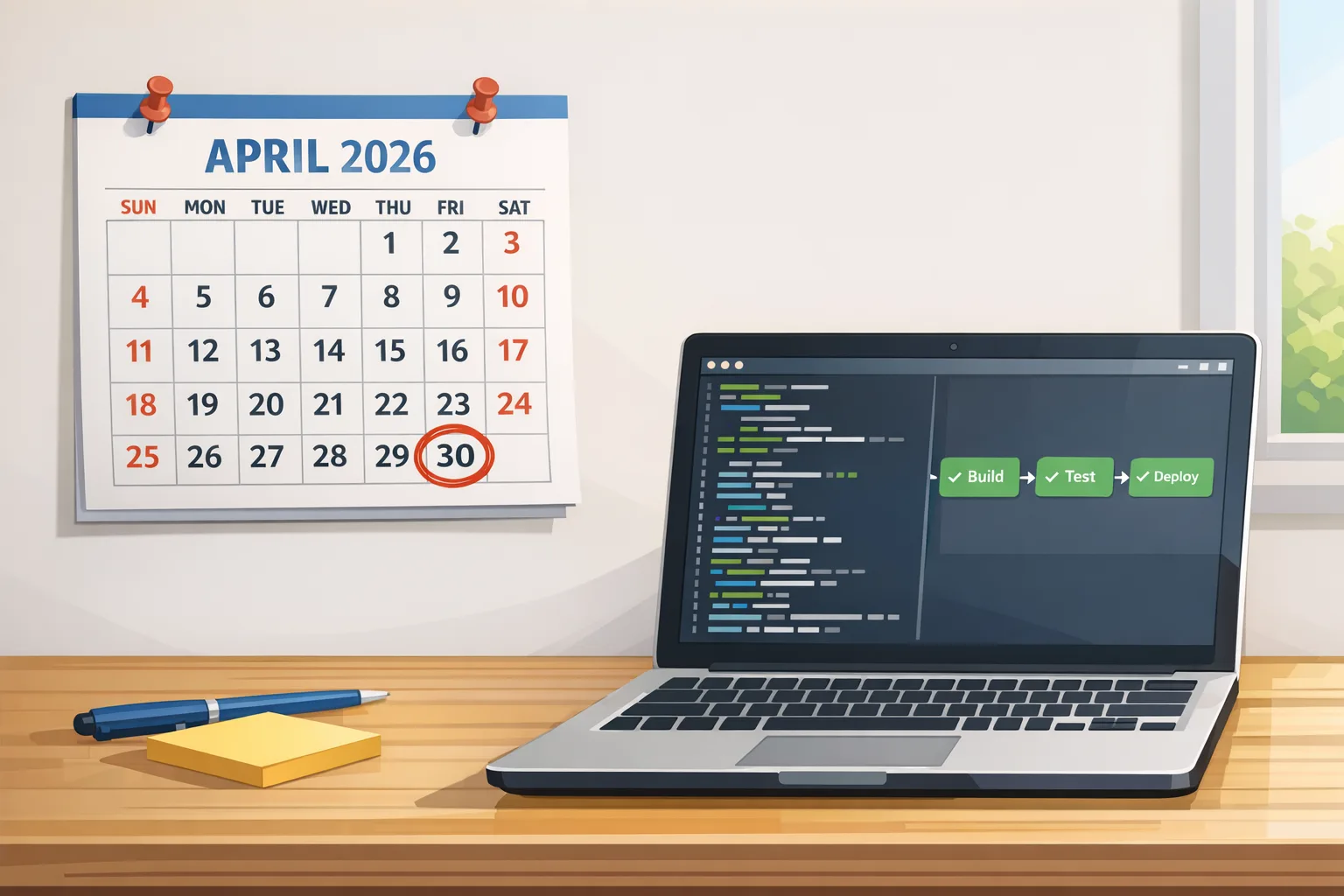
Node.js 20 EOL happened on April 30, 2026. That’s not just an upstream milestone—it cuts off security patches and triggers platform deprecations that can stall builds or block deploys. Here’s the thing: GitHub Actions starts defaulting JavaScript actions to Node 24 in mid‑June 2026, and AWS Lambda’s Node.js 20 runtime already began its deprecation phases on June 1, 2026 with updates blocked on July 1, 2026. If you’re still on 20, use this plan to land the move to Node 22 LTS (support through April 2027) or Node 24 LTS (support through April 2028) without blowing up sprint velocity.
What Node.js 20 EOL means right now
When a major release hits end of life, upstream stops publishing fixes. Security CVEs that land after April 30, 2026 will not be backported to 20.x. Most vendors and platforms align to those dates, which is why you’ll see noisy warnings (and then hard gates).
Two dates that matter this month: AWS Lambda blocked creation of new functions on June 1, 2026 for Node.js 20 and will block updates on July 1, 2026. GitHub Actions begins forcing JavaScript actions to run on Node 24 by default on June 16, 2026, with Node 20 fully removed from runners later this fall. If your workflows or custom actions still declare Node 20, expect breakage unless you upgrade or set temporary environment flags.
Zooming out: Node 22 LTS runs through April 30, 2027; Node 24 LTS runs through April 30, 2028. If you need the longest runway, jump straight to 24. If you prefer a smaller jump with maximal package compatibility today, 22 is the lower‑risk target.
Choose your target: Node 22 LTS or Node 24 LTS?
Here’s a practical rule of thumb: pick the newest LTS your critical dependencies officially support today. Many stacks are already clean on 22; a growing share now certify 24. Both tracks are viable, but they differ in operational feel.
Reasons to choose Node 22 LTS
Node 22 stabilized the Permission Model in 22.13, so you can gate FS, child process, and network access with CLI flags instead of ad‑hoc sandboxing. The LTS line also improved CommonJS↔ESM interop in 22.x, including support for requiring certain synchronous ESM graphs (initially as an experimental capability in 22). Most serverless and edge platforms have first‑class support for 22 today, making it a straightforward landing zone.
Reasons to choose Node 24 LTS
Node 24 extends your support window to April 2028 and ships newer V8 and OpenSSL baselines. That means better performance characteristics, updated language features, and stricter crypto defaults. AWS Lambda already supports Node 24 across regions, so greenfield serverless projects can standardize on it now.
Node.js 20 EOL: the 7‑day fix plan
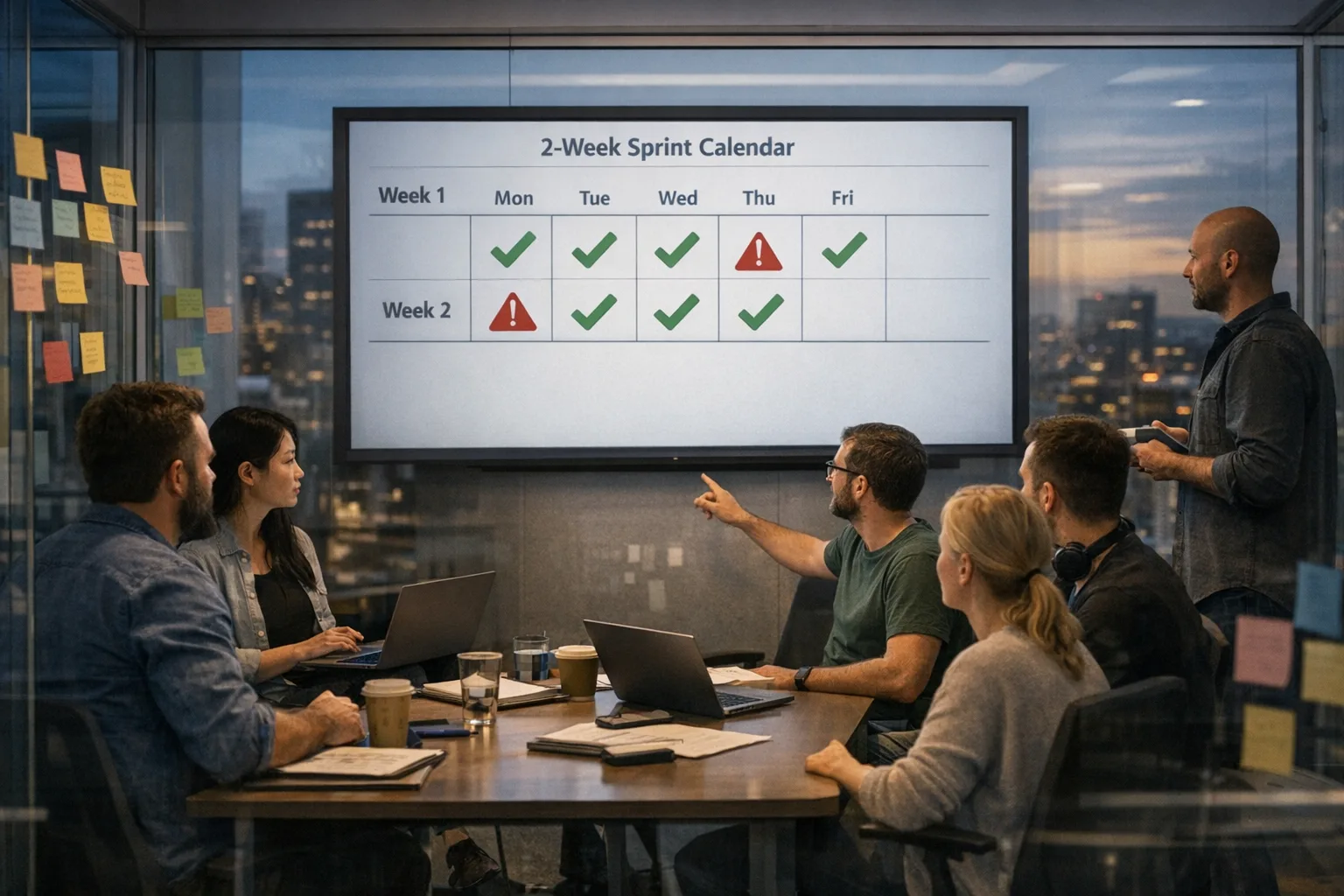
Use this one‑week playbook to move fast without surprises. Treat days as phases—you can compress them if your repo count is small, or parallelize by team.
Day 1 — Inventory and blast radius
Find everywhere Node 20 lurks: package.json engines, Dockerfiles (FROM node:20), build images, CI runners, Lambda runtimes, platform config files, and custom GitHub Actions that declare node20. Surface native modules (node-gyp addons) that will need rebuilds—these are your critical path.
- CLI:
grep -R "node:20" -n; search forenginesfields; scan.github/actionssubrepos. - For Lambda: export all functions and filter by
Runtime=nodejs20.x.
Day 2 — Pick target and set guardrails
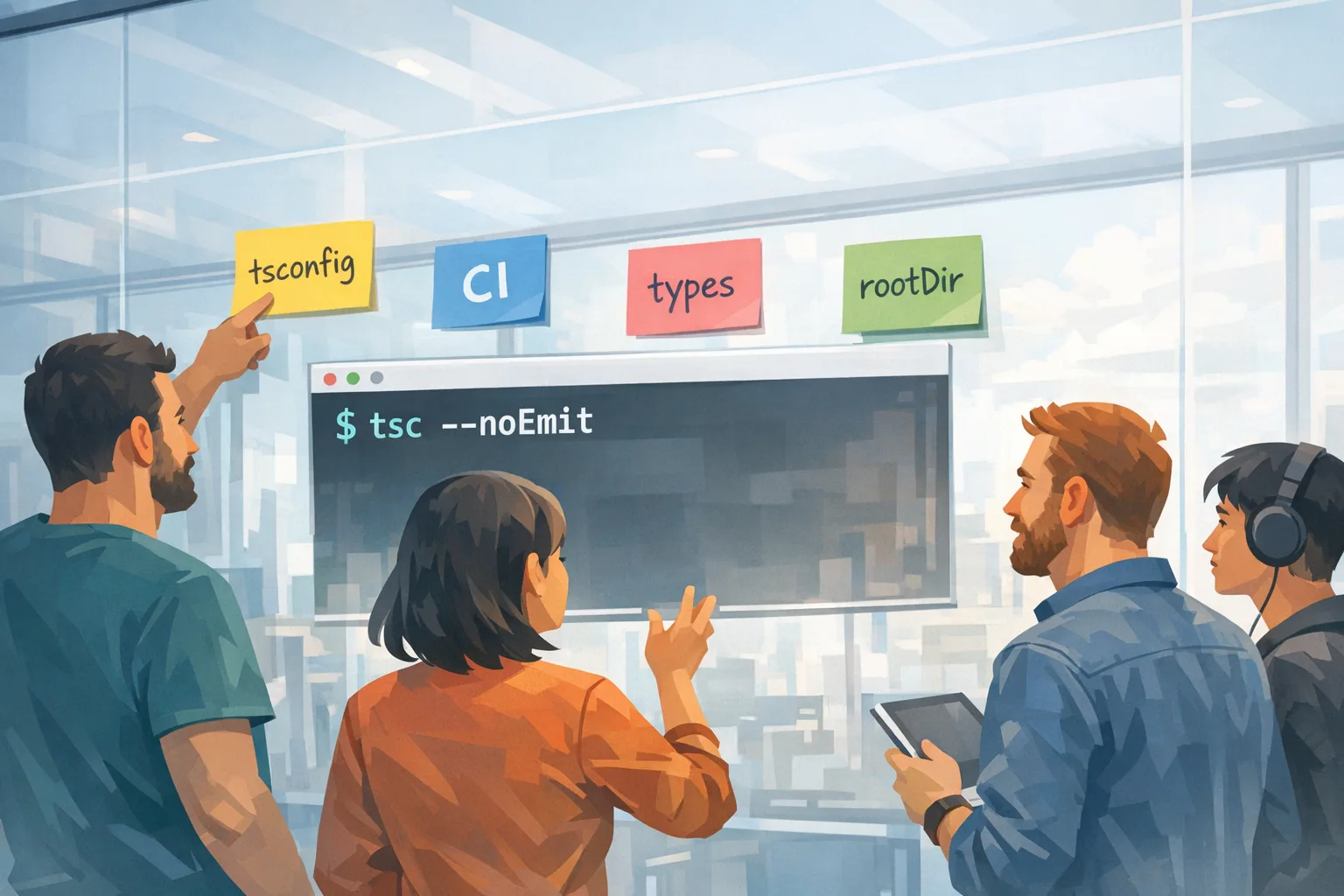
Decide: 22 or 24. Then pin the version in .tool-versions, .nvmrc, or your container tag. In CI, bump actions/setup-node to a release that supports Node 24 and flip the environment variable that forces JavaScript actions to run on Node 24. If you must limp along briefly, the opt‑out flag exists—but don’t depend on it for long; the runner image will drop Node 20 later this year.
Day 3 — Local dev, tests, and linters
Upgrade Node locally. Regenerate package-lock.json under the new runtime; you’ll often shake out semver‑pinned transitive deps that assumed Node 20 quirks. Run the full test suite plus type checks. If you use Node’s built‑in test runner, ensure any custom reporters still work—APIs evolved steadily in 22 and 24.
Day 4 — ESM/CJS edges and runtime flags
On Node 22/24, module interoperability is better, but mis‑declared package type fields and dual publishing traps still bite. Systematically fix:
- Entry points: match
typeand file extensions; don’t mixrequire()with top‑levelimportwithout compatible builds. - Transpilers: if you previously transpiled ESM to CJS for Node 20, see if you can simplify builds on 22/24.
- Flags: audit
--experimental-*flags; many became stable or changed semantics.
Day 5 — Native addons, OpenSSL, and TLS
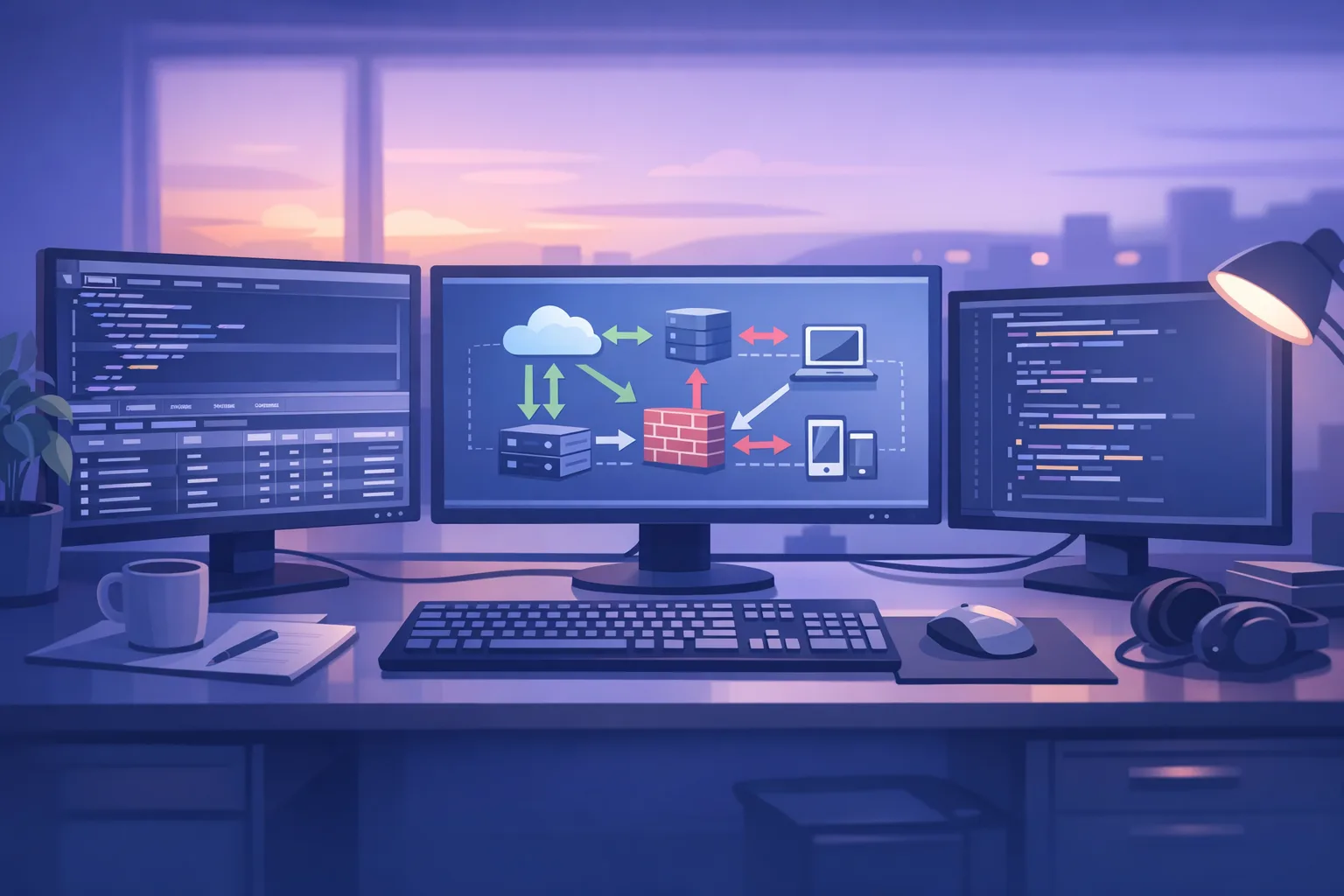
If you use native modules (e.g., database drivers), rebuild on the new Node ABI. Verify TLS handshakes against your endpoints—Node 24, in particular, inherits newer OpenSSL defaults that can surface older ciphers or cert chains. Budget time for driver upgrades.
Day 6 — CI/CD and serverless rollout
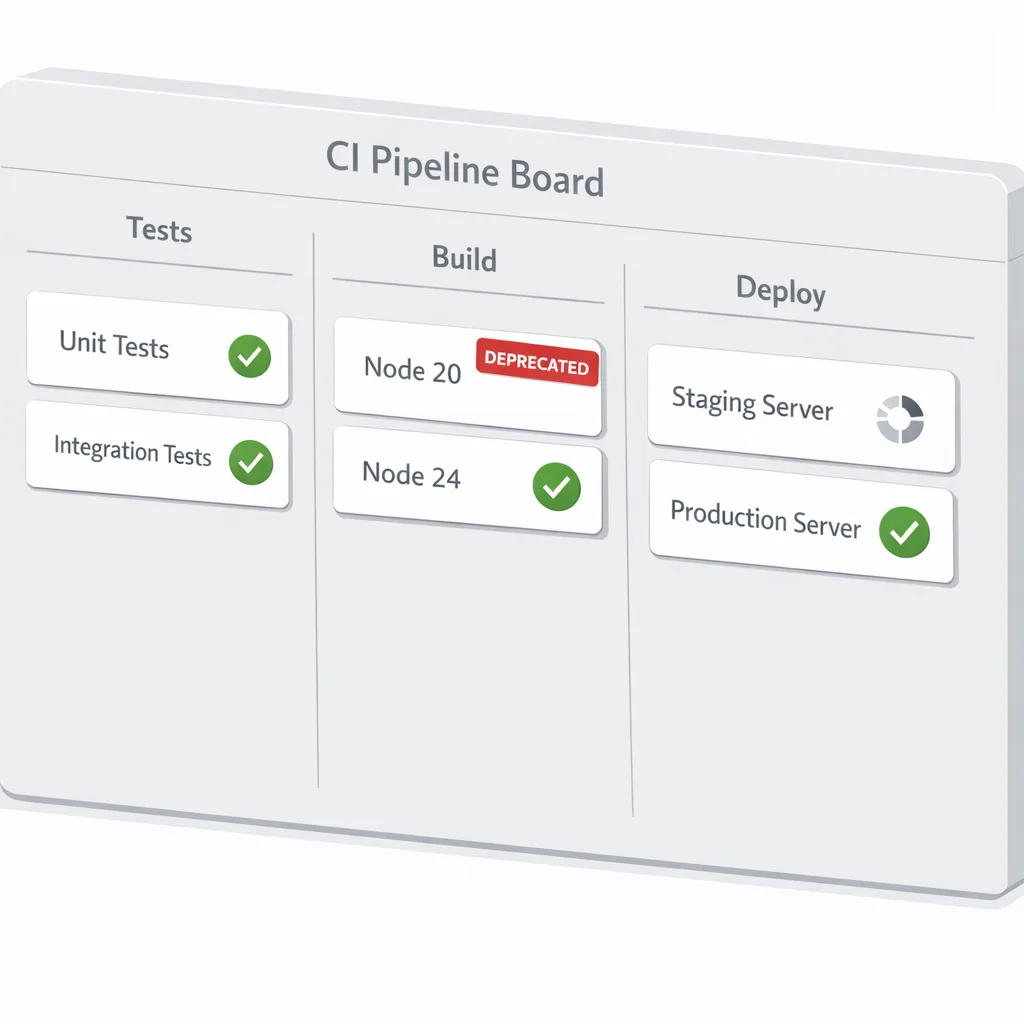
Update GitHub Actions to versions that run on Node 24 and remove deprecation warnings. For Lambda functions, move to nodejs22.x or nodejs24.x; remember that June and July 2026 are hard gates for Node 20 in Lambda. For containers, rebuild base images off node:22 or node:24 and push immutably tagged digests.
Day 7 — Permission Model and defense‑in‑depth
Take advantage of Node 22/24’s Permission Model in CI and production to constrain what your process can touch. For example, allow read‑only paths and specific outbound hosts for build steps. It’s a simple way to reduce blast radius from dependency risk—especially alongside OIDC‑backed publishing pipelines.
Platform specifics you shouldn’t ignore
AWS Lambda deadlines
Lambda’s Node.js 20 deprecation is staged: new function creation was blocked starting June 1, 2026; updates are blocked on July 1, 2026. Migrate to nodejs22.x or nodejs24.x. Both run on Amazon Linux 2023. If you maintain hundreds of functions, prioritize those that integrate with KMS, RDS, or VPC—these tend to be more sensitive to TLS and networking changes.
GitHub Actions forcing Node 24
GitHub Actions begins defaulting JavaScript actions to Node 24 on June 16, 2026. To test ahead of time, set FORCE_JAVASCRIPT_ACTIONS_TO_NODE24=true. There’s a temporary opt‑out (ACTIONS_ALLOW_USE_UNSECURE_NODE_VERSION=true) but it’s a countdown timer; plan the upgrade now and bump actions like actions/checkout, actions/setup-node, and any third‑party actions to Node 24‑ready releases.
Vercel and other hosts
Most hosts default builds to the current Node LTS line and allow per‑project overrides. Double‑check your project settings; some environments still pin to 22.x until you opt into 24.x. Roll out by service to keep diff noise small and error budgets intact.
Gotchas we’ve seen in real upgrades
Every organization’s codebase has different sharp edges, but a few patterns repeat:
- ESM/CJS dual packages: Packages that ship both ESM and CJS can resolve differently on Node 22/24 than they did on 20. Watch for subtle import path differences (e.g., named vs default exports) and mismatched
exportsmaps. - Implicit polyfills disappear: You may discover transitive packages assumed globals (like
fetchpre‑polyfill). Node 22+ has stablefetch; remove dead polyfills and align your bundler config. - Native addon ABI jumps: A single unmaintained binary addon will block your rollout. Catalog them on Day 1 and find maintained forks or pure‑JS alternatives if maintainers are MIA.
- OpenSSL tightening: If moving to Node 24, certificates or cipher suites that passed under Node 20 may fail. Fix servers, not clients—don’t just loosen Node flags.
- Permission Model surprises: When you turn it on, remember that test runners, codegen tools, and package managers often need broader FS/network scopes than production servers. Scope allowances per script.
People also ask
Is Node.js 20 still safe after April 30, 2026?
It’s not. “Works on my machine” isn’t a security posture. Without upstream patches, you’re assuming risk you can’t see. Even if your app isn’t internet‑facing, your build and deploy chain likely is.
Should I jump straight to Node 24 instead of 22?
If your core dependencies certify 24, go for it and buy two years of runway. If not, land on 22 in a week, then schedule a tidy upgrade to 24 next quarter. The cost of staying on 20 is higher than doing two small moves.
What about Electron apps?
Electron versions bundle specific Chromium and Node lines. If your desktop app targets an Electron that pulled in Node 22, you’ll handle this via Electron upgrades and rebuilds, not by bumping Node directly. Plan for end‑to‑end testing across OSes.
A copy‑paste upgrade checklist
Drop this into your tracker and assign owners today:
- Decide target: Node 22 LTS or Node 24 LTS; document reasons.
- Update runtime pins (
.nvmrc,.tool-versions, Docker tags) and CI setup. - Regenerate lockfiles on new Node.
- Rebuild and validate native modules; replace unmaintained ones.
- Fix ESM/CJS mismatches; align
type,exports, and import styles. - Audit TLS to production endpoints; remediate server‑side issues found.
- Enable Permission Model in CI; define minimal allowlists.
- For AWS Lambda: migrate to
nodejs22.xornodejs24.xbefore July 1, 2026. - For GitHub Actions: upgrade to Node 24‑compatible actions; remove temporary flags.
Security side quest: make the upgrade a hardening win
An upgrade is the perfect moment to reduce supply‑chain risk. Modernize your npm publishing flows with OIDC trust and tighten dependency policies. If you haven’t yet, read our guidance on registry trust and response patterns to real‑world incidents: start with our take on npm supply‑chain attack fixes you should ship now and our OIDC primer in Fix OIDC trust for npm. Then, apply the same disciplined rollout mindset you’d use for platform upgrades—see our pragmatic upgrade playbook for patterns that generalize well.
Performance and DX wins you get for free
Once you land on 22 or 24, you’ll notice faster startup on many workloads thanks to newer V8 baselines. Node’s built‑in test runner and watch mode are in good shape, which means you can often simplify your toolchain (fewer transitive dev‑deps, smaller attack surface). The Permission Model lets you lock down builds in a way that used to require custom wrappers. And with npm 10.x bundled in recent 22 releases, you’ll see more predictable lockfile behavior across CI and dev machines.
What to do next
Let’s get practical. Between now and June 16, 2026:
- Pick your target (22 vs 24) and lock it across local, CI, and containers.
- Upgrade GitHub Actions and test with Node 24 forced on a staging branch.
- Complete your Lambda migrations before July 1, 2026 to avoid blocked updates.
- Rebuild native addons and run full TLS verification against production endpoints.
- Turn on the Permission Model in CI to constrain file and network access during builds.
If you want help executing this in days—not weeks—see what we do for engineering teams and reach out via our contact form. We’ll pair with your leads, ship the upgrade, and leave behind guardrails that keep you off the EOL treadmill.




Comments
Be the first to comment.