Safari 27 for Web Devs: Ship These 8 Upgrades
Safari 27 hit developer beta on June 8, 2026 at WWDC, and it’s a big one for the web. The WebKit team emphasized quality—over 1,000 engine improvements this cycle—while still landing features that remove long‑standing pain: masonry‑style layouts without libraries, a customizable native select, first‑class 3D models, and immersive website environments on visionOS. If you lead a product or platform team, Safari 27 is your chance to delete code, cut layout jank, and modernize UX without breaking accessibility.
Why Safari 27 matters now
Here’s the thing: the web’s biggest wins arrive when capabilities go native and cross‑browser. Safari 27 brings exactly that in multiple areas, reducing your dependency on heavyweight JS and bespoke UX widgets. The payoff is faster pages, lower maintenance, and better a11y by default—all while leveling up design fidelity on Apple devices that drive high‑value traffic.
Timing also helps. Developer betas are out now, with public betas expected in July 2026 and stable releases later this fall. Shipping behind flags and staged rollouts over the next 90 days means you can meet users where they are when the stable hits.
The short list: what to ship first
If you only have one sprint, focus here:
- CSS Grid Lanes: Native masonry layouts with orderly tab navigation and zero JS.
- Customizable Select: Fully styleable select menus using
appearance: base-selectand new pseudo‑elements. - HTML
<model>element: Embed interactive 3D with simple HTML, attributes, and AR Quick Look hooks. - Immersive website environments (visionOS): Launch 360° environments right from the web.
- Web Extensions: Packager: Submit Safari extensions from any OS—no Mac, no Xcode.
imgsizes=auto: Let the browser pick responsive image candidates more intelligently.stretchlayout keyword: Fewer container query gymnastics for simple fills.- Navigation and metrics parity: Fewer WebKit quirks around LCP and the Navigation API.
CSS Grid Lanes: masonry without hacks
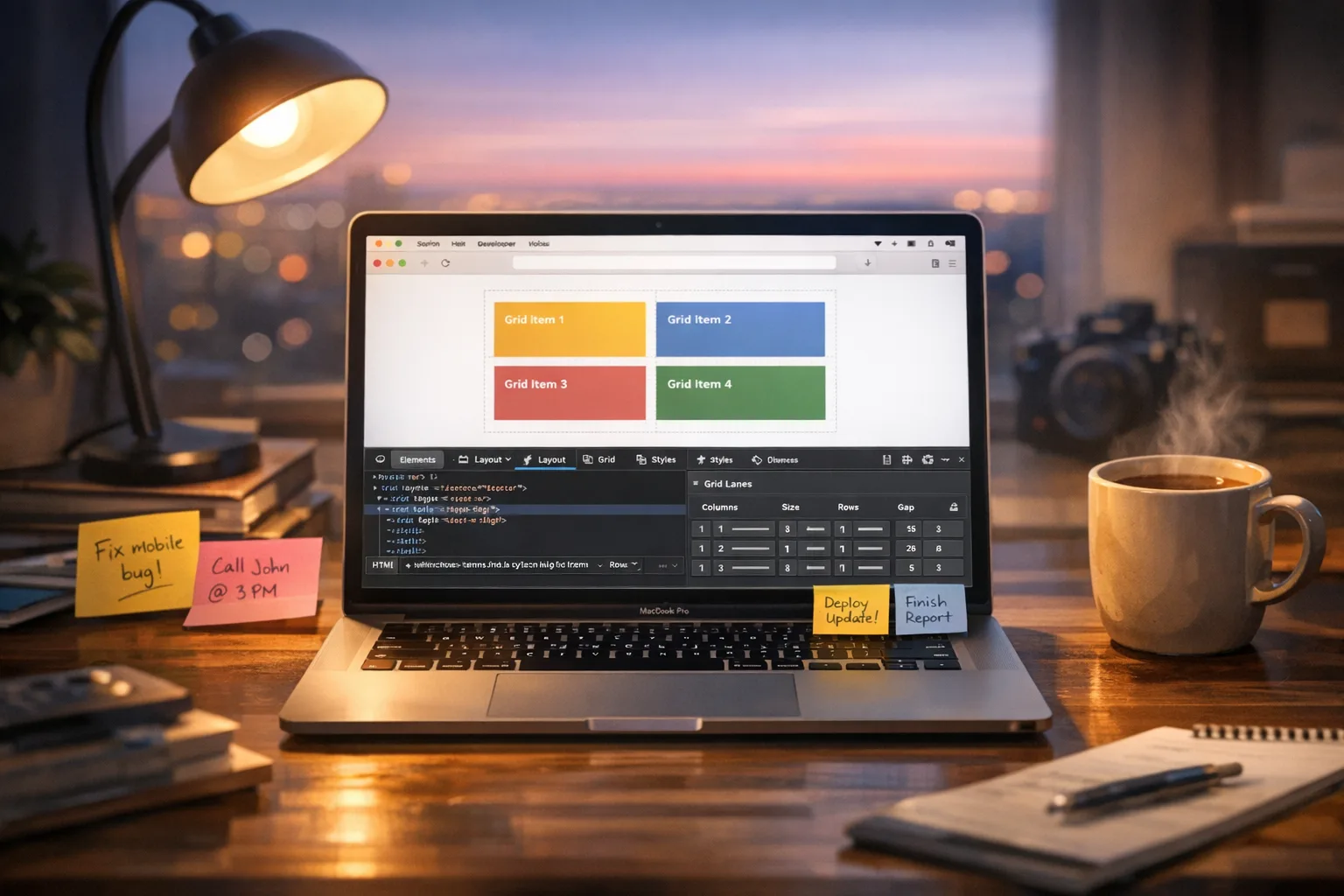
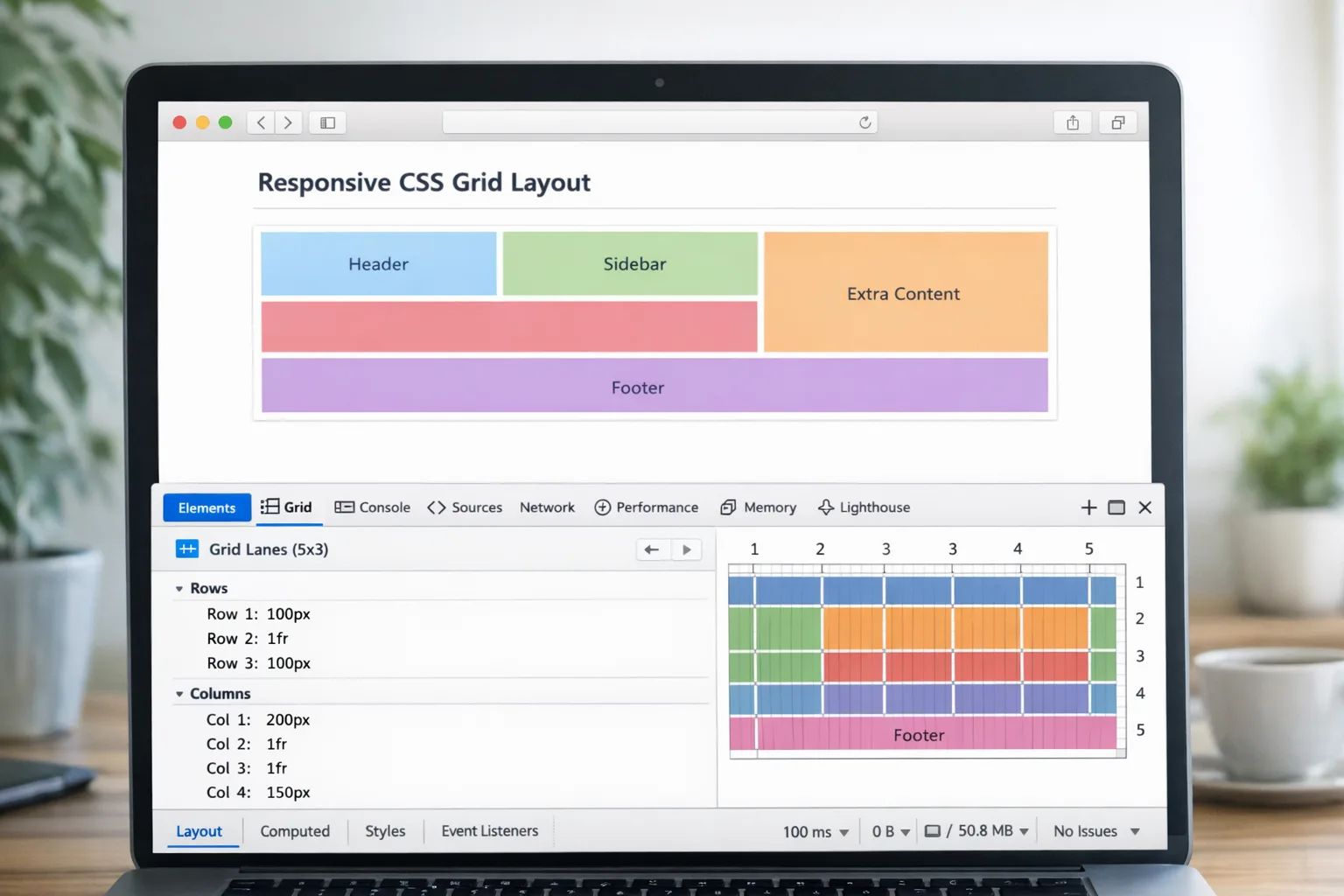
We’ve been faking masonry for years with script‑driven packing or fragile multi‑column fallbacks. Grid Lanes gives you a native property set for the same visual results and far better semantics. You get predictable source order, keyboard navigation that tracks DOM order, and a grid inspector that actually understands your layout.
How it works
At its simplest, you declare a lanes container and let the browser flow items to the tightest fit:
.gallery { display: grid-lanes; grid-template-columns: repeat(auto-fit, minmax(200px, 1fr)); gap: 1rem; }
Switch from “waterfall” (vertical) to “brick” (horizontal) by swapping grid-template-columns for grid-template-rows. Need to avoid tiny visual reorderings? Tame it with flow-tolerance so tab order and reading order feel stable. You can still span featured cards across lanes or pin a tile to a specific track without forfeiting accessibility.
When to ship it: Any card‑based feed: editorial lists, recipe grids, product galleries, dashboards. Layer it behind @supports (display: grid-lanes) and let older browsers keep their existing grid or multicolumn fallback. That’s progressive enhancement the way users expect.
Customizable Select: design freedom with native a11y
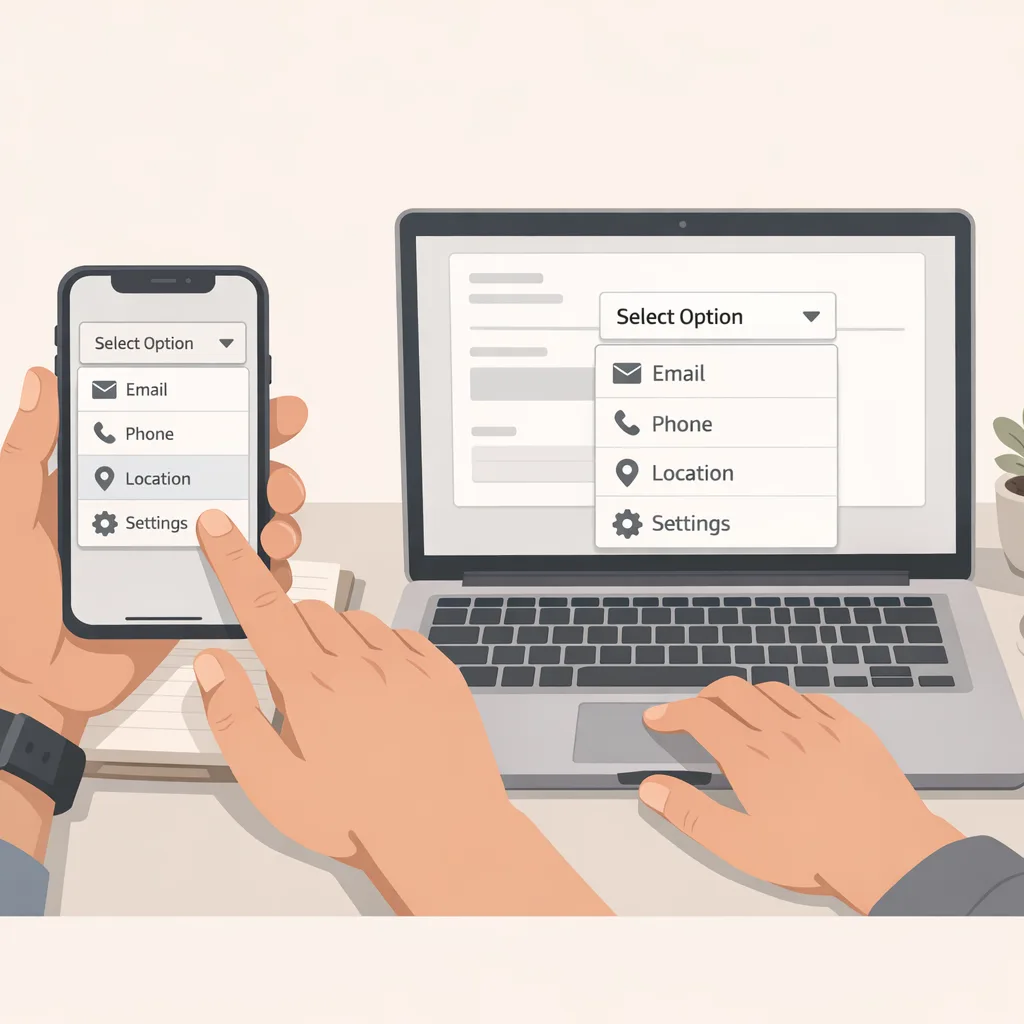
Teams have been replacing <select> with bespoke comboboxes to match design systems—then spending months fixing keyboard support, mobile scroll issues, and screen reader bugs. Customizable Select flips this: you keep the native control and style it like a first‑class component.
What you get
Opt in with appearance: base-select on both the <select> and its ::picker(select) pseudo‑element. Use ::picker-icon to swap the dropdown arrow, :open for active states, option::checkmark for indicators, and the new <selectedcontent> element to mirror rich content in the button. Want a two‑column menu with images and labels? Use CSS grid inside ::picker(select)—no aria‑rebuild, no JS focus traps.
Accessibility notes: Because you never left the native control, semantics, form submission, and IME behavior remain intact. Keep labels outside the control for screen readers, ensure option icon alt text doesn’t double‑announce, and validate color contrast in both closed and open states. As always, test with VoiceOver on iOS.
When to ship it: Anywhere you currently polyfill selects—country pickers, sort menus, filters. Start with low‑risk UI (read‑only filters) before replacing mission‑critical forms.
HTML <model>: ship 3D the HTML way
Embedding interactive 3D used to mean a WebGL or WebGPU viewer, a bundle over 500 KB, and a maintenance burden. The HTML model element lets you drop 3D into your page like video. Provide multiple sources, set a default stage behavior with stagemode, attach an environmentmap for lighting, and wire up controls with a simple JS API. On iOS and iPadOS, you can hand off to AR Quick Look so customers can place products in their space.
When (and when not) to use it
Perfect for product visualization, education, museums, and documentation. Avoid it for high‑poly configurators or scenes that genuinely need bespoke rendering—use your viewer or a game engine there. And compress models aggressively; the illusion breaks if the first interaction is a spinner.
Can websites go immersive in visionOS Safari?
Yes. With immersive website environments in visionOS, you can launch a 360° scene right from Safari. The API is modeled after Fullscreen: request, enter, exit. It’s designed for previews and short experiences: seating views for venues, panoramic product tours, or an immersive hero moment before handing users into a native app.
Guardrails: Respect user comfort. Provide a clear exit, use gentle transitions, avoid motion‑heavy camera moves, and detect available controllers or keyboard before relying on input. Also plan a portal‑mode fallback—flat content that still conveys the story if immersive isn’t available or is disabled.
Performance and measurement: fewer footguns
WebKit’s quality push shows up where it matters: layout correctness, SVG rendering, and more reliable metrics like LCP. If you’ve fought rounding differences or font‑swap jank on Apple devices, you’ll likely see fewer papercuts. Couple that with img sizes=auto and you can shrink page weight while keeping crisp imagery across device classes.
Safari Web Extensions: submit from anywhere
Historically, shipping a Safari extension required a Mac and an Xcode packaging dance. With the new Safari Web Extension Packager, you can build once and submit to Safari users via App Store Connect from any OS. If you already support Chromium and Firefox, this removes the last big friction point to serve your Apple audience.
What this unlocks: CI‑driven packaging, true cross‑browser parity, and realistic ROI for small teams that couldn’t justify a separate toolchain for a third store.
People also ask
Does Safari 27 require iOS 27 or macOS 27 to test?
Yes—install the developer betas (June 2026) for the target platforms. If you can’t run betas on primary devices, use separate test hardware or virtualized macOS for browser checks. For web‑only features, Safari Technology Preview remains a good pre‑flight.
Is Customizable Select accessible enough to replace our library?
For most cases, yes. You retain native semantics and reduce a11y risk compared to hand‑rolled comboboxes. Still, regression‑test with screen readers, keyboard‑only users, and high‑contrast modes before ripping out your old component.
Will Grid Lanes break our analytics or SEO?
No. DOM order remains the source of truth, so crawling and keyboard traversal continue to follow your markup. Keep content in logical reading order and use spans or pins sparingly.
Do immersive website environments require a native app?
No. They run in Safari on visionOS. You can still hand off to native for deeper interaction, but the immersive preview itself is web‑first.
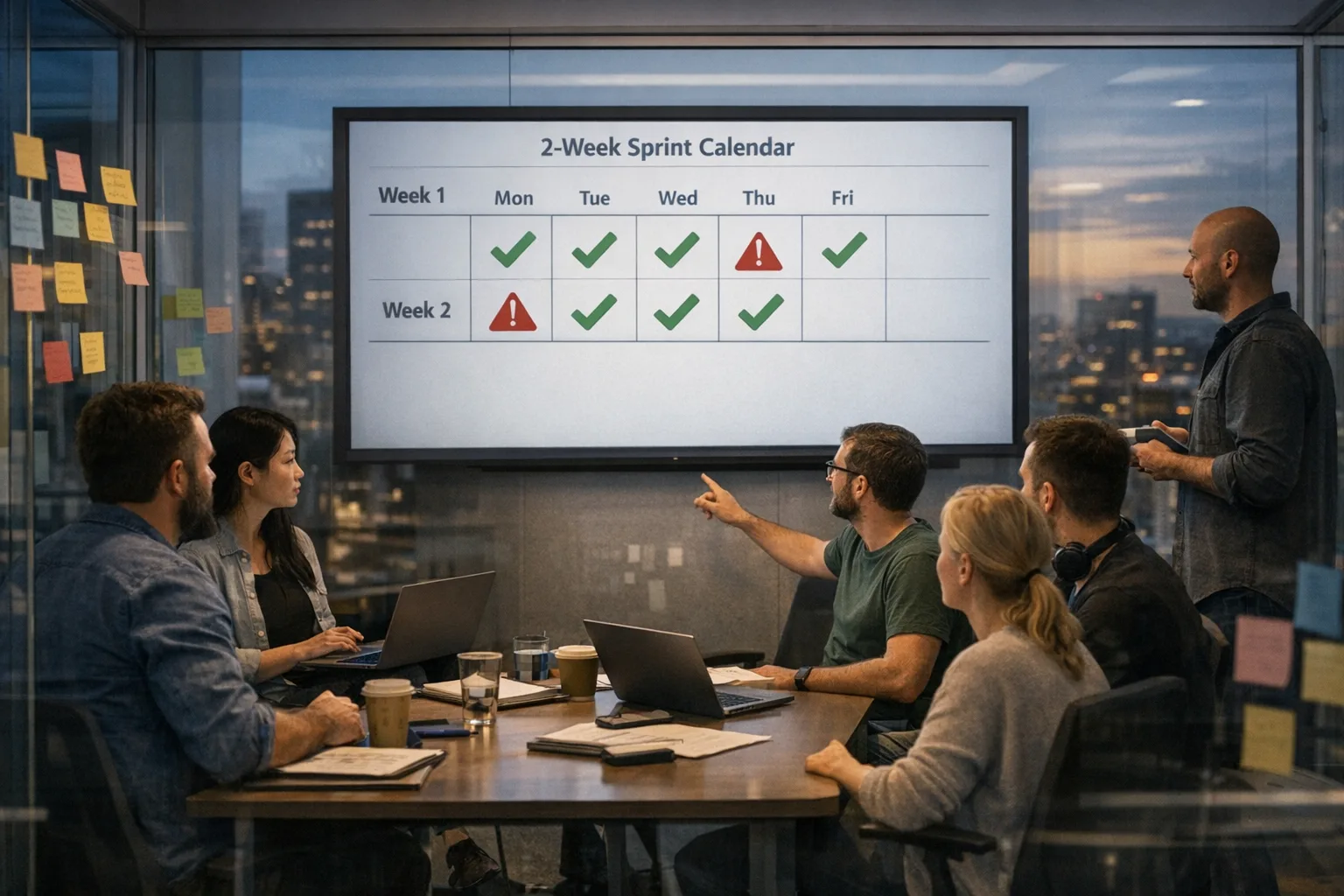
The rollout framework: 30–60–90 days
Days 0–30: audit and prototypes
Inventory where you’re faking capabilities that Safari 27 now provides. Tag candidates: masonry layouts, select widgets, 3D product viewers, image‑heavy pages, and any extension ideas. Spin up prototypes in a sandbox repo and validate behavior on iOS, macOS, and visionOS betas.
- Grid Lanes: Build a drop‑in replacement for at least one masonry view. Measure CLS and interaction latency before/after.
- Customizable Select: Replace a low‑risk filter menu; test
:open, focus states, and high‑contrast palettes. <model>: Swap a 3D product hero on a PDP; budget size under 3 MB total.- Immersive preview: Add a hidden‑behind‑flag immersive tour for one landing page.
Parallel tracks: define metrics (LCP targets, bundle deltas), write your @supports fallbacks, and add beta‑only e2e tests to catch engine regressions early. If you need help standing this up, our team outlines typical engagement models on what we do and shares case studies in the portfolio.
Days 31–60: productionize
Harden your components: finalize API props, storybook docs, and a11y specs. Wire CI to run UI tests against beta Safari builds. For images, add sizes=auto where it wins and freeze an experiment plan for the rest. If you’re shipping an extension, hook up the Packager to your release workflow and dry‑run an App Store Connect submission.
- Flag‑gate new UI in production to 5–10% of Safari sessions.
- Instrument events so you can compare select usage, filter completion, and scroll interaction depth.
- Preload 3D assets on intent, not on load, to avoid TTI regressions.
Days 61–90: scale and remove debt
Roll out Grid Lanes and Customizable Select broadly once public betas land and compatibility stabilizes. Delete unused libraries and polyfills. Lock in success metrics and publish a tech note internally to document the before/after—design will appreciate having a reference when planning the next quarter’s initiatives.
Let’s get practical: code and checklists
Grid Lanes quick start
@supports (display: grid-lanes) { .cards { display: grid-lanes; grid-template-columns: repeat(auto-fit, minmax(16rem, 1fr)); gap: 1rem; } .cards .featured { grid-column: span 2; } }
Checklist:
- Keep DOM order semantic; avoid decorative reordering.
- Use
flow-tolerancewhen visual order churns on resize. - Debug with the Grid Inspector and validate tab order.
Customizable Select quick start
select { appearance: base-select; } ::picker(select) { appearance: base-select; display: grid; gap: .5rem; } select:open { outline: 2px solid currentColor; } select::picker-icon { content: url(chev.svg); }
Checklist:
- Test keyboard: open/close, typeahead, escape.
- Confirm screen reader labels and option announcements.
- Provide high‑contrast and reduced‑motion variants.
HTML <model> quick start
<model stagemode="orbit" environmentmap="studio.hdr" style="width:100%;height:400px"> <source src="chair.glb" type="model/gltf-binary"/> <source src="chair.usdz" type="model/vnd.usdz+zip"/> </model>
Checklist:
- Budget assets: sub‑3 MB initial; lazy‑load variants.
- Provide poster and non‑3D fallback.
- Offer AR handoff on iOS/iPadOS for scale‑in‑room moments.
Risks, caveats, and edge cases
No release is magic. Expect rough edges in early betas. For Grid Lanes, verify keyboard focus order after spans and explicit placements. For Customizable Select, confirm open/close behavior on hardware keyboards and IME. For <model>, test low‑end devices carefully—CPU‑bound scenes and uncompressed textures will tank FPS.
On visionOS, keep immersive sessions short, always show an escape affordance, and throttle animation by default. Performance budgets matter more in a head‑mounted display than anywhere else.
Impact on search and analytics
Good news for SEO: these are mostly presentation‑layer changes without altering crawlable content. Grid Lanes preserves DOM order; <model> complements, not replaces, your product copy; and immersive environments are opt‑in. Do confirm that analytics events survive UI rewrites—especially select interaction tracking as you switch to native.
If you’re aligning broader search work with platform shifts, we’ve shared practical guidance in what devs and SEOs must ship after Google I/O 2026. Pair that with the web platform wins here and you’ll have a cohesive plan across content and UX.
What to do next
- Install the June 2026 developer betas on test devices; add Safari Technology Preview to your CI smoke tests.
- Pick one candidate for each feature: a masonry view, a filter
<select>, a 3D hero, and a simple immersive preview. Ship behind flags. - Measure LCP, CLS, and interaction completion before/after; target a 10–20% improvement from JS → native.
- Plan your extension strategy if you have a power‑user audience; the new Packager removes previous blockers.
- Schedule a design review to standardize select styles and Grid Lanes patterns in your system.
If you want a partner to accelerate this, start with a quick scoping call via our contact page, browse services, or explore similar work on our blog.
Zooming out
Safari 27 isn’t a moonshot—it’s a carefully engineered leap. The combination of native UI upgrades, reliable metrics, and a steady drumbeat of compatibility work adds up to something you can bank on. Migrate the low‑risk surfaces first, bake in progressive enhancement, and let the platform do more of the heavy lifting. When stable lands, you’ll be ready.






Comments
Be the first to comment.