Angular 19 EOL: Your 30‑Day Upgrade Action Plan
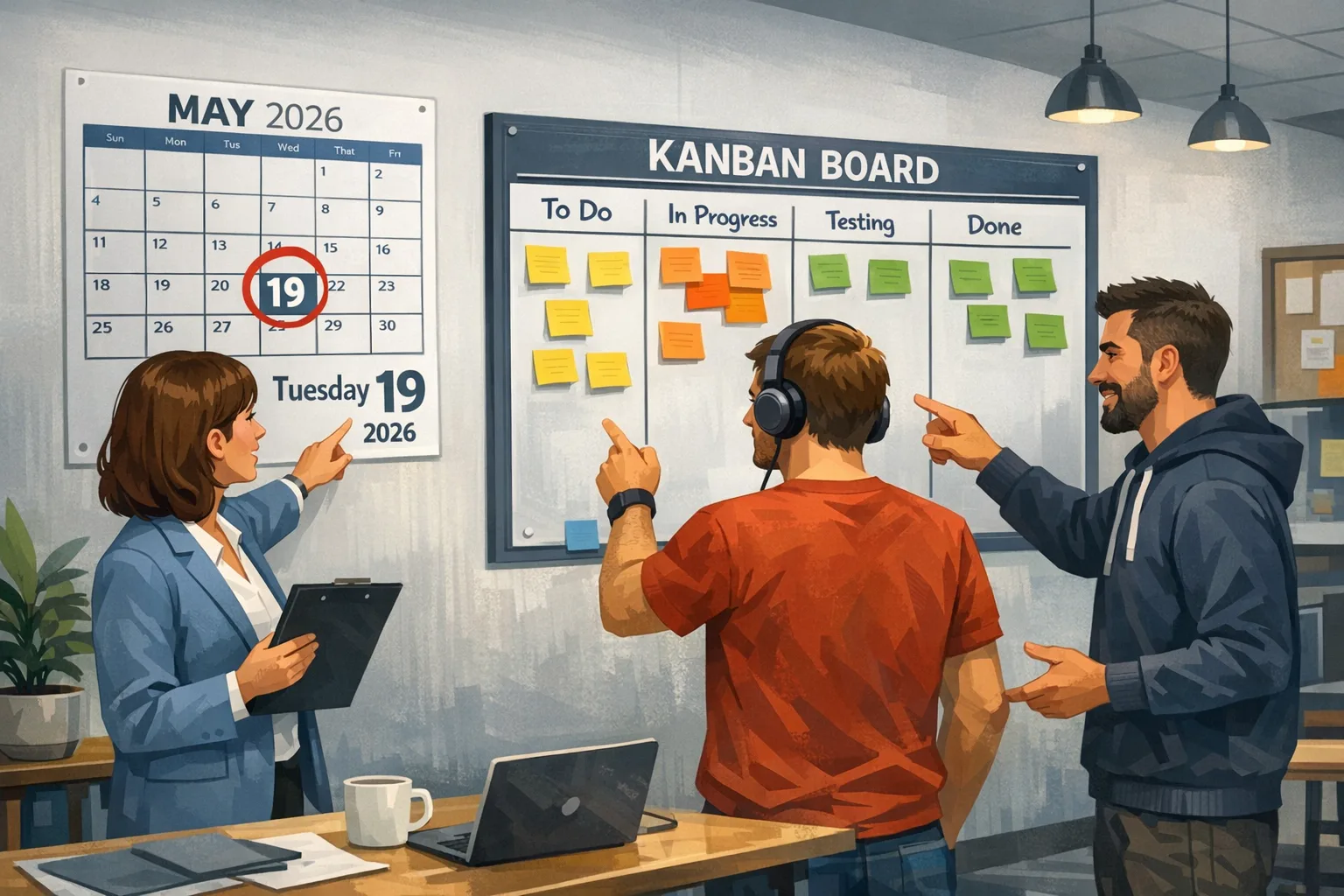
Angular 19 EOL isn’t theoretical anymore—it arrived on May 19, 2026. That date shuts the door on routine fixes and leaves teams carrying real security and compliance risk if they stay put. The good news: you can move to Angular 21 quickly and safely with a disciplined plan, not a rewrite. Below is the upgrade playbook we use when we ship migrations for clients under tight timelines.
What Angular 19 EOL actually means
End‑of‑life means: no ongoing feature updates, and after the long‑term support window closes, only previously shipped fixes remain available. Practically, you lose three things teams quietly rely on: security patch cadence, up‑to‑date peer dependency ranges, and easy vendor escalations. If an upstream browser change breaks something next month, you’re on your own unless you jump to a supported major.
Here’s the relevant timeline: Angular 19’s active window ended in 2025; the LTS window ended on May 19, 2026. Angular 20 is currently in LTS, and Angular 21 is the actively supported major. Angular 22 is slated immediately after—so you’re upgrading into a living, well‑maintained branch rather than a dead end. That’s exactly where you want to be from a risk and hiring perspective.
Should you jump to Angular 21 now or wait for 22?
Short answer: upgrade to 21 now, then evaluate 22 on your schedule. Angular 22 is scheduled around early June 2026. Shipping to 21 first gets you back into the support window quickly, unlocks modern developer experience improvements, and shrinks the diff for a later 22 hop. In our experience, small, well‑bounded moves beat big‑bang upgrades every time.
There’s also a budgeting angle. A 19→21 upgrade is predictable: tooling is mature, third‑party packages have caught up, and your CI risks are known. If you wait for 22, you’re betting your timeline against library authors’ release cycles. Get current now; plan a tidy 21→22 follow‑up once your risk surface is quiet.
Angular 19 EOL: what to change immediately
Before we get into the full plan, make these three moves this week:
- Freeze deploys of new features for a short, time‑boxed window—stabilize your baseline so upgrade diffs stay small.
- Snapshot your production lockfile and container image; tag them so you can roll back cleanly if needed.
- Stand up a dedicated upgrade branch and CI job that runs your full unit/E2E suite plus a quick performance budget check.
Version targets and environment matrix (read this carefully)
Set the ground rules up front so nobody bikesheds versions mid‑sprint. For Angular 21, target:
• Node.js: 20.19+ or 22.12+ (Node 24 is also supported, but validate native add‑ons in your CI image).
• TypeScript: 5.9.x (don’t jump to 6.x until your toolchain confirms it).
• RxJS: 7.x (projects stuck on 6.x usually migrate in under a day with codemods).
• Test runner: Vitest support is production‑ready; you can keep Karma short‑term, but plan a move.
These numbers align with the official Angular version compatibility tables. If you’re in a regulated environment, capture this matrix in your change request and attach your CI environment manifest to document due diligence.
The 30‑day plan: four sprints that actually ship

Sprint 1 (Days 1–7): Inventory, stabilize, and prove it builds
• Audit your workspace: list Angular packages, Nx/monorepo tooling, testing stack, SSR/SSG usage, and any custom Webpack/Vite hooks.
• Pin everything: commit your current lockfile, record Node/TypeScript versions, and export your CI image digest.
• Create an upgrade branch; enable parallel CI to run your current suite on each push. Add a basic performance budget (JS bundle size and First Contentful Paint) to catch regressions early.
• Library triage: mark anything that blocks Angular 21 (look for peerDep ranges pinned to <=19 or TS<5.9). Open issues now so you’re not waiting in Week 3.
Sprint 2 (Days 8–14): Bump the platform, keep the surface area small
• Upgrade Node and TypeScript in CI first.
• Run ng update @angular/core@21 @angular/cli@21 in a throwaway branch to preview schematic changes; then re‑run on your upgrade branch and commit in small steps.
• Migrate RxJS to 7.x using codemods if needed. It’s mostly import path and operator ergonomics; add a temporary ESLint rule to block legacy imports.
• If you’re still on moduleId or NgModule‑heavy setups, take the easy wins: convert obvious leaf modules to standalone components. Don’t refactor routing hierarchies yet unless schematics propose a safe change.
• Rebuild SSR or prerender if you use it; validate that your server entry points and data‑fetching still compile with the new TypeScript and Angular server APIs.
Sprint 3 (Days 15–21): Tests, CI, and framework ergonomics
• Move unit tests to Vitest or ensure your Karma stack passes consistently. If switching, migrate test setup files first, then flip suites in batches so you’re never red across the board.
• Add --strict template type checking if you’ve been lax. Fix unsafe casts now; it pays dividends every release.
• Adopt built‑in features that replace custom code: defer loading, improved forms with signals support, and better DI ergonomics. Each replacement should come with a one‑line performance or clarity goal in the PR description.
Sprint 4 (Days 22–30): Stabilize, measure, and plan the 21→22 hop
• Run E2E on production‑like data. Add synthetic checks for critical paths (auth, checkout, dashboards).
• Re‑tune performance budgets and update bundle analyzer snapshots. Aim to match or beat your pre‑upgrade numbers.
• Socialize a tiny 21→22 plan: “wait two minor releases, then schedule a 1–2 sprint upgrade.” The delta will be dramatically smaller because you’ve already aligned Node/TypeScript and cleaned up deprecations.
The 4R migration framework we use on client upgrades
Here’s the simple lens we apply to every Angular migration. Use it as a checklist in planning meetings.
- Reduce: kill dead code and unused dependencies before you touch versions. Less surface area, fewer surprises.
- Refactor: replace in‑house utilities with first‑party Angular features where it’s a net win. Fewer custom layers mean smoother future upgrades.
- Replace: swap aging libraries for actively maintained ones. Prioritize routing, forms, state, date/time, and charting—these cause the most breakage across majors.
- Retire: decommission features that product already agreed to sunset. Migrations are leverage—use the moment to remove them.
Common gotchas we keep seeing—and how to avoid them
• Peer dependency traps: Libraries that pin peerDependencies: { typescript: "^5.8" } will block your TS 5.9 target. Fork temporarily or pin an earlier minor of the lib while you file an issue.
• RxJS mixed versions: CI passes locally but fails in Docker because a nested package brought RxJS 6.x back. Force a single major by adding a resolutions or overrides block and validate with a dependency graph tool.
• Test runner flakiness: Vitest migrations go fastest when you standardize mocks and test environment setup first. Centralize globals and polyfills; don’t let each suite do its own thing.
• SSR drift: Type‑level changes can sneak into your server build. Keep a tiny reproduction app with your SSR stack wired the same way as production; run it in CI as a separate job so SSR failures don’t hide behind the client build.
People also ask
Is it safe to stay on Angular 19 after EOL?
It’s not. You may run fine for weeks, but you’ve ceded timely security fixes and compatibility updates. If a browser or Node change bites, you’ll pay full price to fix it in a rush. Move to Angular 21 so you’re back inside the official support window.
Should we wait for Angular 22 to avoid two upgrades?
No. You can be on 21 within 30 days, regain support immediately, and reduce the future 22 diff to a small change set. Waiting risks security exposure and library lag. Treat 21 as the safety release; treat 22 as a tidy follow‑on.
How long does a typical 19→21 upgrade take?
For a medium SaaS (50–150k LOC, moderate SSR), two to four weeks of focused effort is normal. The biggest drivers are third‑party libraries and test migration work. Monorepos with many apps benefit from consistent tooling and shared configs.
Do we have to switch to Vitest right now?
No—but it’s a good time. If you’re stable on Karma/Jasmine and the upgrade clock is ticking, ship the framework upgrade first. Then schedule the test runner switch as a follow‑up hardening sprint.
Risk controls your auditor will appreciate
• Document the environment matrix (Node/TS/RxJS/Angular) and pin digests for any base images.
• Keep a rollback artifact: a Docker image and lockfile for the last known‑good Angular 19 release.
• Run your upgrade in a parallel branch and test environment with production‑like data access. Promote only after passing E2E plus performance budget checks.
• Record deprecation fixes and API changes per package in a CHANGELOG entry so you can trace regressions later.
Let’s get practical: commands and milestones
Here’s a compact sequence that keeps the noise down:
# 1) Lock and branch
npm ci
git checkout -b chore/upgrade-angular-21

# 2) Environment bump (CI + local)
# Node: use 20.19+ or 22.12+
# TS: target 5.9.x

# 3) Preview and apply Angular updates
npx ng update @angular/cli@21 @angular/core@21 --allow-dirty --force=false

# 4) RxJS to 7.x (if needed)
npx rxjs-5-to-6-migrate -p src/tsconfig.app.json # or use modern codemods

# 5) Rebuild + tests
npm run build && npm run test

# 6) E2E + perf budgets
npm run e2e && npm run analyze
Don’t paste blindly into a production repo; adapt the flags to your tooling and lint rules. The point is to move in legible, reviewable steps.
Performance quick wins you can claim during the upgrade
Use the migration window to ship low‑risk UX wins your product team will notice:
- Defer non‑critical routes and heavy components using the framework primitives. Less JS on the critical path, faster time‑to‑interactive.
- Replace custom hydration hacks with the current server APIs if you use SSR—cleaner markup and fewer re‑render surprises.
- Turn on strict template type checking to catch nullability bugs before users do. It also reduces runtime guards scattered through templates.
Where teams go wrong (and how to stay out of trouble)
• Starting with “code health” refactors: A migration is not a refactor safari. Bundle the minimum necessary structural changes and defer the rest.
• Upgrading libraries ad hoc: Decide your state management, date/time, and rich‑text story at the start. Churn here cascades across the app.
• Treating the upgrade like a side quest: Put a DRI on the migration, set a weekly demo, and publish a checklist. Upgrades stall when they compete with product work without a single owner.
Useful resources if you need a partner
If your team is thin or you’re juggling compliance windows, bring in help that ships upgrades on a schedule. Start with a playbook like our Runtime Upgrade Strategy That Ships in 2026. If you’re selecting a vendor, use this buyer’s guide: 10 Questions to Ask Before You Hire. To see how we run discovery and de‑risk launches, read Our Web Development Process: From Discovery to Launch. If you’d like a scoped estimate for your codebase and libraries, reach out via Bybowu contacts.
What to do next (this week)
- Create an upgrade branch and parallel CI pipeline.
- Lock your environment matrix: Node 20.19+/22.12+, TS 5.9.x, RxJS 7.x.
- Run a dry‑run of
ng updateand capture the schematic plan. - Schedule four weekly demos to show progress and keep stakeholders aligned.
- Decide now: stay on Karma temporarily or plan a Vitest move in Sprint 3.
Angular 19 EOL is a forcing function you can use to harden your platform and speed up your team. Move to 21 with intent, measure everything, and keep the 21→22 hop small and boring. That’s how mature teams ship upgrades on time—without drama.







Comments
Be the first to comment.