PostgreSQL 19 Upgrade: 2026 Playbook for Teams
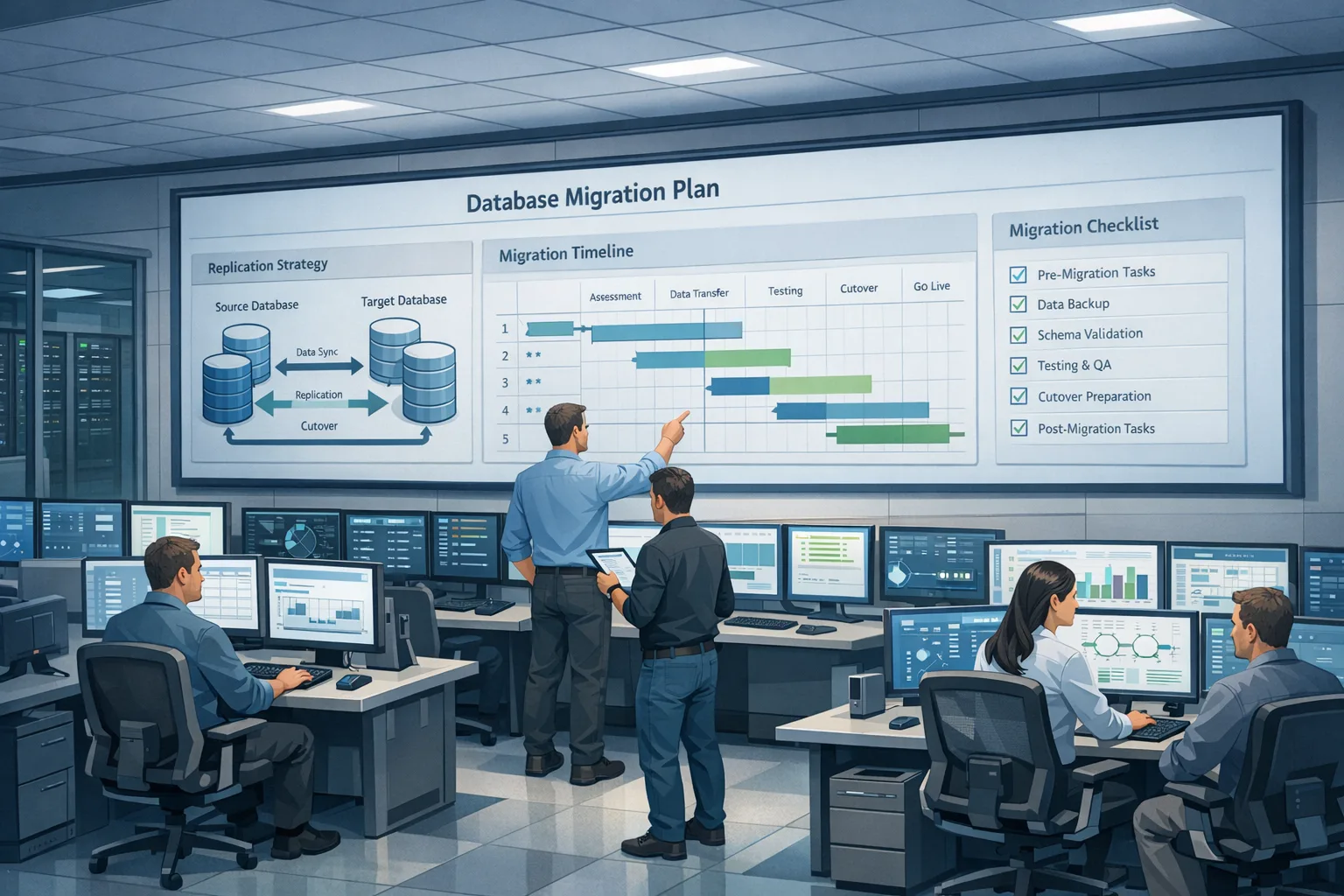
PostgreSQL 19 upgrade planning shouldn’t be a 2 a.m. fire drill. With general availability planned for September 2026, you’ve got just enough runway to test, stage, and roll out without drama—if you start now. The release tightens logical replication workflows, tweaks vacuum behavior, and adds instrumentation that makes slow I/O visible before users feel it. Here’s what’s actually changing and a pragmatic way to ship it safely.
PostgreSQL’s official roadmap targets the next major release for September 2026 (the project typically aims for a mid‑September Thursday). Beta builds are already out, so you can validate on staging ahead of GA. (postgresql.org)
What’s actually new in Postgres 19?
Let’s skip the fluff and focus on the features you’ll notice in day‑to‑day ops and during an upgrade window.
Logical replication you can enable without a restart
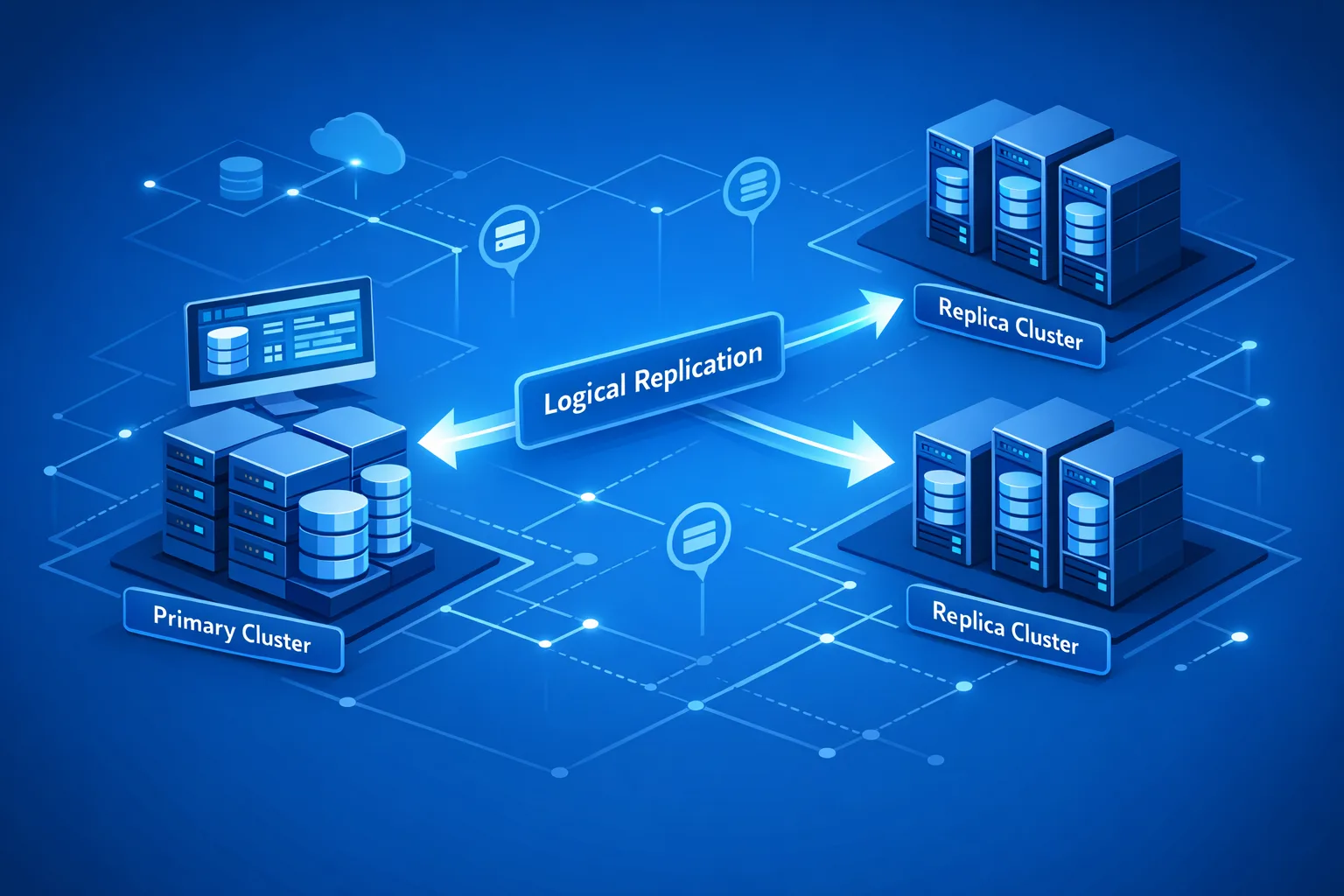
PostgreSQL 19 makes it possible to turn on logical replication without bouncing the server, removing a long‑standing operational paper cut. That’s a big deal for rolling upgrades and phased migrations. (postgresql.org)
Vacuum behavior that reduces future work
Vacuum tuning has been a perennial topic. In 19, the engine introduces changes aimed at reducing future vacuum work, helping busy clusters stay ahead of bloat under write‑heavy loads. If autovacuum has ever chased its tail on your biggest tables, you’ll want to test this early. (postgresql.org)
Smarter foreign data wrapper pushdown
If you federate queries, postgres_fdw in 19 can push down more operations (including certain array comparisons) and better leverage remote statistics, shrinking cross‑server traffic and planner guesswork for distributed joins. (postgresql.org)
Better observability: I/O wait events for COPY and timing controls
You’ll gain new I/O wait events for COPY to pinpoint where bulk loads or extracts stall. There’s also finer control over timing sources for EXPLAIN (ANALYZE), which helps make perf studies more consistent across environments. (postgresql.org)
Unicode and auth cleanups that may ripple into your stack
The release updates Unicode data to 17.0, and it continues the move away from legacy RADIUS‑over‑UDP paths that were previously called out as insecure. If you rely on ICU collations or legacy auth proxies, include them in your smoke tests. (postgresql.org)
Key dates, support window, and what they mean
Here’s the timeline that matters for planning:
• Beta 1 landed June 4, 2026; Beta 3 shipped August 13, 2026. GA is planned for September 2026. That gives most teams one sprint to validate and one to ship, assuming you parallelize workstreams. (postgresql.org)
• Like other majors, PostgreSQL 19 will be supported for five years from initial release. If you’re on 14 or earlier, your clock is already ticking; align this upgrade with deprecation budgets. (postgresql.org)
PostgreSQL 19 upgrade: your step‑by‑step plan
Upgrades succeed or fail on preparation. Use this checklist with owners and dates; treat it like a mini‑project, not a ticket.
1) Inventory and risk map
Start with an inventory that covers: server versions, OS/kernel, instance types, storage class, extensions (and their versions), FDWs, maintenance jobs, and app features that lean on collation‑sensitive text or time zones. Note anything that compiles C code, touches replication slots, or depends on ICU versions—these are your fragile points when Unicode data changes. (postgresql.org)
If you don’t have this metadata at your fingertips, we routinely assemble it for clients during discovery. See our data platform modernization services to shortcut the grunt work and get a risk matrix you can act on.
2) Choose the upgrade strategy per cluster
You have three realistic paths:
• pg_upgrade (in‑place or with file links) for the fastest cutover when you can afford a brief maintenance window and your extensions are compatible.
• Logical replication for near‑zero downtime migrations between old and new major versions. Postgres 19’s ability to enable logical replication without restart reduces prep friction on busy primaries. Sequence synchronization fixes in late betas also address edge cases that previously surprised teams during cutover. (postgresql.org)
• Dump/restore for smaller databases or when you need a clean slate. It’s slower, but it’s the most portable when you’re also changing platforms.
Regardless, Postgres requires one of these paths for a major upgrade—you can’t “apt upgrade” your way across major versions. Build time for this into your sprint. (postgresql.org)
3) Build a representative staging environment
Clone production schema and a recent data slice into staging on 19. If you can’t move PII, generate statistically similar synthetic data and ensure index/selectivity patterns resemble prod. Warm caches by replaying a sample of prod traffic for 30–60 minutes before each benchmark run.
4) Rehearse the cutover
For pg_upgrade, script: disable jobs, stop apps, checkpoint, pg_upgrade --check, backup catalogs, upgrade, analyze, re‑enable jobs, and health checks. For logical replication, script: create the new cluster, enable pub/sub without a restart on the source, backfill, verify lag windows, cut write traffic, sync sequences, switchover, then decommission the old cluster after a read‑only soak. Track it as a runbook with operator prompts and timing expectations. (postgresql.org)
5) Validate extensions and FDWs early
Extensions are the number‑one source of last‑minute rollbacks. Confirm support for 19 with your vendors and maintainers. If you federate queries, retest postgres_fdw plans; array operation pushdown can change join orders and cardinality assumptions, often for the better—but verify. (postgresql.org)
6) Revisit vacuum and autovacuum settings
Postgres 19’s vacuum improvements don’t eliminate the need for sane thresholds. After upgrading, review table‑level overrides, autovacuum_vacuum_scale_factor, and autovacuum_naptime on your heaviest writers. Watch pg_stat_all_tables and pg_stat_user_tables for relpages and dead‑tuple trends over a full business cycle, not just a day. (postgresql.org)
7) Add new observability to your dashboards
Expose the new COPY I/O wait events to Grafana (or your tool of choice) and annotate the upgrade date on your charts. Update your runbooks to include the timing source knob for benchmark consistency across environments. (postgresql.org)
8) Collations and Unicode gotchas
If you rely on ICU collations for user‑facing sort orders, test for collation version drift after the Unicode 17 update. In some setups, indexes on text/citext with locale‑sensitive ordering may need rebuilds to stay correct. Bake this check into your smoke tests. (postgresql.org)
Performance wins you can bank after the upgrade
Here’s where I’ve seen quick returns on fresh majors, and Postgres 19 raises the ceiling further:
• Distributed reads via postgres_fdw get faster when array filters and more predicates push down to the remote server. Less data shipped; fewer CPU cycles burned on the coordinator. (postgresql.org)
• ETL and bulk ingest diagnostics improve thanks to the new COPY I/O wait events. You’ll finally see whether slowness is CPU, disk, or network constraint, and fix the right bottleneck. (postgresql.org)
• Benchmarks become more reliable with the timing clock control for EXPLAIN (ANALYZE), yielding less noisy before/after studies when you compare 14/15/16 against 19. (postgresql.org)
People also ask
Do I need a dump/restore for a PostgreSQL 19 upgrade?
No, not necessarily. Major upgrades require pg_upgrade or logical replication (or dump/restore). Choose based on your downtime budget, extension needs, and risk tolerance. There’s no one‑click in‑place major upgrade. (postgresql.org)
Can I do a near‑zero‑downtime cutover?
Yes—logical replication is the path. PostgreSQL 19 reduces friction by letting you enable it without restart and tightening sequence sync behavior present in recent betas. The trick is to rehearse the cutover and cap write traffic during the switchover window. (postgresql.org)
Will my extensions and drivers just work?
Usually—but verify. Track vendors’ 19‑compatibility statements and pin versions in staging. Expect driver updates in polyglot stacks. If an extension lags support, ring‑fence the feature or plan a temporary workaround.
Risk zones and how to defuse them
• Extension drift: Maintain a lockfile (even a simple manifest) for extension versions per environment. Fail CI if drift appears.
• Replication slots: Stale logical slots can hoard WAL and spike storage costs during rehearsals. Monitor slot lag and prune unused slots before and after testing.
• Collation mismatches: Test text‑heavy queries with realistic datasets; reindex as needed where ICU versions changed. (postgresql.org)
• Vacuum regressions: Watch dead tuples and autovacuum activity post‑cutover. If churn spikes, lower scale factors on the hot tables only; don’t blunt‑force global settings. (postgresql.org)
A practical, one‑week rehearsal plan
Day 1: Clone prod schema and a recent sanitized data slice to staging on 19. Stand up app containers against it. Create publication/subscription or prepare pg_upgrade dry run. (postgresql.org)
Day 2: Run top 20 business‑critical queries with EXPLAIN (ANALYZE); capture timings under consistent timing source. Compare to prod baselines. (postgresql.org)
Day 3: Exercise the biggest batch jobs and ETL flows; watch the new I/O wait events for COPY to catch slow disks or network. (postgresql.org)
Day 4: Full dress rehearsal of the chosen upgrade path. Time each step; add automatic backstops (timeouts, alerts).
Day 5: Fault injection: kill a replica during backfill, throttle disk, force a network blip. Confirm rollback procedures and RTO/RPO against SLOs.
Day 6: Extension and FDW pass. Confirm postgres_fdw plans and cardinality with array pushdown enabled. (postgresql.org)
Day 7: Executive readout with a green/red list, expected impact, and go/no‑go criteria.
What this means for managed Postgres
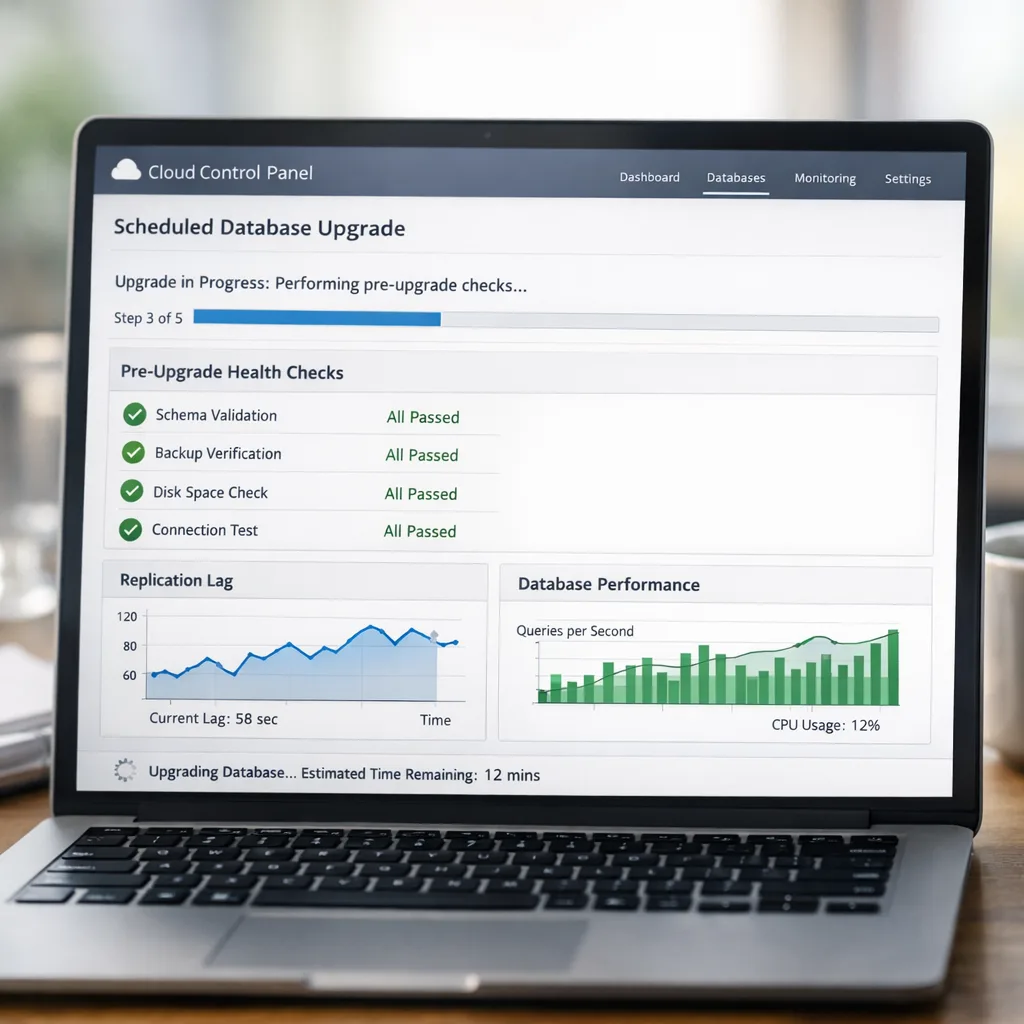
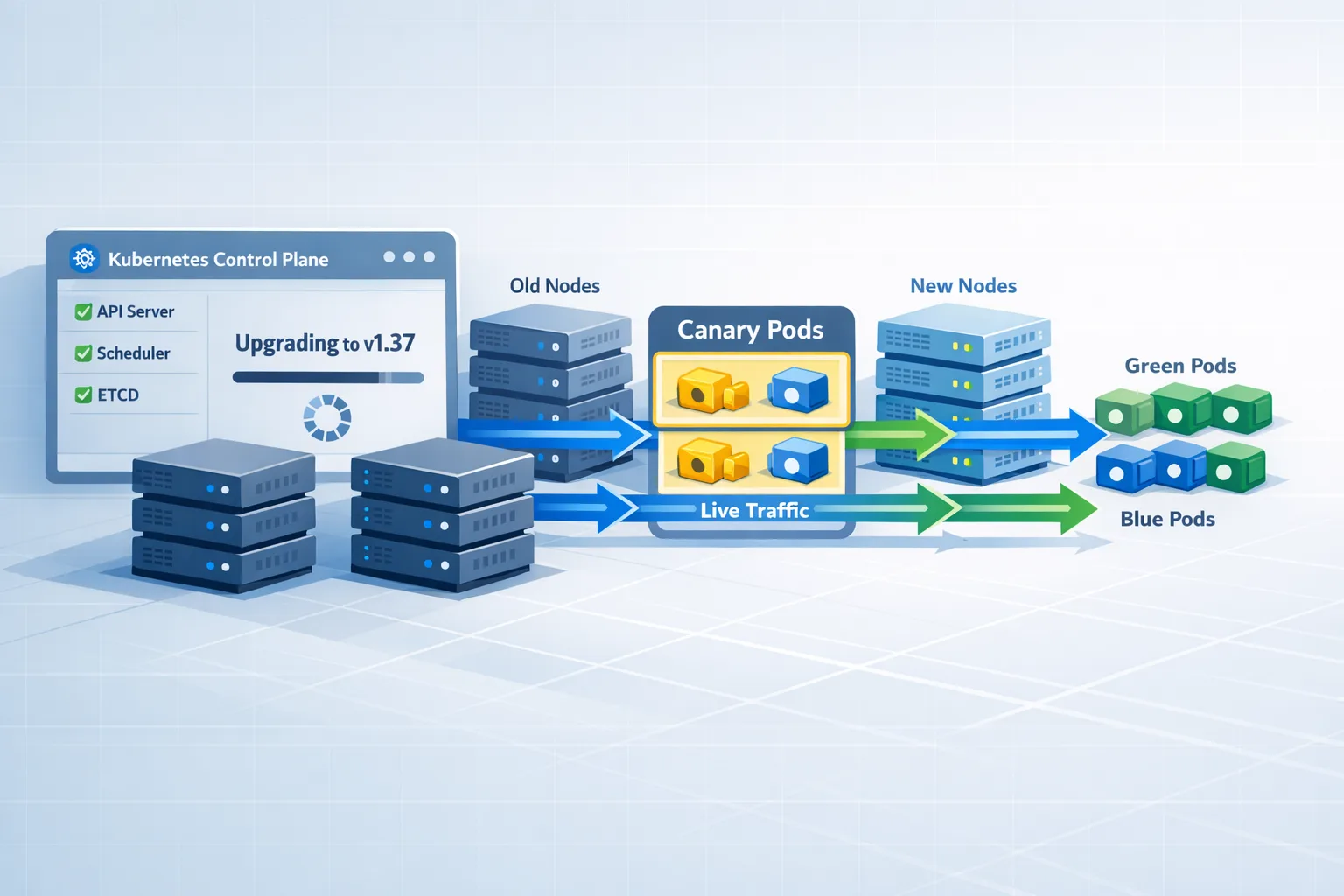
If you’re on a managed service, the provider’s upgrade cadence might trail GA by weeks. Use the time to rehearse and to negotiate maintenance windows aligned to your traffic valleys. When they offer blue/green or logical‑replication‑backed cutovers, opt in—19’s features make these paths smoother than past majors. (postgresql.org)
Operational guardrails to keep
• Always tag your metrics with the upgrade date. Future you will thank present you when chasing a performance blip.
• Keep the old cluster read‑only for at least one business cycle after cutover. It’s cheap insurance against missed edge cases.
• Store runbook outputs (timings, logs, pg_upgrade reports) in your knowledge base. They’ll pay off at the next major.
Why decide now?
Two reasons. First, the GA window is tight; leaving testing for “after GA” stacks risk into Q4 deliverables. Second, 19 meaningfully improves things you actually feel in production: less friction to enable logical replication, more useful I/O diagnostics, and vacuum behavior that can reduce churn on hot tables. Those are tangible wins. (postgresql.org)
What to do next
• Kick off a 60‑minute scoping call to map your clusters and pick an upgrade path. If you want help, start here: how we plan and ship platform upgrades.
• Run the 7‑day rehearsal in staging while 19 is in beta/RC. Use our checklist above and capture timings.
• Close the extension gap. File tickets with vendors this week if 19 support is pending.
• Schedule the prod window, then automate the runbook so the final cutover is boring.
We’ve helped teams ship similar upgrades on predictable sprint schedules. If you want a partner for the heavy lifting—risk analysis, rehearsal design, or the final cutover—reach out via our contact page, browse our recent projects, or subscribe to the bybowu blog for fresh playbooks as GA lands.






Comments
Be the first to comment.