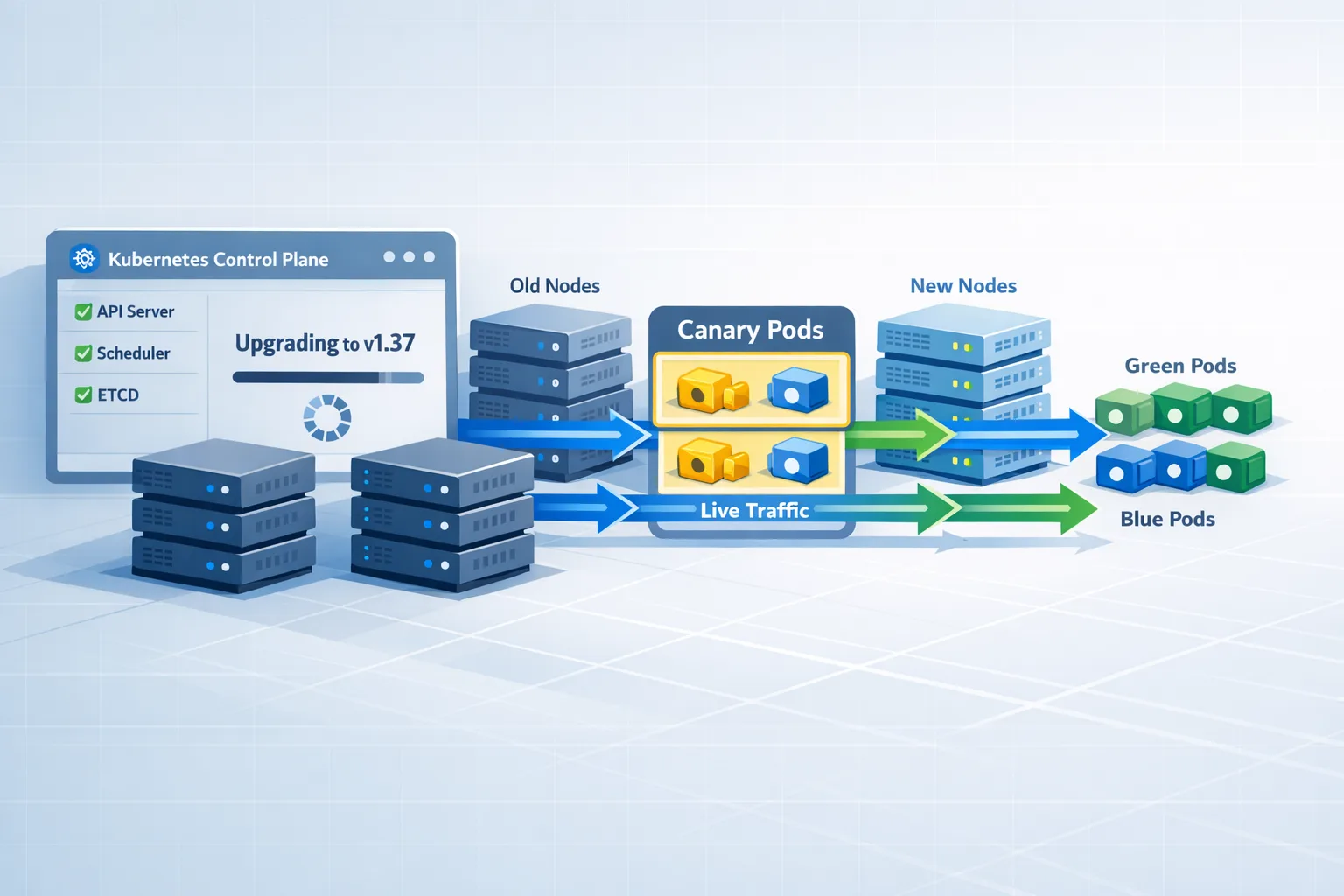
Kubernetes 1.37 Upgrade: What to Test by Aug 26
Kubernetes 1.37 upgrade planning isn’t optional if you run production clusters—the release is targeted for Wednesday, August 26, 2026, and the smartest teams start testing weeks before GA. This guide lays out a pragmatic, developer‑first plan to validate your workloads, de‑risk deprecations, and get a clean rollout path instead of a late‑night fire drill.
What’s shipping when? A quick 1.37 timeline
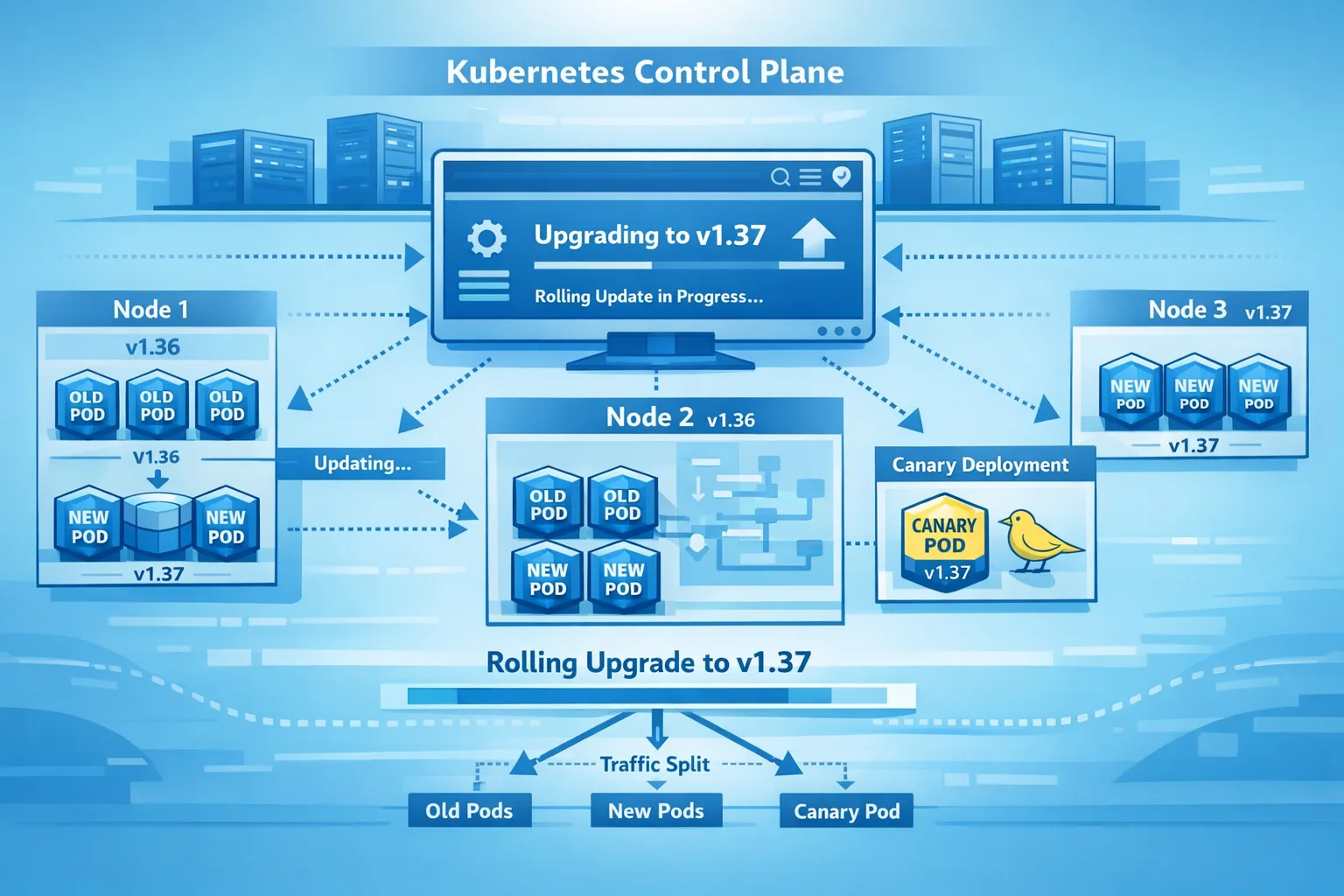
Dates matter. The v1.37 release train has been in motion since mid‑May with enhancements tracked publicly. The target GA is August 26, 2026. Expect a routine code‑freeze window in the final weeks and last‑minute stabilization patches. If you’ve been through a few cycles, you know the drill: the week before GA isn’t the time to discover a workload depends on a removed beta API.
Translation for platform teams: you’ve got a short runway to finish risk‑based testing, harden your rollback plan, and line up maintenance windows with application owners.
Zooming out: why 1.36 still shapes your 1.37 plan
Here’s the thing—successful upgrades are compounding work. Kubernetes 1.36 (released April 22, 2026) shipped meaningful changes that many clusters haven’t fully absorbed yet. If you’re coming from 1.34 or 1.35, you’re testing 1.37 against a moving baseline:
• Device Resource Assignment (DRA) kept maturing in 1.36, with better ergonomics for claiming and scheduling specialized hardware (GPUs, NPUs, DPUs). If you run AI/ML or media workloads, your 1.37 tests should include DRA behavior under contention and eviction scenarios.
• Legacy cleanup accelerated. The long‑deprecated gitRepo volume plugin is gone; make sure any relic clone‑on‑start patterns are replaced with init containers or sidecars (git‑sync, artifact pulls). Services using spec.externalIPs are on a deprecation runway—don’t wait for the removal release to redesign exposure. EndpointSlice continues to be the direction of travel for service discovery; minimize any direct coupling to the classic Endpoints API.
Point is, 1.37 won’t be an isolated event. If you haven’t paid down the 1.36 backlog, build that into your schedule now.
Kubernetes 1.37 upgrade checklist (use this as your runbook)
Below is the playbook I hand teams. It’s opinionated, but it’s built from real upgrades across regulated and high‑traffic environments.
1) Establish version skew boundaries and order of operations
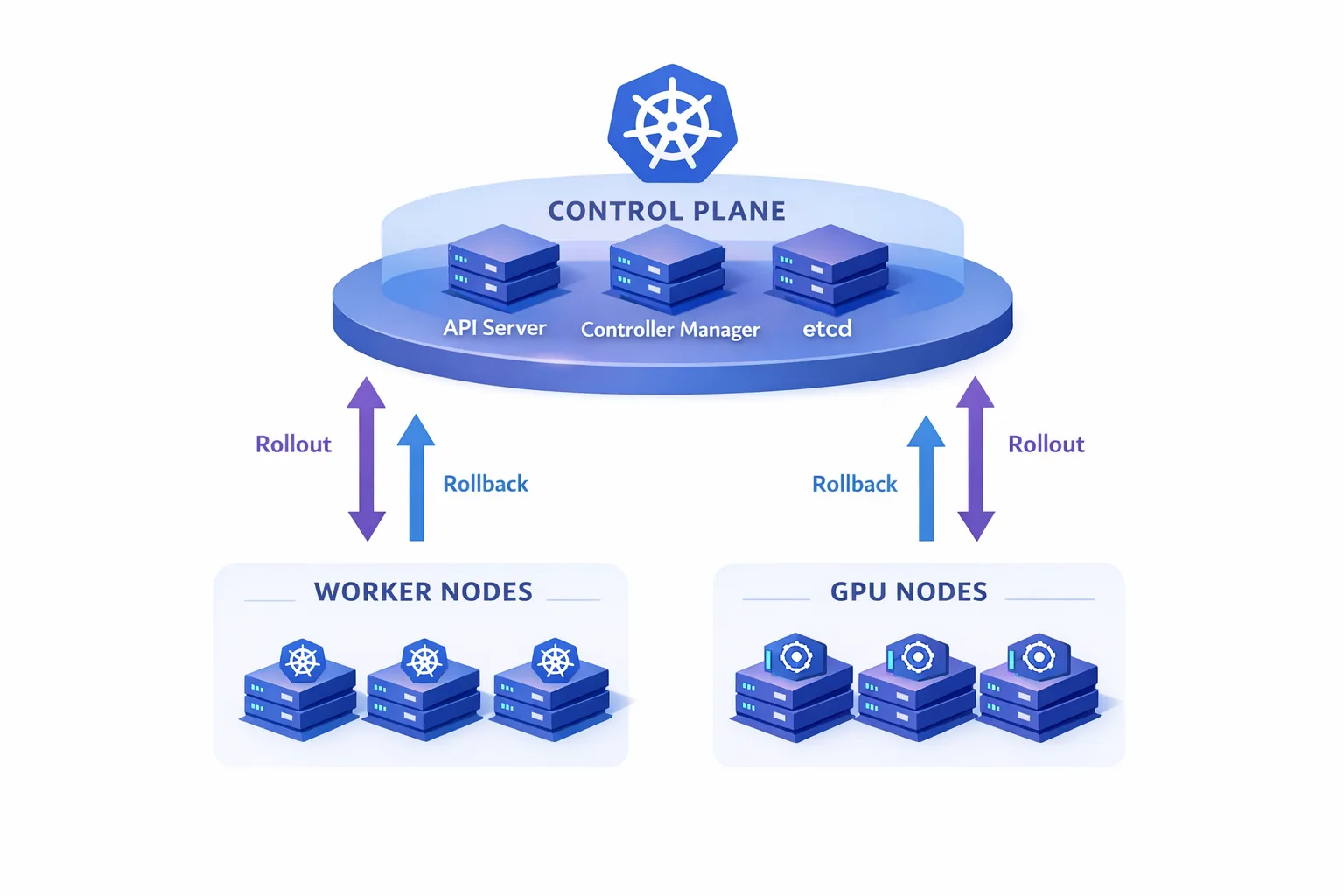
Respect the upstream version‑skew policy. Upgrade the control plane first, then nodes. Keep kubelet within the allowed minor‑version window of the API server, and don’t let kubectl drift beyond supported skew. Practically, I stage API servers in pairs (or triples) with surge control to preserve quorum and audit latency SLAs, then drain/autoscale nodes in batches.
2) Inventory feature gates and assumptions
Feature gates are where surprise breakage hides. Export your current gates from the API server, controller manager, scheduler, and kubelets. For each non‑default gate you’ve used in 1.34–1.36, document the 1.37 default and target behavior. Pay close attention to anything around namespaces, security, and scheduling (for example, UserNamespaces behavior, PSS enforcement paths, and DRA features moving stages). Remove obsolete gates so you aren’t pinning yourself to behavior that no longer exists in 1.37.
3) Run an API and schema precheck on manifests
Lint and validate every rendered manifest, not just raw Helm/Kustomize inputs. The right target is what the cluster will actually see after templating. In CI, render your full deployment graphs against a 1.37 API schema and fail the build on:
• usage of removed/renamed fields
• deprecated API versions scheduled for removal in the near term
• reliance on classic Endpoints where EndpointSlice is required or strongly preferred
If you maintain internal platforms, add an admission policy that soft‑blocks risky API versions during the test phase so teams feel the pain early.
4) Performance smoke tests: schedule, preemption, and noisy neighbors
Scheduling is where subtle 1.37 differences will show up first. Reproduce real queue pressure using production‑like priority classes and PodDisruptionBudgets. Look for:
• delayed starts on GPU workloads with ResourceClaims
• unexpected preemption impacting latency‑sensitive pods
• pod startup regressions when images are cold (measure from Pending→Ready)
Keep a simple SLO sheet: median and p95 time‑to‑Ready for three representative workloads (CPU‑bound stateless, stateful storage‑bound, GPU‑bound). You want deltas under 5% from your 1.36 baseline.
5) Network readiness: service discovery and traffic exposure
Validate that your service discovery path is aligned with EndpointSlice, not direct Endpoints. Run canaries for east‑west traffic with network policies enforced, then blue/green your north‑south path. If you ever used spec.externalIPs for a quick escape hatch, rip the band‑aid off now and standardize on LoadBalancer, NodePort + L7 ingress, or Gateway API. Capture the change as a platform pattern so teams stop reinventing exposure on every service.
6) Storage sanity: CSI, snapshots, and quotas
Roll a set of focused storage tests: volume resize in place, snapshot/restore of a small PVC, and stress on your busiest StorageClass. Check enforcement of storage quotas and failure modes when the CSI driver is temporarily unavailable. On upgrades with multiple az/zone topologies, track latency across failovers—especially if your app relies on ReadWriteMany semantics.
7) Security: PSS, UserNamespaces, SELinux labeling, and logs
Security changes sneak in as defaults. Re‑confirm Pod Security Standards enforcement and exceptions. If you’re adopting UserNamespaces, test images that assume root privileges or write access to root‑owned paths; fix manifests rather than bypassing constraints. Validate SELinux mount‑labeling on volumes with a couple of realistic RW paths. Finally, ensure your system log query paths still work—teams often discover they depended on a disabled kubelet toggle or a non‑default flag.
8) Data plane rollouts and rollback design
Don’t roll everything at once. For worker nodes, batch by fault domain (AZ, rack, or node pool) and keep buffer capacity for rescheduling. Set explicit SLO guardrails: if p95 latency exceeds your threshold or error rate doubles, halt and roll back. Practice a full rollback once on a staging cluster—including etcd snapshot restore, if that’s part of your playbook.
9) GPU and AI workloads: DRA‑first thinking
If you schedule accelerators, stop treating them as pets. Model every GPU allocation through ResourceClaims, and instrument queue times and evictions. Test mixed‑priority jobs; make sure your platform can preempt or requeue long jobs when interactive or latency‑sensitive ones arrive. Confirm your device plugin and driver combo against a 1.37 node image before you ship.
10) Compliance and audit
Many orgs forget this until change control pushes back. Draft a one‑pager for auditors with: target date (August 26, 2026), risk analysis (top 3), mitigation steps (tests you ran), and rollback. Attach a sanitized upgrade log from staging that shows the steps and timings. Ship it through your normal approval flow now—so your window doesn’t slip later.
People also ask: will Kubernetes 1.37 break my workloads?
It doesn’t have to. Most breakage comes from two patterns: relying on deprecated APIs/flags that finally disappeared, or running into behavior changes you never tested under load. Do the manifest precheck, the scheduling smoke test, and one realistic failover simulation. If you’re green on those three, the odds of a production incident drop dramatically.
What’s the safest path from 1.34/1.35 to 1.37?
If you’re on 1.34, consider a two‑hop plan: 1.34→1.36, soak, then 1.36→1.37. That keeps you within supported skew for control plane and kubelets and gives you a clean spot to fix 1.36 deprecations before adding another set of variables.
How long can we stay on 1.36?
Upstream supports minor releases for roughly 14 months via patch streams. That’s generous—don’t use it as an excuse to stall. The later you move, the more provider images, drivers, and Helm charts you’ll have to jump in one go.
A four‑week, real‑world 1.37 prep plan
Assuming you start this week, here’s a time‑boxed plan you can hand to your team leads.
Week 1: Baseline and inventory
• Snapshot current cluster metrics, API usage, and feature gates.
• Render manifests to 1.37 schemas and gate on deprecations.
• Align owners: app teams, platform, SRE, and security. Pick a canary service and a data‑bearing service for testing.
Week 2: Test under pressure
• Schedule contention and preemption tests; measure time‑to‑Ready deltas.
• Run storage snapshot/restore and PVC resize drills.
• If you use GPUs, exercise ResourceClaims under eviction and requeue.
Week 3: Failure rehearsal
• Simulate a control‑plane hiccup (roll API servers with surge).
• Drain two worker batches; confirm PDBs and HPA behavior.
• Validate north‑south traffic flip via blue/green or Gateway API cutover.
Week 4: Paperwork and production guardrails
• Finalize change tickets with the evidence you gathered.
• Freeze surprise variables: pin driver versions, node images, and Helm chart commits.
• Cut the playbook: exact order, health checks, abort criteria, and rollback steps.
Platform patterns you’ll reuse next quarter
Upgrades reveal gaps you can convert into reusable platform patterns:
• Exposure standard: ban ad‑hoc external IPs; publish a blessed path for exposure (LoadBalancer or Gateway API) with examples and IaC modules.
• Schema guard: CI job that renders every service’s manifests against the next minor’s OpenAPI schema and fails on deprecations.
• Soak SLOs: document “normal” pod startup medians and p95s by workload type; alert if post‑upgrade deltas exceed 5%.
What about managed Kubernetes?
AKS/EKS/GKE will surface 1.37 on their own timelines, but the prep work doesn’t change. In fact, it matters more: providers may couple the Kubernetes bump with new base images, driver stacks, or ingress/controller defaults. Keep your own compatibility matrix and test against provider‑specific node images as soon as previews are available.
Gotchas I keep seeing (and how to avoid them)
• Unowned feature gates: Someone flipped a gate last year and left; now the team can’t explain the behavior. Fix with an owner registry—gate, component, owner, decision date.
• Hidden Endpoints coupling: A job reads Endpoints objects directly; the team thought they were “just using DNS.” Audit for direct API usage and migrate the code to EndpointSlice or a library that abstracts it.
• GPU drift: Users install their own device plugins in namespaces. Centralize plugins/drivers at the node pool level and front GPU allocation with ResourceClaims so you can reason about capacity.
Let’s get practical: a preflight command set
Here are starter commands I drop into a cluster prep repo:
• Capture gates and versions: export flags from control plane manifests and kubelets; track in git.
• Render and validate: run your Helm/Kustomize pipelines to a temp dir; validate manifests against a 1.37 API schema; fail on deprecations.
• Workload probes: record pod startup times for three representative services; repeat on a 1.37 staging cluster; compare medians/p95s.
• Network drill: exercise blue/green or Gateway API cutover for a public‑facing service; measure error budgets during the switch.

What to do next
• Book your change window today for the week of August 26, 2026.
• Stand up a staging cluster or a dedicated node pool on 1.37 RCs as soon as they appear; run the Week 2/3 drills there.
• Replace any lingering externalIPs usage and routinize EndpointSlice‑based discovery.
• If you schedule GPUs, refactor allocation around ResourceClaims and test preemption.
• Write your rollback on paper. If your team can’t follow it at 2 a.m., it’s not ready.
Where we can help
If you want a partner to own the prep, drills, and production cutover, our team has shipped dozens of no‑drama upgrades across fintech, health, and SaaS. See our client case studies, browse our engineering blog, or tap our cloud modernization and DevOps services to turn this runbook into a crisp execution plan. Prefer to DIY with a template? Our upgrade playbook format is a good starting point to adapt for Kubernetes.
Ship the Kubernetes 1.37 upgrade like the platform pro you are: sober prep, realistic tests, clear guardrails, and no surprises.






Comments
Be the first to comment.