Node.js Release Schedule Just Changed: What Now
The primary keyword here is node.js release schedule, and the headline news is big: Node.js is moving to one major release per year, and every release will be Long‑Term Support (LTS). If you run JavaScript in production, this policy change—announced on March 10, 2026—affects how you plan upgrades, test dependencies, and budget engineering time. Add the hard stop that Node.js 20 hits end of life on April 30, 2026, and you’ve got a tight runway to make the right move.
What exactly changed in the Node.js release schedule?
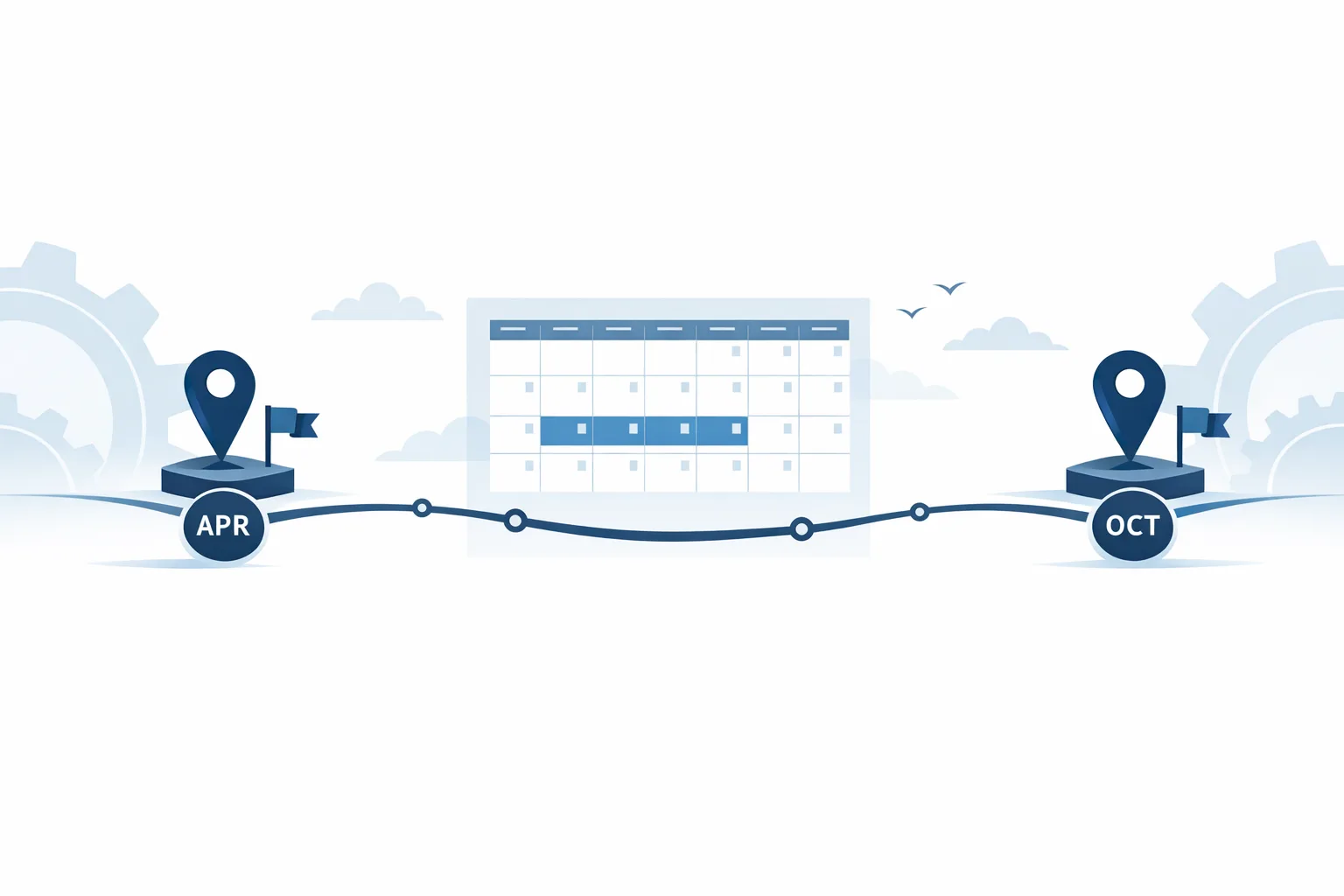
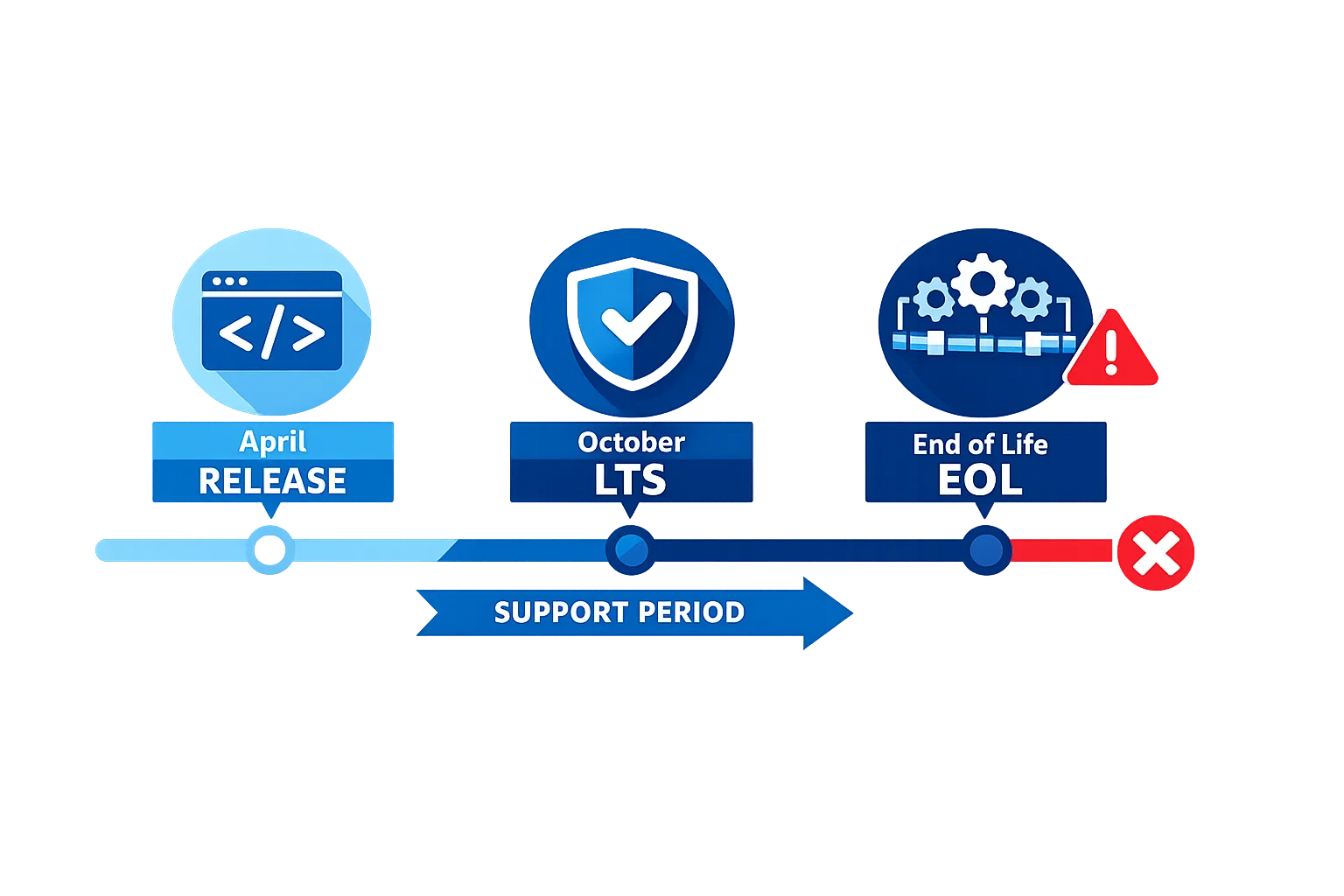
Historically, Node.js cut two majors per year: odd-numbered in October (not LTS) and even-numbered in April (promoted to LTS in October). That pattern created confusion and extra maintenance overhead. Starting with the 27.x line, Node.js will ship one major per year (April), promote that same line to LTS in October, and maintain LTS for roughly 30 months. There’s also a new Alpha channel each October for library authors to begin compatibility testing well before April.
Key takeaways you can plan around, with concrete dates:
- Node.js 20 EOL: April 30, 2026. Security updates stop from the project on that date.
- Node.js 24: Active LTS since October 28, 2025; it’s the safest target for most teams right now.
- Node.js 26: Due April 2026 under the old model; it becomes LTS in October 2026.
- Node.js 27: First line under the new “one major per year” model—Alpha starts October 2026, release April 2027, LTS in October 2027.
Practically, this change removes the “odd versions you skip” era. If you upgrade on an annual cadence, the version you adopt each year will be LTS within six months and stay supported long enough to carry you to the next annual major.
What does this mean for your 2026 roadmap?
Here’s the thing: timelines collide this spring. If you’re still on Node 20 in March, you have to move. For most production apps, shipping to Node 24 LTS now is the least risky option. If you absolutely must wait, you could move to Node 22 LTS as a smaller step; it remains supported until April 2027, buying time through another fiscal cycle. But adopting 24 gives you longer runway and alignment with managed platforms that already default to 24.x.
In other words: do not wait for Node 26 in April to solve an immediate compliance problem. It won’t be LTS until October 2026, and many enterprises (and third‑party vendors) flag “Current” lines as not allowed for production baselines.
How long will Node.js 22 and 24 be supported?
If you like precise dates (you should), plan around these windows:
- Node.js 22: Released April 2024, LTS since October 2024, Maintenance LTS since October 2025, EOL April 2027.
- Node.js 24: Released May 2025, LTS since October 2025, with support through April 2028.
These spans reflect the standard ~30‑month LTS pledge and keep your security posture coherent with the ecosystem. Many vendors (cloud runtimes, APM agents, SDKs) align their support to the Node project’s dates, so staying inside those windows reduces surprise breakage.
People also ask: should we wait for Node.js 26?
Short answer: not if you’re on Node 20 today. The moment Node 20 crosses April 30, 2026, you’re on your own for fixes. If your policies require LTS, 26 won’t qualify until October 2026. Unless there’s a must‑have feature in 26 that you’ve already validated in pre‑release builds, target 24 now and evaluate 26 once it’s LTS. That keeps 2026 stable and sets you up for a measured 2027 jump to 27.x LTS.
What breaks when moving from Node 20 to 22 or 24?
Upgrading within the LTS track is usually smooth, but a few areas deserve real testing:
1) ESM and package exports
If you’ve been straddling CommonJS and ESM, re‑check your package.json type field and exports map. Tools that relied on implicitly resolvable file extensions or deep imports may fail under stricter resolution rules.
2) Built‑in Web APIs
Node 22 and 24 strengthen parity with the web platform. The standard fetch(), Web Streams, and the native WebSocket client are production‑ready. That’s good news—fewer third‑party shims—but you should remove redundant polyfills and re‑baseline your HTTP timeouts and backoff behavior, since implementations can differ from your old libraries.
3) Permission Model
The Permission Model—experimental in Node 20—matured to stable in Node 22.13. If you enable it (recommended for zero‑trust CI and hardening production workers), expect to explicitly allow file system paths, network hosts, and environment variable access. Many test suites need small tweaks once permissions are enforced.
4) Test runner
Node’s built‑in test runner is stable (Node 20+). Migrating from Jest or Vitest reduces toolchain complexity, but you’ll want to re‑map features like watch mode, coverage reporters, and mocking semantics. Teams that moved saw faster startup and simpler configs, though some advanced mocking flows differ.
5) CI images and runners
Cloud images roll forward quickly. Several CI providers have already announced deprecations for Node 20 on hosted runners aligned to the April 2026 EOL. Lock your CI to an explicit 22.x or 24.x image and schedule the switch rather than letting it surprise you mid‑sprint.
Choosing your target: 22 LTS vs 24 LTS
When I coach teams through this, I use three questions:
- How much change can your critical path tolerate before Q2 ends?
- Do you depend on packages with known issues on 24 but verified on 22?
- Will your platform of choice (Lambda, Beanstalk, App Service, Heroku, containers) default you to 24 anyway?
If your stack is conservative and you’re inside a regulated environment with tight change controls, jump to 22 now and book the 24 move for summer. Everyone else: go straight to 24. You’ll avoid a double hop and get the longer support tail through April 2028.
A practical upgrade framework you can run this week
Let’s get practical. Here’s a framework we’ve used across monorepos and microservices to land major Node upgrades with minimal churn.
The 7‑S Switch Plan
- Survey: Inventory all deployable units and shared packages. Record current Node version, package manager version, and runtime (container base image, serverless runtime, or buildpack). Include CI images and local dev containers.
- Smoke: Add a matrix job that runs your test suite on Node 22 and Node 24. Capture failures and flaky tests. Don’t merge anything yet—collect data first.
- Shims: Remove unnecessary polyfills (
fetch, streams, WebSocket), and codemod ESM/CJS imports for consistency. Add lightweight adapters only where truly required. - Security: Trial the Permission Model in CI with strict defaults, then gradually add allow‑lists. This catches risky filesystem or network access in test code before production.
- Stage: Pick a canary service and switch its prod runtime to the target Node version (22 or 24). Watch p95/p99 latency, memory, and GC pauses for a week. Tweak thread pools and keep‑alive settings if needed.
- Standardize: Update your organization’s
.nvmrc, container base images, and CI runner images to the chosen version. Document this in your engineering handbook and lock it in pre‑commit or CI checks. - Ship: Flip the rest of the services in small batches. Keep a rollback path (previous container image or runtime alias) for at least two releases.
If you need a sharper 30‑day sprint version, we wrote a focused playbook you can adapt: try the 30‑day Node.js upgrade game plan and keep your risk within one release cycle.
Budget and staffing: how the annual LTS model changes the math
Annual majors simplify planning. Instead of two risky windows per year, you’ll book one “platform upgrade” quarter. That shift helps finance and security teams forecast, and it reduces the carry cost of backporting. Here’s how I’d staff it:
- Assign an “LTS captain” (one senior dev) who owns the April upgrade each year and tracks Alpha/LTS milestones starting October.
- Budget a two‑sprint buffer for dependency fixes and re‑baselining your CI runners and container images.
- For regulated apps, add a formal rollback drill: snapshot the old baseline, then practice the roll‑forward and rollback in a staging environment.
If you’re light on internal bandwidth, our team can help you evaluate the tradeoffs and ship the upgrade with minimal downtime—see what we do for engineering teams and our services built around release and security readiness.
People also ask: is Node.js 24 safe for production?
Yes—Node 24 is Active LTS and broadly deployed across managed platforms. The bigger risk isn’t Node itself; it’s an untested edge in your dependency graph. That’s why the matrix test (22 and 24) is step two in the framework. If a package breaks only on 24, freeze on 22 for that service while you patch upstream or pin versions, but keep the rest of the org moving to 24.
People also ask: how do the new Alphas affect my team?
Alphas start each October and are meant for library maintainers and CI compatibility checks. If you publish packages, add the upcoming Alpha to your CI matrix by default. For application teams, it’s optional but useful: you’ll learn about runtime deprecations and V8 changes months before April, which makes the April upgrade far less dramatic.
Risk zones and edge cases to test
No two estates are identical, but in real migrations we keep tripping the same wires:
- Native add‑ons: If you depend on prebuilt binaries, the first upgrade attempts will fail on fresh architectures or glibc versions. Prefer packages that ship
node-addon-apiand rebuild cleanly. - HTTP stack: Keep‑alive and header normalization differences between legacy clients and the fetch/Web Streams world can nudge timeouts and retry loops. Monitor upstream error rates post‑cutover.
- Timezone and ICU: Containers with slim locales sometimes regress date formatting or collation. Make your ICU data choice explicit and add snapshot tests around formatting critical paths (e.g., invoices).
- Security posture: If you enable the Permission Model, some test code will legitimately write outside your fixture directories or reach out to localhost. Expect to tame a few tests, not rewrite them.
How the schedule change intersects with Node 20 EOL
There’s a catch: the schedule simplification doesn’t delay the April 30, 2026 EOL. If you’re reading this in March, treat EOL as a compliance and security deadline. Cloud vendors and CI providers typically move in lockstep with Node EOL dates; you’ll start seeing warnings or hard failures on Node 20 images soon after the cutoff. Make the upgrade plan part of your sprint goals now, not in late April.
Need a deeper, time‑boxed plan tied to April 30? Use our practical guide to ship your Node.js 20 upgrade by April 30, 2026, or our perspective on why locking down the runtime is a security win in itself: upgrade to 22/24 the smart way.
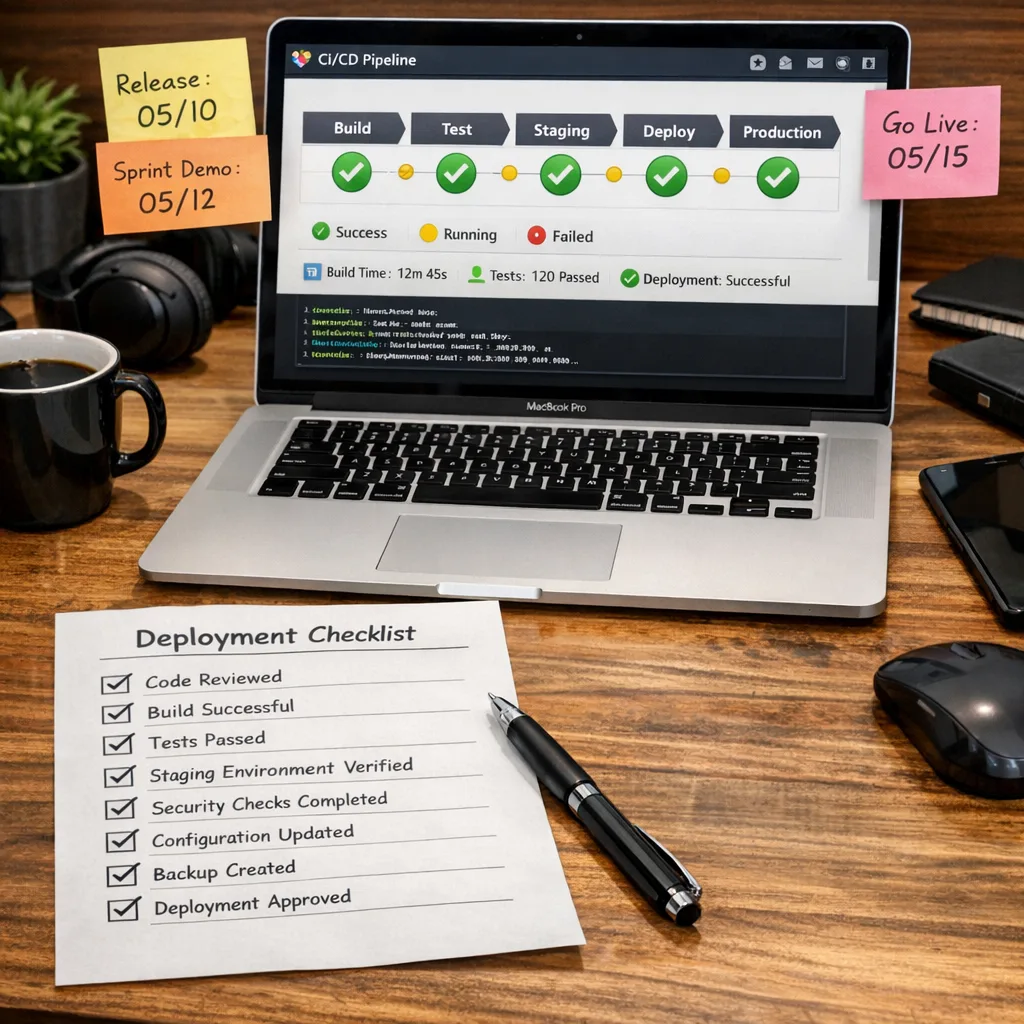
A concrete checklist: your 14‑day pre‑cutover
When you’re inside two weeks of go‑live, add this pre‑flight:
- Freeze dependency updates except targeted fixes for Node 22/24 compatibility.
- Lock CI to explicit Node images and pin container base images by digest.
- Warm canary pools to avoid cold‑start bias when measuring perf.
- Trace one golden path per service through synthetic checks, then watch those traces through rollout.
- Backups and rollbacks rehearsed. Keep the last known‑good image available for a week.
- Stakeholders briefed with exact dates: April 30, 2026 cutoff for Node 20; your internal cutover window; a no‑deploy freeze buffer day.
FAQ: will my package manager or npm scripts change?
Your package manager choice won’t force the timing. But Node 22+ includes conveniences like node --run for invoking package.json scripts, which can simplify containers and CI. Test it on a branch before swapping all npm run calls—consistency matters more than saving a few keystrokes during a cutover.
What to do next
- Decide this week: target Node 22 LTS or Node 24 LTS for each service.
- Add a CI matrix for Node 22 and 24, gather failures, and triage.
- Schedule a canary rollout on one production service and measure p95/p99.
- Enable the Permission Model in CI; fix legitimate permission denials early.
- Block upgrades to Node 26 until it becomes LTS in October 2026 (unless you’ve validated a must‑have feature).
- Put the annual April upgrade milestone on your team calendar now; start Alpha testing each October.
If you’d like a second set of eyes on your plan—or you want someone to just run point and ship—reach out via our contact page. We’ve helped teams move entire estates off aging LTS lines without firefighting weekends.
Zooming out, the new node.js release schedule is a welcome simplification. One major per year, Alphas to smooth out ecosystem breakage, and every release becoming LTS fits how most organizations actually operate. In the very near term, though, April 30, 2026 is the date that matters. Make your move now, measure carefully, and you’ll be ready not only for this year’s changeover but for a calmer, more predictable rhythm every April and October from here on.









Comments
Be the first to comment.