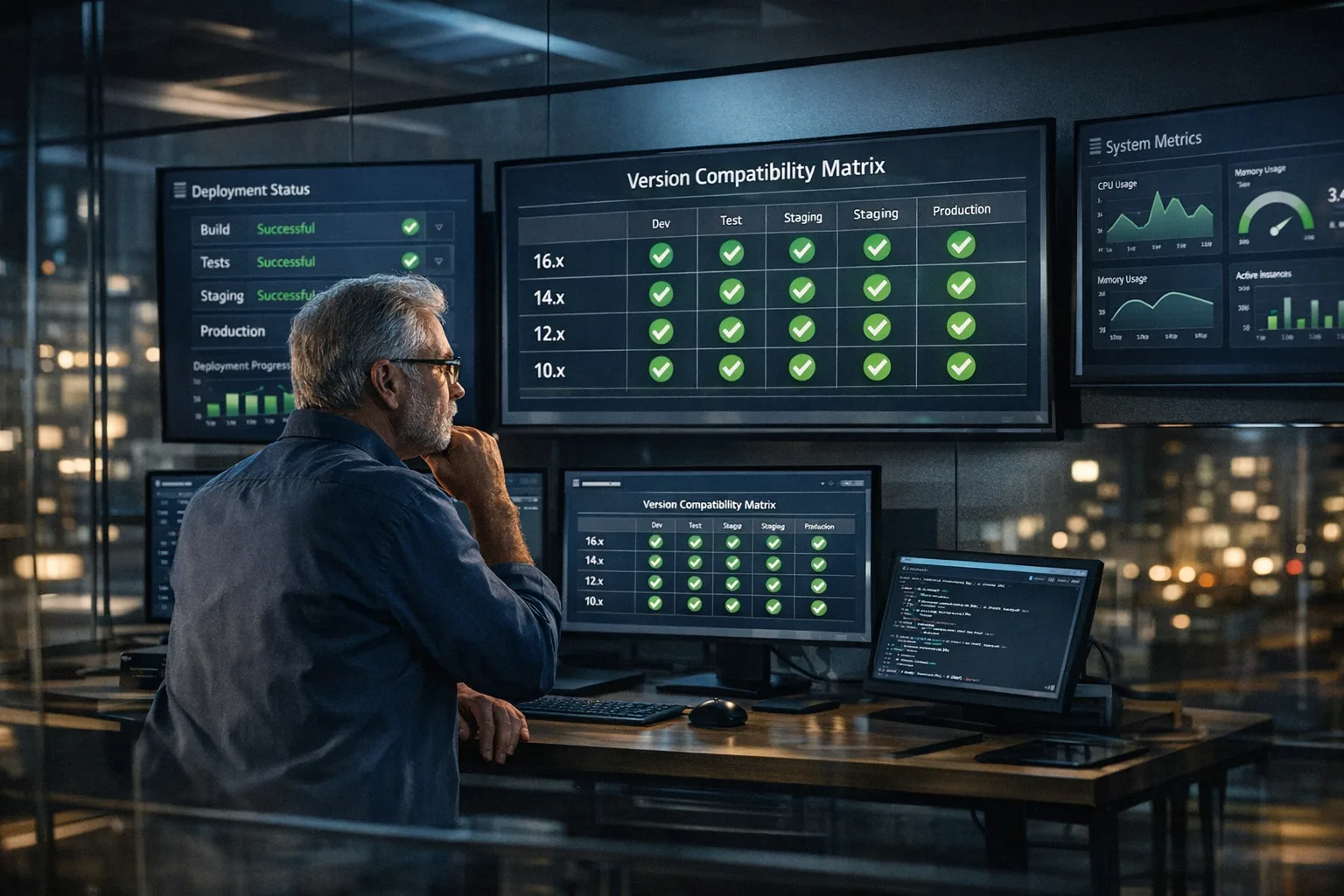
Node.js 20 EOL: Upgrade to 22/24 the smart way
Node.js 20 EOL arrives on April 30, 2026. Treat it as an opportunity, not just a fire drill. The right move to Node.js 22 or 24 can harden your security posture, speed local feedback loops, and even reduce tooling complexity. Below is a battle-tested plan that pairs zero-downtime pragmatism with new platform wins—namely the stable permission model in 22 and native TypeScript execution—so you ship faster and sleep better. (github.com)

The dates and versions that actually matter
Here’s the thing: platform timelines drive your risk more than your code does. Mark these on the wall calendar.
• Node.js 20 end of life: April 30, 2026. After that, no security fixes from the project. Plan your production cutover before that date. (github.com)
• Node.js 22: current LTS and widely available across major infra, including AWS Lambda. If you need the safest landing zone with long vendor support, 22 is an easy call. (aws.amazon.com)
• Node.js 24: moved to LTS on October 28, 2025 (“Krypton”) and is supported into April 2028. If you want a longer runway and newer runtime internals, aim for 24. (nodejs.org)
• AWS Lambda: Node.js 20 support ends April 30, 2026, with deprecation and blocking dates following later. AWS’ docs show slightly different follow-up dates across pages; the safest reading is to plan for AWS enforcement soon after EOL. Node.js 22 and 24 runtimes are available. (docs.aws.amazon.com)
Node.js 22 vs 24 in 2026: which should you pick?
Short answer: pick 22 if you want the most conservative move; pick 24 if you want the longer LTS horizon and you’re comfortable validating a few more changes in pre‑prod. Both are solid for production this year.
- Risk tolerance: 22 has been LTS longer and is broadly exercised. Great for estates with many services. (aws.amazon.com)
- Runway: 24 buys you support into April 2028. That’s two extra years of breathing room. (nodejs.org)
- Infra parity: Managed platforms now expose 22 and 24 runtimes. Check your specific region and tooling plugins. (aws.amazon.com)
- Security posture: 24 ships on a newer OpenSSL line and continues to receive hardening. If you maintain internal cryptography standards, this matters. (nodejs.org)
My rule of thumb for large fleets: standardize new services on 24, migrate critical revenue paths to 22 first (fewer surprises), then consolidate the rest on 24 over the next quarter as your golden images mature.
Turn EOL into an upgrade dividend
Lock down runtime with the Node permission model
Node’s permission model moved from experimental to stable in the Node 22 line. When you launch with --permission, the runtime denies file system, child process, worker, and network access unless explicitly allowed. It’s not a silver bullet for malicious code, but it’s a powerful “seat belt” to prevent accidental overreach and tighten blast radiuses in production. Start small by enabling it in CI test jobs and for certain scripts in staging; then scope allow-lists (--allow-fs-read, --allow-child-process, etc.) per service. (nodejs.org)
Native TypeScript: fewer moving parts, faster feedback
As of Node 22.18.0, you can run many .ts files directly—type annotations are stripped by default. For everyday scripts, build tooling, or dev servers, that removes an entire class of loader config and cuts the cold-start time for contributors. You’ll still want tsc for type checking and certain features, and there are constraints (no .tsx, limited transforms without flags), but it’s a quality-of-life upgrade you’ll feel on day one. (nodejs.org)
Watch mode is stable
Watch mode (node --watch) is now stable in 22, which tightens local change cycles and complements native TS nicely. If your team relies on nodemon or custom watchers, now’s a good time to simplify. (nodejs.org)
The “Zero‑Drama” upgrade flow
Here’s a sequencing model we’ve used on fleets from a handful of services to a few hundred. Adjust scope, not order.
- Inventory and segment. Group services by external exposure, data classification, and traffic. Identify “paved road” stacks and the stragglers (native modules, exotic build steps, legacy frameworks).
- Pick your landing version. For top-line revenue flows and security-sensitive apps, target Node 22 first; for greenfield or low-blast-radius services, target 24. Document the default and the exceptions. (aws.amazon.com)
- Freeze surprise vectors. Pin Docker base images and package manager versions. Make the upgrade repeatable in CI before touching prod. If you deploy on Lambda, select the new runtime in a staging alias early. (aws.amazon.com)
- Cut a feature branch per service. Bump Node version, upgrade dependencies, regenerate lockfiles, and rerun build steps. If you compile native addons, rebuild and run minimal smoke tests.
- Turn on watch mode locally. Replace ad hoc watchers to reduce developer friction while fixing deprecations and test expectations. (nodejs.org)
- Trial the permission model in CI. Run test suites with
--permissionto discover hidden file writes, unexpected network calls, or child process spawns. Start allow-listing intentionally—then codify flags inpackage.jsonscripts. (nodejs.org) - Use native TypeScript where it helps. For build scripts and dev tooling, run
node some-script.ts. Keeptscin the loop for type checking and advanced TS features. (nodejs.org) - Soak in pre‑prod. Ship canaries behind a small percentage of traffic or a dedicated staging environment connected to real dependencies. Capture latency and error-rate deltas for at least a full traffic cycle.
- Roll out with guardrails. Use progressive delivery: 5% → 25% → 50% → 100%, with automatic rollback on SLO breaches. On Lambda, promote an alias gradually and keep the previous runtime as a hot rollback option for a defined window. (aws.amazon.com)
- Standardize images. Once the first movers are stable, bake golden images (or base layers) for Node 22 and 24 with the exact OS, OpenSSL, and package manager versions you validated. Share them across teams. (nodejs.org)
- Consolidate and delete branches. Remove drift by moving stragglers to the same golden base, or document why divergence remains. Drifts multiply toil during the next EOL cycle.
- Institutionalize the win. Add checks for Node version drift, permission flags in CI, and a quarterly runtime review to your engineering playbook.
What can break—and how to catch it early
Most Node 20 → 22/24 bumps are smooth, but three classes of issues keep showing up:
• Dependency edges. Older libraries that assume different fs behaviors, Buffer defaults, or network stack quirks can throw you off. Let CI run with the permission model first to surface hidden assumptions. (nodejs.org)
• Cryptography and TLS defaults. Newer OpenSSL builds in Node 24 may enforce stricter defaults. If your estate includes legacy endpoints or pinned cipher suites, validate end-to-end early. (nodejs.org)
• Serverless metadata. If you’re on Lambda, double-check runtime identifiers, region availability, and tooling (CDK/Serverless Framework) support for 22/24 before you schedule the big switch. (aws.amazon.com)
People also ask
When is Node.js 20 EOL?
April 30, 2026. That’s the project’s official date—plan your last production cutover before then to avoid running unpatched code. (github.com)
Should I jump to Node.js 22 or 24 in 2026?
If you value maximum stability, go 22. If you want the longest support window and are willing to validate a bit more, go 24. Many teams standardize new services on 24 and migrate the rest to 22 first, then converge. (nodejs.org)
Will the permission model break my app?
It can—by design—if your app writes to disk, spawns processes, or makes network calls you didn’t expect. Start by enabling it in CI and staging to build a minimal allow-list. It’s stable in Node 22 and safe to adopt incrementally. (nodejs.org)
What about AWS Lambda timelines?
Plan as if Lambda will move quickly after April 30, 2026. AWS’ pages cite the Node 20 support end on that date and outline follow-up deprecation and blocks; because documentation can vary, target an internal deadline earlier than AWS’ latest cutover. Node 22 and 24 are available runtimes today. (docs.aws.amazon.com)
A practical pre‑upgrade checklist
- Confirm target versions (22 and/or 24) and update your engineering standards doc. (nodejs.org)
- Pin Docker bases and package manager majors; record image digests.
- Map every service to its Node version and runtime (VM, container, Lambda).
- Upgrade test infra to run under the new Node version first.
- Enable watch mode locally and in dev containers for faster loops. (nodejs.org)
- Trial
--permissionin CI; capture denied operations and create minimal allow-lists. (nodejs.org) - Adopt native TypeScript for scripts where it reduces friction; keep
tscin CI. (nodejs.org) - Smoke-test cryptography and TLS paths under Node 24 images if you’re heading there. (nodejs.org)
- For Lambda, validate region support and CDK/Serverless configuration for 22/24. (aws.amazon.com)
- Define a progressive rollout plan with automated rollback and a rollback runtime kept warm for 7–14 days.
Make it painless: templates and golden images
Standardization is how you ship upgrades without heroics. Create golden Docker images for Node 22 and 24 (or golden AMIs/base layers), with your exact OS, OpenSSL, CA bundle, and package manager pinned. Bake in your preferred dev UX: stable watch mode defaults, sensible NODE_OPTIONS, and a convention for --permission flags in npm run scripts. Rebuild them weekly until your migration completes. (nodejs.org)
Want a partner for the heavy lifting?
If you’d rather not reinvent the wheel, our team has shipped dozens of Node upgrades across regulated and high-traffic environments. Start with our zero‑downtime Node.js upgrade guide, then grab the 30‑day migration playbook. If you need hands-on help, see our production‑grade Node upgrades and platform services or just reach out to our team.
What to do next
- Decide: 22 for stability first, 24 for runway next quarter. Write it down.
- Book the window: finish production cutovers before April 30, 2026.
- Spin up staging on the target runtime this week—flip one service.
- Enable the permission model in CI and fix the first three denials.
- Run a native TS script under Node 22+ to trim your toolchain.
Zooming out: runtime upgrades will never be “done,” but they don’t have to be painful. Treat Node.js 20 EOL as the trigger to standardize, simplify, and lock down. Your on-call rotation will thank you.








Comments
Be the first to comment.