
Node.js 20 EOL: The 30‑Day Upgrade Game Plan
Circle this on your wall calendar: Node.js 20 EOL is April 30, 2026. After that date, the 20.x line stops receiving patches. No backported fixes. No CVE remediations. If your production still runs on 20, you have a short runway. This guide gives you a pragmatic path to Node 22 LTS or Node 24 LTS, with a rollout plan you can execute in weeks—not quarters.

Node.js 20 EOL: what changes on April 30, 2026
Here’s the thing: End-of-life isn’t ceremonial. It’s a security and compliance cliff. The Node.js Release Working Group’s schedule puts 20.x (Iron) at end of life on April 30, 2026. Node 22.x (Jod) remains supported through April 30, 2027, and Node 24.x (Krypton) through April 30, 2028. Those dates aren’t just trivia; they define the legal and operational window for many orgs.
Vendors are already moving:
- Cloud and PaaS platforms have standardized on newer LTS lines. For example, mainstream providers ship images and buildpacks that default to 24.x, with 22.x as a safe fallback.
- Serverless runtimes support 22.x and 24.x with published deprecation milestones tied to those EOL dates.
- Electron channels in late 2025/early 2026 bundled Node 22.x and sunset around May 2026, nudging desktop apps to upgrade their runtime along with Chromium.
If you wait, you’ll feel the pain in two places: patch Tuesday turns into “hope Tuesday,” and your CI starts failing as base images, caches, and prebuilt binaries target newer ABI levels. Don’t let that be a midnight page.
Node 22 LTS vs 24 LTS — which should you target?
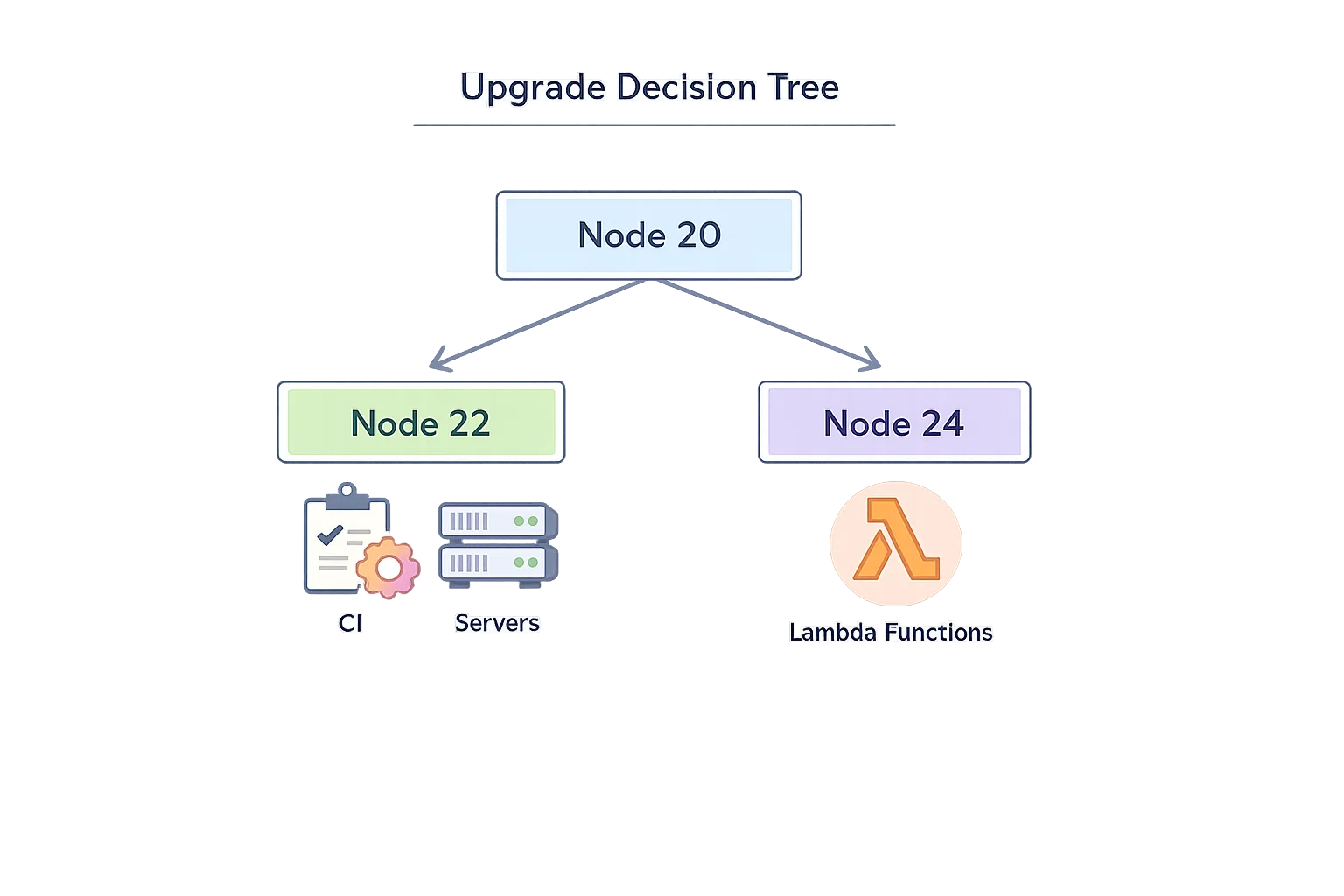
Short answer: if you value maximum runway, pick Node 24 LTS. If you’re mid-release, have strict change windows, or rely on platform support matrices that explicitly pin to 22, target Node 22 LTS for now, but schedule a second hop to 24 within the year.
What’s materially different in 24?
- V8 13.6: Modern JS features (e.g., RegExp.escape, Memory64 in Wasm, Float16Array) and meaningful performance/diagnostics improvements.
- npm 11: Updated CLI behaviors and security hardening. In CI, you’ll notice slightly different warnings and lockfile behavior; pin your npm version if you need repeatability while you adjust.
- AsyncLocalStorage on AsyncContextFrame: Better consistency for request-scoped context—less ghosting and fewer “lost context” edge cases under load.
- URLPattern as a global: No more extra imports; small but pleasant ergonomics boost for routing and edge-style URL matching.
Meanwhile, Node 22 LTS is a very safe landing zone if you can’t move to 24 immediately. You still get modern Fetch/Streams, stable test runner, and, crucially, a stable Permission Model (more on that next). You also inherit a broadly supported ABI for native modules without forcing every downstream system to jump in lockstep.
What about “native” TypeScript support?
Let’s get practical. Node 22+ can execute TypeScript by stripping types at runtime. That’s fast and handy for CLIs, small services, or scripts. But it’s not a full compiler: features that need code transformation (like enum) still require an additional flag or a build step. For production apps you’ll keep one of these patterns:
- Type-stripping only for simple server code and scripts. Add a CI typecheck (
tsc --noEmit) and run with Node directly. - Full transform pipeline (tsc, SWC, esbuild, or bundler) when you need JSX, decorators,
pathsaliases, or advanced TS features. It’s still the right trade-off for many web backends and Electron apps.
Bottom line: the new capability reduces friction, but don’t rip out a reliable build unless you’ve validated cold-starts, type safety, and error surfaces under load.
The Permission Model just graduated—use it
Node’s Permission Model moved from experimental to stable in the 22.x line and is fully available in 24.x. It lets you explicitly allow or deny filesystem, child-process, and network access at runtime. This isn’t a silver bullet, but it shuts down entire classes of supply-chain incidents (think rogue postinstall scripts or unexpected socket calls) and gives your SRE team guardrails when running third‑party scripts in CI.
Practical starter policy:
- Development: allow read in your workspace, block
child_processexcept vetted tools, and restrict outbound network to package registries and company domains. - CI: default‑deny with precise
--allow-fs-readglobs and--allow-child-processonly for linters or build tools. Promote policies via config files so they’re reviewed like code.
Zero‑downtime upgrade playbook (works for monorepos, microservices, and serverless)
Here’s a battle-tested, 10‑step flow we’ve used with product teams shipping weekly:
- Inventory your runtime surface. List every service, job, function, and CLI using Node 20. Include Docker base images, system packages, PM2/forever scripts, and any Electron shell.
- Pick a target and freeze the blast radius. Choose 24 LTS unless a platform constraint forces 22. Freeze feature work touching infra, and branch an
upgrade/node-ltsline. - Update engines and toolchains. Set
"engines"inpackage.json, bumpnodein your Dockerfiles, and pin npm if your CI expects older CLI behavior. Regenerate lockfiles in a clean environment. - Run the CI matrix early. On GitHub Actions, add
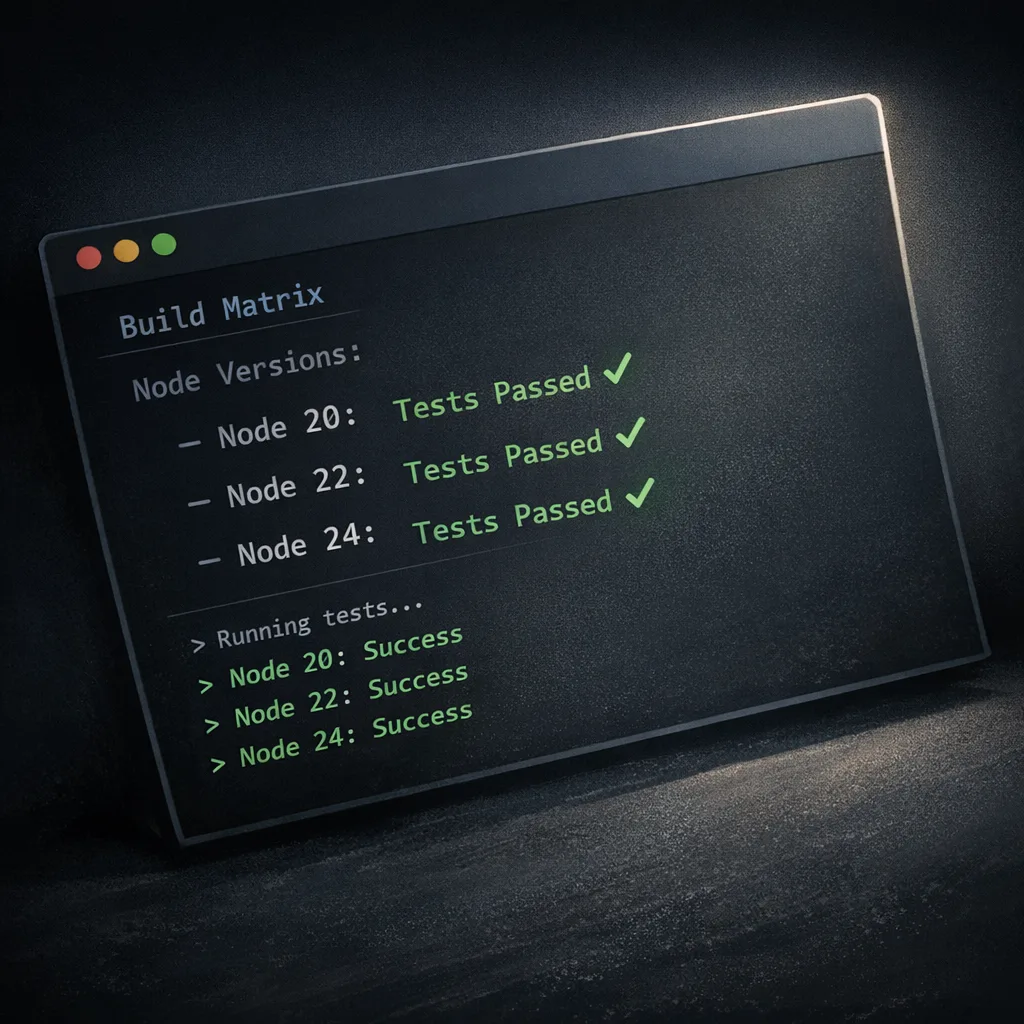
setup-nodeentries for 22.x and 24.x and run unit + integration tests across both. Pin images by digest to avoid surprise minor bumps. - Fix ESM/CJS and file extensions. Clean up ambiguous imports, ensure explicit
.js/.mjsextensions, and remove legacy__dirname/requireshims if you’re fully ESM. - Adopt the Permission Model in CI. Start with read‑only FS and no child processes. Grant narrow exceptions until your pipeline goes green. Keep the policy as code.
- Load and perf test. Capture baseline latency and CPU on Node 20, then compare 22 and 24 with the same traffic profile. Watch GC, AsyncLocalStorage context retention, and any native add-ons.
- Canary and health checks. Roll out to 5–10% of traffic with automatic rollback on error rate, p95 latency, or saturation. For queues, shadow-consume to validate behavior without double-processing.
- Upgrade serverless runtimes deliberately. If you’re on AWS Lambda, move to Node 24 for longevity unless a dependency blocks it. Confirm cold-start numbers and memory tiers before flipping regions.
- Close the loop. Remove Node 20 from CI and prebuild matrices, update developer docs, and open a calendar reminder for the next EOL six months in advance.
CI/CD and cost: avoid surprise bills while you upgrade
Most upgrade pain hides in pipelines. Two tips save money and time. First, cache and pin: use deterministic base images, set up npm ci with a warm cache, and skip audits in short‑lived CI contexts unless you’re doing a security stage. Second, right‑size your runners: if your team runs heavy builds, consider a small pool of ephemeral, autoscaled self‑hosted runners to reduce burst spend while maintaining speed. Our GitHub Actions pricing playbook for 2026 covers workable thresholds and a migration checklist, and the self‑hosted runner pricing guide details when the math flips in your favor.
One more operational note: when you bump Node, you often bump the tooling around it—Playwright, Prisma, sharp, sqlite bindings. Make the toolchain upgrade explicit in your plan so “mysterious” cache misses or ABI changes don’t cascade into flaky jobs.
People also ask
Is it safe to stay on Node 20 after EOL?
No. After April 30, 2026, the line stops receiving fixes. Even if your app looks fine, your attack surface grows each month as new vulnerabilities are disclosed. You’ll also find fewer prebuilt binaries for native dependencies and more CI images that quietly drop 20.x support. If a security review flags “unsupported runtime,” you could be forced into an emergency migration. Choose your chaos: calm, planned change now or a weekend fire drill later.
Should I pick Node 22 LTS or 24 LTS?
If you can ship within a typical two‑sprint window, go to 24 LTS for a support runway through April 2028 and better defaults. If you’re mid‑release with frozen requirements or a platform constraint pins you to 22, move to 22 now to get off 20 immediately. Book a follow‑up milestone to jump to 24 once your dependencies catch up.
Will my Electron app break if I upgrade?
Electron ties Node and Chromium together. Releases around late 2025 bundled Node 22.x and set EOLs in early May 2026. That means shipping a modern Electron bumps your Node too, and that’s fine—just treat it like any other Node jump: rebuild native add-ons, validate packaging, and smoke test auto‑updates across Windows/macOS/Linux. If you’ve pinned an older Electron, check its published EOL; you may be stacking two runtime risks.
We’re serverless. Should we jump straight to Node 24 on Lambda?
Yes, if your libraries support it. AWS offers Node 22 and Node 24 managed runtimes with deprecation timings aligned to language EOL. For most teams, 24 is the better target: one migration now, fewer forced changes later. Do a quick cold‑start and memory profile per function (especially for image, crypto, and headless‑browser workloads) and lock the runtime per region before you roll.
“Don’t make me think” checklist
Want the TL;DR you can paste into a ticket? Copy this:
- Decide target: Node 24 LTS (preferred) or Node 22 LTS (fallback).
- Create
upgrade/node-ltsbranch; setengines.node; bump Docker base; pin npm if needed. - Add CI matrix for 22.x and 24.x; pin images by digest; enable Node’s Permission Model in CI.
- Fix import paths and ESM/CJS seams; rebuild native add-ons; regenerate lockfiles.
- Run perf/load tests on 20 vs target; canary 5–10% with automatic rollback; complete region‑by‑region rollout.
What to do next (this week)
Day 1–2: inventory all Node 20 workloads and pick your target version. Day 3–5: open the branch, fix ESM/file‑extension issues, and get CI green under 22 and 24. Day 6–10: adopt the Permission Model in CI, baseline performance, and ship a canary. Day 11–15: finish the rollout, remove 20.x from build matrices, and update developer docs. For a deeper brief on the timeline and risks, read our Node.js 20 EOL briefing, and if you want help running the playbook across multiple teams, our services team does this routinely.
Zooming out: the best time to modernize your Node toolchain was last quarter; the second best is today. Run the plan, keep the scope tight, and by May you’ll be on a supported LTS with guardrails that make your supply chain and CI meaningfully safer.








Comments
Be the first to comment.