
Node.js 20 EOL on April 30: Ship Your Upgrade Now
Let’s be blunt: the Node.js 20 EOL date is April 30, 2026. That’s 55 days from March 6, 2026. After that, you’re running production on an unsupported runtime—no routine security fixes, dwindling ecosystem support, and platform blocks that will quietly (then loudly) break your deploys. If your estate still leans on 20.x, this piece is your practical blueprint to get to Node.js 22 LTS or newer without drama.

Node.js 20 EOL: the dates that matter
Teams love to argue about what “EOL” really means. Here’s the thing: for Node 20, April 30, 2026 is the line. That’s when the upstream project stops shipping routine security updates for 20.x. If you’re on managed platforms, the clock is even louder:
• AWS Lambda deprecates nodejs20.x on April 30, 2026. Lambda then blocks creating new functions with 20.x on August 31, 2026 and blocks updates to existing functions on September 30, 2026. Those cutoffs catch teams by surprise during a hotfix on a Friday afternoon.
• Node.js 22 is your safe target. It’s LTS and supported until April 30, 2027. If you prefer the longest runway, plan for Node.js 24 LTS once your toolchain is ready.
Why businesses should care (beyond “security patches”)
Security is reason one, but it’s not the only reason. Risk multiplies when: vendors drop Node 20 compatibility from CLIs and SDKs; CI images rotate their defaults; and cloud platforms enforce blocks. Even if your code keeps running, the failure will hit where it hurts—builds that no longer resolve dependencies, container bases that vanish, or a Lambda update you can’t ship during an incident because the runtime is locked.
Target runtime: Node 22 LTS vs. jumping straight to 24
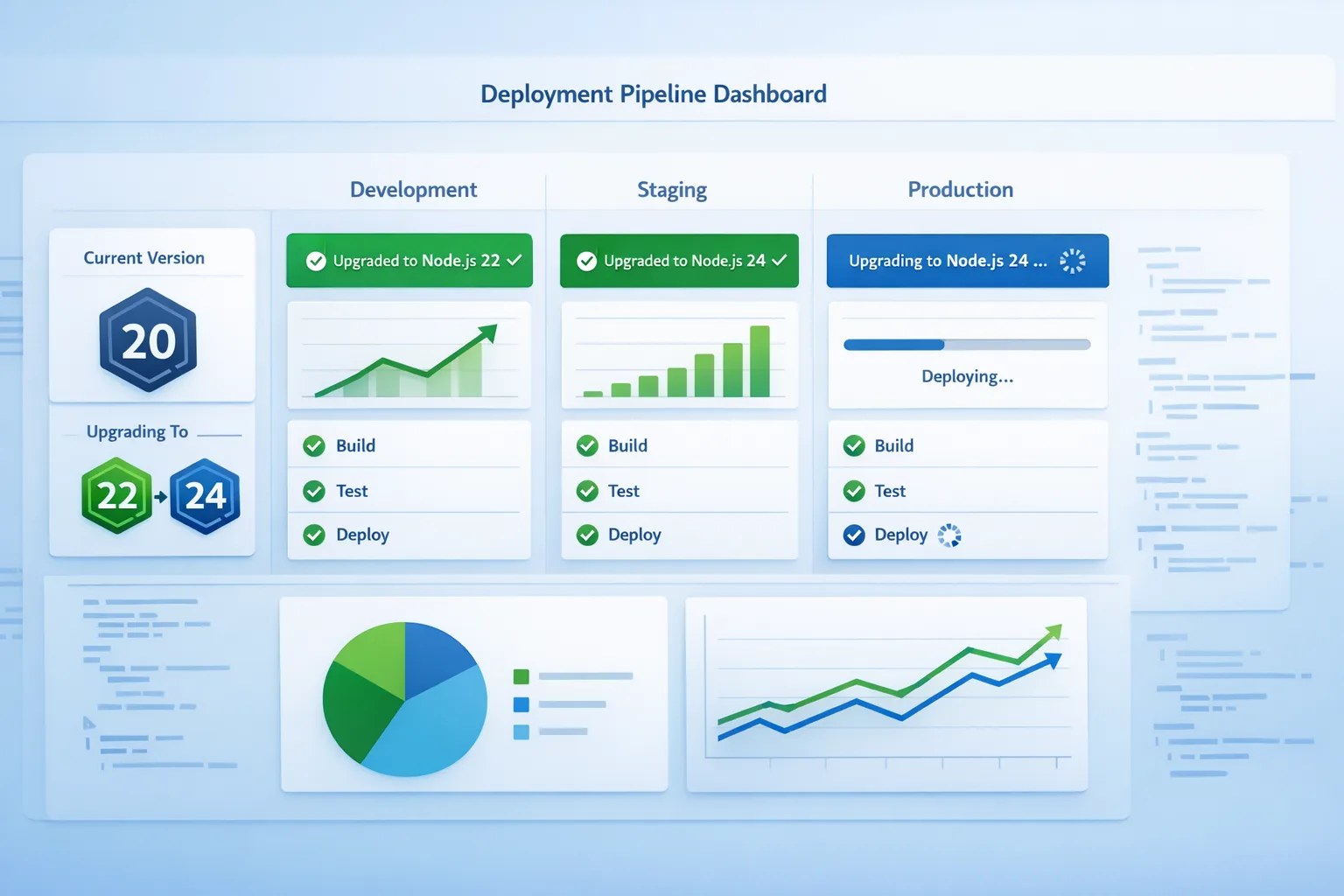
Node 22 LTS is the pragmatic move today: mature, broadly supported, and feature-rich. Node 24 LTS is newer and offers a longer horizon, but gives you less time to smooth ecosystem quirks. My advice for most production shops: land on 22 now, bake your validations, then schedule a smaller, low‑risk step to 24.
What changed between 20 and 22 you’ll actually feel?
• Native TypeScript execution is on by default in 22.18: the runtime strips erasable types when you run node file.ts. It’s convenient but not magic—some TS syntax still needs a transform flag or a traditional build step. Know which one you’re using.
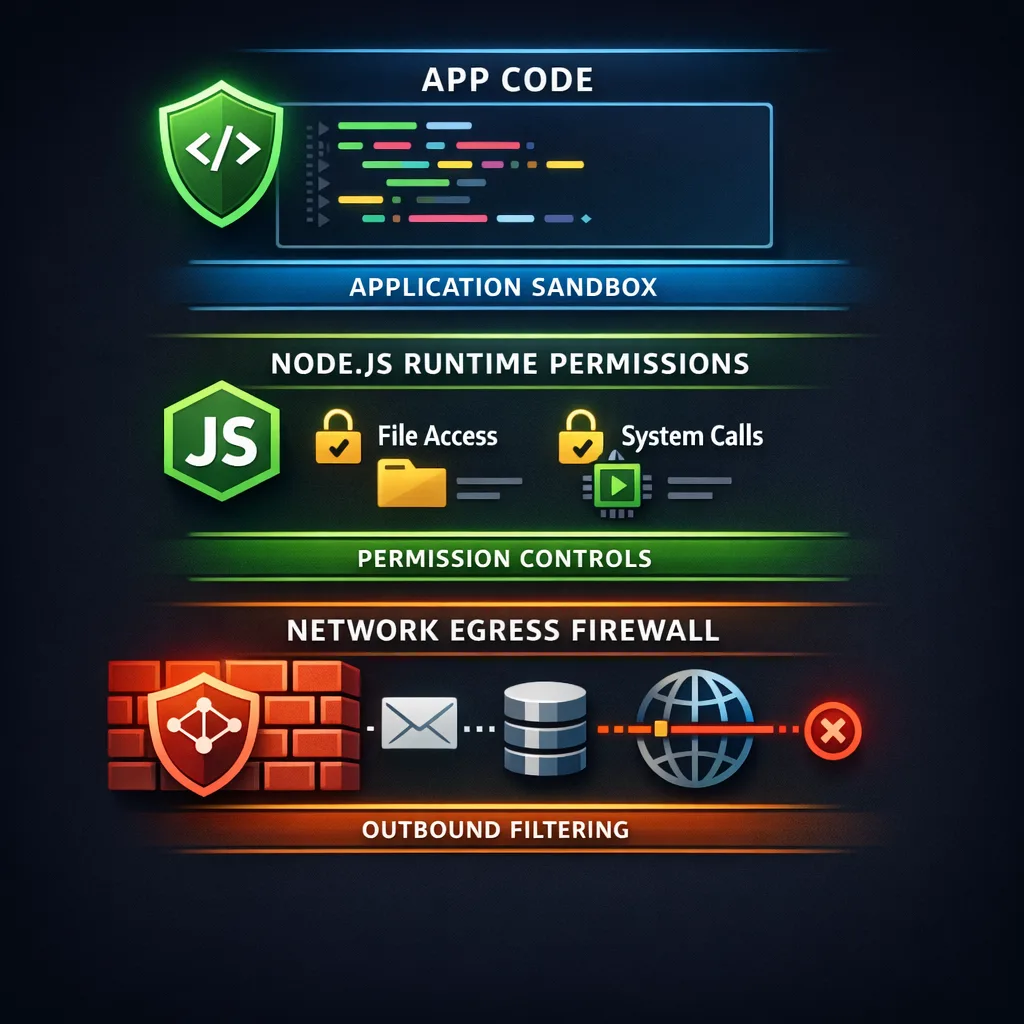
• The Permission Model is stable. You can explicitly lock down filesystem, network, and child process access at runtime with flags like --allow-fs-read and --allow-net. This is real defense in depth for production scripts, CLIs, and CI jobs.
• Tooling churn: updated undici HTTP client, newer V8, and ecosystem packages that assume ESM-first, explicit file extensions, and stricter imports. If you’ve lived on CommonJS forever, test your module boundaries.
A 45‑day upgrade plan you can copy
Here’s a time‑boxed plan that works for product teams and platform squads. Adjust the cadence, not the sequence.
Days 1–5: Discover and freeze drift
• Inventory where Node 20 lives: apps, CLIs, build images, Lambda functions, Dockerfiles, base AMIs, GitHub Actions workflows, Kubernetes Jobs, cron boxes, even one‑off admin scripts.
• Add a guardrail in CI: fail builds if engines.node is set to ^20 or if .nvmrc/.node-version references 20.x.
• Lock external drift: pin base container images and actions that implicitly choose Node versions. For GitHub, prefer actions/setup-node with a specific 22.x line.
Days 6–15: Dual‑run and smoke test on 22
• Spin up parallel CI jobs that run unit and integration tests under Node 22. Capture failures; don’t block main just yet.
• For serverless: clone one low‑risk Lambda to nodejs22.x and hit it with production‑like traffic for 48 hours. Watch cold starts, memory pressure, and SDK behavior.
• Containers: build a staging image with node:22-alpine (or your distro’s 22.x), then run your smoke suite. If you compile native modules, ensure prebuilds exist or that your toolchain is reproducible in CI.
Days 16–25: Fix the usual suspects
• ESM vs CJS edges: if you see ERR_MODULE_NOT_FOUND or file extension complaints, add explicit .js/.ts extensions and confirm "type": "module" where intended. Avoid “fake ESM” shims.
• TypeScript execution: decide if you’ll rely on native type stripping for dev scripts (node script.ts) or keep tsc/tsx for app builds. If you publish packages, still compile to JS for consumers.
• Native modules: for anything using node-gyp/N-API (sharp, canvas, bcrypt, sqlite, etc.), bump to versions with Node 22 prebuilds or ensure your CI has the right headers and compilers. This is the top cause of “works locally, fails in pipeline.”
Days 26–35: Roll out by slice
• Enable Node 22 in pre‑prod and dark‑launch to a small percent of traffic or internal users. Compare latency and error budgets.
• For Lambda, upgrade functions in rings—internal tools first, async processors next, then front‑door handlers last. Use alias traffic shifting with an instant rollback plan.
• Watch logs for permission denials if you turn on the Permission Model in CI or in production shells. Start permissive, then ratchet down.
Days 36–45: Flip the default and retire 20
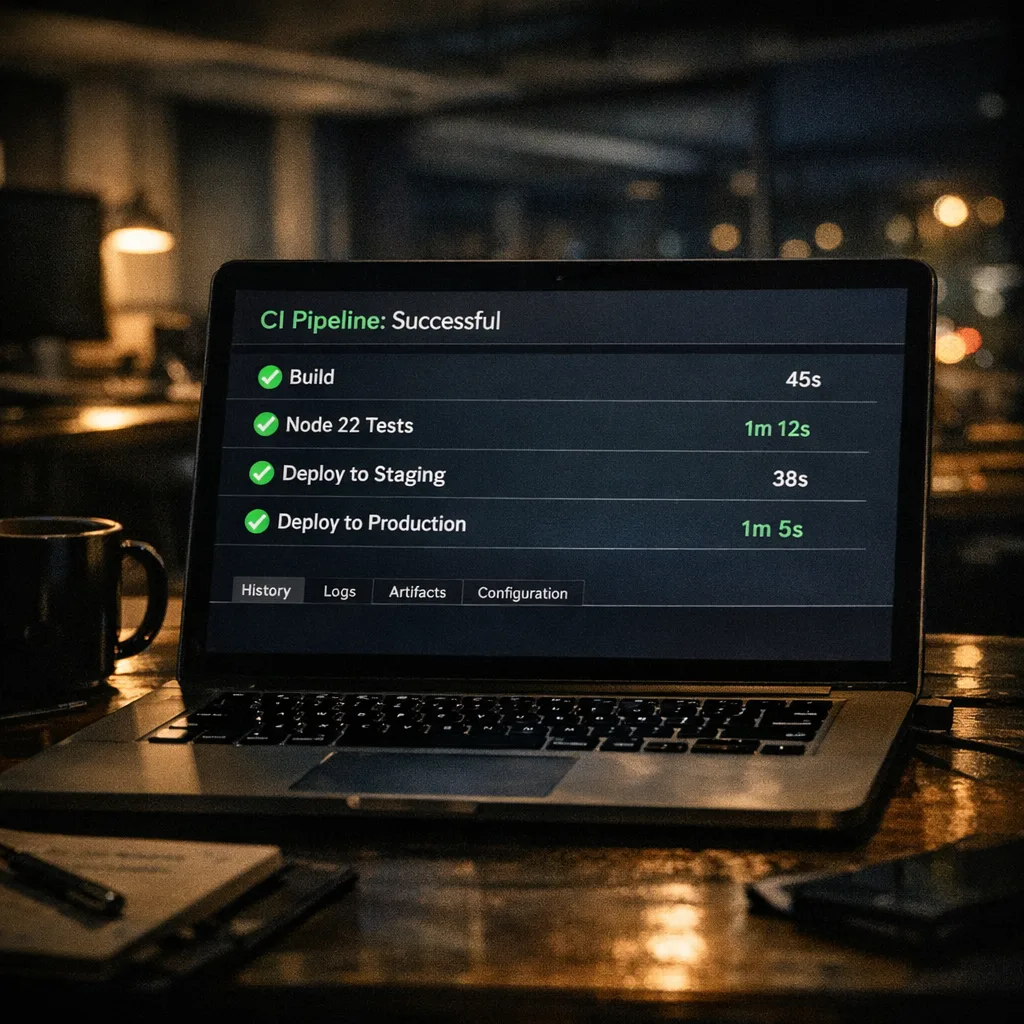
• Make Node 22 the default in CI images, Dockerfiles, and .nvmrc. Remove the dual‑run lane.
• For Lambda, move any stragglers; remember the platform will block new Node 20 function creation on August 31, 2026 and block updates on September 30, 2026. Don’t let these dates surprise your incident commander.
• Archive a runbook: what broke, how you fixed it, and the flags you set. Future you will bless you.
People also ask: is Node.js 20 safe to run after April 30, 2026?
Short answer: not in production. You might get by for a bit, but you’re unpatched and increasingly incompatible with modern SDKs and images. If you absolutely can’t move in time, put those services behind aggressive network policy, lock versions, and plan paid extended support. But treat that as a stopgap, not a strategy.
What about Node 24 LTS—should we leapfrog?
If your toolchain already validates on 24 and your vendors certify it, sure. Otherwise, don’t let “perfect” delay “shipped.” Get to 22 now, stabilize, and schedule a smaller step to 24 this summer.
Native TypeScript: convenient, with sharp edges
Native TS execution removes a chunk of dev friction—scripts, one‑off jobs, internal CLIs feel great with node *.ts. But production apps and published packages still benefit from an explicit build: controlled output, sourcemaps, and full TS features without experimental flags. A pragmatic split: use native TS for dev tooling and maintenance scripts; keep a real build for the app and libraries.
Use the Permission Model as a seatbelt, not a crutch
Turn it on where it counts. In CI, run node with read‑only access to the workspace and deny network by default—then explicitly allow your registry host and artifact uploads. In prod maintenance shells, allow only what the task needs (--allow-fs-read on a single directory, --allow-child-process only when invoking a known tool). It won’t fix vulnerable code, but it will reduce blast radius.
A deployment checklist you can stick on the wall
Use this in your change ticket. It’s short on purpose:
- Search your monorepo for
20.,nodejs20.x,FROM node:20,engines.node, and any build images that pin Node 20. - Decide: Node 22 LTS now, Node 24 later. Document the target version in
.nvmrc/.tool-versionsand CI. - Run tests under both versions for a week; fix ESM/TS/native module breakage.
- Promote a canary to Node 22; watch p95 latency, memory, and error classes.
- Flip defaults in CI, containers, and serverless configs; remove Node 20 paths.
- Adopt minimal Permission Model flags for CI and ops scripts.
Data points to align your roadmap
• EOL: Node 20 support ends April 30, 2026.
• AWS Lambda milestones for Node 20: deprecation on April 30, 2026; block create on August 31, 2026; block update on September 30, 2026.
• Node 22 LTS support window: through April 30, 2027.
CI/CD gotchas we keep seeing
• “ubuntu‑latest” drift: your GitHub Actions image isn’t your Node version. Always set Node explicitly via actions/setup-node. Lock minor versions while you migrate.
• Private registries and proxies: if you enable the Permission Model, remember your npm proxy host must be allowed explicitly or installs will fail with cryptic network errors.
• Docker layer caching: swapping base images (node:20 → node:22) invalidates caches. Expect longer builds on day one; prime caches after the switch.
Serverless specifics: Lambda, API Gateways, and cold starts
Node 22 on Lambda is generally smooth, but test cold starts and memory. The newer runtime, AL2023 base, and SDK updates can shift init time. Benchmark with real payloads and keep an eye on time‑to‑first‑byte, not just duration. If you use extensions or native modules, validate they’re compiled against the right headers.
Security posture: runtime controls + egress rules
Defense in depth works best in layers. Combine Node’s Permission Model with tight egress rules (security groups, firewall rules, or an egress proxy) so compromised code can’t wander. If you’re exploring agent‑style workloads, pair runtime constraints with a deny‑by‑default outbound policy—you’ll sleep better.
What to do next (today, not next quarter)
- File a ticket to set Node 22 LTS as the default in CI and developer machines this week.
- Schedule a 48‑hour canary on your highest‑traffic service in Node 22 and set alert thresholds on error rate and latency deltas.
- Update one Lambda per domain to
nodejs22.xand measure cold starts and memory. Roll forward by rings. - Decide your TypeScript approach: native for scripts, compiled for apps. Write it down.
- Apply minimum Permission Model flags in CI; audit what still needs network or filesystem access.
Need a second set of eyes?
We’ve helped product teams and platform groups execute similar upgrades under tight deadlines. If you want a short engagement to de‑risk the move—dependency triage, CI hardening, serverless rollout—we can help. Take a look at the kind of work we do on our portfolio and see our services.
Related deep dives from our team
• A focused runbook for this exact moment: Node.js EOL 2026: Your 45‑Day Upgrade Playbook.
• CI modernization that pairs nicely with a runtime upgrade: GitHub Actions Self‑Hosted Runner: March 2026 Plan.
• Locking down outbound risk while you adopt Node’s Permission Model: Egress Firewalls for AI Agents: A Practical Playbook.
FAQ quick hits
Will everything break when I switch to Node 22?
Probably not. Most apps “just work,” but you’ll surface ESM/CJS edges, missing prebuilds, and a few TypeScript assumptions. That’s why the dual‑run phase exists—find and fix before flipping the default.
Do I need to rewrite CommonJS to ESM?
No. CommonJS still works. But new libraries skew ESM‑first, and explicit extensions matter. Touch the boundaries, not your whole codebase.
Is native TypeScript good enough for production?
It’s great for scripts and internal tools. For a published package or a large app, keep a build step; you’ll get full language features, reliable sourcemaps, and predictable output formats.
Can I defer the upgrade past April 30 if I’m behind?
Technically yes, strategically no. You’ll be on borrowed time, especially on platforms with hard blocks. If you must defer, isolate the service, patch dependencies aggressively, and book a funded upgrade window.
Zooming out: upgrades as a habit, not a fire drill
The healthiest teams treat runtime upgrades like routine maintenance. They budget small, regular migrations instead of annual cliff jumps. This Node 20 deadline is a forcing function—use it to harden your pipeline, adopt safer defaults, and document a crisp playbook so the next LTS bump is a Tuesday task, not a Q2 initiative.
If you want help designing that cadence, we’re here. Start the conversation on our contacts page and we’ll map your path to green builds and quiet on‑call nights.







Comments
Be the first to comment.