Google Play Policy Updates 2026: What To Change Now
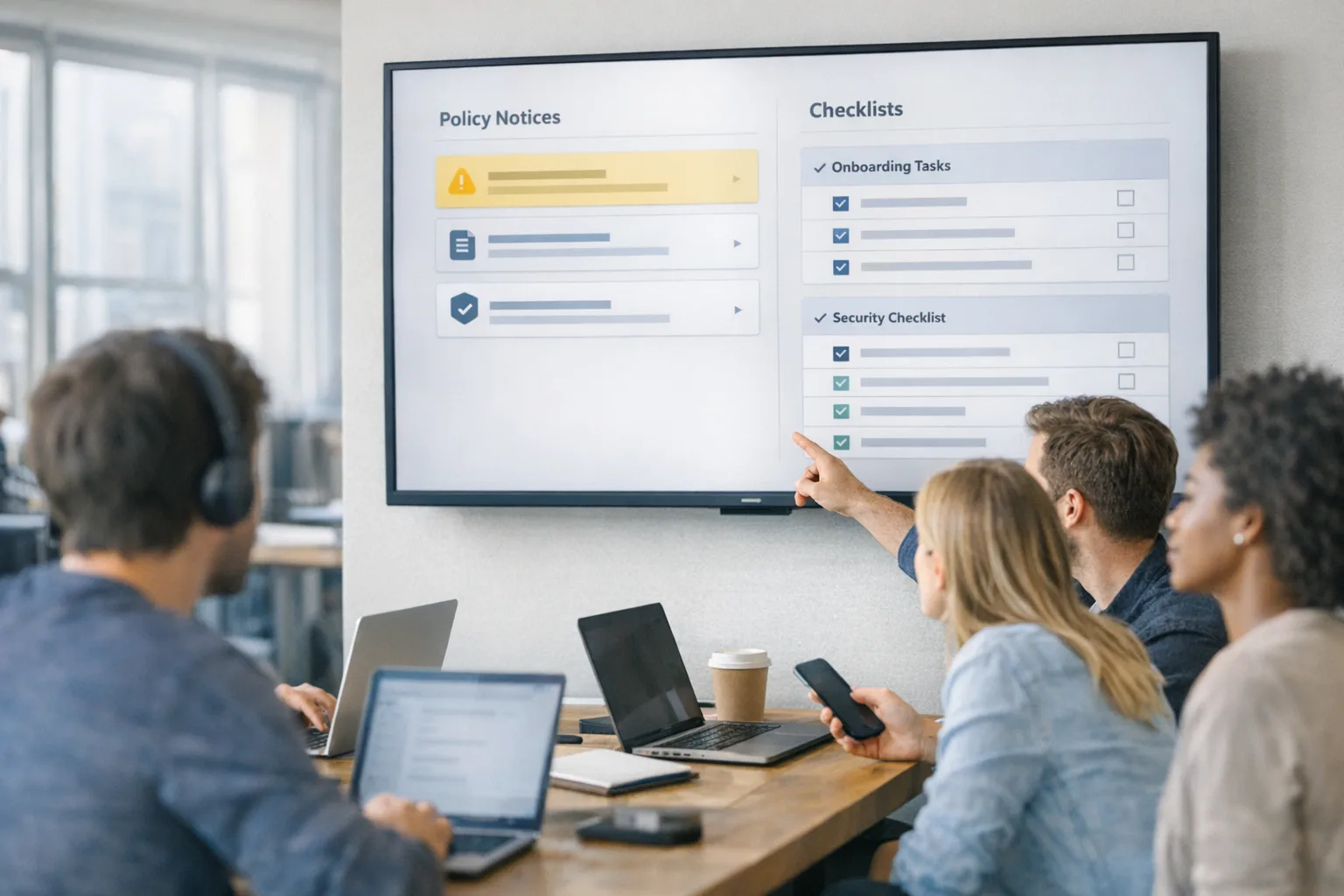
Google Play shipped a stack of changes that will touch most consumer apps this year. The headline: new privacy‑forward defaults for contacts and location, plus a formal ownership transfer flow in Play Console. If you publish Android apps, these Google Play policy updates 2026 aren’t a memo to forward—they’re concrete engineering work with real dates attached.
Here’s the thing: the updates aren’t just rules. They also give you better UX primitives that reduce friction and speed approvals. If you respond quickly, you’ll cut permission prompts, make reviewers’ jobs easier, and avoid a last‑minute scramble this fall.
What’s new in the Google Play policy updates 2026
1) Contact Picker becomes the default path
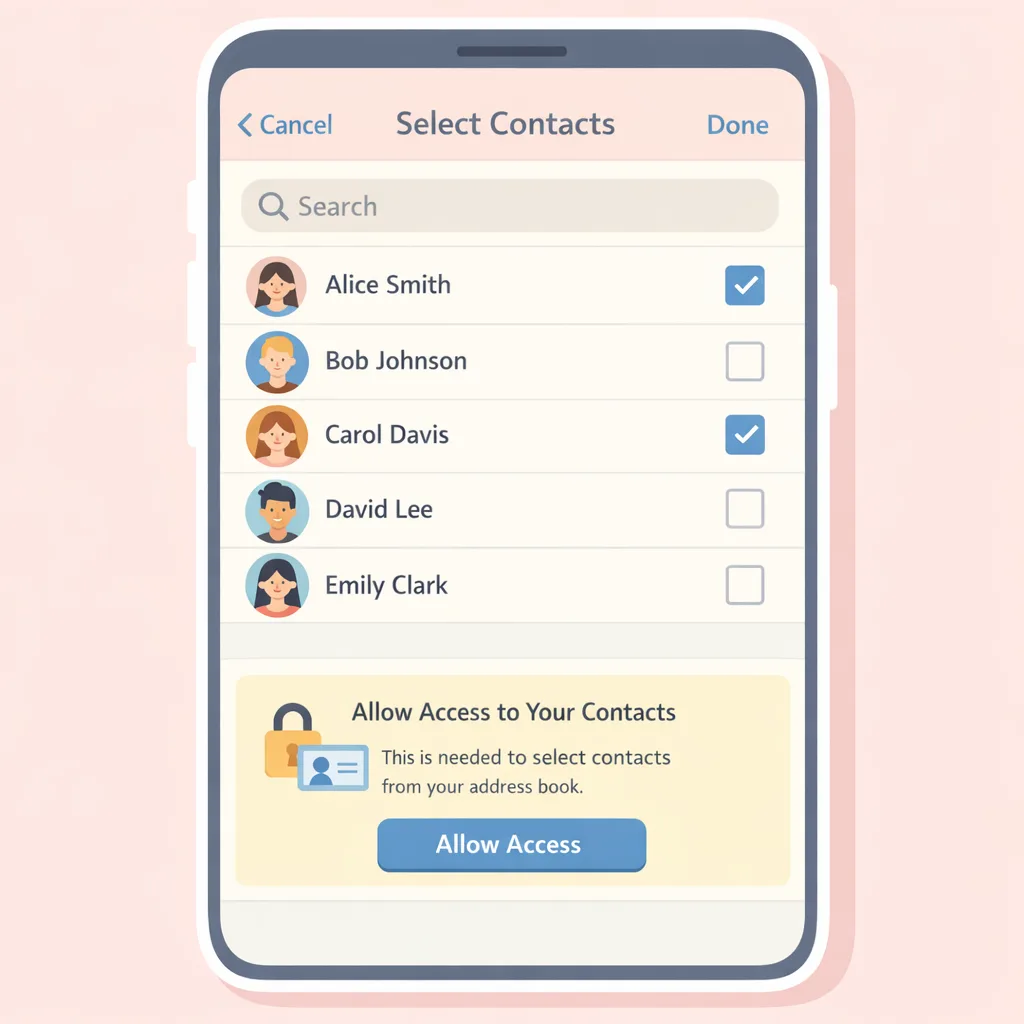
Most apps that previously asked for broad access to a user’s contacts via READ_CONTACTS now need to switch to the Android Contact Picker (or use the system Sharesheet for lightweight sharing). The picker lets users share specific contacts for one‑off actions—invites, sharing a file, selecting a recipient—without granting ongoing, whole‑address‑book access.
What it means in practice:
- If your feature is “send an invite” or “share with a friend,” you should remove
READ_CONTACTSwhen targeting Android 17+ and wire up the new picker. - If your core functionality truly depends on continuous access (for example, a contact manager), you’ll have to keep
READ_CONTACTSand submit a Play Developer Declaration justifying it.
Impact: Expect fewer scary permission prompts, faster reviews, and less scope for accidental over‑collection. Engineering‑wise, the biggest change is switching to the new intent and handling the session URI results flow.
2) The new location button for one‑time precise location
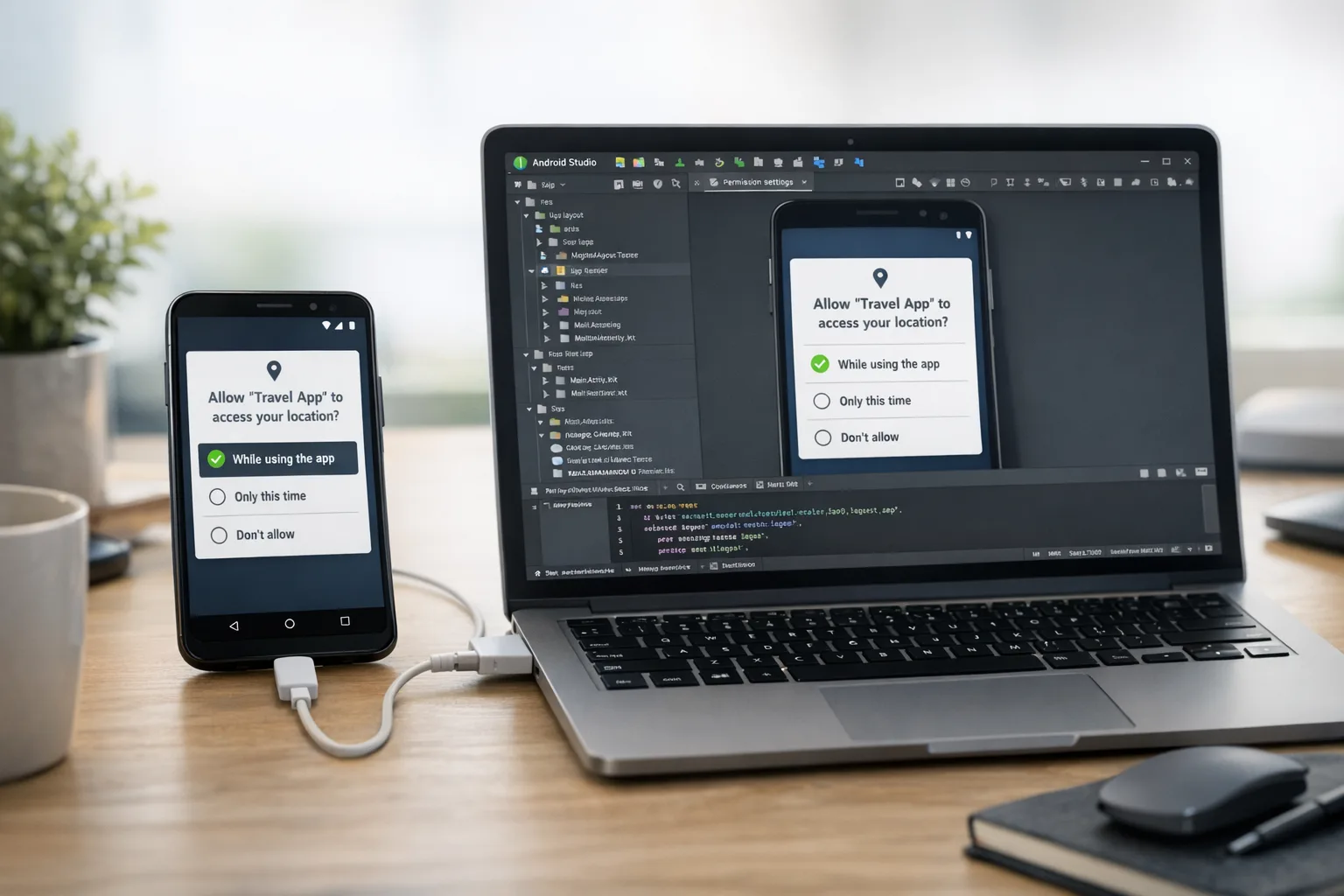
Android 17 introduces a streamlined, customizable location button that requests precise location for a single action—think “find stores near me” or “tag my post.” It replaces multi‑step permission dialogs with a consistent one‑tap path, while keeping the heavy‑duty options (coarse location, persistent access, background) for apps that genuinely need them.
What it means in practice:
- For discrete, moment‑of‑action features in Android 17+, implement the button and add the manifest flag so Play can see you’re using the minimum necessary scope.
- If you need persistent precise location (navigation, safety tracking, logistics), you’ll still request the standard permissions and file a Declaration to explain why the one‑tap flow or coarse isn’t sufficient.
Impact: Cleaner UX, fewer bounces on consent, and clearer reviewer signals. Android 17 also tightens transparency around location use, which reduces support tickets about “why is the GPS icon on?”
3) Account ownership transfer becomes official—and mandatory
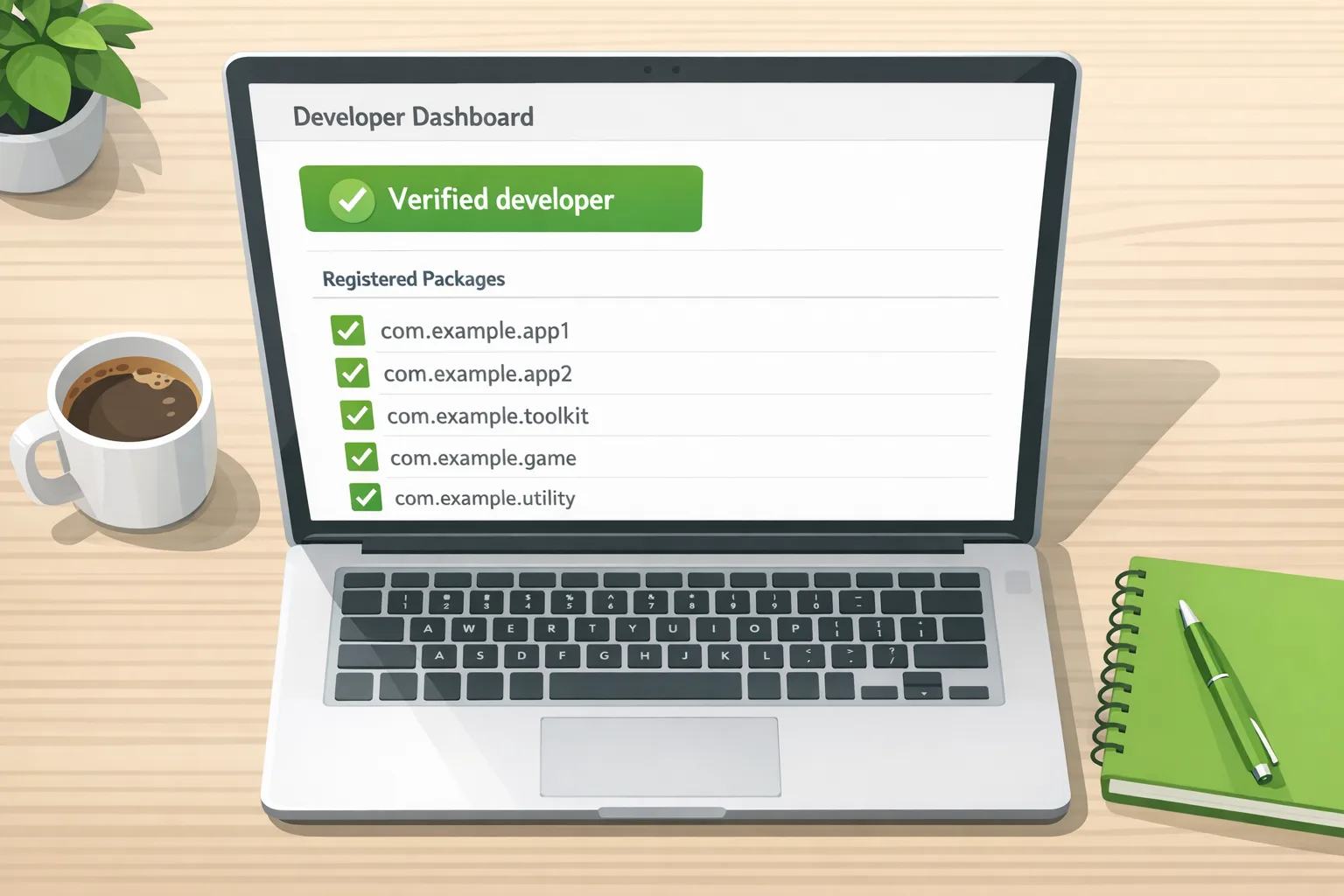
Starting May 27, 2026, changing the owner of a Play Console developer account must use the new in‑product transfer flow. There’s a mandatory 7‑day cool‑down to reduce hijacks and misfires. Unofficial transfers (shared logins, third‑party marketplaces) are off the table—good news for security and audit trails.
What it means in practice:
- Update your internal playbooks for M&A, carve‑outs, and founder transitions. The “make owner” step now kicks off identity checks and the 7‑day hold.
- For org accounts, ensure the prospective owner has admin access to the relevant Google payment profiles before starting, or the transfer will stall.
4) Other notable policy changes and reminders
There are a few more line items worth surfacing to product and legal:
- Foreground services: Geofencing is no longer an approved FGS use case—use the Geofence API instead.
- Health data clarifications: New sensitive categories (for example, Menstrual Cycle Phases, Symptoms) plus tighter prohibited‑use rules around employment/insurance decisions.
- Prediction markets pilot: Apps that offer real‑money prediction market functions must enroll in a global pilot by June 1, 2026 or face standard enforcement.
- News and magazine declaration: In‑scope apps must complete the Play Console self‑declaration by May 27, 2026 or risk removal.
Who’s affected—and how much work is this?
Short answer: most consumer apps, especially those with social, commerce, media, or utility features.
- Social and communications: Replace address‑book scraping with the Contact Picker for invites and friend‑finders. Expect a one‑to‑two‑sprint change if you have custom contact ingestion logic.
- Retail and marketplaces: Swap multi‑prompt flows for the location button on “near me” and store‑finder screens. This typically fits in a single sprint with QA across Android 16/17 fallbacks.
- Logistics, maps, on‑demand services: If you truly need persistent precise location, prep your Declaration and tighten your rationale. Add analytics to prove user‑initiated context.
- Media and creator tools: Use the picker for targeted sharing; review any background uploads tied to FGS rules.
If you run a cross‑platform stack, treat this as a platform‑specific capability rather than forcing parity. Compose and Jetpack wrappers will land first; React Native and Flutter plugins usually follow within weeks. We covered how we approach platform‑specialized features in our React Native housing app case study.
Let’s get practical: a four‑phase rollout plan
If you own the mobile roadmap, slot this work now. Here’s a no‑drama path that we’ve used with clients when policy meets product:
Phase 1 (Week 1): Policy mapping and audit
- Inventory where your app touches contacts and location. Label each usage as one‑time vs. persistent.
- Record current permissions and scopes:
READ_CONTACTS, precise vs. coarse, background, FGS types in use. - Flag features suitable for the Contact Picker or location button; draft a first‑pass Declaration list for anything that stays broad.
Phase 2 (Weeks 2–3): Design and implementation
- Wire the Contact Picker for invite/share flows. Remove
READ_CONTACTSwhere feasible when targeting Android 17+. - Implement the location button for discrete actions and set the manifest flag. Ensure a graceful fallback to the existing dialog on Android 16 and below.
- Retire geofencing in FGS; move to the Geofence API. Validate background behavior against battery and Doze constraints.
Phase 3 (Week 3): Policy artifacts and testing
- Draft Play Developer Declarations with crisp justifications and privacy mitigations. Include screenshots or short videos that show user‑initiated context.
- Add product analytics to prove point‑in‑time intent (for example, tap event preceding the location flow).
- Run end‑to‑end tests across Android 16/17. QA work profile and private space, which affect contact availability and picker behavior.
Phase 4 (Week 4): Release and review smoothing
- Ship behind feature flags. Watch crash‑free sessions and consent completion rates.
- Use pre‑review checks in Play Console once they open on October 27, 2026 to catch policy issues before submission.
- Plan a follow‑up polish sprint to reduce prompts and copy friction once you see real conversion data.
People also ask
Do I have to remove READ_CONTACTS now?
If your app only needs a one‑time contact selection for invites or sharing, yes—move to the Contact Picker and drop READ_CONTACTS when you target Android 17+. If your core value needs ongoing access, keep it but prepare a strong Declaration. Either way, optimize for minimum scope.
Will the new location button break background tracking?
No. The button is for single, user‑initiated precise location. If your core experience depends on persistent or background location, you can still request it—but you’ll need to justify it. Expect reviewers to look for clear UX demonstrating user intent and ongoing utility.
When do reviews tighten up?
Expect stricter enforcement as we approach October 2026 when Android Studio gains policy insights and Play Console adds pre‑review checks. Don’t wait; you’ll want shipping telemetry before the tooling flags issues.
Product and engineering pitfalls we’re already seeing
- Silent regressions in invite funnels: Teams remove
READ_CONTACTSbut forget to prefill recent contacts or share targets, cutting invite conversions. Rebuild those affordances using the picker’s multi‑select and the Sharesheet. - Background assumptions leaking into one‑tap flows: A “Locate me” entry point that later silently keeps GPS on will face pushback. Audit app lifecycle events; terminate session‑based access when the user leaves the flow.
- Cross‑profile surprises: On devices with work profiles or private space, the picker can expose contacts from those profiles. Test how selections behave when profile data is unavailable after a policy change or account removal.
- Out‑of‑date FGS declarations: Geofencing left in a foreground service declaration is low‑hanging fruit for rejection. Shift that logic to the Geofence API and prune the declaration.
Data and dates you can plan around
Anchor these dates on your roadmap so stakeholders stop asking “when” and start asking “done yet?”
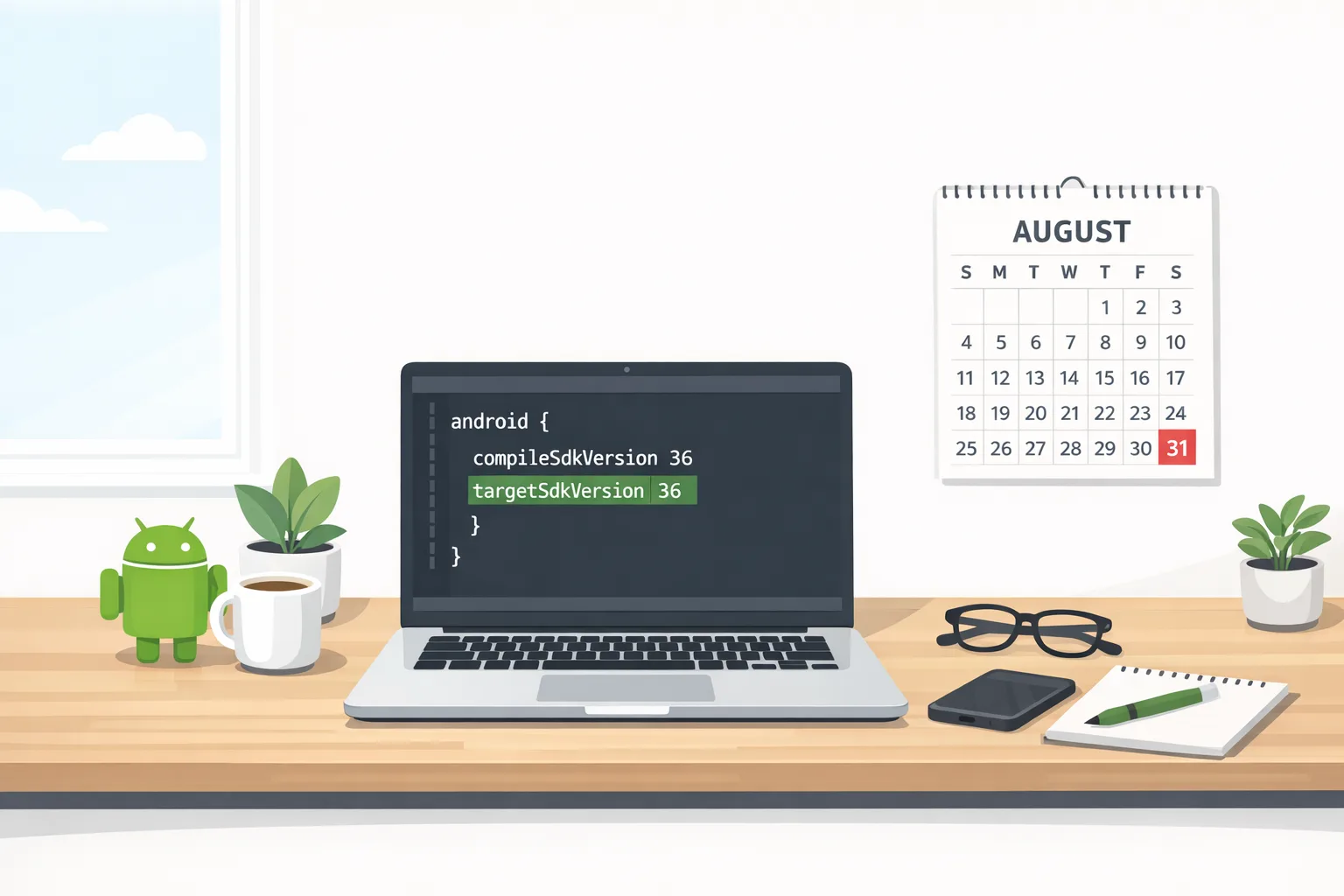
- April 15, 2026: Policy announcement. You have at least 30 days to update apps affected by the new and updated policies.
- May 27, 2026: Mandatory use of Play Console’s official ownership transfer flow. News and magazine apps must complete their self‑declaration by this date.
- June 1, 2026: Deadline for enrolling real‑money prediction market apps in the global pilot.
- October 2026: Android Studio gains policy insights to flag whether you should use the new features and how.
- October 27, 2026: Play Console pre‑review checks for contacts and location policies go live.
The compliance checklist (print this)
- Catalog every contact and location touchpoint; mark one‑time vs. persistent.
- Implement the Contact Picker for invites/sharing; remove
READ_CONTACTSwhere possible. - Adopt the location button for one‑time precise location; validate manifest flags.
- Migrate geofencing out of foreground services; use the Geofence API.
- Draft and submit Play Declarations with concrete, user‑initiated examples.
- QA work profile, cloned profile, and private space with the picker.
- Instrument analytics around consent conversion and session end.
- Prep for the official ownership transfer flow; verify payment‑profile admin access.
- Enroll in the prediction markets pilot if applicable.
- Schedule a pre‑review check run starting October 27, 2026.
What this means for growth and UX
Done right, these changes should improve user trust and reduce drop‑offs. The Contact Picker narrows the scary “allow access to all contacts” prompt into a familiar selection sheet. The location button moves a touchy decision into the moment the user actually wants it. Both patterns mirror what already works for the photo picker—expect better completion rates after a short learning curve.
On the growth side, pair the Contact Picker with social proof (“Top 5 recent contacts” or “People you messaged last week”) using the data your app already has—no address book required. For location, add small UX affordances: “Use my location once” vs. “Set home location,” so users feel in control.
Need a hand?
If you’re juggling a packed roadmap, we can slot in a focused compliance sprint: audit, implement, and ship with guardrails. See our mobile app services and what we do, or talk to the team about scoping from discovery to launch based on our proven project rhythm in our delivery playbook. Prefer to start with a conversation? Contact us.
What to do next (today and this quarter)
Today
- Create a policy work item with owners across product, Android, QA, and legal.
- Decide which features move to the Contact Picker and which require a Declaration.
- Slot the location button work into your next sprint and line up test devices on Android 16 and 17.
This quarter
- Migrate geofencing off FGS; measure battery and latency impacts of the Geofence API.
- Ship Declarations with videos and screenshots that demonstrate user intent.
- Run a rehearsal submission and, starting October 27, 2026, use pre‑review checks to catch regressions early.
Zooming out: the policy trend is clear—minimum necessary access, proven user intent, and auditable ownership changes. Teams that move first won’t just avoid rejections; they’ll ship leaner permission models that age well.





Comments
Be the first to comment.