Chrome’s Two‑Week Release Cycle: Your 14‑Day Plan
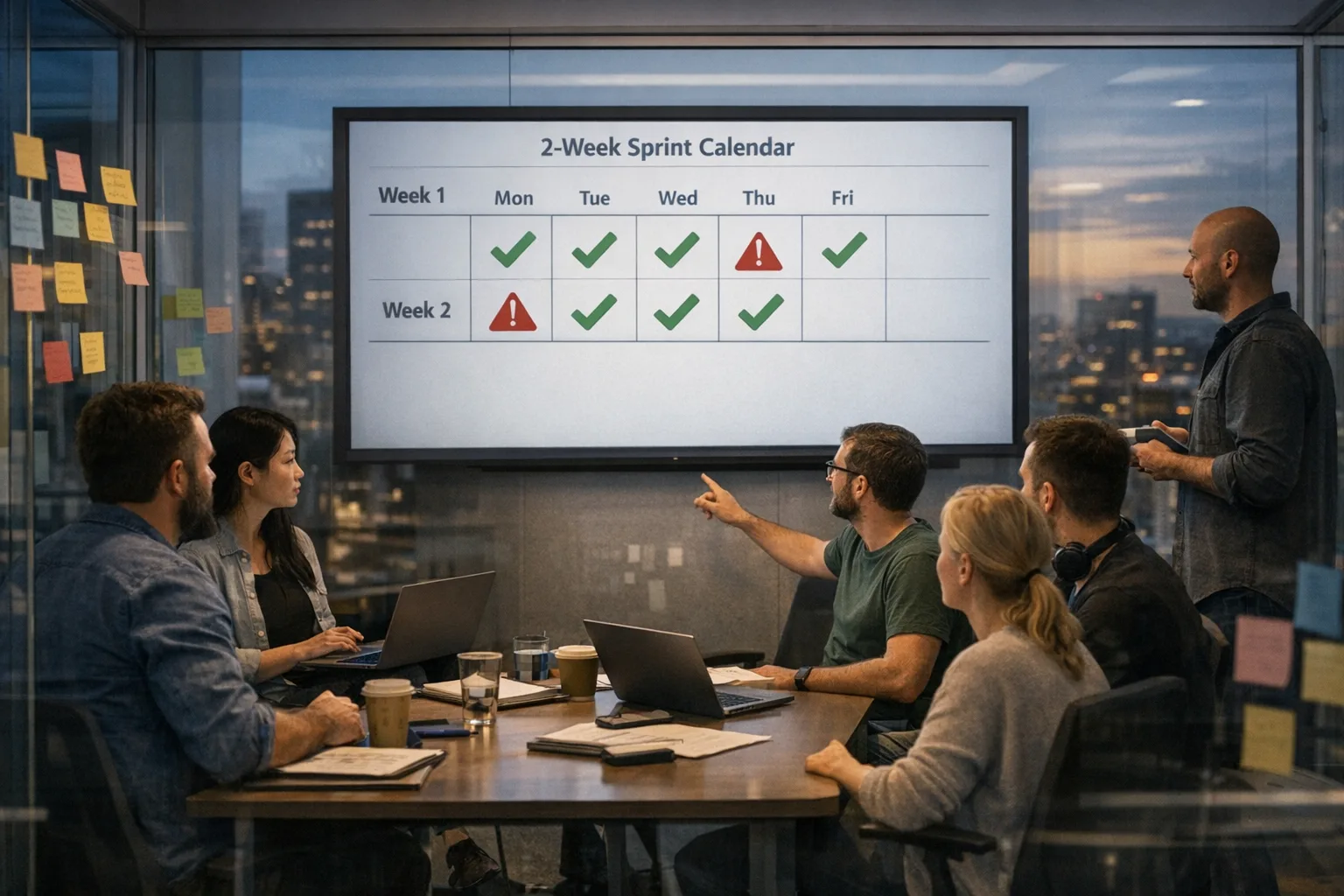
Chrome two-week release cycle is no longer hypothetical—it starts with Chrome 153 Stable on September 8, 2026, after Chrome 152 landed on August 25. Chrome 153 Beta has already been out since August 20, and it’s the first milestone on the faster track. For teams that ship web apps, browser extensions, embedded webviews, or manage enterprise fleets, this halves your stabilization window and tightens the loop between feature changes and user impact. The goal isn’t to panic. It’s to retool your calendar, tests, and rollout rings so this cadence works for you.
Here’s the thing: the move doesn’t just affect frontend code. It touches your CI times, your integration test strategy, your observability budget, and—in enterprise—your update policies. The right response is a lighter, faster delivery machine with a ruthless focus on the failures that break customer tasks.
What just changed—and when?
Starting with the Chrome 153 Stable release on September 8, Chrome moves to a two‑week rhythm for both Stable and Beta. Extended Stable remains available for enterprises and embedders, with the first two weeks of each milestone matching Stable. Practically, that means your fleet can stay on Extended Stable without missing the initial two‑week security parity, while you validate app and extension behavior before the next turn of the crank.
On the developer side, the 153 Beta notes confirm the new pace. Expect smaller, more frequent changes, plus earlier visibility through Beta and Canary. The big implication is operational: do you have the signal to know when a small browser change is a large business risk?
Why this matters more than a version bump
A faster Chrome cadence compounds three realities. First, many test suites are already slow and flaky; halving the calendar squeezes everything. Second, teams rely on end‑to‑end smoke tests to catch regressions that unit tests miss—but those smokes often run late or only on main. Third, observability is uneven on the client. When the browser rotates faster, feature flags and real‑user monitoring (RUM) become your early warning system.
For extension authors, store review timing and API changes matter. Chrome 153 also introduces extension‑visible changes like a browser.publicSuffix API, a reminder that platform surface can shift within a two‑week window. For enterprises, default update waves, bandwidth budgeting, and forced relaunch policies all interact with user downtime and help‑desk load. Short answer: you can’t wait four weeks to adapt anymore.
The Chrome two‑week release cycle playbook: day‑by‑day
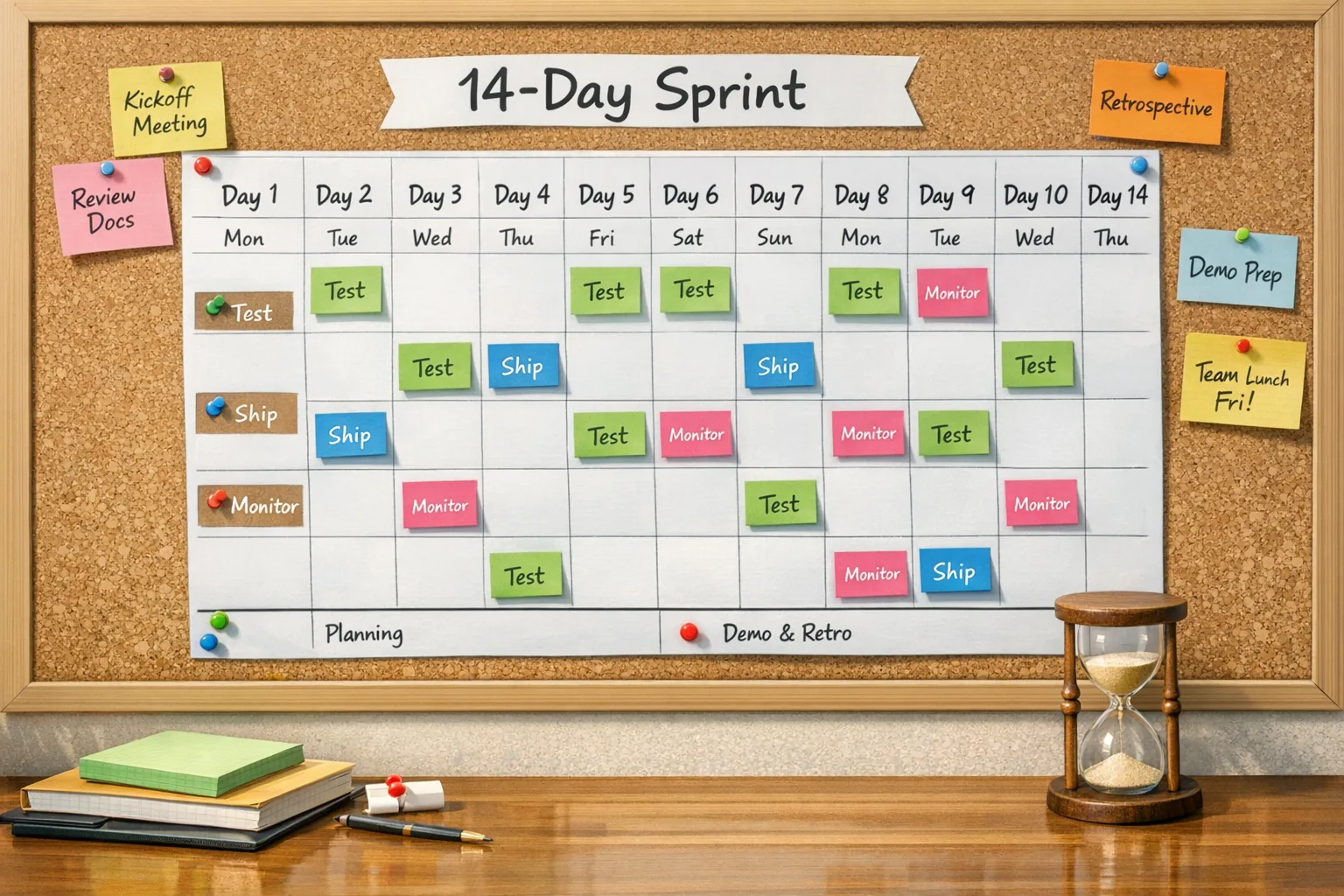
Use this 14‑day plan for each milestone. Adjust names and owners, but keep the cadence. The outcome should be boring releases and fast rollbacks.
Day 0 (Stable ships): gate, don’t guess
Freeze risky UI rollouts behind flags for 24 hours. Promote your synthetic smoke tests to run against Stable, Beta, and Canary in parallel. Start a controlled 5% ring for desktop users and a smaller mobile cohort if your traffic is heavy on Android Chrome or WebView.
Day 1–2: validate critical flows on real devices
Run a targeted manual pass on top revenue and signup flows. Prioritize input, navigation, payments, downloads, and authentication. Compare RUM metrics (LCP, INP, CLS) on the new version versus the previous milestone. Any p95 INP bump over 10% or checkout failure uptick over baseline is a stop signal.
Day 3: dependency audit and feature detection
Update browser‑compat data and feature detection checks in code paths that rely on CSS or platform APIs you know are in flux. For example, single‑axis scroll container behavior and sticky positioning interactions are evolving; make sure you’re not relying on undefined behavior. Prefer capability checks to UA sniffing.
Day 4–5: expansion and error‑budget review
Roll from 5% to 25–50% of users if dashboards stay green. Review client error budget by experience: “Signed‑in homepage,” “Guest checkout,” “Dashboard file upload.” Tie thresholds to business KPIs, not just technical error counts. If you exceed budget, pause and roll back only the browser cohort with config—don’t revert your app unless you’ve proven a code change.
Day 6–7: Beta soak and extension checks
Promote Beta to a stable test target in CI. If you ship an extension, install the Beta build in a clean profile and exercise permissions, alarms, service workers, and offscreen documents. Submit updates early if you depend on APIs flagged as “origin trial” or newly exposed in the milestone.
Day 8: prepare the next milestone
Merge what‑you‑learned into test fixtures, polyfills, and feature flags. If Extended Stable is your enterprise default, begin a canary ring there too; the first two weeks mirror Stable, so it’s safe to expand while you get org‑wide coverage.
Day 9–10: security and policy sweep
Re‑evaluate Content Security Policy (CSP), Subresource Integrity (SRI), and cross‑origin isolation headers. Confirm your update policies: when to relaunch, how long to defer, and which groups get the new build first. You want predictable relaunches during your help‑desk’s staffed hours, not midnight surprises.
Day 11–12: full rollout if green
If RUM and business metrics stay normal, go 100% for consumer traffic. Enterprise: advance your next ring. Update internal release notes with “known-good” driver and OS combos that passed.
Day 13–14: learn, automate, reset
Close the loop. Capture any alerts that were noisy or missing. Automate the manual checks that caught real issues. Reset flags and prepare for the next two‑week spin.
“Do we need to pin Chrome in CI now?”
Pin your CI browser for deterministic test runs, but always run a nightly or hourly smoke against the latest Stable and Beta. Breakage from a live browser update hurts production, not CI, so you want signal on real versions early. If you depend on headless modes, validate that headless behavior matches headed for your critical flows; don’t assume parity.
“Will we get fewer security updates or more?”
You’ll see more frequent browser releases, but security patches already flow independently of big features. With a two‑week rhythm, expect smaller deltas per version plus occasional mid‑cycle patches. Treat them as roll‑forward by default; your error budget process should handle the exceptional regressions.
Compression without chaos: test strategy that fits 14 days
Let’s get practical. Long integration suites don’t survive a two‑week clock. Restructure into three lanes: fast smokes (under 5 minutes) on every PR; targeted component and contract tests on each merge to main; and scenario tests (10–20 minutes) gated by flags before a user‑visible rollout. Your best insurance isn’t more tests—it’s better placement and faster feedback.
On the browser side, maintain three profiles per lane: Stable, Beta, and Canary. Run visual diffs on critical templates like product cards, carts, and nav bars to catch CSS layout shifts. Record and compare interaction latency deltas; if your p75 INP drifts, you’ll feel it in conversions within days.
Will Extended Stable save you?
Extended Stable exists to give enterprises breathing room. The first two weeks of each milestone match Stable, which keeps security posture strong while you validate. After that, Extended Stable slows change. Use it with ring‑based deployment: IT staff and pilot groups on Stable; everyone else on Extended Stable with scheduled relaunch windows. It’s not a substitute for testing on the next milestone; it’s your safety net while you harden.
If you run managed Chrome in VDI or kiosks, budget bandwidth and plan user relaunch reminders. Pair policy changes with your help‑desk hours to avoid a spike in tickets from forced restarts.
Watchlist for Chrome 153–154
Here are platform areas worth a deliberate pass as 153 lands and 154 follows fast. They’re small deltas individually, but they interact with real layouts and extension behavior.
For web apps: CSS single‑axis scroll containers and sticky positioning interactions can change how headers or sidebars pin when only one axis scrolls. If you’ve hand‑rolled sticky sections in a horizontally scrollable grid, test it. Also validate popover and dialog stacking with nested scrolling regions; keyboard focus order can regress in surprising ways.
For extensions: changes like browser.publicSuffix affect how you reason about cookie scope and domain logic. Re‑test permission prompts and background lifecycle; if your extension depends on service worker timers, verify alarms and offscreen documents still meet your timing assumptions.
Minimal viable guardrails for fast Chrome
Guardrails should be boring, cheap, and life‑saving. Here’s a baseline that works at startups and Fortune 500s alike:
- Feature detection first: use
CSS.supportsand existence checks before touching APIs. Avoid UA sniffing. - Two‑ring ramp: 5% then 50% before 100%, with auto‑rollback if error budget is exceeded on a cohort, not globally.
- RUM + biz KPIs: couple performance and error telemetry to conversions, sign‑ups, and task success, not just technical metrics.
- Visual diffs on critical templates: cheap, noisy if overused—so keep the scope tight.
- Extension preflight: exercise permissions and storage migration on Beta weekly; submit updates early when APIs move.
The meeting you should run every other Monday
Put a 20‑minute recurring meeting on the day Stable typically flips for your region. Agenda: 5 minutes on last milestone’s incidents; 10 minutes on the current milestone’s watchlist; 5 minutes to confirm rollout rings and relaunch windows. Keep it lean. The win is rhythm.
A quick framework for risk triage
When telemetry turns yellow, use this triage path: 1) Can the issue be scoped to a browser version or OS build? If yes, throttle or exclude that cohort via config. 2) Is a feature flag involved? Roll it back for the impacted cohort. 3) Is the break in a third‑party script? Temporarily disable the integration and notify the vendor with strict SLAs. 4) Only then consider reverting app code.
“How does this affect mobile apps with embedded webviews?”
Android System WebView and Chrome share engine DNA; mobile users will feel many of the same changes. If your app depends on hybrid views, pin your CI against the corresponding Beta and Stable webview engines and test gesture handling, file pickers, and postMessage contracts. Use staged rollouts via the Play Console so you can react when a rendering change lands.
Pricing the change: where to spend, where to save
You don’t need to double your QA budget. You need to spend it differently. Increase spend on synthetic checks that run continuously on Stable, Beta, and Canary with real devices for top flows. Reduce long regression suites that rarely gate a decision. Put money into observability—especially RUM—so you can answer “is this hurting users right now?” within minutes, not days.
Internal playbooks worth skimming
If you’re building your own checklist, mine proven patterns rather than reinventing them. We keep fast‑moving developer playbooks that map well to this shift, including a punch‑list style approach in our Chrome 152 developer checklist, an execution‑first security cadence in our Next.js security release playbook, and pragmatic upgrade tactics in our TypeScript 6.0 upgrade guide. If you want help tuning your CI and rollout rings, our engineering services cover exactly that.
What to do next (this week)
Here’s a short, concrete list you can copy into your tracker today:
- Add Stable, Beta, and Canary browser targets to your CI with a 5‑minute smoke on each PR and an hourly run on main.
- Stand up a two‑ring rollout with auto‑rollback based on business KPIs and error budgets.
- Flag‑gate risky UI or API changes for 24 hours after Stable flips.
- Schedule a 20‑minute “Chrome Release” stand‑up on the day Stable typically ships; keep the agenda tight.
- Review enterprise update policies: Extended Stable for broad rings, predictable relaunch windows, and staged waves.
- For extensions, test against Beta weekly and keep a ready‑to‑submit update when APIs shift.
Zooming out
The web won because it updates safely at global scale. A two‑week Chrome cadence is the logical endpoint of that promise: smaller changes, more often, with faster feedback. Teams that thrive here won’t be the ones with the most tests; they’ll be the ones with the clearest signals and the fastest, calmest rollbacks.
If you’d like a sanity check on your pipeline or want us to design a tailored rollout strategy, reach out via our contact page. Or keep following our blog—we share what works when the calendar gets tight.







Comments
Be the first to comment.