
Android Developer Verification: Ship in March 2026
Android developer verification is now real, and it touches every team that builds or ships Android apps—whether you publish on Google Play or sideload to managed devices. In March 2026, Google opens verification to all developers and starts automatically registering most Play apps for you. The punchline: if your identity, organization data, and package names aren’t verified, installs on certified Android devices can fail once enforcement turns on region by region later this year. Let’s get you through verification quickly—and bake it into your build pipeline so shipping stays boring.
What is Android developer verification, really?
Think of it as a universal developer identity and app registration layer for Android. Google checks that you (or your company) are a real entity and that you actually control the apps you claim. There are two console experiences: Play Console for teams that distribute on Google Play, and the new Android Developer Console if you only distribute outside Play. In March 2026, Google will try to auto‑register the vast majority of your existing Play apps for you, reducing busywork—while you still handle identity and any apps distributed elsewhere.
If you publish beyond Play (B2B, enterprise catalogs, EMM-managed fleets, OEM or partner stores), you must explicitly register package names and prove key ownership. That’s where many teams will stall unless they prepare signing, D‑U‑N‑S, and website verification ahead of time.
Key dates and the rollout timeline
Here’s the cadence that matters for planning:
• March 2026: Verification is open to all developers. Play Console attempts to auto‑register most of your Play apps; you’ll still register any apps you distribute outside Play and finish identity steps for your account type.
• September 2026: Enforcement begins on certified Android devices in initial regions (including several high‑volume markets in APAC and LATAM). Unverified developers and unregistered package names risk blocked installs on those devices.
• 2027: Broader/global enforcement target. If you operate internationally, treat this as a multi‑year compliance program, not a one‑off task.
Put those dates into delivery plans and platform roadmaps now. If your FY26 backlog includes a major relaunch, budget verification steps and lead times just like you would for app review or privacy manifests.
Exactly what Google asks for (and where teams trip)
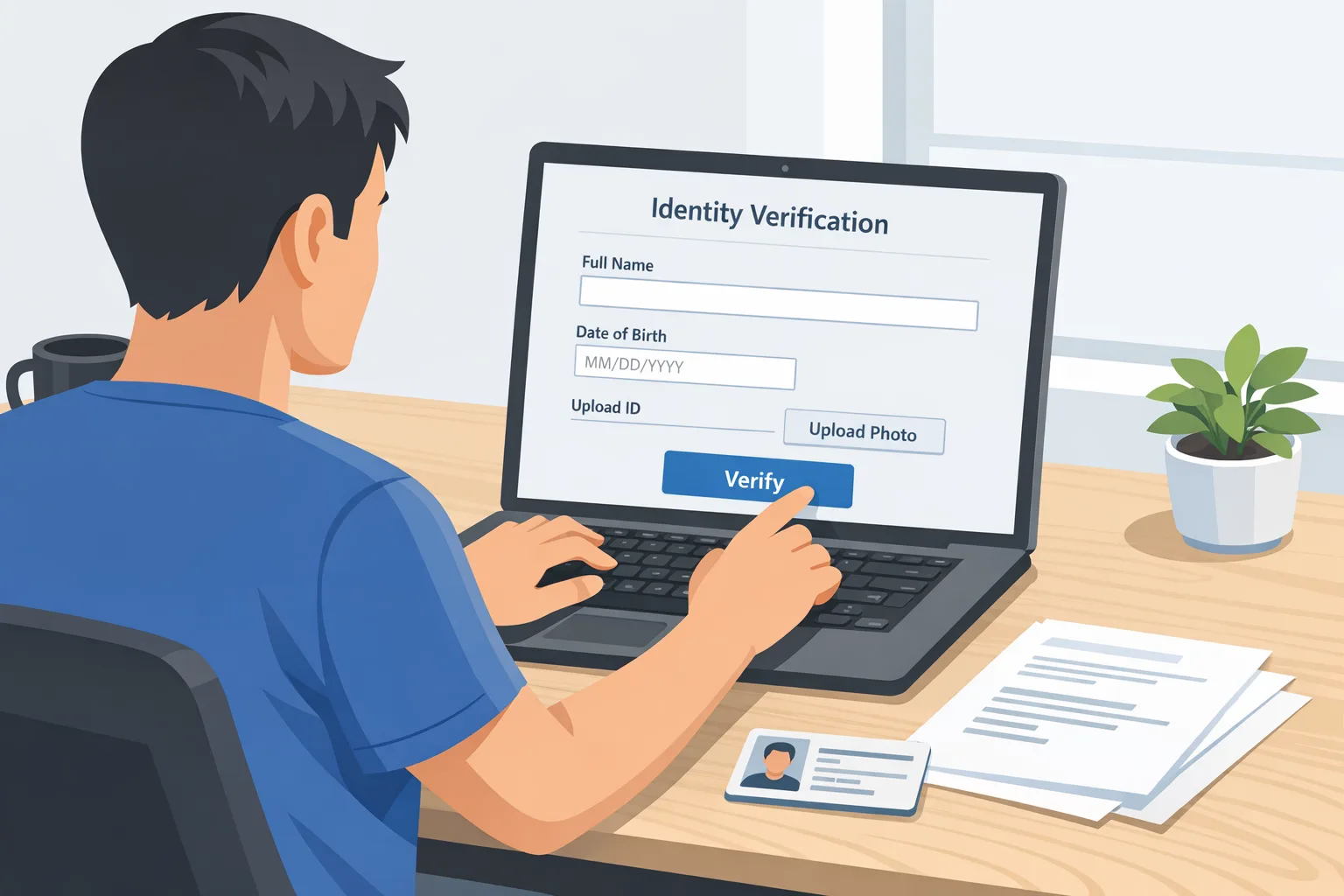
Requirements differ slightly for individuals vs organizations. For individuals: legal name and address verified with a government ID, a verified email and phone, and a one‑time $25 fee. For organizations: a valid D‑U‑N‑S number matching your legal entity, legal address, a government ID for the account creator, a verified email and phone, your official website verified via Google Search Console, and the same $25 fee. If you’re on Play, you’ll complete this in Play Console; if you only distribute outside Play, you’ll create an account in the Android Developer Console.
Two common snags: mismatched legal names across documents and D‑U‑N‑S records, and an “official website” that isn’t verified yet in Search Console (or points to a marketing domain the dev team doesn’t control). Fix those before you start and you’ll save days.
How does this impact sideloading and enterprise distribution?
Here’s the thing: this isn’t about “banning sideloading.” Instead, Android is ensuring that apps installed on certified devices—whether from Play, a third‑party store, or a direct download—come from a verified developer. That’s good for users and for serious software vendors. But it changes your internal release mechanics: package names must be registered to your account, and the key used to sign a build must match what you registered. If you rotate keys, you must keep registration and signing info in sync, or installs can fail at the worst time (like a regional rollout to a field sales team).
For Play‑only shops, March auto‑registration will cover most of your existing apps. For hybrid or enterprise distribution, you’ll do more hands‑on registration. If you’re an agency shipping for multiple clients, expect extra coordination: each client’s legal entity should be the verified owner, and your build system must respect per‑client keys.
Use this VERIFY checklist to pass in a week
When we guide teams, we run a focused, time‑boxed checklist. Steal it.
V — Verify your entity data early
Confirm your legal name and address match your D‑U‑N‑S profile and government documentation. If you’ve had a recent merger or address change, update D‑U‑N‑S first. Start website verification in Google Search Console on the exact domain you’ll declare as “official.”
E — Enumerate your apps and package names
Export every app you distribute, including internal, OEM, partner, and legacy packages. Group by ownership: Play‑published, non‑Play, and sunset candidates. Mark who owns the signing key. You’ll register all active package names; consider retiring duplicates before you register, not after.
R — Rationalize signing keys and rotations
Inventory where each key lives (Play App Signing, HSM, Vault, or offline storage) and who can use it in CI. Document rotation policies and back up upload keys. If you use Play App Signing, align on who controls the upload key vs the app signing key so the right key info goes into registration.
I — Implement console steps with role separation
Set up least privilege: one admin to submit identity documents, one technical owner to register package names, and a reviewer to spot‑check. For agencies, ensure client admins are the account owners to avoid later transfer noise.
F — Fix friction in CI/CD before it bites you
Add verification gates: a machine‑readable inventory of “registered packages and keys” that your pipeline checks before signing. Fail fast if the package isn’t registered or the wrong key is referenced. Also add a smoke test that installs on a certified device (or emulator profile that enforces the same constraints) as part of your release candidate job.
Y — Yearly renewal and monitoring
Schedule periodic checks: keep D‑U‑N‑S in good order, confirm website ownership, and re‑validate contact channels. Treat registration like code ownership—visible, audited, and not tied to one employee’s inbox.
Integrate Android developer verification into CI/CD
Let’s get practical. Add a “verification” stage that runs before you sign and ship:
• Pull your source of truth: a small JSON registry in your repo (or secrets store) mapping package names to expected signing key fingerprints and owning entity.
• Validate the package name for this build is present and active.
• Verify the keystore used in signing matches the registered fingerprint.
• Run an install on an instrumented certified‑device profile as a final gate.
If you’re on GitHub Actions, remember that March 2026 also introduces a per‑minute platform charge for self‑hosted runners. If your verification and install tests are heavy, consider offloading to smaller GitHub‑hosted runners where new rate cards (since January 1, 2026) can be cheaper overall. Our breakdown in what to change in GitHub Actions pricing for 2026 shows how to model this without surprises.
People also ask: quick answers
Do I need Android developer verification if I only ship on Play?
Yes—your developer identity still needs to be verified. The difference is that in March 2026, Google will attempt to auto‑register most of your existing Play apps. You’ll still register any apps you distribute outside Play. Watch your Play Console Home for which apps were auto‑registered vs which need attention.
We use Play App Signing—what changes?
Your upload key remains yours; Play holds the app signing key. During registration, confirm the correct key info and package name are associated with your developer account. If you rotate your upload key, keep the registry in your pipeline sync’d so release jobs don’t pick up the wrong keystore.
Can our agency register client apps under our account?
Avoid that. Verification ties apps to a legal entity. The clean model is: client owns the verified account and package registrations; you build and sign with the client’s keys through a secure, auditable CI path. This eliminates messy transfers later and prevents blocks if your contract ends.
What happens if we lose a key?
If you rely on Play App Signing and lose the upload key, you can request a reset. If you sign outside Play and lose the app signing key, recovery can be impossible. Store keys in an HSM or cloud KMS with strict access; log every use; and maintain an emergency rotation plan.
Risk pockets and edge cases you should plan for
• Multi‑brand portfolios: Large companies often have different legal entities per market. Register package names to the correct entity and keep a crosswalk for your pipeline.
• OEM and partner bundles: If your app ships on devices via partners, align on who owns the registration and keys. Don’t assume the OEM will fix it late in the process.
• Regional enforcement: Enforcement starts in select markets in September 2026. If your field team relies on sideloaded builds, verify those packages first and test installs on certified devices used in those regions.
• Website verification detours: If your marketing domain is separate (e.g., brand.example) from your corporate domain (corp.example), verify the exact “official website” domain in Search Console you plan to declare. Changing it later can cause delays.
• Email and phone OTPs: Don’t tie verification to a personal inbox or personal phone. Use a role account and a managed phone number for continuity.
Data points to share with leadership
• March 2026: verification open to all; Play attempts to auto‑register most of your Play apps.
• September 2026: enforcement begins on certified devices in initial regions, with broader enforcement targeted for 2027.
• $25 per account: the registration fee for both individuals and organizations.
• Organization‑only items: D‑U‑N‑S number and official website verification via Search Console—both must match your legal entity.
• CI impact: self‑hosted GitHub Actions jobs now incur a platform charge starting March 1, 2026; hosted runners had price changes on January 1, 2026. Optimize pipelines that perform install tests.
A sensible operating model for ongoing compliance
Treat verification like SOC2 prep: operationalize it. Keep a single source of truth for package registrations and signing keys, enforce branch protections on that registry, and require change reviews. Rotate keys on a schedule; wire a canary install test into the release candidate job; and instrument alerts when a package fails a verification check. For agencies, codify client onboarding: require D‑U‑N‑S, verified website, and key custody decisions before sprint one.
What to do next
• This week: verify entity data, start Search Console verification, and list all package names with key owners.
• Next week: complete identity steps in the right console, register non‑Play package names, and wire CI checks for package + key.
• Before September 2026: prioritize registration for apps used in early‑enforcement regions; run certified‑device install tests in CI; document rotation and recovery.
• Budget: model CI costs and decide which verification/install jobs should run on hosted vs self‑hosted runners. See our guidance in what to change in GitHub Actions pricing for 2026.
Helpful resources from us
If you want a deeper, step‑by‑step plan geared for March, use our Android developer verification March 2026 action plan. For policy background and implications, read what changes in 2026. And if Play’s commercial side is in scope for you, our take on Google Play fee changes pairs well with the technical checklist above.
Need a partner?
Verification isn’t hard—but it is exacting. We help teams inventory package names, align D‑U‑N‑S and legal profiles, secure keys, and wire verification into CI/CD without slowing releases. If you’d like help landing this in a week, see our services or drop us a note via contacts. Then get back to building.







Comments
Be the first to comment.