
Android Developer Verification Opens: Your 30‑Day Plan
Android developer verification is now opening to all developers in March 2026. If you publish on Google Play, a third‑party store, or even ship APKs directly, you’ll need to complete identity verification and register your package names to keep installs working on certified Android devices. Here’s the thing: this isn’t a theoretical policy—regional enforcement starts later this year, and doing nothing will get your installs blocked where enforcement kicks in first.
What is Android developer verification?
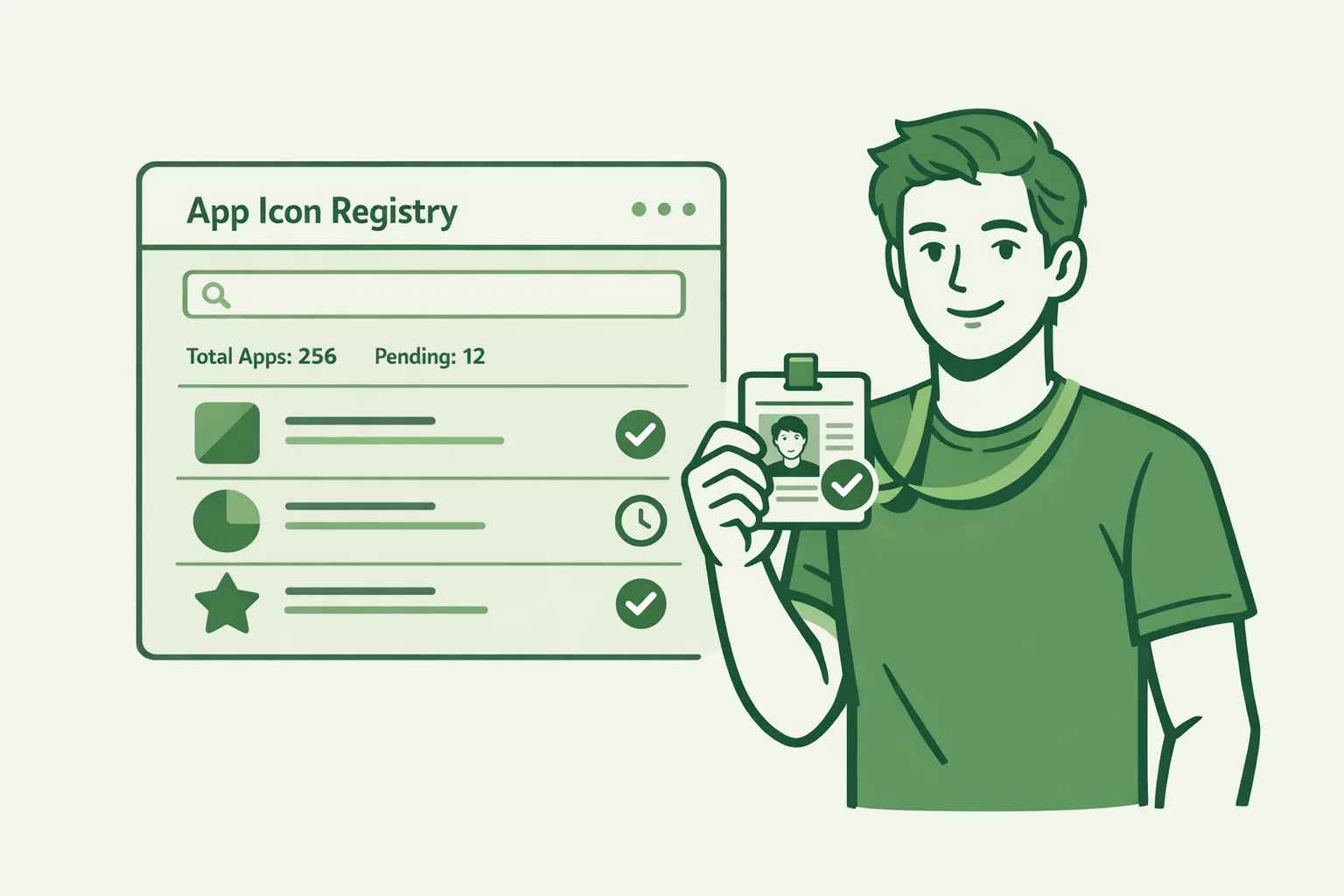
Android developer verification links a real‑world person or organization to the apps they distribute. It’s a two‑part process: verify your identity and register your apps’ package names by proving control of the signing key. The goal isn’t to review your app’s content; it’s to stop anonymous bad actors from hopping between identities after takedowns.
On certified Android devices—those that pass Google’s compatibility tests and ship with Play Services—apps will be installable only if they’re tied to a verified developer identity. That applies whether the app comes from Play, a third‑party store, or an APK you host yourself.
What’s changing in March 2026?
Two timelines matter:
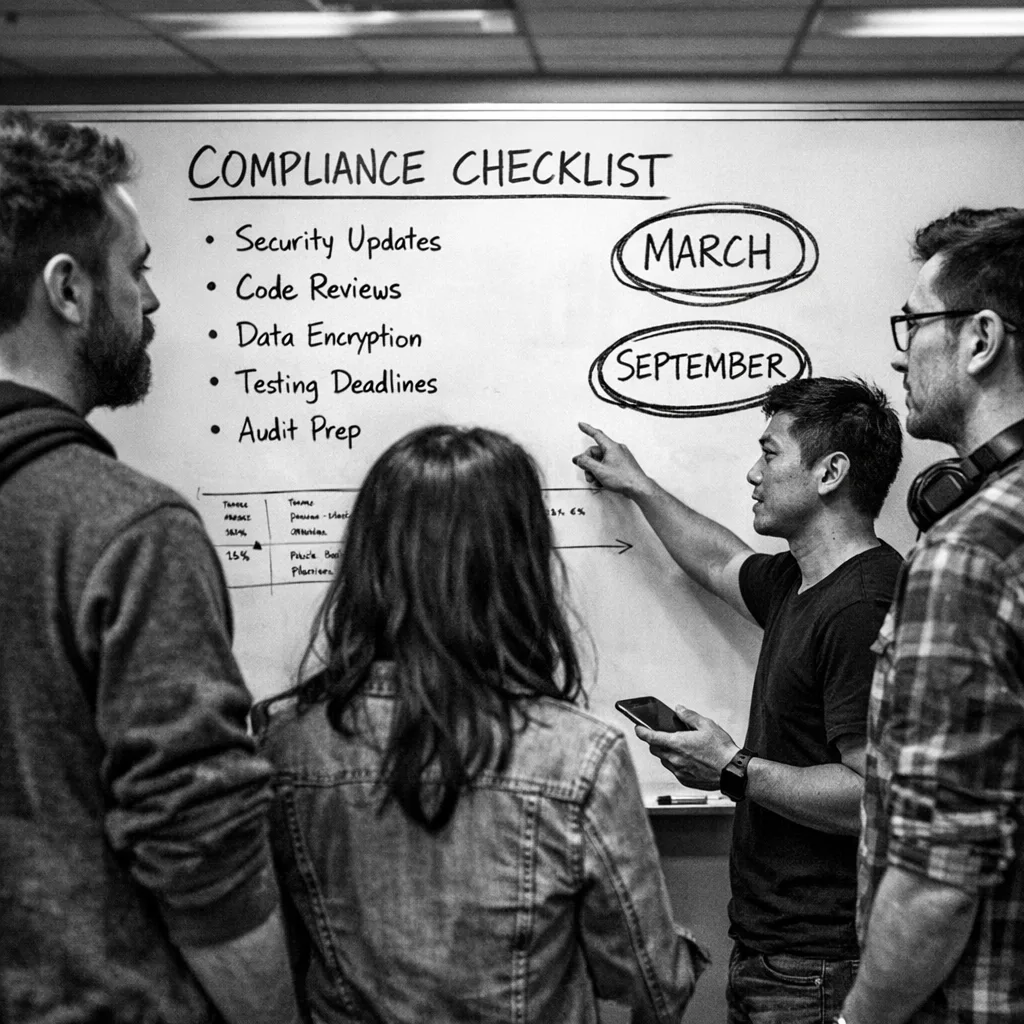
1) March 2026: Registration opens to all developers. You can complete identity verification and start registering package names for every app you want to remain installable on certified devices.
2) September 2026: Regional enforcement begins in Brazil, Indonesia, Singapore, and Thailand. From that point, installs on certified devices in those markets will require apps to be associated with a verified developer account and registered package names. A broader, phased rollout follows in 2027.
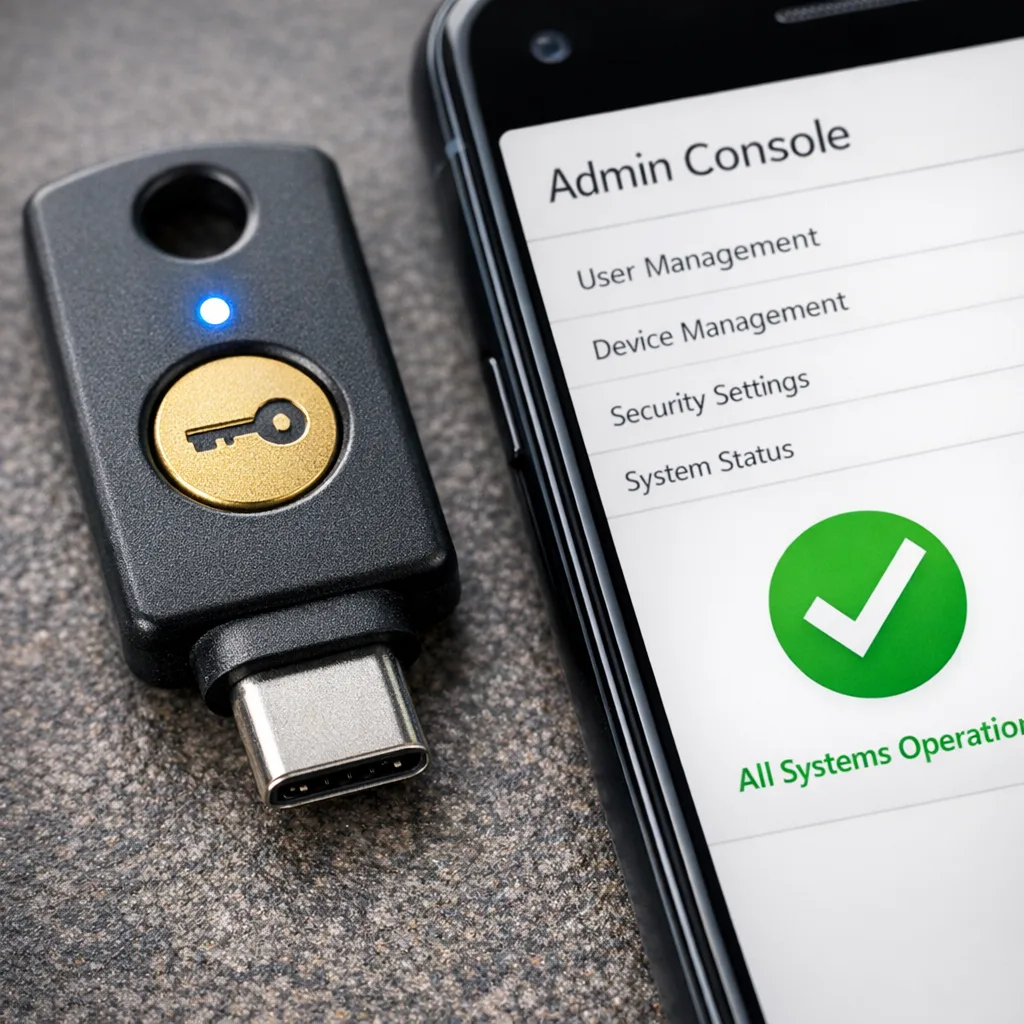
If you distribute on Google Play, Google plans to auto‑register most of your Play apps before the full launch, but you’re still responsible for verifying identity and confirming any outliers that couldn’t be auto‑matched. If you distribute only outside Play, you’ll use the new Android Developer Console (ADC) to onboard.
Does this kill sideloading?
No. Sideloading continues to exist on certified devices—but only for apps from verified developers with registered package names. Think of it like an ID check at the door. For devices that aren’t certified (for example, some forks or specialty devices without Play Services), the requirement doesn’t apply the same way. But for the mainstream Android ecosystem, verification becomes the baseline.
Who must verify—and who can wait?
You must verify if your app is used on certified Android devices, regardless of distribution channel. That includes:
- Play‑only developers who publish exclusively through Google Play
- Hybrid distributors who use Play plus third‑party stores or direct downloads
- Off‑Play distributors who only sideload or use alternative stores
Students and hobbyists aren’t exempt. There’s a lighter‑weight ADC account type, but you still need to verify to remain installable on certified devices once enforcement reaches your regions.
Exactly what you’ll need to provide
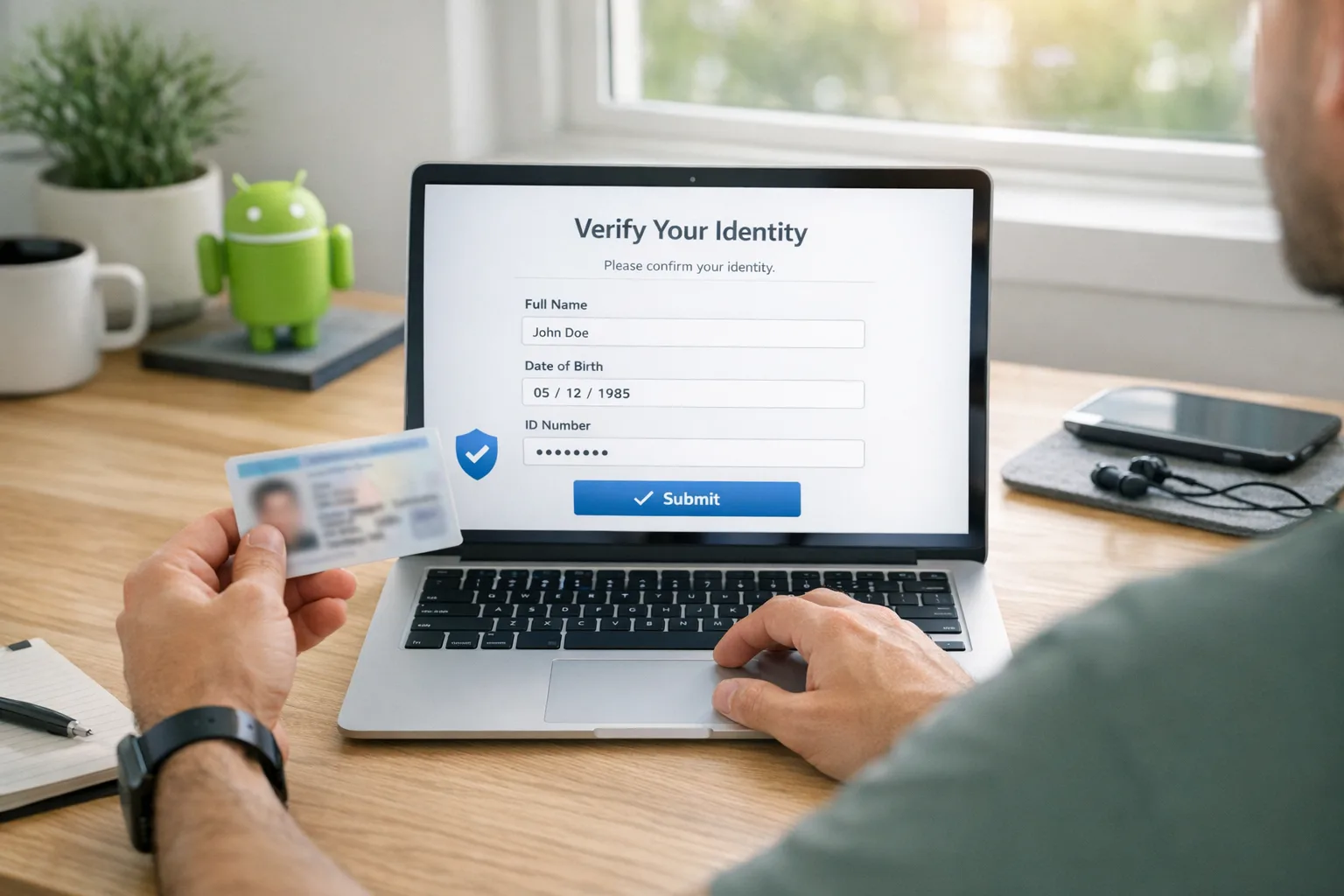
For individuals: legal name and address (backed by a government ID), a verifiable email and phone number, and a modest registration fee. For organizations: a D‑U‑N‑S number, legal details aligned to that record, domain verification (via Search Console), a government ID for the account creator, and the same contact verifications. Expect one‑time‑password checks and document uploads.
For package name registration: you’ll prove ownership by linking the signing key to your verified account. If you rotate keys or use multiple keys per product line, plan the registration order and key custody carefully so every package you ship maps cleanly to your verified identity.
How to pass Android developer verification (step by step)
Here’s the streamlined path I recommend to teams. Most of this is clerical, but a few steps are strategic and time‑sensitive.
- Inventory your apps and package names. Include variants (free, paid, enterprise), region‑specific builds, and legacy packages you still update for key customers.
- Map signing keys to packages. Document which key signs which package, where the key is stored (HSM, cloud KMS, or secure machine), and who can access it. Note any apps that use Play App Signing versus your own key custody.
- Choose your console path. If you use Play at all, plan to complete verification in Play Console. If you distribute only outside Play, set up an Android Developer Console account.
- Prepare identity evidence. Individuals: government ID and proof of address. Organizations: D‑U‑N‑S, legal docs, domain verification via Search Console, and a designated account owner with a valid ID.
- Verify the account. Expect OTPs to phone and email and ID checks. Keep your corporate number and billing alias reachable by the staffer doing the submission.
- Register package names. Link each package to a signing key you control. Where possible, register future packages now to avoid rushes during release week.
- Resolve edge cases. For shared packages between business units, contract apps signed by vendors, or products in the middle of a key rotation, formalize who owns the package and update agreements so registration matches reality.
- Capture the new “source of truth.” Export a report listing package names, signing keys, and verified owner, then store it in your release engineering repo. Treat it like you treat provisioning profiles or keystores.
Package name registration: keys, rotations, and gotchas
Registration hinges on proving that your signing certificate corresponds to the package you’re claiming. That means:
- Key rotations must be reflected. If you plan to rotate a signing key in 2026, register the current and future keys as the documentation allows, then schedule the rotation with a test window well before your next major release.
- Vendor‑signed apps need contracts updated. If a third party signs your APK, you still need the package linked to your verified identity. Require vendors to register with you, or transfer control of the package registration if they must remain the signer.
- Multiple variants are separate packages. Don’t forget country‑ or SKU‑specific package names; if it installs, it should be on your list.
One more practical tip: put registration review into your release checklist, so new packages aren’t created without being linked to your verified account on day one.
Will Google auto‑register my Play apps?
Mostly. Before the full launch, Play Console will attempt to auto‑register the package names for apps it already manages, but there will be exceptions—older apps with unusual signing setups, split ownership cases, or titles that have changed hands. Expect to review and approve anything the system couldn’t match automatically.
How this affects enterprise distribution and MDM
If you publish internal apps for employees on certified devices, you still need verification and registration so installs keep working where enforcement lands first. If you rely on managed Google Play or private distribution channels, verification should be straightforward, but you’ll want to confirm that your MDM workflows keep the signed package and registered owner aligned after any key rotations or rebrands.
What about open source projects?
Open source apps used on certified devices still need a verified owner for the binaries users install. If you’re distributing via F‑Droid or your own GitHub Releases, make sure the package name is registered to a verified maintainer or legal entity. If you have multiple maintainers, decide who holds the verified account and signing key, and document the succession plan. Transparency is a virtue here—publish who owns the key and how to verify checksums.
Students and hobbyists: do I really need this?
If you want your APKs to install on certified devices in regions where enforcement is live, yes. The ADC has a student/hobbyist flavor, but you still verify identity and register package names. If you’re purely experimenting on non‑certified hardware, you can keep tinkering, but that’s not where most users are.
Risk assessment: what happens if you ignore this?
Short term, nothing breaks until enforcement hits your markets. But once September 2026 arrives in the first wave of countries, users on certified devices there won’t be able to install new builds (or potentially updates) if your package isn’t registered to a verified developer. That means support escalations, store review churn, and a scramble you could’ve avoided. Zooming out, a clean verification trail will also reduce fraud reports and help platform teams trust your brand more quickly after incidents.
Let’s get practical: a 30‑day compliance plan
I’ve used this with client teams that ship frequently. It fits into a normal sprint cadence without hijacking product work.
Week 1: Inventory and ownership
- Export a list of every Android package you ship (Play, alt‑stores, direct APKs).
- Map signing keys and custody: HSM/KMS IDs, machine locations, and named owners.
- Decide which legal entity (or person) will be the verified owner for each package.
Week 2: Paperwork and console setup
- Collect identity docs (government ID; proof of address). For orgs, confirm D‑U‑N‑S details and set up a working Search Console verification path for your domain.
- Choose the right console: Play Console if you use Play; ADC if you don’t.
- Create or update your account; validate email and phone; lock down 2‑step verification for admins.
Week 3: Register and remediate
- Register package names against the correct signing keys. Start with top‑traffic apps, then long‑tail titles.
- Fix oddities: vendor‑signed builds, impending key rotations, split ownership. Update contracts where needed.
- Add a “package registration verified” step to your Android release checklist.
Week 4: Prove it and monitor
- Run a dry‑run install path on a certified device profile to confirm registration behaves as expected.
- Publish a short internal README that explains how to register new packages and where the canonical list and keys live.
- Set a quarterly review to catch new packages and ownership changes.
How this interacts with your Play pipeline
Teams that already passed Play’s identity checks won’t be starting from zero, but don’t assume Play will catch every edge case—especially if you have side‑loaded enterprise builds or a parallel alt‑store presence. Treat those packages as first‑class citizens in registration and put the owner and key details into the same governance process you use for release signing today.
Edge cases I’ve seen—and how to handle them
- Acquisitions and spin‑outs: Where package names remain the same but ownership changes, coordinate the registration transfer early and line it up with key rotation and brand asset swaps.
- White‑label apps: If you sign builds for partners under their branding, define who owns the package registration. Often the platform owner should hold it, with a clause to transfer on contract end.
- Contractor‑signed prototypes: Migrate signing back to your keys before public release and register under your verified entity.
People also ask
Will users see new prompts when they sideload?
Users may encounter clearer messages when an app can’t install because it isn’t tied to a verified developer. That’s the core change: installs on certified devices expect a verified identity behind the package.
Do I need to re‑sign old versions?
No—keep your historical artifacts intact. What matters is that the package name you’re shipping now is linked to a signing key associated with your verified account. Plan rotations carefully and register new keys before you publish with them.
What about non‑certified devices?
These requirements focus on certified Android devices. Non‑certified forks might not enforce the checks the same way. But if your users are on mainstream phones, plan for verification and registration.
Where this leaves your roadmap
Done right, Android developer verification becomes a one‑time foundation you’ll barely notice after setup—like provisioning profiles in iOS or domain verification for OAuth. Bake registration into your product launch checklist, keep your key custody tight, and future you won’t be firefighting at the worst possible time.
What to do next
- Start the 30‑day plan above—don’t wait for enforcement in September.
- Decide whether your verified owner will be an individual or a legal entity, and gather documents.
- Register high‑traffic apps first; resolve vendor‑signed and white‑label edge cases second.
- Add package registration to your Android release checklist and quarterly governance review.
If you want a second set of eyes, our team has helped product orgs and public‑sector dev shops set this up without pausing feature work. See how we ship on tough timelines on our client portfolio, explore our mobile and compliance services, and reach out via contact to get a quick, practical plan for your stack. For broader policy shifts that may affect your release engineering, our take on app store changes is here: Google Play fee changes: what devs must do now. And if you’re deep in Android distribution strategy, you’ll also find tactical details in our blog regularly updated with playbooks like this.
Final checklist before you ship your next APK
- Account verified (individual or org) with phone and email OTPs completed
- D‑U‑N‑S and domain verified (for orgs)
- Every active package name registered and mapped to current and next signing keys
- Vendor contracts updated to clarify registration ownership
- Release checklist updated with “package registration verified” gate
- Quarterly audit scheduled with security and release engineering
You don’t need to overhaul how you build Android apps to meet this requirement. You just need clear ownership, clean key custody, and a boring, repeatable checklist. Handle it now, and your installs will keep flowing when enforcement flips on—no frantic hotfixes, no last‑minute paperwork, and no lost trust with users.







Comments
Be the first to comment.