
React 19 Migration: What to Ship in Early 2026
Your React 19 migration is more than a version bump. It changes how you handle mutations (Actions), forms, stylesheets, document metadata, Suspense, and even how you profile performance. If you’re on Next.js, the LTS picture is clear: ship on 16 (Active LTS) or 15 (Maintenance LTS) with React 19. And because of the December 2025 RSC CVEs, you must land specific patched versions before you call the job done. This guide distills a practical, production‑tested plan for teams shipping in Q1 2026. (nextjs.org)
What’s new in React 19 that actually changes your code
React 19 (stable since December 5, 2024) introduced first‑class support for Actions, form actions, useOptimistic, the useActionState hook (renamed from useFormState), the use API for reading resources and context in render, new static rendering APIs, native document metadata, stylesheet precedence, better hydration diffs, and “ref as a prop.” These aren’t side‑grades; they streamline common product flows and remove a lot of glue code. (react.dev)
In October 2025, React 19.2 added <Activity /> (formerly Offscreen), useEffectEvent, cacheSignal for RSC, new React performance tracks in Chrome DevTools, and partial pre‑rendering/resume APIs—useful if you’re chasing faster first paint while still streaming dynamic content. (react.dev)
Highlights you’ll feel day one
• Actions + form actions: stop hand‑rolling pending, error, and optimistic states. Your form submit can be a function; React wires up pending and reset for you. (react.dev)
• useOptimistic and useActionState: fast, resilient UX with less ceremony; the rename away from useFormState matters for deprecations. (react.dev)
• Stylesheets and metadata: co‑locate CSS and <title>/<meta> with components; React hoists and orders them correctly in SSR/CSR. (react.dev)
• Static APIs: react-dom/static prerender helpers that wait for data and return streams—handy for SSG pipelines and hybrid setups. (react.dev)
Next.js reality check in January 2026
Next.js 16 has been Active LTS since October 21, 2025; Next.js 15 moved to Maintenance LTS on October 21, 2024. If you’re starting new work, plan for 16; if you’re mid‑migration on 15, you’re fine—but keep pace with security patches. (nextjs.org)
Next.js 15 shipped formal React 19 support, better hydration errors, codemods, next/form, observability hooks, and a big caching semantics simplification (GET handlers and client router cache are no longer cached by default). It also aligned the App Router with React 19’s release cadence while remaining compatible with React 18 via the Pages Router for staged upgrades. (nextjs.org)
Should I run React 18 with Next.js 15?
You can keep the Pages Router on React 18 temporarily while you upgrade your app, but if you’re using the App Router, plan for React 19. That’s the supported path going forward, and it’s where Actions and React 19 form features really shine. (nextjs.org)
Security: the December 2025 RSC vulnerabilities
On December 3, 2025, the React team disclosed a critical RCE in React Server Components payload decoding (CVE‑2025‑55182), with fixes in 19.0.1, 19.1.2, and 19.2.1. One week later (December 11), they disclosed related DoS and source exposure issues and backported fixes to 19.0.3, 19.1.4, and 19.2.3. If you use RSC (which most Next.js App Router apps do), you must upgrade React and your framework line to the patched builds. (react.dev)
Next.js published specific patched versions per release line during that window; if you’re not on the “latest” for your major (15 or 16), bump now. Don’t rely on host mitigations—treat these as must‑fix. (react.dev)
The 2‑hour audit: are you ready for React 19?
Here’s a lightweight readiness scan we run with teams before touching code:
- Inventory server boundaries: which routes/components are Server vs Client, and where you use Server Actions.
- Forms: list forms posting to APIs that could be converted to form actions.
- State transitions: note places using loaders/spinners that would benefit from
useOptimisticor Actions pending state. - Styles/SEO: flag packages like
react-helmetand global CSS conventions that could move to component‑local stylesheets and document metadata. - SSR/streaming: identify routes with waterfalls, consider partial pre‑rendering/resume in 19.2 where appropriate.
- Security posture: confirm React and Next.js versions include December 2025 patches across environments.
Your React 19 migration ladder
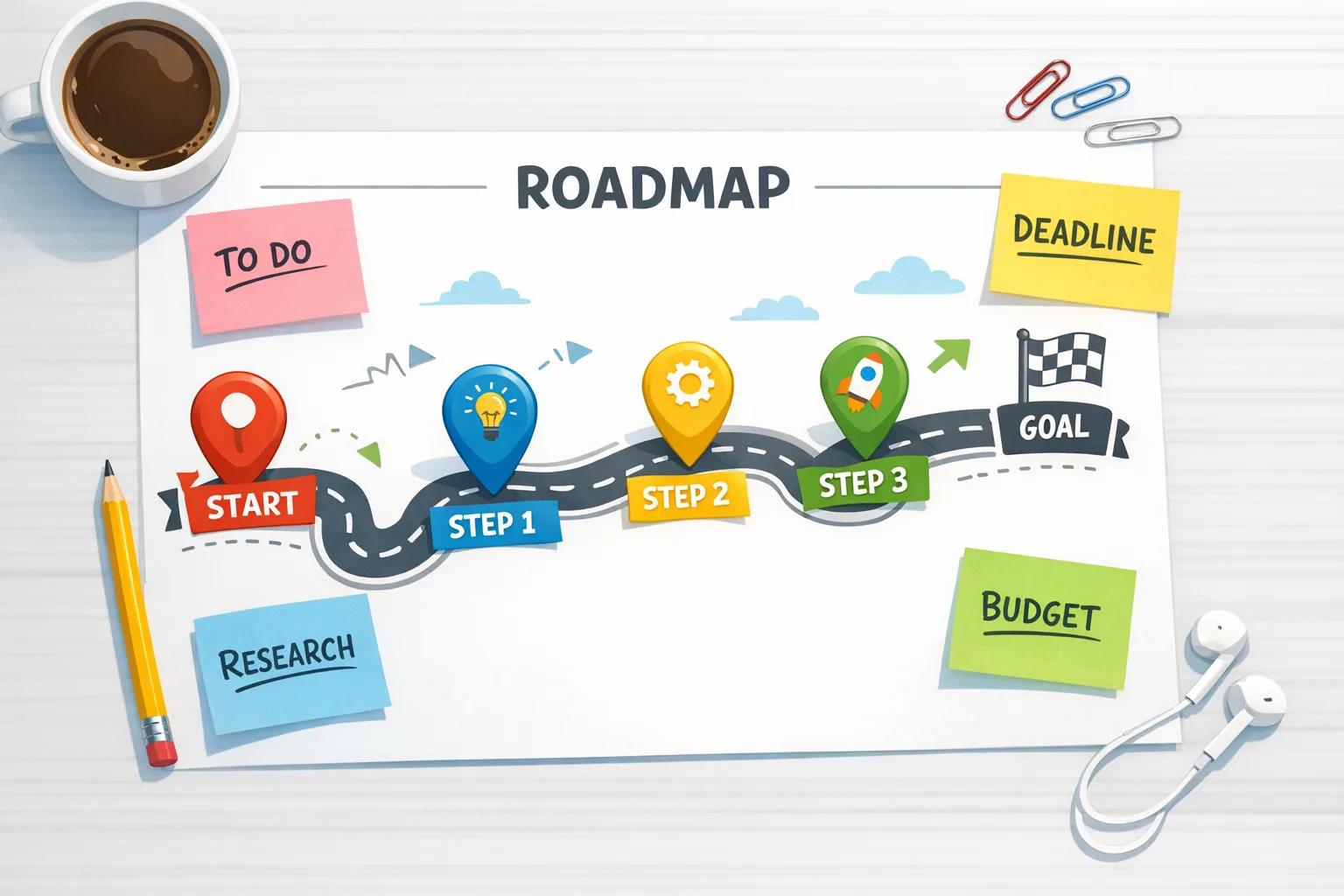
Think of this as a pragmatic 10‑step runway you can complete in sprints. You don’t need to flip everything at once.
1) Pin versions and patch security
Upgrade to the latest 19.x in your track (e.g., 19.2.x as of Q1 2026) and land the RSC security patches. For Next.js, bump to your major’s latest patched build (15 or 16). Lock your package manager to avoid accidental downgrades. (react.dev)
2) Stabilize on LTS
If you’re green‑field, choose Next.js 16 (Active LTS). If you’re mid‑upgrade on 15, you can stay there for now, but align end‑of‑quarter milestones to 16 to keep feature parity and future upgrades smoother. (nextjs.org)
3) Convert one critical flow to Actions
Pick a high‑value mutation (checkout, profile update). Replace ad‑hoc useState/isLoading patterns with an Action + form action. Let React handle pending, error, reset, and optimistic updates. Expect 20–40% fewer lines in that flow and fewer race conditions. (react.dev)
4) Adopt useOptimistic and useActionState
Start with a list or messaging UI where optimistic UX matters. Replace manual optimistic state. If you previously used the canary useFormState, codemod to useActionState. (react.dev)
5) Move metadata and styles closer to components
Replace legacy react-helmet or scattered tag management with native <title>/<meta>/<link rel="stylesheet" precedence=...> inside components. React hoists and orders them safely across SSR and Client rendering. (react.dev)
6) Use the new static rendering APIs where SSG makes sense
For marketing pages and documentation, use prerender and friends to generate static HTML streams that wait for data. Keep dynamic routes on streaming SSR or RSC paths. (react.dev)
7) Try the React Compiler in a slice of your app
Enable the React Compiler on a non‑critical route or a feature flag. Watch for fewer manual useMemo/useCallback, and validate with e2e tests. It’s stable since October 7, 2025, and ships with lint rules to catch “Rules of React” violations. (react.dev)
8) Profile with React performance tracks
Use Chrome DevTools’ React tracks to understand scheduler priorities, mounts, and effect timing. This replaces guesswork with concrete timelines you can share with product. (react.dev)
9) Plan a CRA exit, if you still have one
Create React App is deprecated for new apps (as of February 14, 2025). If you’re still on CRA, schedule a move to a framework (Next.js, Remix, Expo) or a build tool (Vite/Parcel/Rsbuild) with React’s new “build from scratch” docs. (react.dev)
10) Close the loop with observability
Wire instrumentation.js (Next.js 15+) or your platform’s hooks to capture server context, error types, and slow renders. You’ll want this visibility as you roll the compiler and Actions deeper into the app. (nextjs.org)
People also ask
Is React 19 safe to adopt for enterprise teams in 2026?
Yes—ship it with the December 2025 RSC patches applied and your framework on a patched line. For conservative orgs, start by enabling Actions/form actions and the new metadata/styles features; pilot the compiler behind a flag. (react.dev)
Do I need to rewrite for Server Components?
No. You can keep client components and still gain from Actions, form actions, and useOptimistic. Server Components are stable in React 19, but frameworks implementing RSC should pin versions; you can adopt RSC opportunistically where it pays off. (react.dev)
Can I mix React 18 and 19 inside Next.js?
You can keep Pages Router on 18 during the transition, but align App Router code with 19. Mixed setups are possible but raise typing and rendering edge cases—treat them as short‑lived bridges, not destinations. (nextjs.org)
Gotchas we see in real upgrades
• Ref cleanup and “ref as prop”: returning a cleanup function from a ref is supported; implicit returns that accidentally return a node will break TS after the upgrade—codemod or fix by using braces. (react.dev)
• Metadata duplicates: when moving off react-helmet, remove old effects that inject tags or you’ll create dupe <meta> entries. React’s hoisting works best when it owns the tags. (react.dev)
• Partial pre‑rendering: powerful, but not a silver bullet. Keep it to mostly static sections and measure resume times. In Node, prefer Node Streams for speed and compression. (react.dev)
• Security patch drift: monorepos sometimes patch the app package but miss the framework or bundler plugin carrying the RSC runtime. Audit all react-server-dom-* packages and your framework line. (react.dev)
A simple template for converting a form to Actions
Here’s the mental model we teach juniors and clients.
- Keep validation where it belongs (server or shared). Export a server action with the "use server" directive if your framework uses it.
- In the UI, replace your submit handler with a function passed to
<form action={...}>. UseuseActionStatefor pending and error state. - Use
useOptimisticto update the UI immediately (e.g., add a list item) and let React revert on error. - Drop the old “isSubmitting” state and effect‑based resets; React resets the form on success.
That’s it—less boilerplate, fewer race conditions, and a UI that feels instant. (react.dev)

Where the React Compiler fits
The compiler is finally 1.0 and real teams are using it. Start small: enable it for a dashboard route, watch re‑renders drop, and remove memoization only after tests agree. Next.js, Expo, and Vite have templates to get you going. Keep it pinned if your test coverage is light. (react.dev)
Team‑level plan you can copy
Break the work into parallel tracks so product doesn’t stall:
- Security: patch React/Next immediately and verify in CI with a lockfile audit.
- UX: convert one critical flow to Actions +
useOptimistic. - Platform: move metadata/stylesheets into components, delete redundant tag managers.
- Perf: enable the compiler behind a flag on one route; instrument with performance tracks.
- Docs: write a two‑page internal guide with examples from your codebase.
What to do next
- Book a 60‑minute session to slice your app into upgradeable chunks. If you want a second set of eyes, our team can help—see what we ship on our portfolio.
- Patch security now, then enable Actions on one flow this week.
- Open a ticket to replace helmet/effect metadata with native tags and co‑located stylesheets.
- Trial the React Compiler behind a flag; measure with React performance tracks and your APM.
- Create a migration board with epics for Actions, metadata/styles, compiler, and SSR/SSG.
If you’re evaluating partners for an upgrade, here’s how we work with engineering leaders: clear scopes, production‑first patterns, and measurable outcomes. Explore our web development services, see what we do, and reach out via contacts when you’re ready to move.




Comments
Be the first to comment.