
Node.js 20 End of Life: Your 90‑Day Migration Plan
Node.js 20 end of life lands on April 30, 2026. If your production still runs on 20.x, treat the next 12 weeks as a shipping window, not a someday task. This playbook explains what the Node.js 20 end of life milestone actually changes, how to pick between Node 22 and Node 24, and a 90‑day plan to migrate without breaking velocity.
What just changed—and why it matters now
Two things converged this month. First, Node shipped security updates across the 20.x, 22.x, 24.x, and 25.x lines on January 13, 2026, including fixes that touched Buffer allocation behavior and dependency bumps in undici and c‑ares. Second, 20.x is already in Maintenance LTS and stops receiving community security fixes after April 30, 2026. That’s not theoretical; it’s a hard date that vendor ecosystems plan around.
On the platform side, Node 24 is now Active LTS with V8 13.x, npm 11, AsyncLocalStorage improvements, and a more practical permission flag. The AWS Lambda runtime for Node 24 arrived late 2025 and notably removes callback‑style handlers in favor of async/await. Cloud providers, CI images, and container bases have been steadily flipping defaults to 24.x, with 22.x remaining a safe LTS target through April 2027.
Node.js 20 end of life: what actually happens?
Here’s the thing: EOL isn’t a kill switch for your app. Your services don’t stop on May 1. But the risk profile changes overnight. After April 30, 2026, 20.x no longer receives community security patches. Ecosystem support follows: managed runtimes deprecate, SDKs pin their support windows, and enterprise scanners start flagging you.
What that looks like in practice:
- Security and compliance: Vulnerability scans go red. You’ll spend time arguing with auditors instead of shipping features.
- Cloud runtimes: Providers deprecate 20.x according to their policies—creates and then updates get blocked on a delayed schedule. Invocations continue, but you’re on borrowed time and unsupported.
- Toolchains: Buildpacks, base images, and PaaS defaults switch to 24.x. Staying on 20.x requires manual pinning and more maintenance.
If you run serverless, make migration a priority. Lambda’s standard deprecation flow is deprecate, then block new function creates, then block updates—usually spaced by roughly 30 and 60 days after the deprecation event. Those windows can shift, so plan earlier, not later.
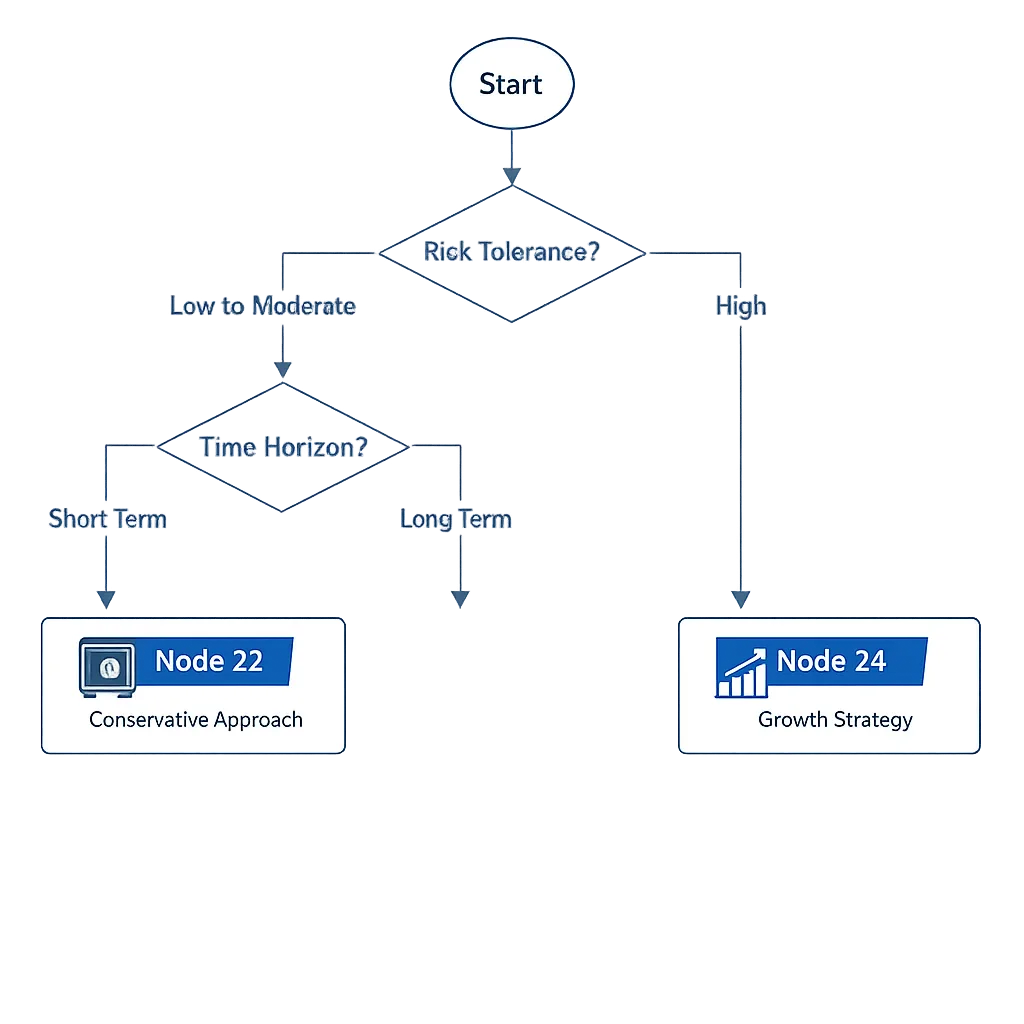
Should you jump to Node 22 or Node 24?
Both are good moves. Choosing comes down to compatibility surface vs runway.
Pick Node 22 if you want the smallest blast radius
Node 22 is LTS through April 2027 and tends to be the easier upgrade from 20.x. Reasons teams land here:
- Fewer runtime shifts from your current code (especially if you’ve got older libraries or native add‑ons).
- Stability over novelty: the permission model is mature, but fewer breaking surprises compared to jumping two majors.
- Minimal retraining if your team maintains legacy packages that assume certain stream defaults or test runner behaviors.
Pick Node 24 if you want the longest runway and better web parity
Node 24 is LTS through April 2028. It brings V8 13.x improvements, npm 11 by default, global URLPattern, AsyncLocalStorage powered by AsyncContextFrame, and Undici 7 for fetch. If you’re modernizing anyway—moving to ESM, using the built‑in test runner, or standardizing around async/await—24.x is the smarter long‑term bet.
Serverless note: the Node 24 Lambda runtime drops callback‑style handlers. If you still use (event, context, callback), budget time to switch to async handlers or synchronous returns.
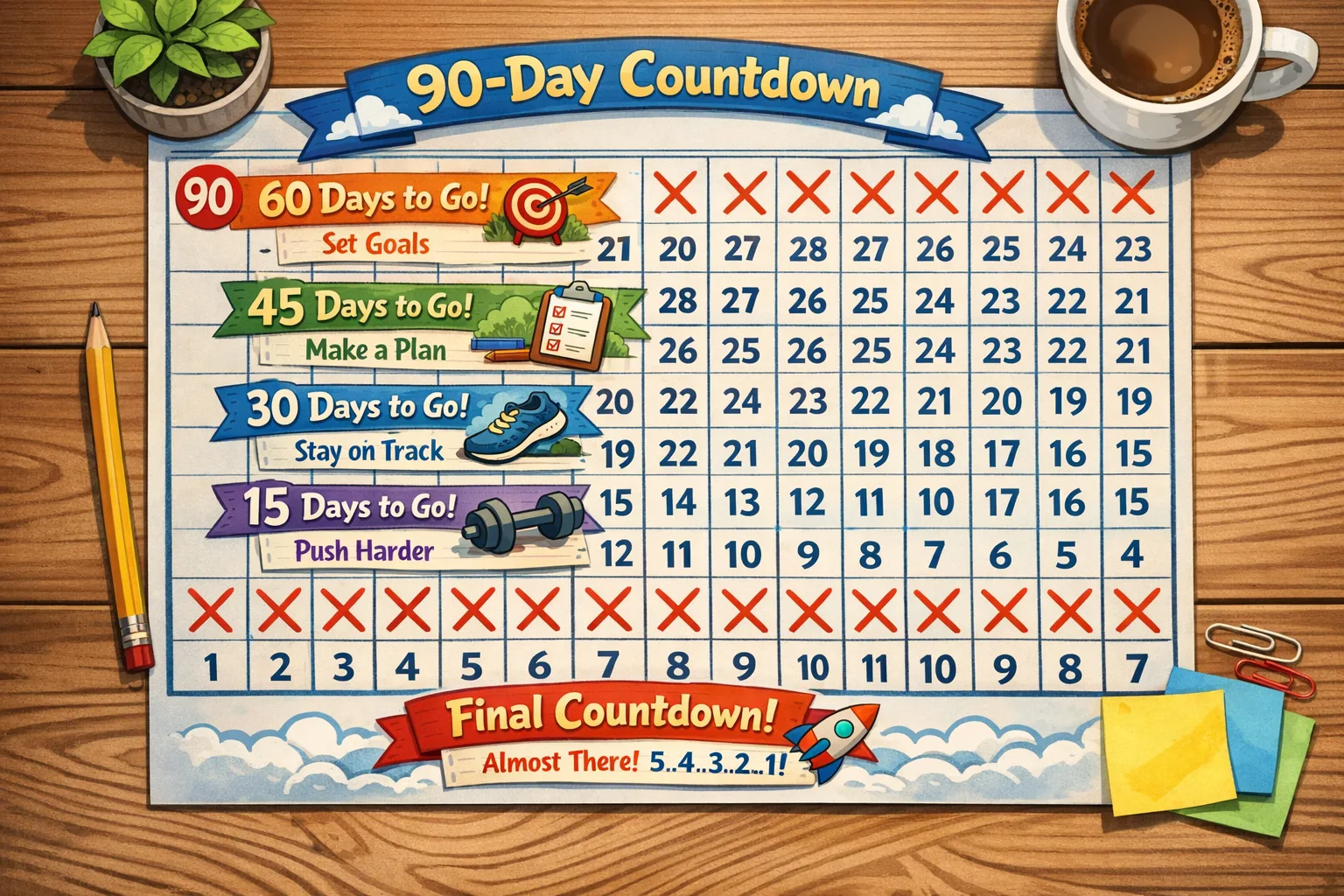
A 90‑day migration sprint that actually ships
You don’t need a rewrite. You need a focused cadence. Use this three‑phase plan; compress it if you have a small surface area.
Days 0–30: Inventory, baselines, and dry runs
- Inventory everything: services, workers, CLIs, scheduled jobs, and every Lambda. Map versions (
node -vin CI logs), container bases, and runtime flags. - Decide your target (22 or 24) per workload. For serverless with callback handlers today, choose 22 for quick wins or commit to async/await and jump to 24.
- Set up parallel runners in CI. Add a second job that installs Node 22 or 24 and runs tests in that matrix. Failures now are your backlog.
- Freeze dependencies where needed. If you’re jumping to npm 11 with Node 24, run a lockfile refresh in a throwaway branch and measure install times and diff.
- Enable the permission model in non‑prod. Start your service with
--permissionand grant only what you need (fs, env, net). Catch accidental file/network access early. - For Lambdas, turn on response streaming tests and convert one or two callback handlers to
asyncto validate the runtime shape.
Days 31–60: Fixes, feature flags, and staged rollouts
- Quarantine flaky tests. The built‑in test runner changed behaviors around subtests waiting; fix or annotate flakes before they hide real regressions.
- Streams tuning. Node 22/24 raises default stream highWaterMarks in many cases. Profile memory in dev/staging; explicitly set watermarks where your workload is tight.
- ESM guardrails. If you rely on CJS/ESM interop quirks, test with and without experimental flags. Standardize on one module system per package.
- Observability check. Libraries using AsyncLocalStorage may behave differently (better!) under 24.x. Validate trace/context propagation across awaits and streams.
- Start canary deploys. Roll out to 5–10% behind a feature flag or runtime label. Watch error rates and cold start deltas (serverless).
Days 61–90: Flip defaults and retire 20.x
- Promote the new runtime to 100% for low‑risk services. Keep a rollback alias for a week.
- For Lambdas on 24.x, complete callback→async conversions and remove deprecated context APIs.
- Update base images, buildpacks, and platform configs so new services default to your target runtime.
- Document your known good flags, memory settings, and npm policies. Bake them into templates.
- Archive 20.x pipelines and images. Don’t leave footguns around.
What breaks most often (so you can fix it fast)
Callback handlers in AWS Lambda (Node 24)
Node 24 runtimes in Lambda no longer support the callback‑style handler for async work. Convert to export const handler = async (event) => { ... }. Synchronous handlers (no callback) still work.
Stream memory surprises
The default highWaterMark for streams increased in recent releases. If you process large file streams or run on tiny containers, set explicit watermarks to keep memory predictable. Monitor RSS in staging and watch for GC churn.
Test runner behavior
The built‑in node:test runner now reliably waits on nested subtests. That’s good—but it can surface hangs that your old setup ignored. Timebox your tests and make teardown explicit.
Permission model
The permission model flag (--permission) is stable in Node 22+. In permissive environments it’s invisible; in locked‑down CI or plugins that read the filesystem implicitly, it will fail fast. Adopt it gradually: start by allowing fs read and env, then ratchet down.
npm 11 and install behavior
Node 24 ships with npm 11. Expect different peer dependency resolution and lockfile diffs. Regenerate on a branch, run npm ci in CI, and compare artifact hashes for reproducible builds.
People often ask…
When exactly is Node 20 EOL?
April 30, 2026. After that date, community security updates stop for 20.x. Plan to be off 20.x before then.
Should I skip Node 22 and go straight to 24?
If you’re modernizing anyway (ESM, updated test runner, stricter permissions), go to 24 and buy two extra years of runway. If you need the least change to stabilize quickly, 22 is fine—just don’t park there forever.
Will my Lambdas stop running on May 1?
No. Invocations keep working, but deprecation blocks new creates and then updates after a grace period. You’ll lose technical support and security patching. Don’t rely on grace windows; ship the upgrade.
What about container images and PaaS?
Most platforms have shipped 24.x images and will flip defaults (or already have). If you hard‑pin 20.x images, you’re signing up to maintain OS patches yourself. Move to 22 or 24 and let managed images carry the routine updates.
Quick checks and commands
A few copy‑pastable bits to speed up day one:
- Check your runtime quickly:
node -vandnpm -vin CI logs across services. - Try Node 22 locally with nvm:
nvm install 22 && nvm use 22 - Try Node 24 locally with fnm:
fnm use 24(fast alternative to nvm) - Enable permissions in dev:
node --permission --allow-fs-read=./,./config --allow-env main.js - Convert a Lambda handler: switch
(event, context, callback)toexport const handler = async (event) => { return { statusCode: 200, body: "ok" }; }
The Migration Canvas: one‑page checklist
Use this with your team; it’s the minimal set that keeps projects moving.
- Target choice per service: 22 or 24, and why.
- Platform notes: container base, PaaS runtime, Lambda handler style, OS image.
- Compatibility risks: streams, ESM/CJS, native addons, npm 11.
- Security posture: permission flags to test, env/file/network allowances.
- Observability: AsyncLocalStorage behavior, logging correlation, APM configs.
- Performance: cold starts, memory watermark settings, GC behavior.
- Rollout plan: canary %, success metrics, rollback alias/version.
- Decision logs: what you tuned and why (future you will ask).
- Deadline: the date you will delete 20.x pipelines and images.
Data points to anchor your plan
Dates and versions to keep in your runbook:
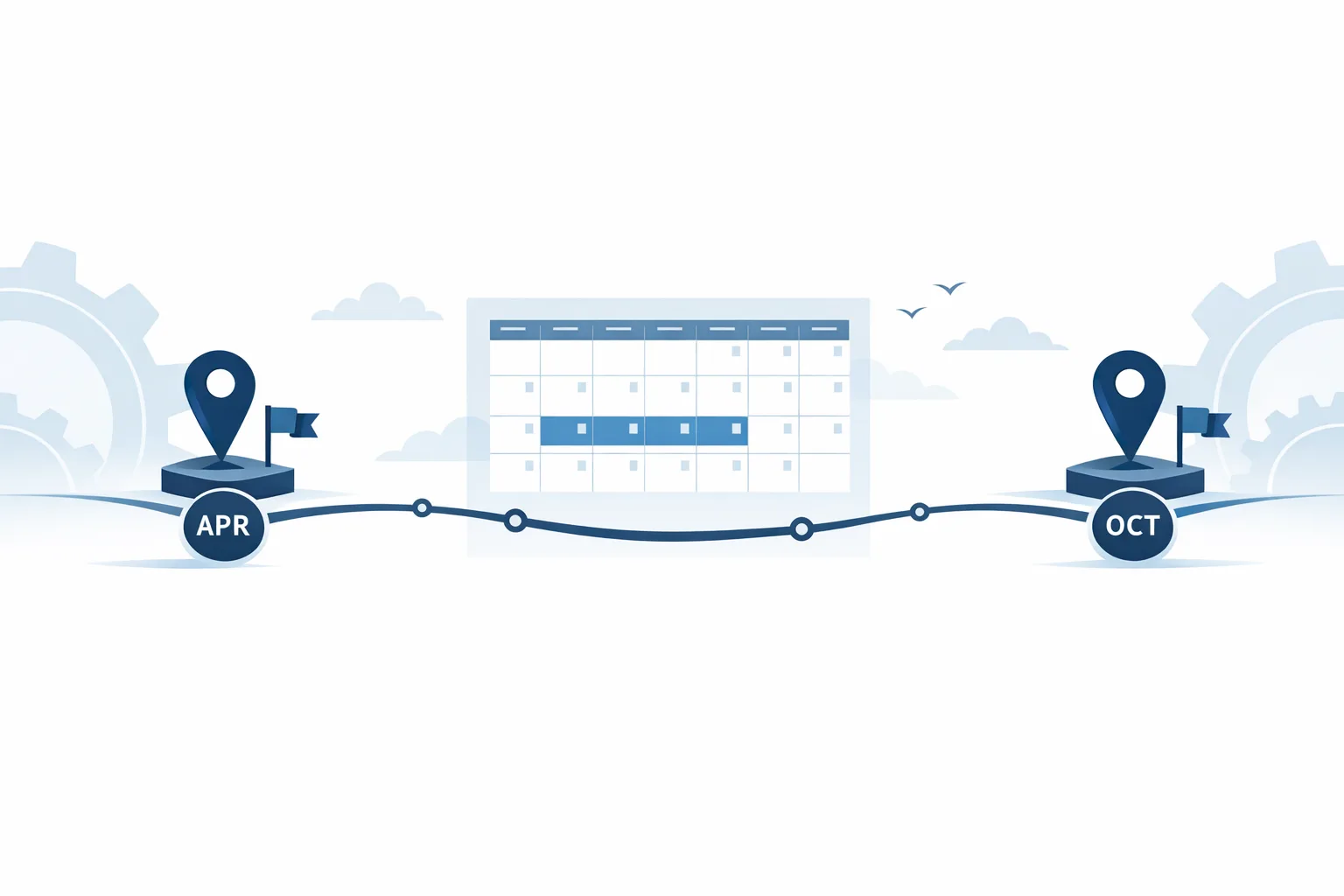
- Node 20.x end of life: April 30, 2026.
- Node 22 LTS security support through April 2027.
- Node 24 LTS security support through April 2028.
- Security updates were shipped across 20/22/24/25 on January 13, 2026.
- AWS Lambda added a Node 24 runtime in late November 2025 and removed callback‑style handlers there; use async handlers.
- AWS SDK for JavaScript aligns support with Node LTS and keeps a buffer past EOL; plan upgrades accordingly.
Make it safer: a pre‑flight test recipe
Before you flip production, run this sequence on every service:
- Unit + integration tests on the target runtime in CI. Fail the build on unhandled promise rejections.
- Permission run in staging with
--permissiongranting onlyfsread andenv. Add granular allowances as tests fail. - Load test at 80% of peak. Watch memory, latency, and any regression around streaming endpoints.
- Observability checks: verify request IDs propagate across async boundaries and streams.
- Canary: route 5–10% of traffic for 24 hours. No regressions? Ramp to 50%, then 100%.
Where teams stumble (and how to avoid it)
Monorepo drift is the big one. Half the packages flip to Node 24 while legacy tools assume Node 20. Pin your engines and align CI images repo‑wide. Another common miss: forgetting scheduled jobs and tiny CLIs. They matter when a lockfile bump changes install behavior on your ephemeral runners.
If you’re juggling policy and platform changes across mobile and backend, keep your release trains aligned. We’ve written about handling platform‑driven blockers—see our note on shipping around urgent Node.js security releases and our practical advice in January 2026 Patch Tuesday: What to Fix First.
What to do next (today)
- Decide your default: Node 22 for minimal change or Node 24 for runway. Document it.
- Add a 22/24 matrix to CI and make failing tests visible in Slack.
- Pick one critical service and one Lambda to migrate first. Prove the path.
- Enable the permission model in dev/staging to reveal hidden file/env access.
- Schedule a 60‑minute performance review of stream memory and cold starts.
- Set a hard date to delete 20.x build images and remove 20.x from templates.
If you don’t have the team cycles to do this right now, bring in help. Our engineering services ship upgrades under guardrails, with playbooks tuned to your stack. Want a fast estimate and an upgrade plan? Talk to us. And if you need to brief your execs on cost/risk, point them to our blog for pragmatic, non‑fluffy explainers.

Final thought
This isn’t a rewrite. It’s routine platform maintenance with a deadline. Treat the Node.js 20 end of life as a forcing function to clean up callback handlers, tighten permissions, and standardize your build images. Make your decision—22 for speed, 24 for runway—and start the 90‑day sprint. Future you (and your pager) will thank you.








Comments
Be the first to comment.