Google Play External Links 2026: Ship Smart
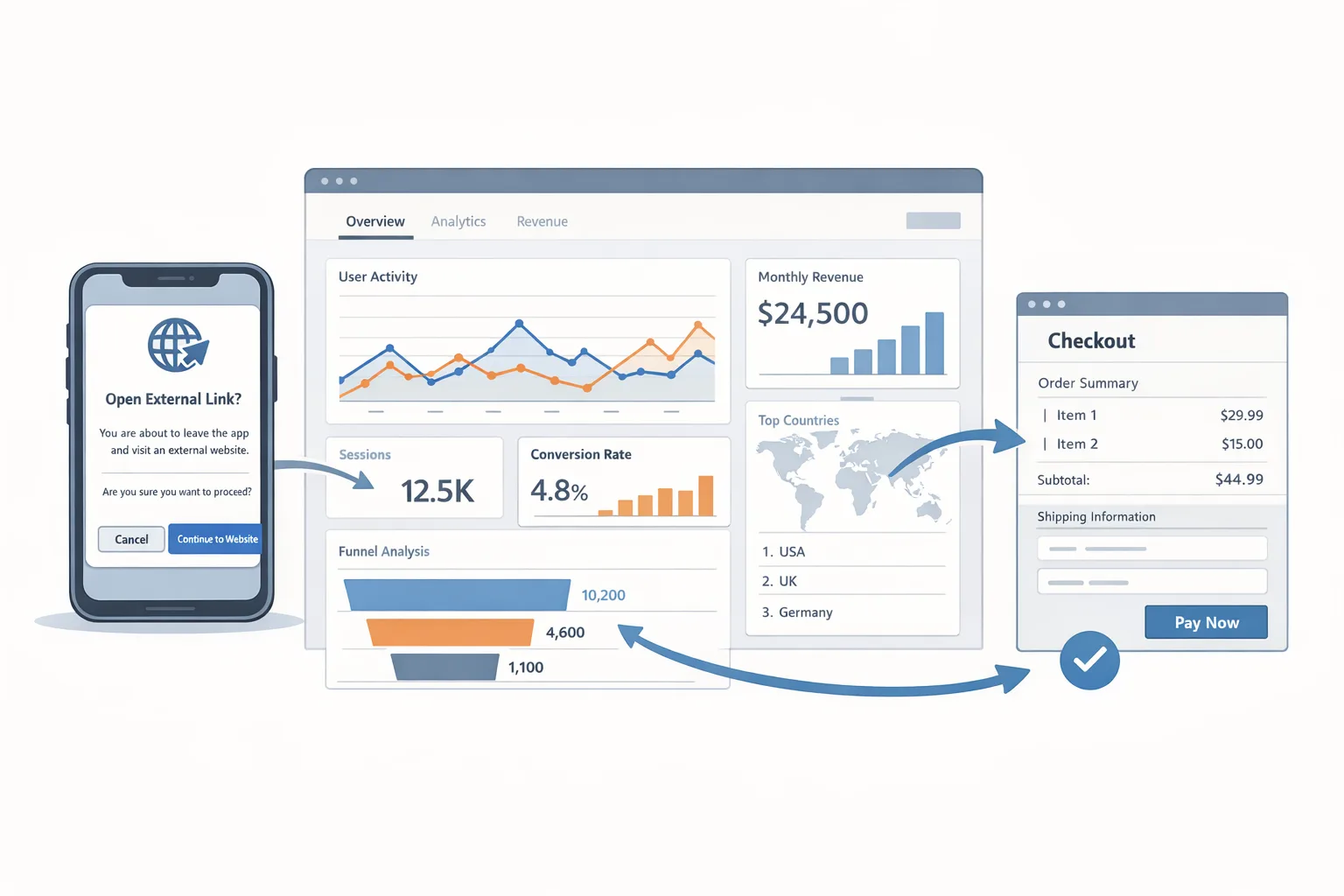
Google Play external links are officially on the table for U.S. users, and the compliance date is January 28, 2026. If you want to link out for purchases or to an external app download without tripping policy wires, you need a concrete plan—not just a memo. This article cuts through the noise: what changed, what the fees look like, how to implement the required APIs, and a two‑week ship plan your engineers can start today.
What changed—and by when?
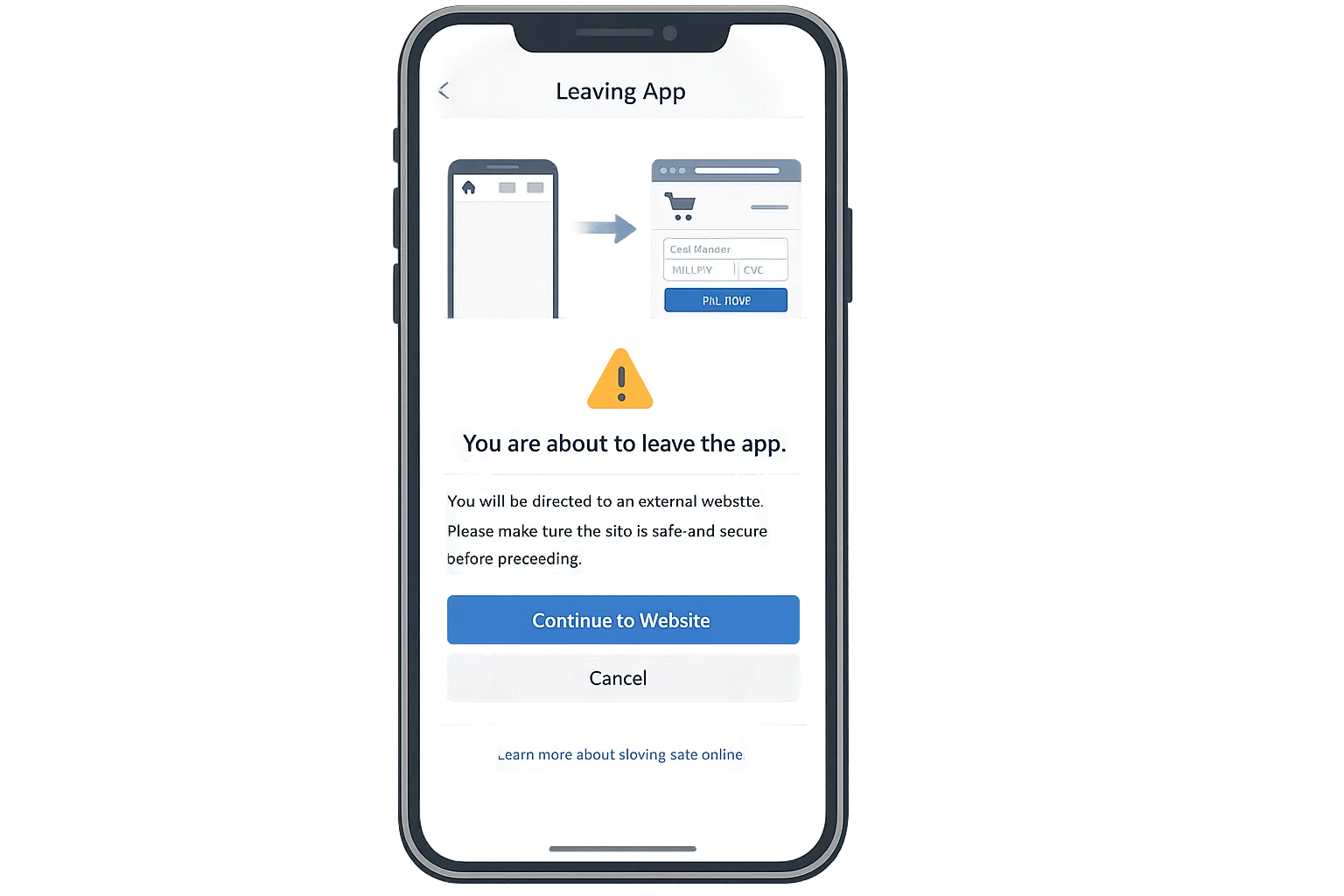
Here’s the thing: Google has created a formal program for developers to place Google Play external links in apps distributed on Play, for U.S. users and territories. Those links can point to a web purchase flow for digital items or to an external app download that isn’t managed by Play. Enrollment and app‑level approval are required before you use the links, and enforcement begins January 28, 2026.
Two parallel tracks now exist for U.S. distribution strategy:
- External Content Links (ECL): Link out to web purchases or to an external app download destination.
- Alternative Billing (AB): Offer an in‑app billing system in lieu of or alongside Google Play Billing.
Both programs are opt‑in and U.S.‑scoped, and both require Google’s APIs that display a one‑time information screen, respect parental controls, and support reporting when required. The fees and operational trade‑offs differ—so choose intentionally.
Google Play external links: the concrete requirements
Let’s get practical. ECL isn’t just “paste a URL.” Your app must:
- Enroll the app in the ECL program via Play Console and receive approval before showing links.
- Limit exposure to U.S. users (and territories). Everyone else sees your normal in‑app flow.
- Integrate the External Content Links APIs, which trigger the mandated information screen before the hand‑off.
- Use Play Billing Library 8.2.1+ in the client. If you’re below that, upgrade first.
- Register every external app (if you’re linking to app downloads) and declare all external URLs that users can land on.
- Meet destination requirements: clear app details, visible developer info, safe downloads, customer support, and a data policy.
- Provide refunds and dispute handling for off‑Play transactions unless clearly non‑refundable.
Developer‑to‑developer: budget time for the registration/declaration steps. The review can take days, and you can’t ship links before approval. Treat these like store submissions with all the usual hygiene—metadata, icons, copy, and a support footer on the destination.
Fees, windows, and the ROI math you actually need
As of January 7, 2026, Google states it intends to apply fees tied to activity resulting from external links, but those fees aren’t being assessed yet. Plan now, because once they flip on, your unit economics will change.
For ECL, the fee framework Google has published is:
- In‑app item purchases via external links: 10% for auto‑renew subscriptions; 20% for other digital offers. The first $1M of annual developer earnings is charged at 10%.
- App downloads via external links: a fixed per‑install fee within 24 hours of click: $2.85 for apps, $3.65 for games.
For Alternative Billing, the published fees differ:
- 10% on subscriptions; 25% on other digital items when purchased through your own billing inside the app. The first $1M annually remains at 10%.
Which is cheaper? It depends on your mix and funnel. A few quick mental models we’ve used with clients:
- Subscription‑heavy apps (non‑game): AB often pencils out (10%) if you keep your in‑app conversion healthy and support costs contained.
- High ARPPU games: ECL’s 20% for offers plus a potential $3.65 per install if you link to an external game download can erase savings fast unless your external funnel skips downloads and focuses on account‑linked web upgrades.
- Utilities/productivity with modest ARPU: ECL can make sense if web checkout conversion stays high and you don’t trigger many feeable app installs within the 24‑hour window.
Pro tip: model three scenarios—base, aggressive adoption, and fee‑max exposure. Include:
- Click→checkout conversion and average order value by cohort.
- Share of installs completing within 24 hours of the external click.
- Refund rates and chargeback costs borne by you.
- SEO/paid traffic lift if you can market outside Play gates.
If you want a deeper dive on the economics, we’ve broken down fee scenarios and flows in this ROI explainer.
External links vs. alternative billing: how to choose
Here’s a simple decision lens we use when advising teams:
- Where do you sell best? If your marketing and CRM are already driving users to a high‑converting web checkout, ECL complements your strengths. If your best conversion is in‑app, AB can be the lighter‑lift switch.
- What are you selling? Subscriptions tilt toward AB’s 10% in‑app rate. One‑off consumables or upgrade packs may favor ECL if web conversion stays strong and you can avoid download‑fee exposure.
- What’s your support posture? With ECL/AB, you own more customer support (refunds, disputes). Underinvest here and you’ll bleed margin.
- How sensitive is your flow to friction? The mandated information screen adds a step. Test copy and timing so it informs without scaring users off.
If you’re split, start with ECL for web‑savvy cohorts and keep Google Play Billing in place for the rest. You can run controlled experiments without committing the entire app to one path.
14‑day engineering plan to ship ECL safely
Bookmark this and assign owners. Adjust timelines based on your release cadence.
Days 1–2: Enroll and scope
• Enroll target apps in ECL via Play Console. Identify the exact user segments (U.S. and territories).
• Inventory the external destinations you’ll use and the app packages for any external downloads. Confirm destination compliance: app details, developer info, visible support, data policy.
• Decide whether links are global within the app or gated to premium screens.
Days 3–5: Upgrade and integrate
• Update to Play Billing Library 8.2.1+ and patch any breaking changes.
• Implement the External Content Links APIs and the required information screen trigger before redirect.
• Geofence logic: show ECL only to users in the U.S.; fall back to normal in‑app flows elsewhere.
Days 6–7: Register and declare
• In Play Console, register every external app you link to for downloads.
• Declare all destination URLs for purchases and downloads. Build this as configuration you can update without a client release.
Days 8–9: Instrumentation
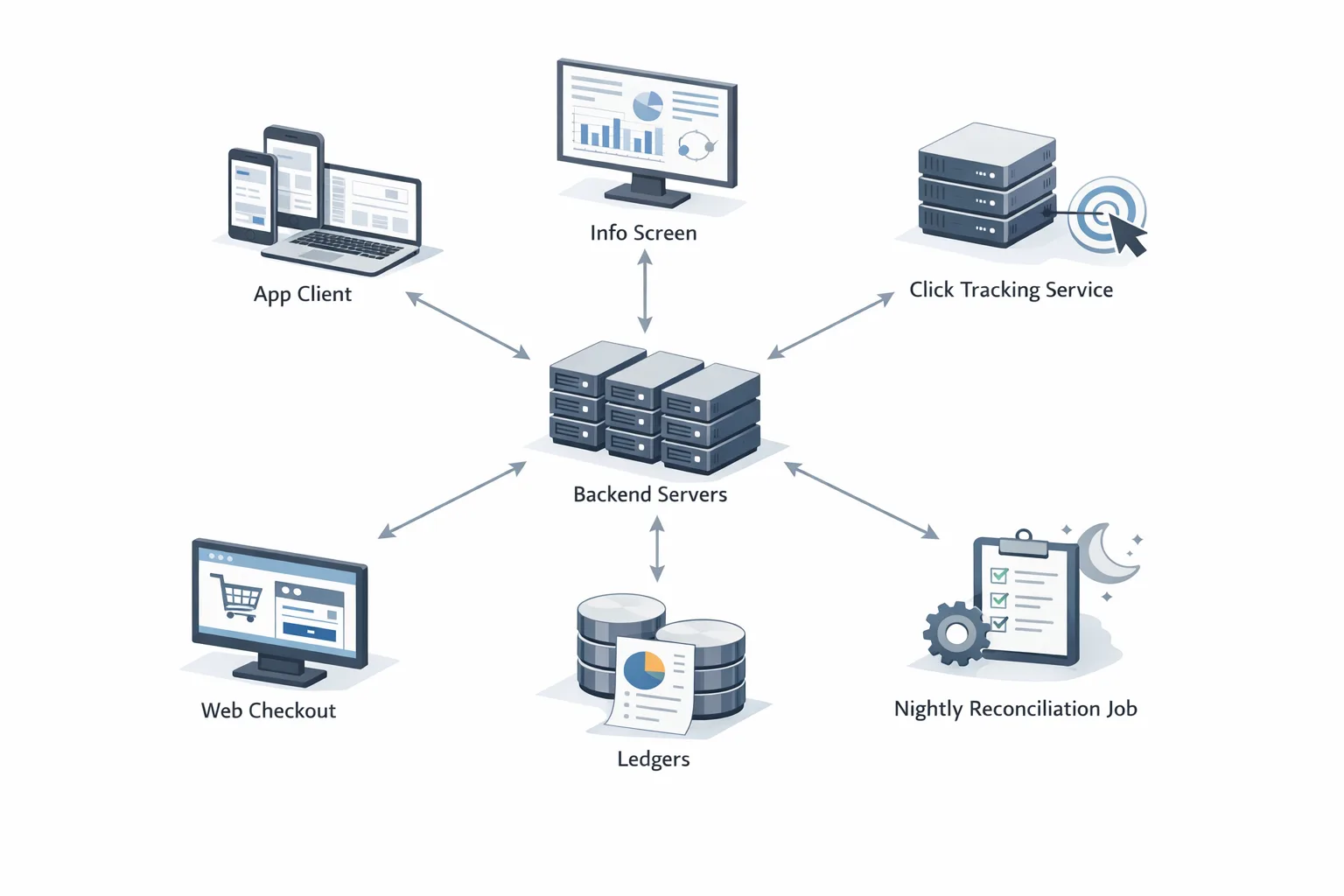
• Add robust click IDs and server‑side logging on the hand‑off. No PII in query strings—use opaque tokens.
• If/when reporting becomes required, you’ll need to post back external transaction tokens within 24 hours. Design your events now so you can turn on reporting without rework.
Day 10: Fraud and integrity
• Wire Play Integrity checks around the launch point for links (device signals, app identity) and your web checkout’s risk engine.
• Add rate limiting and retry idempotency for postbacks when required.
Days 11–12: UX and copy tests
• A/B the placement and copy around the information screen. Clear beats clever. Tell users what’s about to happen and how refunds/support work.
• Ensure accessibility and parental‑control behavior match requirements.
Days 13–14: Review and release
• Submit your ECL enrollment for final review; confirm approvals landed.
• Stage rollouts to 5–10% of U.S. traffic, watch crash‑free rate, exit rates on the info screen, and downstream conversion.
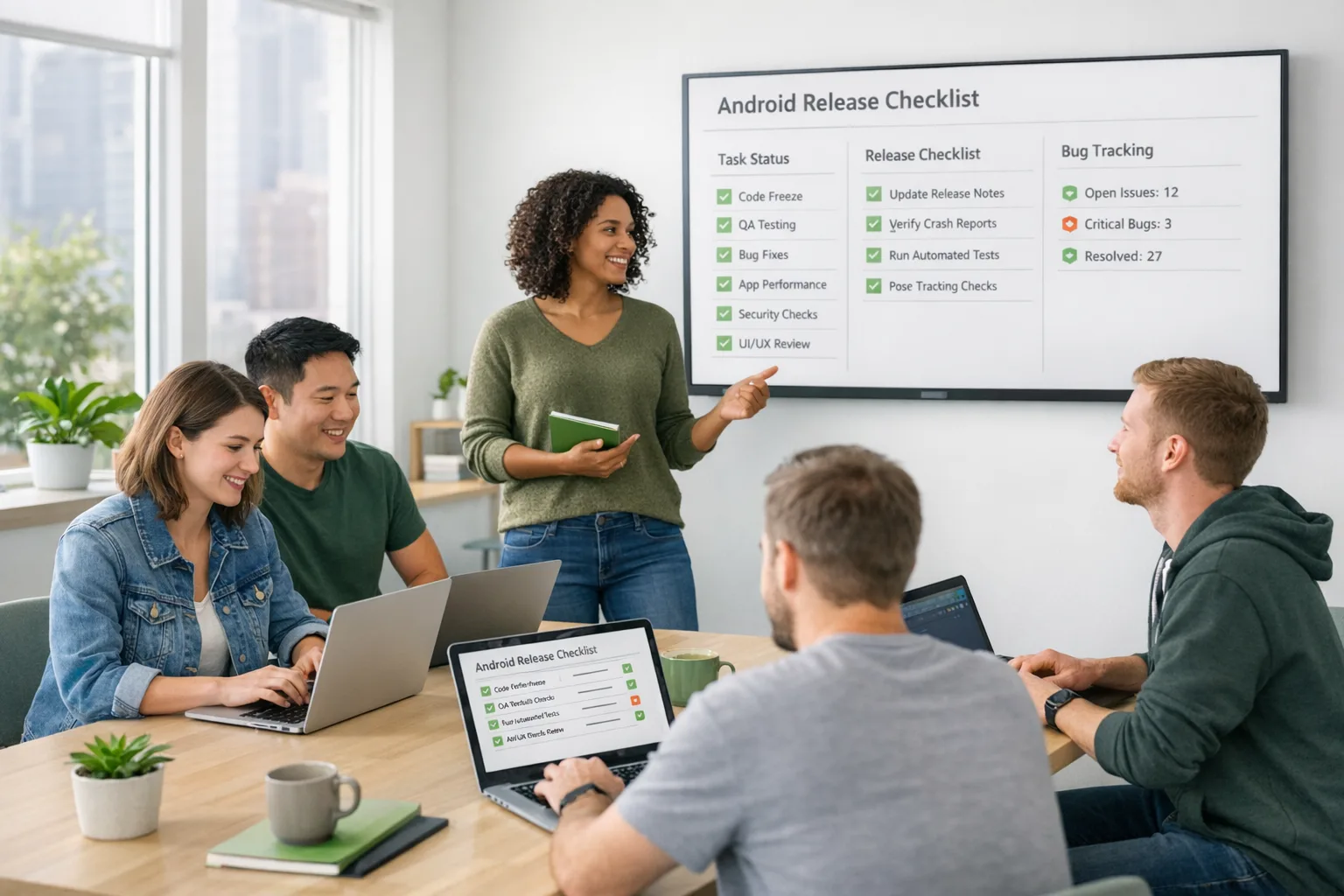
Need a deeper engineering breakdown? See our companion write‑up, The Engineering Plan for External Links, and an end‑to‑end checklist in What to Ship by Jan 28.
People also ask
Do I still need Google Play Billing if I use external links?
No—but many teams keep it alongside ECL for non‑U.S. users or for cohorts that convert better in‑app. Remember: if you keep Play Billing, access must be consistent and reliable for users who prefer it.
Will Google charge the new fees immediately?
As of January 7, 2026, Google says it intends to assess ECL and AB fees in the future and will provide notice before doing so. Plan your pricing and cash flow now so you’re not scrambling later.
How are app‑install fees triggered with external links?
If a user follows your external link and completes an app install within 24 hours, it’s feeable under ECL when fees are active—$2.85 for apps and $3.65 for games. Architect your funnels to avoid accidental double counting.
Can I link to another app store?
Yes, if that store is already installed on the device and the destination meets Play’s requirements. You must register the external app and declare the URLs in Play Console first.
Policy gotchas, risks, and edge cases
PII in URLs: Don’t append emails, phone numbers, or user IDs to your external links. Use a short‑lived, opaque token and map server‑side.
Minors and parental controls: The APIs must honor parental settings. QA with teen accounts and supervised profiles—don’t assume defaults.
Refund UX: If your off‑Play checkout has non‑refundable items, the user must be clearly told before purchase. Ambiguity here is how otherwise clean launches get flagged.
Destination hygiene: Publish app name, icon, version, size, description, and developer details on any download page. Thin landing pages get rejected.
Latency and drops: The information screen adds a hop. Preload the destination page and keep your TLS warm to avoid a conversion‑killing blank screen.
Attribution and the 24‑hour window: When fees are active, your tracking must dedupe installs and transactions across devices and sessions. Store click IDs server‑side with a TTL and idempotent writes.
Security updates: If you’re linking to external downloads, your app and installers must be current on Android security patch levels. We maintain a rolling developer playbook for this month’s updates—see Android January 2026 Security Update: Dev Playbook.
Sample implementation checklist (copy/paste to your tracker)
• Bump Play Billing Library to 8.2.1+ and pin versions.
• Add feature flag: ecl_enabled_us_only.
• Implement information screen and success callbacks.
• Build URL signer that emits opaque tokens; no PII.
• Register external apps; declare all landing and download URLs.
• Add server endpoint for future transaction reporting (idempotent).
• Ship logging dashboards: info‑screen exit rate, click→load latency, checkout conversion, install‑within‑24h rate.
• Write refund/dispute SOP and staff coverage.
• Create A/B tests for copy and placement.
• Stage rollout with kill switch and alerting.
What to do next
1) Decide your strategy: ECL, AB, or a hybrid. Use cohort‑level ROI, not averages.
2) Enroll in the right program in Play Console this week. Reviews can take time.
3) Hand the 14‑day plan to engineering and book a design review for the information screen.
4) Model fees against your 2026 revenue plan—even if fees aren’t active yet.
5) Line up QA for supervised profiles and U.S. geofence tests. Finally, pressure‑test your support queue.
If you want a ready‑made blueprint, start with our 2026 Builder’s Guide and the app‑by‑app ship list for Jan 28. When you’re ready to execute at speed, our team can help plan, implement, and review—see what we do for mobile teams.







Comments
Be the first to comment.