Beat the Xcode 26 Requirement on Time
The Xcode 26 requirement is now locked in: starting April 28, 2026, new apps and updates submitted to App Store Connect must be built with Xcode 26 using the iOS/iPadOS 26, tvOS 26, visionOS 26, or watchOS 26 SDKs. If your release train runs quarterly—or faster—you’ve got just enough time to upgrade your toolchain, harden the build, and ship without drama. Here’s exactly how to do it.
What changed, and when?
Let’s anchor the dates so your planning is precise—not fuzzy. On February 3, 2026, Apple announced that, effective April 28, 2026, submissions must use SDK 26 and Xcode 26 or later. If you upload with an older SDK, App Store Connect will warn (and later reject) with the classic SDK version issue message. Separately, Apple’s updated age ratings system took effect January 31, 2026, and those ratings propagate to devices on the latest OS releases. In the UK, the Competition and Markets Authority (CMA) published app store commitments on February 10, 2026, with feedback running until March 3 and monitoring kicking in from April 1. Those aren’t the same policy—but they land in the same sprint window. Plan accordingly.
That’s the backdrop. The question is how you migrate fast without cutting corners or slipping your roadmap.
Why this matters to your pipeline more than your code
Most teams discover the upgrade pain in their delivery system, not in the codebase. Three places regularly bite:
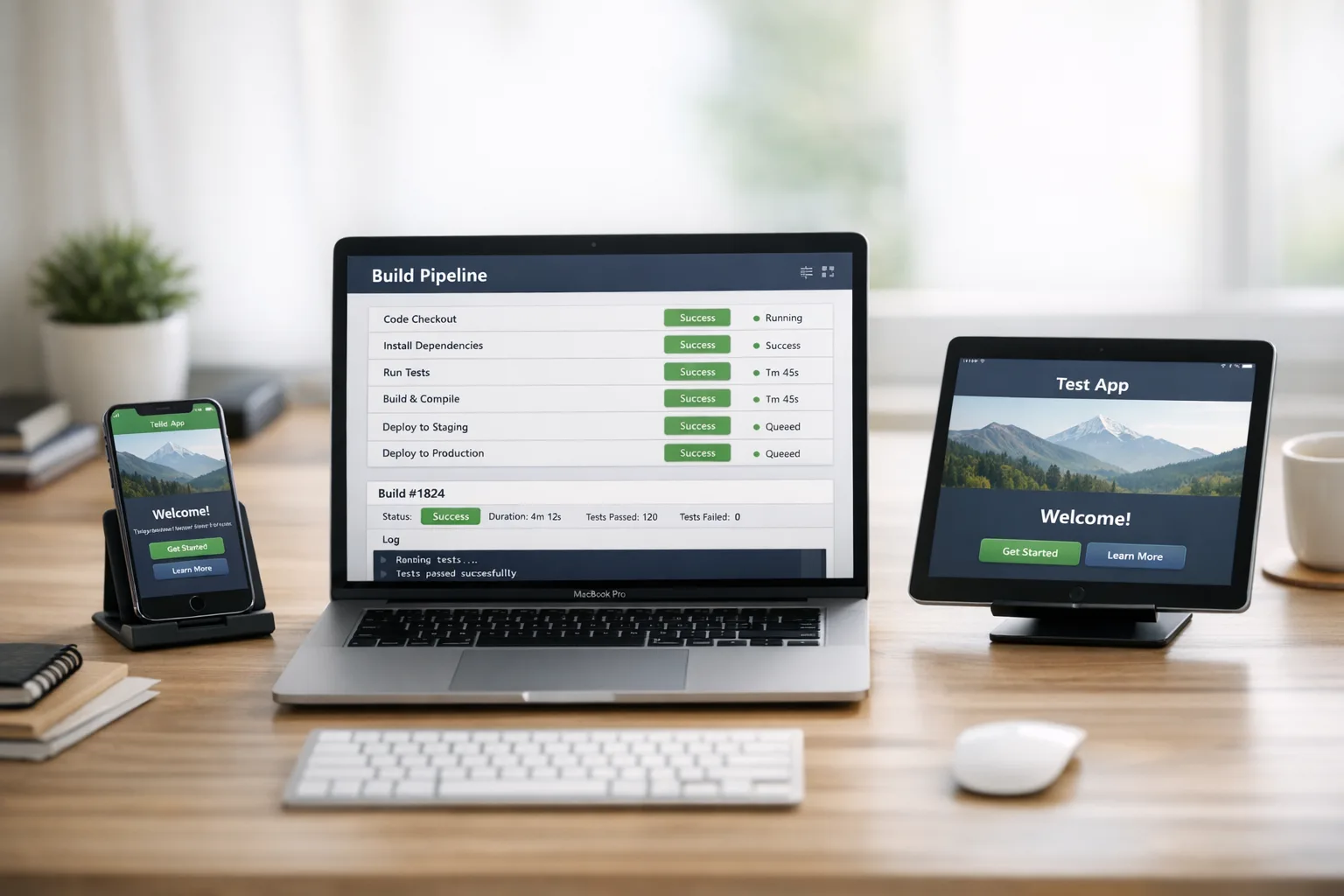
First, CI images. Hosted macOS runners and cloud builders may lag on Xcode 26 availability. If your CI provider hasn’t published an Xcode 26 image, you’ll bottleneck immediately. Even when images exist, signing assets, Keychain access, simulator versions, and the Command Line Tools selector can create flaky builds until you pin versions.
Second, third‑party SDKs and MDM wrappers. Security and management libraries tied to older Xcode versions can block the upgrade. Example: enterprise fleets using an MDM/wrapper may need newer SDKs compiled with Xcode 26 to keep app protection policies from breaking. Don’t assume your vendor is ready—verify.
Third, visual diffs. Some native controls adopt new defaults under SDK 26. You can usually keep your current look via configuration, but if your design system wraps UIKit/SwiftUI primitives tightly, expect at least a regression pass and a few targeted patches.
Xcode 26 requirement: a four‑week execution plan
If you’re starting today, here’s a tight but realistic path to green builds and a submission‑ready binary before April 28.
Week 1 — Inventory, freeze, and unblock CI
Make the upgrade the top item in your engineering risk log and enforce a brief feature freeze for main. Your goal is to regain deterministic builds quickly.
- Dependency audit: Export an SBOM (SPM/Swift Package Resolver output, plus any third‑party binaries). Mark each dependency A) compatible now, B) needs a patch, or C) replaceable. Assign owners and ETAs.
- Pin your CI image: Update runners to the official Xcode 26 image. Confirm the Command Line Tools selector points to Xcode 26. Cache the 26.x simulators you actually use to prevent cold‑start timeouts.
- Signing sanity check: Recreate signing on a fresh runner from scratch using only your documented scripts. If a human has to manually massage Keychain, fix that now.
- Warnings as errors: Turn on warnings‑as‑errors only after the first green build. Your first success metric this week is a reproducible, signed archive from Xcode 26—even if unit tests are red.
Week 2 — Green tests, UI baselines, and device coverage
Now stabilize behavior and visuals.
- Unit/UI tests: Fix compiler warnings and test breaks introduced by the toolchain. If you depend on snapshot tests, regenerate baselines explicitly under SDK 26 and document the diffs.
- Device matrix: Test on at least three physical devices spanning your supported OS floor, a mid‑range device, and the latest model. Emulators won’t catch all performance regressions or camera/AV quirks.
- Feature flags: If new SDK behaviors subtly change flows (e.g., sheet presentation or text fields), a short‑lived config flag lets you ship safely and iterate without holding the release.
Week 3 — Third‑party and enterprise hardening
This is where schedules slip. Be methodical.
- SDK/vendor upgrades: Pull the required versions for analytics, payments, sign‑in, ads, A/B testing, crash reporting, and any MDM/wrapper. Validate initialization order and background modes; many vendors deprecate legacy init paths with major SDK bumps.
- Privacy manifests: Re‑generate privacy manifests if your dependencies changed data access. Confirm declared reasons for sensitive APIs line up with actual use.
- Push and background tasks: Re‑sign notification entitlements and retest background refresh, live activities, and critical alerts. Minor entitlements drift can cause silent failures.
- Performance sweeps: Profile app launch and first‑interaction time on cold start. SDK 26 + new vendor bits can add milliseconds you’ll feel in your retention curves.
Week 4 — Submission, age ratings, and UK‑specific hygiene
With the binary stable, close out the admin work.
- App Store Connect metadata: Complete the updated age rating questionnaire and verify the displayed rating matches your expectations on devices running the newest OS.
- Store review readiness: If you rely on Sign in with Apple, Health, or sensitive device data, double‑check the latest review guidelines language matches your flows and disclosures.
- UK CMA context: If you serve UK users, prepare to document interoperability requests (for example, if you plan to use OS features historically gated or ambiguous). Keep a changelog of app review outcomes and response times; the CMA wants transparency metrics and those records help in appeals.
- Final smoke test: Upload a TestFlight RC built with Xcode 26 and run a 24‑hour canary with crash monitoring turned to 11.
People also ask
Will my app still run on older iOS versions if I build with SDK 26?
Yes. The requirement covers the SDK used at build time, not your runtime deployment target. If your code and dependencies support older OS versions, you can keep your current minimum OS while building with SDK 26. Just verify behavior on physical devices at the low end of your support matrix.
Do I need to redesign my UI for SDK 26?
No. Some controls pick up new defaults when compiled against the new SDK, but you can opt out or restyle via existing APIs. Budget time for a regression pass on spacing, typography, and sheet/modal behavior—especially if you use custom presentation controllers or accessibility‑driven dynamic type rules.
What’s likely to break in CI?
The common culprits are missing Xcode 26 images, stale simulators, Keychain access in headless runners, and brittle export options. Fix by pinning images, pre‑caching required simulators, using a non‑interactive Keychain setup, and version‑controlling your export plist and signing config.
Will Apple reject me if I cut it close to April 28?
Apple enforces the requirement based on the SDK your binary was built with. If you submit on or after April 28 with anything older than SDK 26, expect rejection. If you see a pre‑deadline warning this month, treat it as a dry run: move to Xcode 26 now so the actual cutoff is a nonevent.
Edge cases and risk register you should track
Shipping on time means hunting for the non‑obvious footguns. Here are the ones I’m watching for clients right now:
- Hosted runners not yet on Xcode 26: If your provider hasn’t published images, spin up a dedicated macOS build host or use a different fleet temporarily. Document the rollback path so you can switch back once official images land.
- Enterprise MDM/wrapper versions: Some app protection SDKs require specific versions per Xcode major. Coordinate with your IT/InfoSec partners early so managed builds don’t get blocked post‑upgrade.
- Binary‑only frameworks: Private XCFrameworks or legacy static libs must be recompiled by the vendor if they depend on outdated toolchain features. Ask for a 26‑built artifact now, not a week before release.
- Snapshot testing volatility: If your UI tests use pixel diffs, expect baseline churn. Stabilize with deterministic fonts, color profiles, and disabling animations during capture.
- Privacy questionnaire drift: New or upgraded dependencies may collect different diagnostics by default. Update your privacy manifest and App Store Connect answers to avoid review friction.
A practical checklist you can paste into Jira
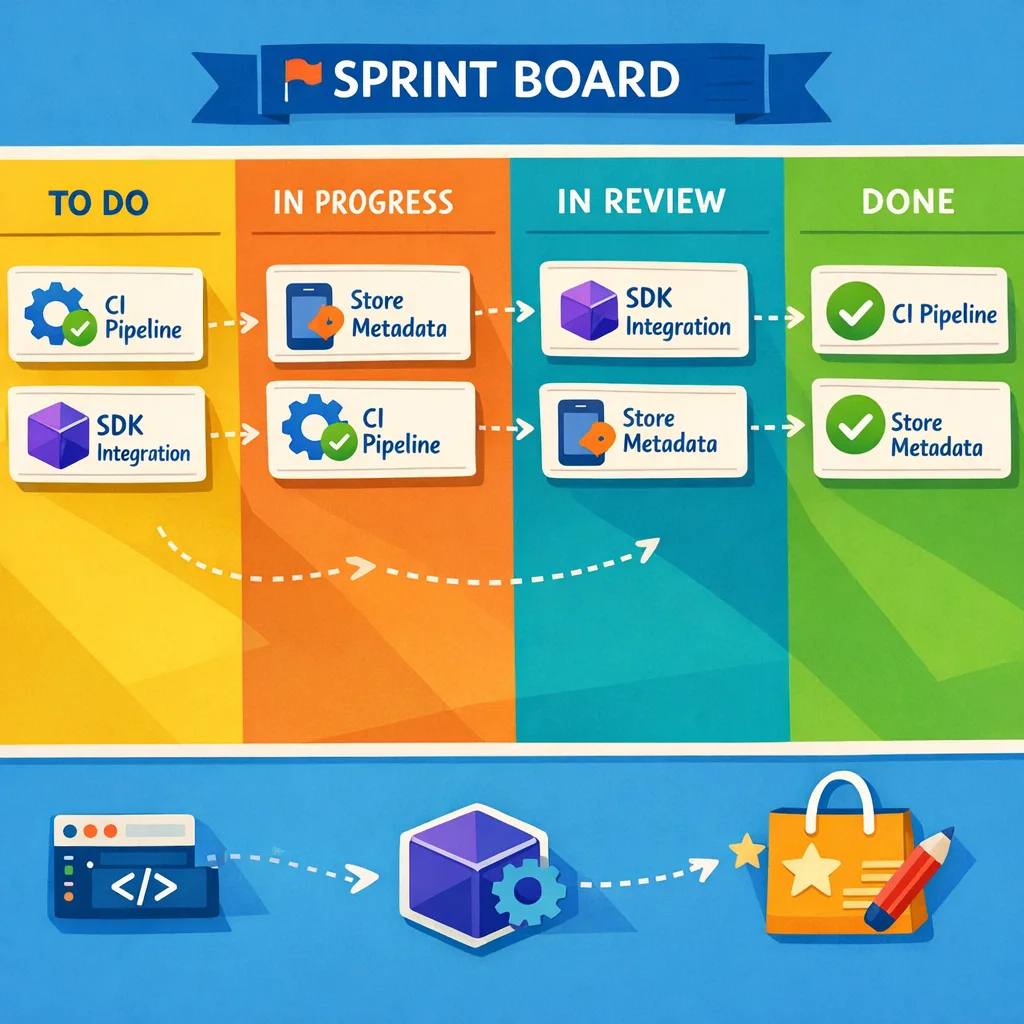
Here’s a compact, do‑now list. Assign each item, set a due date, and make the board visible to product and QA so no one wonders what’s blocking the release.
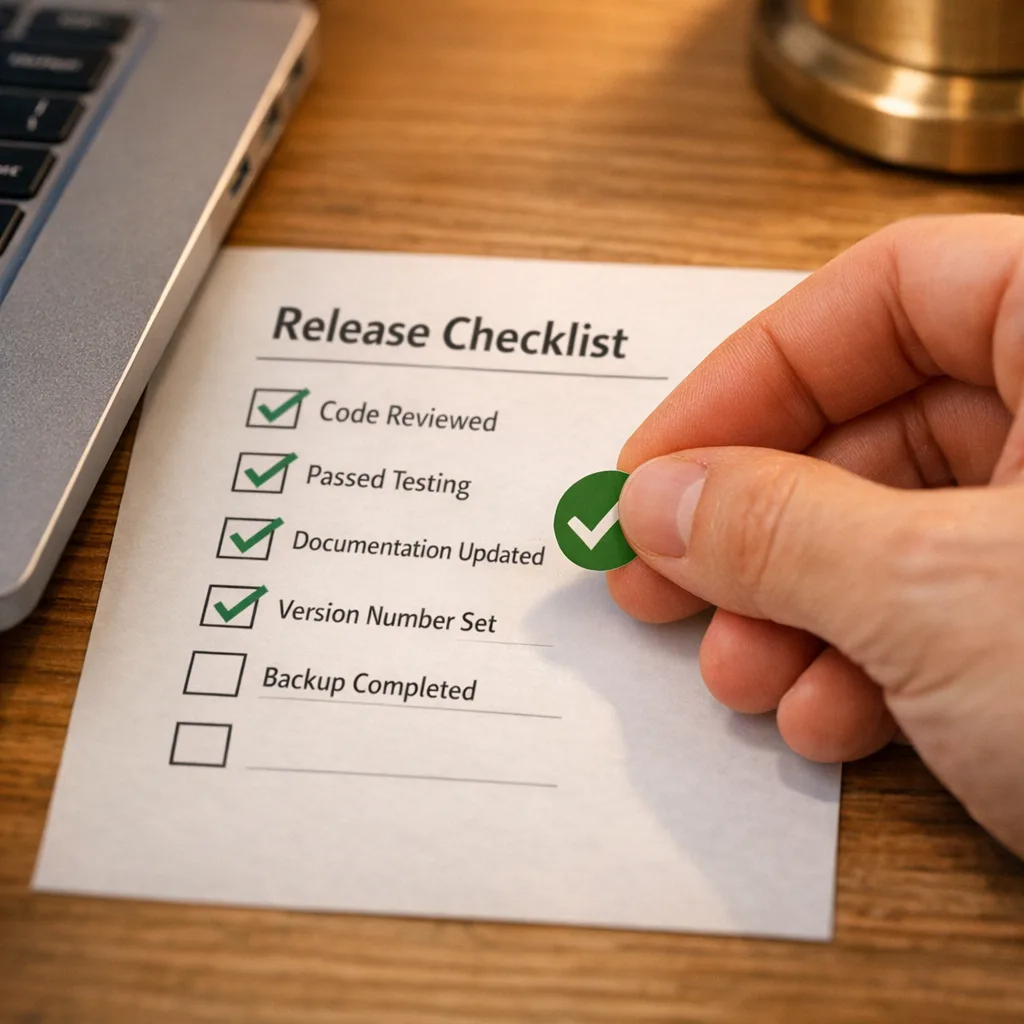
- Pin CI to Xcode 26; cache required simulators; verify CLT path.
- Generate SBOM; classify dependencies A/B/C; open upgrade tickets with owners.
- Produce a signed, reproducible archive on a fresh runner.
- Fix compiler warnings; stabilize unit/UI tests; regenerate snapshots.
- Upgrade analytics, sign‑in, payments, crash, and any MDM/wrapper SDKs.
- Re‑test push, background tasks, and entitlements; validate on three physical devices.
- Update privacy manifests and App Store Connect age rating answers.
- Cut a TestFlight RC; run a 24‑hour canary; monitor crash and perf.
- Submit the release well before April 28 to avoid queue surprises.
Zooming out: policy moves to watch while you upgrade
Two policy shifts overlap with this SDK cutover window and can impact your submission hygiene.
First, the App Store age ratings update (as of January 31, 2026). Product pages now reflect more granular ages, and editorial placement respects those ratings. If your app includes UGC, messaging, or ads, your answers in App Store Connect directly affect your rating and your visibility. Treat those questions as product requirements, not legal boilerplate.
Second, the UK CMA commitments (published February 10, 2026). If you operate in the UK, expect closer monitoring of app review transparency and interoperability requests starting April 1. For now, that means keep paperwork: track review decisions, response times, and any escalations. Those logs save days if you need to appeal or demonstrate fair treatment.
What to do next
Here’s the short, no‑excuses action list:
- Reserve half a sprint for the upgrade, even if “everything works.” You’ll spend it on CI, tests, and vendor SDKs.
- File tickets with your CI provider and critical SDK vendors today asking for Xcode 26 timelines. Don’t assume.
- Run your lowest‑OS device in the canary group. If it’s smooth there, you’re safe everywhere.
- Finish the age rating questionnaire this week so metadata isn’t the thing that slips your release.
- For UK coverage, start capturing app review metrics and any interoperability requests in a shared doc.
Need a partner to move faster?
If you want a seasoned team to shoulder the migration risk, we’ve shipped dozens of toolchain upgrades under tight deadlines. See how we work on our mobile delivery playbook, browse our recent launches, and if you’re staring down an April 28 release, reach out via ByBowu Contacts today. For more milestone‑driven guidance, our latest takes on App Store policy shifts are on the ByBowu blog.
Appendix: a sample release calendar for April 2026
Use this if you need dates on one page:
- Now–March 6: CI pinning, first green archive, test stabilization.
- March 9–20: Vendor SDK upgrades, privacy manifests, device performance passes.
- March 23–April 3: Visual QA, snapshot baselines, age rating questionnaire finalization.
- April 6–17: TestFlight RC, canary rollout, crash/perf hardening.
- April 21–23: Submit the release to App Store review with margin.
- April 28: Xcode 26 submission requirement kicks in. You’re already live.
Here’s the thing: the teams that ship calm upgrades aren’t luckier—they’re earlier. Pin the toolchain, fix what shakes loose, and keep your paperwork tight. When April 28 hits, you’ll be sipping coffee, not rewriting build scripts in a panic.





Comments
Be the first to comment.