App Store Connect Update 2026: Ship by April 28
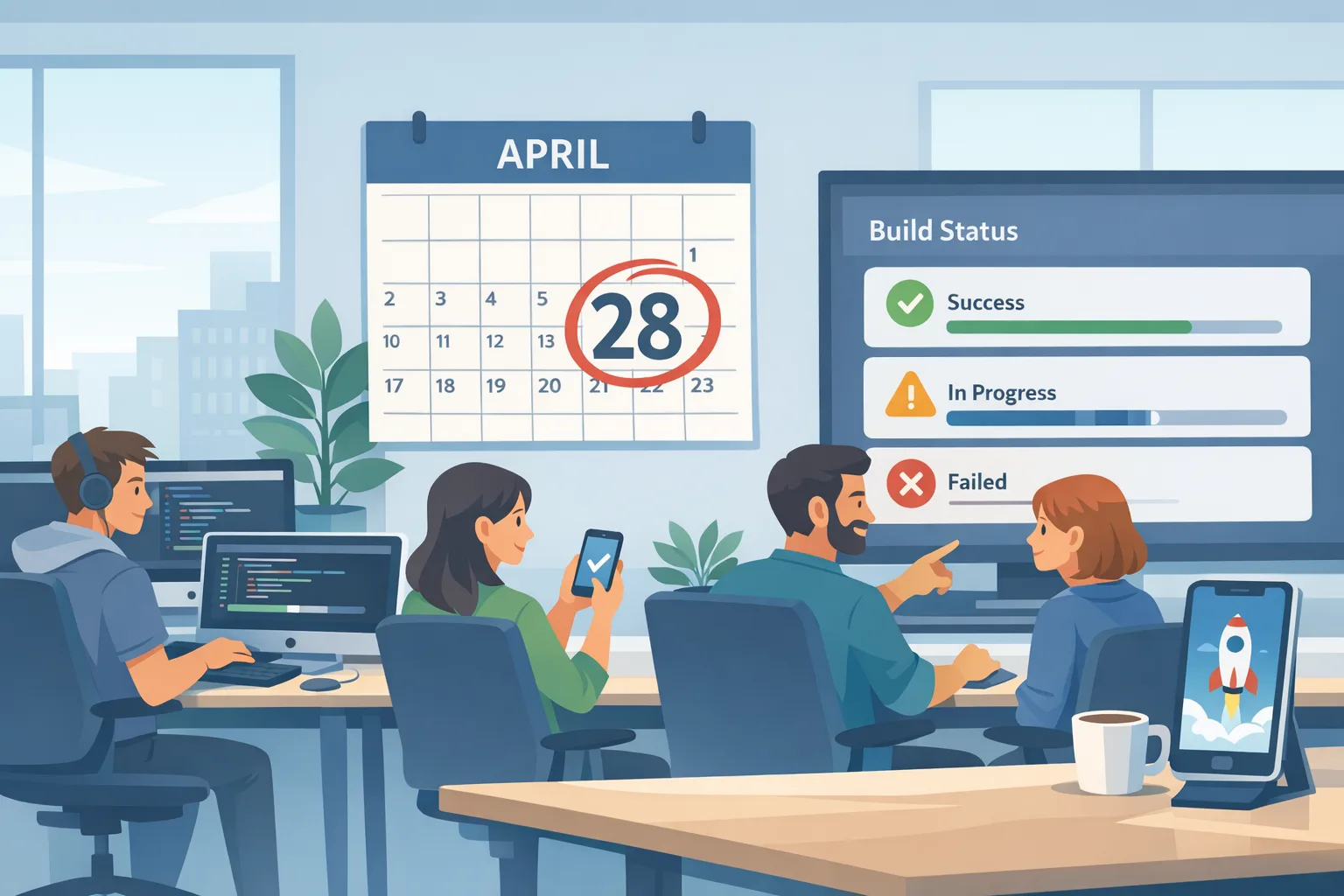
The App Store Connect update is no longer a distant headline; it’s your next sprint constraint. Apple’s SDK cutover happens on April 28, 2026, and the new age rating system crossed its January 31 deadline. If your release train still rides older toolchains or your team hasn’t answered Apple’s expanded age questions, your next submission will stall. Let’s pin the dates, translate them into engineering work, and ship on time.
App Store Connect update: what changed this week
Two concrete shifts are shaping the next 60 days. First, App Store Connect began accepting builds from Xcode 26.3 Release Candidate on February 3, 2026. That’s your signal to stabilize on the Xcode 26.x line now, not “later.” Second, as of January 31, 2026, Apple’s updated age ratings took effect in App Store Connect—apps were auto-reassigned, and teams that didn’t complete the new questionnaire will find submissions blocked until they do.
There’s also regional context worth noting. On February 10, 2026, the UK’s CMA said it will monitor Apple and Google against new app store commitments starting April 1. If you distribute in the UK, expect more scrutiny around fair treatment and transparency for competing services, which makes your internal compliance notes and support logs more than nice-to-haves.
April 28, 2026: the SDK cutover decoded
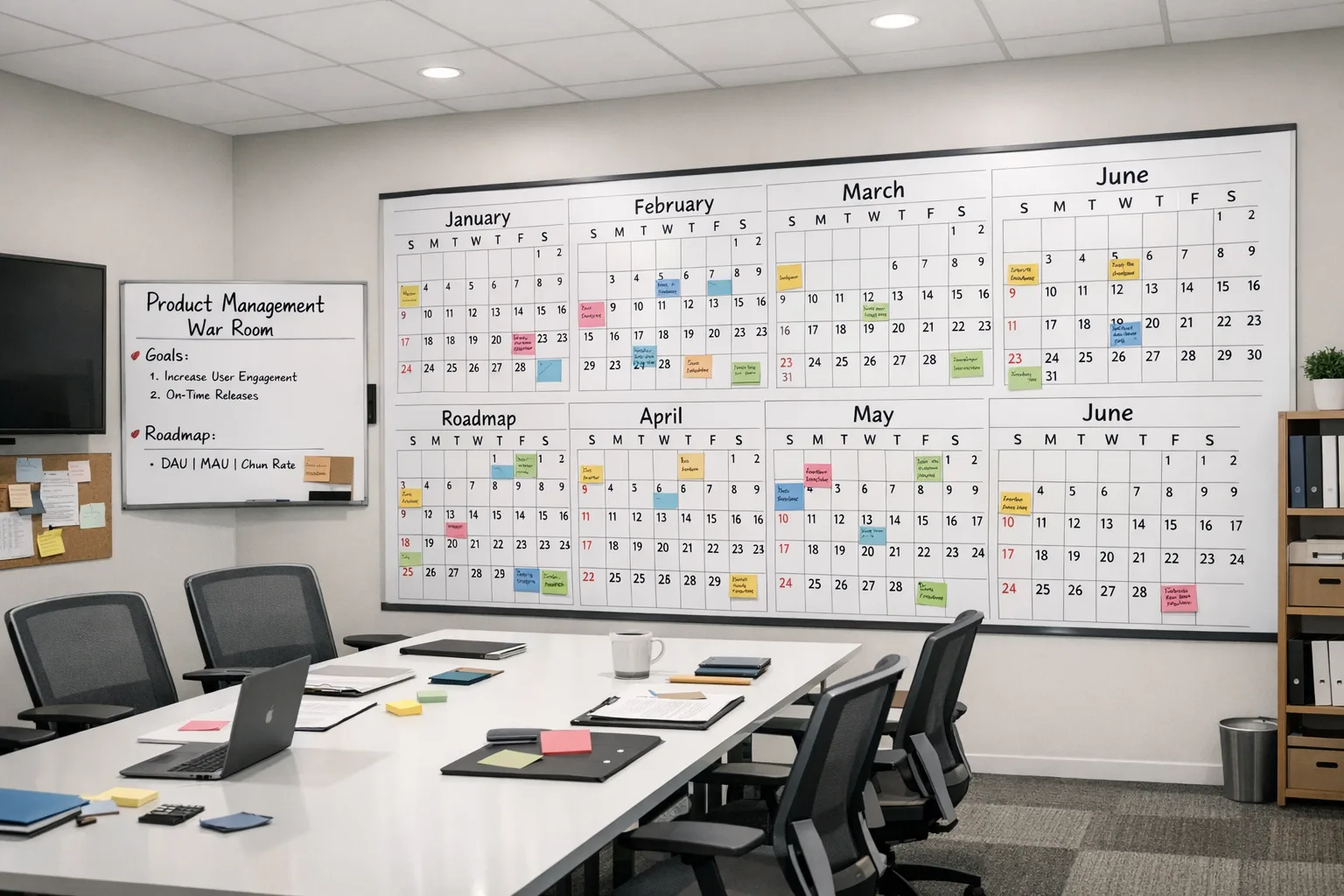
On April 28, App Store Connect will only accept apps built with Xcode 26 or later, targeting an SDK from the 26 family (iOS 26, iPadOS 26, tvOS 26, visionOS 26, watchOS 26). Your minimum deployment target can stay where your business needs it; the constraint is the build toolchain and SDK used for submission.
What breaks if you ignore it? New builds simply won’t be accepted. Even if TestFlight carried you through a beta, production submissions will hard-fail after the cutover. Treat this like a forced migration: CI images, local dev boxes, release scripts, and third-party tooling must move in lockstep.
Want the deep dive on the cutover mechanics? We’ve unpacked them here: how the April 28 SDK cutover works and how to prepare.
The new age ratings: what changed and why it matters
Apple replaced the 12+/17+ tiers with 13+, 16+, and 18+, added region-aware mapping, and expanded the questionnaire across four areas that trip teams up: in‑app controls, app capabilities, medical/wellness content, and violent themes. Apple auto-updated ratings in January, but you must confirm or adjust by completing the questions per app. If you missed the January 31, 2026 date, submissions are now blocked until you finish.
Here’s the thing: this isn’t just a checkbox. Your answers drive parental controls, editorial placements, and whether your app is even visible to certain age-banded accounts. If you run UGC, ads, or AI features that can surface sensitive content, spend extra time on the frequency/intensity prompts and moderation disclosures. For hands-on guidance, use our age verification playbook for 2026.
A practical 60‑day ship plan
You don’t need a moonshot; you need a ruthless sequence. The clock as of Friday, February 13, 2026 gives you roughly ten weeks. Use this week-by-week plan to get to a green build and a buffer.
Week 1–2: Baseline and unblock
• Lock versions: choose the exact Xcode 26.x you’ll ship with (start with 26.3 RC if that’s your current stable) and mirror it on CI. Pin your fastlane/ruby/node toolchain for reproducibility.
• Build once: create a clean Release build with the 26 SDK. Catalog build warnings; escalate deprecations that touch core flows (sign-in, purchases, camera, notifications).
• Finish age ratings: complete the questionnaire for every active binary in App Store Connect. If you run multiple SKUs, do them all at once; partial compliance still blocks submissions.
• Smoke TestFlight: cut a 26.x TestFlight build to validate provisioning, push, and background tasks.
Week 3–4: Fix surface breaks
• API updates: resolve signature changes and deprecations, especially around privacy-sensitive APIs, photos/camera, health, and notification scheduling.
• Entitlements and capabilities: re‑generate profiles if you flipped capabilities; ensure entitlements match Info.plist and build settings.
• Framework drift: verify third-party SDKs (analytics, attribution, ads, payments). Audit for minimum supported Xcode/SDK, then upgrade or isolate.
Week 5–6: Performance and UX checks
• Cold starts and memory: profile with Instruments against your lowest supported OS and on modern devices running 26.x. Regression budgets should be in milliseconds, not seconds.
• Purchase flows: test StoreKit across sandbox and production testers; confirm price displays and refund handling still match your locale rules.
• Age gates: validate copy and flows for 13+/16+/18+ experiences. If you gate features, ensure your feature flags and remote config match declared ratings.
Week 7–8: Region and compliance
• UK distribution: document your review outcomes, ranking changes you requested, and support escalations—useful if CMA asks for evidence of fair treatment.
• Data transfers: double‑check privacy labels and data-use disclosures align with any SDK changes you made during the migration.
• Accessibility pass: Apple’s editorial and review teams notice. It also reduces churn, especially on sign-up screens.
Week 9–10: Ship with buffer
• Submit by April 17: give App Review time and keep a hotfix branch ready.
• Monitor crash‑free sessions, purchase errors, and sign-in failures within the first 24 hours. Don’t flip marketing spend until metrics stabilize.
• Debrief and document: lock your Xcode baseline and write the next migration checklist while it’s fresh.
Technical gotchas when moving to Xcode 26
Every migration has the same rhythm: your app builds, then the details bite. Expect at least one of these:
• SDK capability drift: a framework that was permissive last year may now require an entitlement or explicit Info.plist key. If something silently stops working, start with the release notes for that framework.
• Linker surprises: dead code stripping and Swift runtime changes can make optional modules disappear. Build with “treat warnings as errors” in CI to catch configuration drift.
• TestFlight vs. production differences: sandbox entitlements and receipt formats can trick your telemetry. Log schema versions alongside event payloads.
If you’re navigating a large refactor and the deadline makes you nervous, bring in help. Our team ships this kind of work on tight timelines—see how we execute in our project portfolio and the mobile compliance and release services we offer.
People also ask: quick answers for managers and leads
Do we need Xcode 26 if we shipped last week?
Yes for your next submission after April 28, 2026. Anything submitted on or after that date must be built with Xcode 26+ against the 26 SDK. Pre‑cutover binaries that are already live aren’t pulled, but hotfixes will still need the new toolchain.
Can we keep our current minimum iOS version?
Usually, yes. The cutover affects the SDK you compile against, not the OS versions you support. Test thoroughly on your oldest supported OS because new SDKs can expose undefined behavior that never surfaced before.
We missed the January 31 age questionnaire—now what?
Complete the new questions in App Store Connect immediately. Your submissions are blocked until that’s done. Recheck your store listing and screenshots after the rating updates propagate to ensure messaging still matches your audience.
Will TestFlight save us if we can’t meet April 28?
TestFlight is great for staging, but it doesn’t bypass the production submission rules. If you’re genuinely at risk, cut scope, stabilize critical paths (auth, payments, navigation), and target an MVP that clears the compliance gates.
Process framework: the 4D release model
When timelines compress, clarity wins. Use this simple 4D model to keep everyone aligned:
• Define: State the non‑negotiables (Xcode 26.x on CI and dev, age questionnaire complete, verified TestFlight). Assign DRI owners for each.
• De‑risk: Build a compatibility matrix for devices/OS and third‑party SDKs. Label red/yellow/green and attack red items first.
• Deliver: Time‑box refactors. If an update is nice-to-have and not cutover‑critical, defer it.
• Defend: Instrument crash, ANR, and purchase flows with alerts. Keep rollback criteria and a hotfix plan documented.
Regional watch: UK CMA and EU dynamics
If you sell in the UK, expect oversight against Apple’s commitments starting April 1, 2026. That puts a premium on paper trails: keep a change log of app review interactions, appeals, and ranking adjustments you request. If you compete with a first‑party app, note feature parity cases you’ve raised. For a developer-centered view of the policy side, read our guide on what the CMA commitments mean for dev teams.
Operating in the EU? Apple has been revising terms under the DMA, with evolving fee structures and linking rules. The line is moving—treat your monetization experiments as A/B tests with legal review, not as forever-plans.
Let’s get practical: submission checklist
Before you press Submit, verify these items. It’s boring. It also saves releases.
• Xcode and CI are in sync on 26.x, with the same signing certificates and export options.
• Your Info.plist, entitlements, and provisioning profiles reflect current capabilities.
• All third‑party SDKs are declared and up to date; remove abandonware.
• StoreKit flows pass on fresh devices and restored purchases for at least two locales.
• The new age rating is correct; marketing copy and screenshots match that audience.
• Push notifications, background refresh, and deep links work from a cold start.
• Release notes mention user‑visible changes. App Review loves clarity.
What to do next
1) Lock your ship Xcode today and pin it in CI. 2) Complete the age questionnaire for every SKU. 3) Cut a 26.x TestFlight build within a week. 4) Book your submission for no later than April 17. 5) Keep a hotfix plan ready with a pre‑approved emergency build profile. If you want experienced backup, reach out via our contact page—we can co‑own the migration or run it end‑to‑end.
Zooming out, none of this is glamorous, but it’s how resilient teams ship. Treat the App Store Connect update as a forcing function to upgrade your pipeline, shake out flaky tests, and clean up your SDK debt. Do that, and April 28 turns from a cliff into just another release Tuesday.





Comments
Be the first to comment.