App Store Age Rating Update 2026: Ship Without Drama
The App Store age rating update arrives with a hard stop on January 31, 2026. Treat this as a real release. The primary goal of the App Store age rating update isn’t red tape—it’s tighter alignment between content, controls, and user expectations across iOS 26 and Apple’s platforms. If you plan this like any other launch, you’ll avoid blocked submissions, preserve growth in family segments, and keep legal and support teams out of fire‑drill mode.
What changed, exactly—and by when?
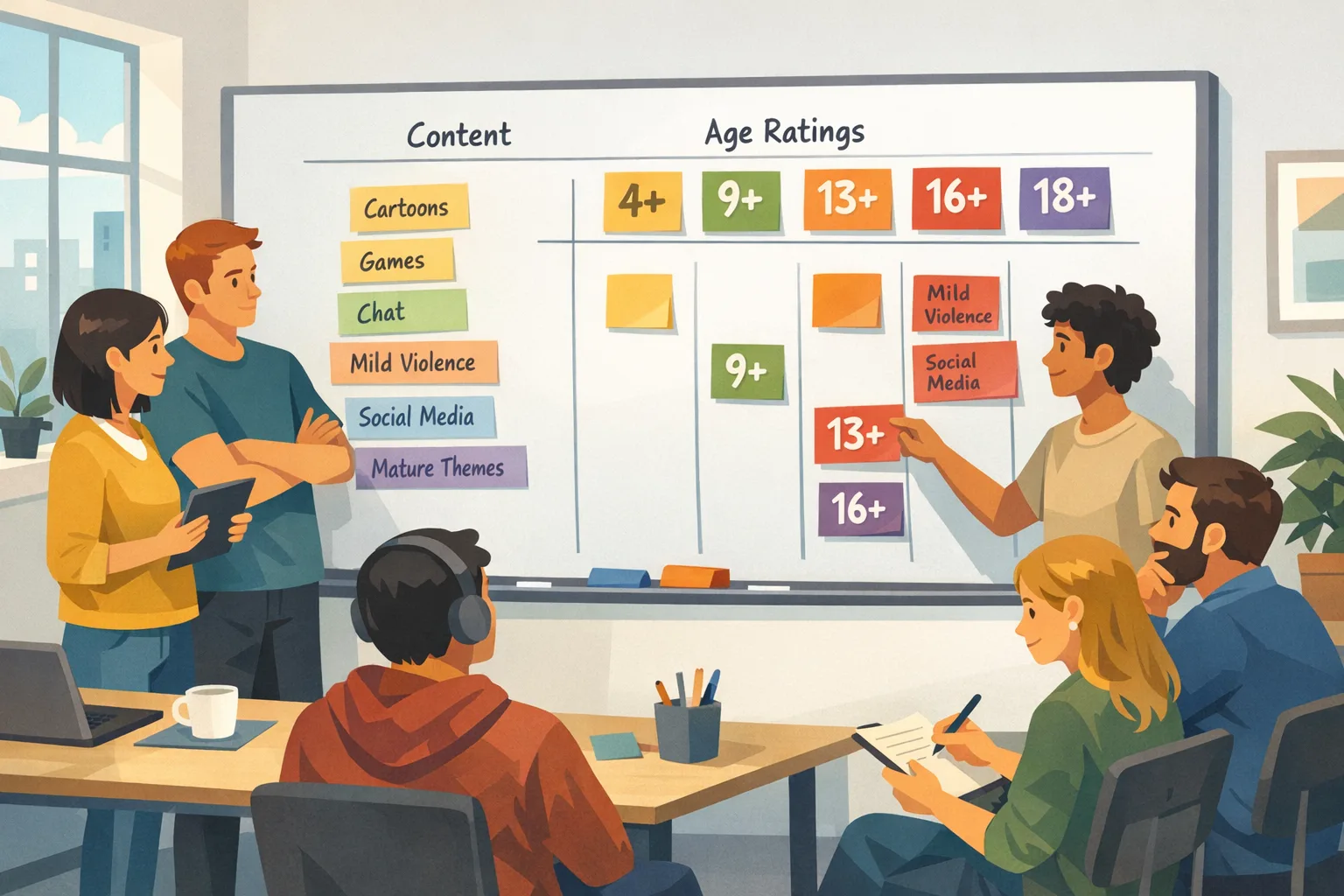
Apple added new rating tiers—13+, 16+, and 18+—and removed 12+ and 17+. Existing apps were auto‑mapped to the new system based on your earlier questionnaire answers, and those ratings surface on devices running iOS 26, iPadOS 26, macOS Tahoe 26, tvOS 26, visionOS 26, and watchOS 26. You must answer updated questions in App Store Connect by January 31, 2026. If you don’t, you can’t submit updates until you do. That’s a real blocker for teams with monthly releases.
Here’s the thing: many apps won’t need code changes. But the answers you give about in‑app controls, capabilities, medical or wellness content, and violent themes must match what your app actually does today, including AI assistants and user‑generated content. If the story in App Store Connect diverges from your shipped build, you invite review delays or rejections.
Why this matters beyond compliance
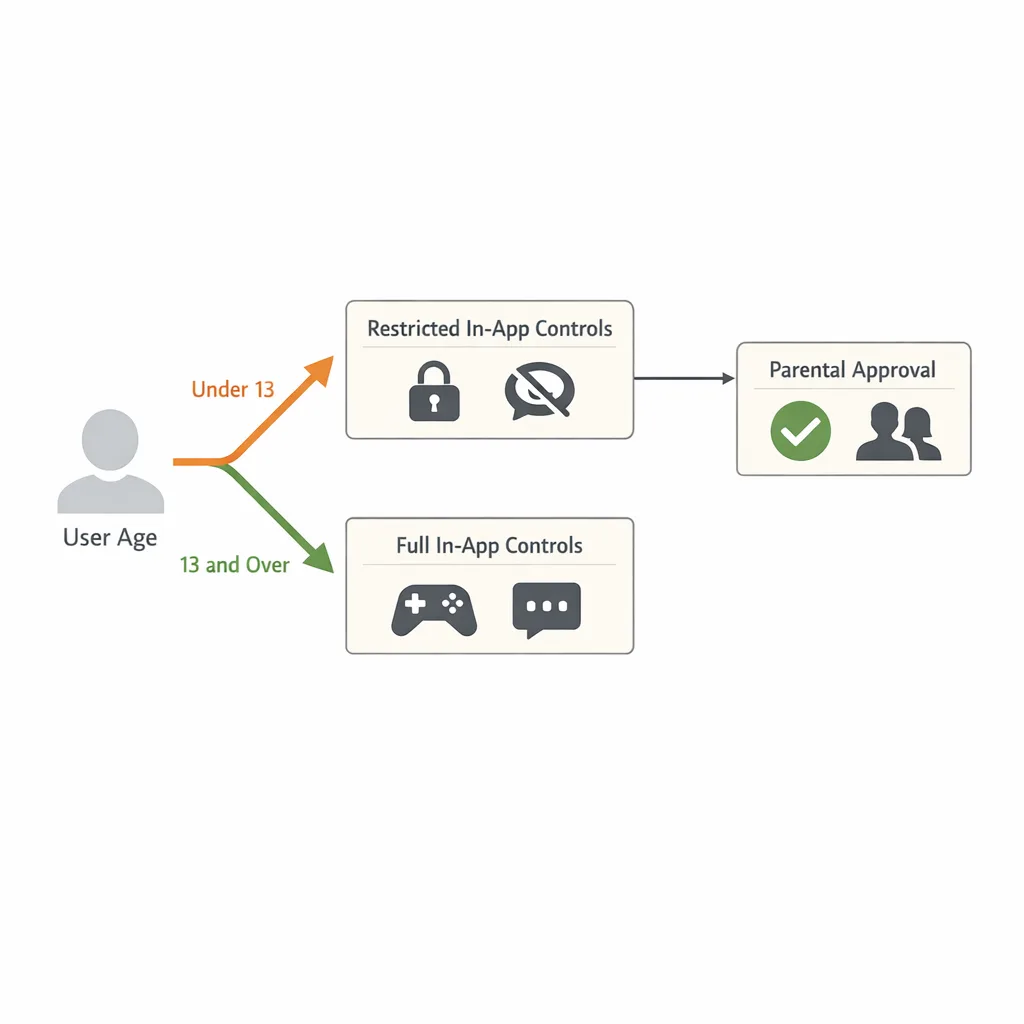
Age ratings influence who sees your app, whether Ask to Buy or Family Sharing kicks in, and how parental controls gate installs and purchases. If you accidentally push yourself from 13+ to 16+, you could watch teen acquisition crater for a month before you notice. Ratings also affect how you’re grouped in family‑friendly collections and school devices. Small changes ripple through conversion, retention, and even ad campaigns that rely on age‑appropriate placements.
Zooming out, these updates intersect with state‑level child safety and age‑assurance laws in the U.S. If you operate in youth segments, having your content, controls, and disclosures lined up now is cheaper than scrambling later.
Use this P.A.R.E.N.T. shipping framework
I’ve run this with consumer, wellness, and games teams. It’s fast, boring (in a good way), and catches the stuff that bites you during review.
P — Profile your content surface
Inventory where sensitive content can appear: chat, comments, avatars, livestreams, webviews, ads, AI summaries, imported files. Note feature flags and A/B variants. If you can’t list it in 30 minutes, your surface area is too opaque—tighten internal docs.
A — Assess controls you actually expose
Map each sensitive area to user‑visible controls: content filters, block/report, moderation SLAs, opt‑outs for data collection, profanity masks, purchases requiring a second confirmation. Distinguish default vs. optional controls. Defaults matter most for ratings.
R — Respond in App Store Connect
Answer the new questions based on your current, shipped defaults. If a control is behind a flag rolling out next month, it doesn’t count yet. Keep a short rationale doc next to each answer in case App Review asks follow‑ups.
E — Engineer any missing safeguards
If your answers push you into a higher tier than your audience can tolerate, add the missing controls—e.g., default blur for graphic content or a strict filter for public chats—and ship before you finalize answers. Ratings should reflect the binary a new user experiences on day one.
N — Narrate the experience in your metadata
Explain your safety guardrails in your App Store description and What’s New notes without sounding defensive. Clear language reduces review friction and helps families understand your app. If you use AI moderation, say how it’s supervised and how users can appeal or report issues.
T — Test with an under‑18 device and a parent account
Run through install, onboarding, and purchase flows with Screen Time/Family Sharing settings applied. If anything looks inconsistent with your answers—like exposed UGC before filters kick in—fix it now. Then submit.
App Store age rating update: the 10‑day sprint plan
Working back from January 31, 2026, here’s a realistic, low‑drama plan you can start today.
- Day 1–2: Content audit. PM + Trust & Safety review content surfaces, ads, webviews, and AI features. Flag mismatches between current defaults and desired rating.
- Day 3: Decide the rating. Choose the lowest accurate tier your defaults justify. If you aim for 13+ but ship 16+ content by default, you’ll lose time in re‑review.
- Day 4–5: Patch the gaps. Add or flip defaults for must‑have controls: stronger profanity filters, report flows, stricter media uploads, toggles for graphic content. Update server‑side configs first; code changes only if necessary.
- Day 6: Metadata and disclosures. Update App Store description to mention controls, privacy basics, and a clear path for reporting issues. Align screenshots—don’t showcase features gated by age or controls you just tightened.
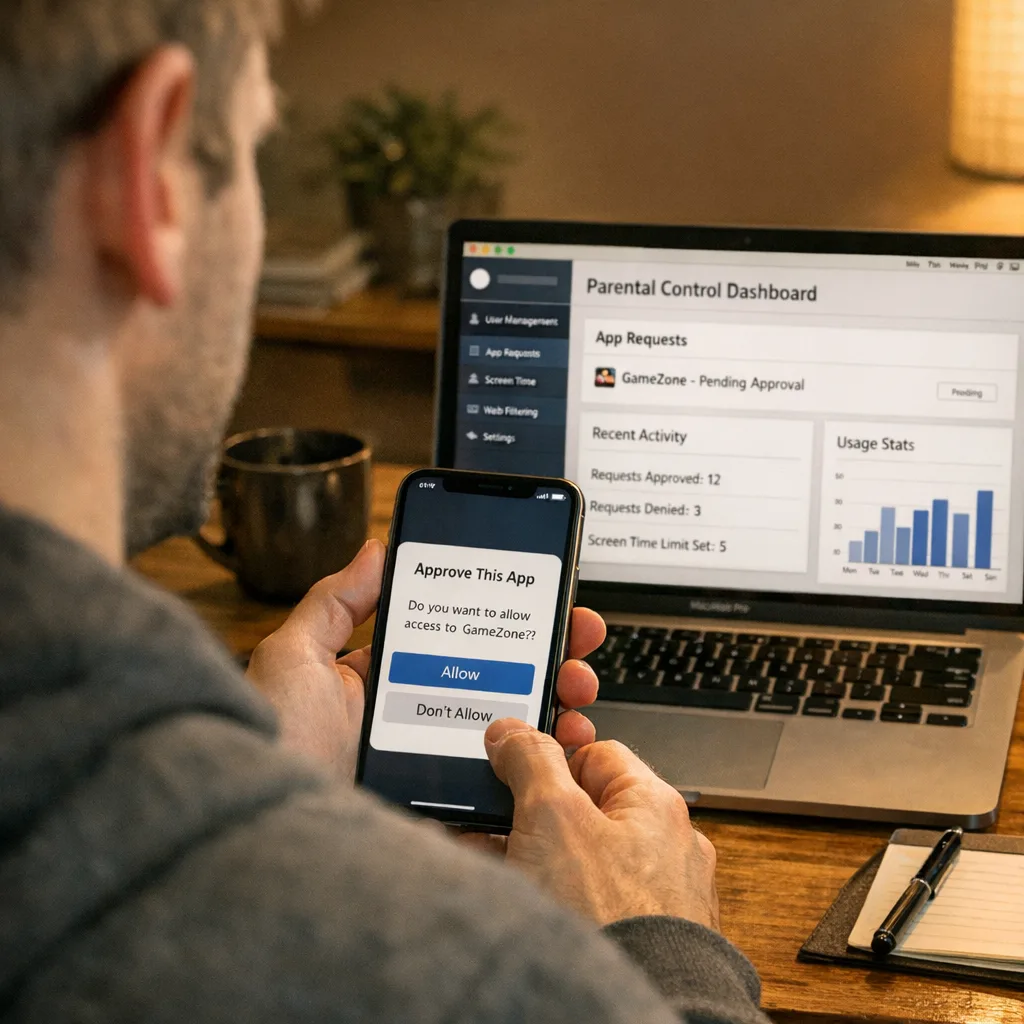
- Day 7: Internal QA. Test with a Family Sharing setup and a restricted under‑18 account. Confirm Ask to Buy, IAP confirmations, and content filters behave as promised.
- Day 8: Answer the questionnaire. Complete the new questions in App Store Connect based on what’s actually in the build now.
- Day 9: Submit a maintenance build (optional). If you changed defaults or copy, ship a tiny build with a changelog that calls out safety improvements. Reviewers appreciate clarity.
- Day 10: Monitor and document. Screenshot your answers, store rationale in your compliance folder, and set a recurring quarterly review for ratings as features evolve.
People ask: will I be forced to re‑rate often?
Probably not, if your content defaults remain stable. The trap is feature drift: a year of incremental changes can nudge you into a higher tier without anyone noticing. Bake a ratings check into your release checklist when launching AI or UGC features.
Do I need to submit a new build to update my age rating?
No, you can update responses in App Store Connect without shipping code if your current build already matches those answers. If it doesn’t, ship the controls first, then update the questionnaire.
How do 12+ and 17+ map to 13+, 16+, and 18+?
Apple auto‑mapped apps based on your prior answers. Think of 13+ and 16+ as the gradient that used to be squeezed into 12+ and 17+. The safest move is to verify your default content and controls match the new tier you want.
What about AI assistants and generative content?
If your app generates or summarizes content, treat the output like UGC. You need controls: safe prompts, blocked categories, rate limits, and a way to report/roll back harmful generations. State those controls clearly in your questionnaire answers and product copy.
Edge cases and gotchas that delay review
Webviews that escape filters. Hybrid apps often allow links to community sites that don’t respect your in‑app filters. Either intercept and filter, or restrict outbound links for under‑18 users.
Ad networks and cross‑promo. Your own cross‑promo and third‑party ads must match your rating. If you run house ads for an 18+ game in a 13+ app, expect pushback.
Livestreams and ephemeral media. “Ephemeral” isn’t a free pass. If users can stream or share graphic content before moderation, your default experience dictates the rating, not your takedown speed.
Language filters set to ‘lenient’ by default. Reviewers test defaults. If a teen can see slurs on first launch, your answers will be challenged.
Region mismatches. Ratings may vary by country. If you localize content (e.g., different catalogs, local forums), confirm the stricter locale doesn’t pull the whole app upward.
Medical and wellness claims. If you discuss treatment or diagnostics, ensure disclaimers are present and expert oversight is clear. That nudges questions in the new questionnaire and sometimes the rating.
Data points and timelines worth bookmarking
- New tiers: 4+, 9+, 13+, 16+, 18+ (12+ and 17+ removed).
- Deadline: January 31, 2026 to complete the updated App Store Connect questions.
- Platforms where ratings surface: iOS 26, iPadOS 26, macOS Tahoe 26, tvOS 26, visionOS 26, watchOS 26.
- Questionnaire focus areas: in‑app controls, app capabilities, medical/wellness content, and violent themes; include AI/UGC when evaluating frequency and exposure.
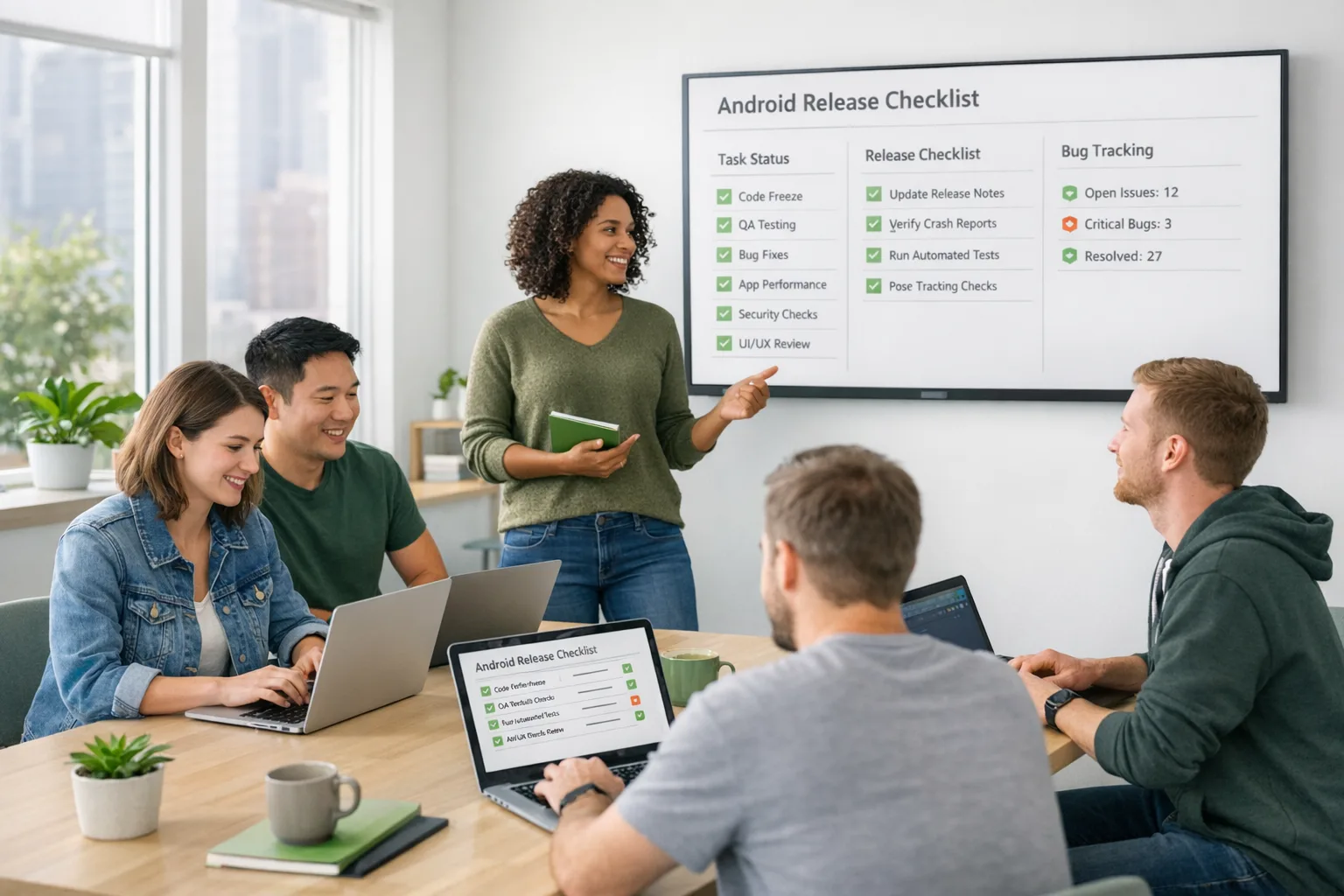
Let’s get practical: the compliance checklist
Copy this into your team’s tracker:
- List content surfaces (including ads and webviews) and who moderates them.
- Document default safety controls and how to tighten them per cohort.
- Decide the target rating tier, and why it’s correct for your defaults.
- Ship any control or copy changes needed to make your defaults match that tier.
- Update App Store Connect answers with rationale.
- Test with a restricted account and Family Sharing.
- Publish clear product copy describing safety controls and reporting.
- Schedule a quarterly rating review tied to your changelog.
How this plays with Google Play and policy headwinds
If you’re cross‑platform, align your defaults with Play’s content policies and age‑based features as well—don’t keep two sets of truth for safety. While store rules differ, the pragmatic approach is one standards‑driven configuration you can defend anywhere. For specific engineering trade‑offs around Play billing and policy changes, our builder’s guides cover fees, flows, and ROI.
For a deep dive on timelines and decision trees specific to Apple’s questionnaire, see our focused playbooks: Ship‑Ready Playbook for the App Store Age Rating 2026 and the deadline‑driven Ship by Jan 31 guide. If you’re weighing cross‑store monetization and compliance work, our Google Play External Links: 2026 Builder’s Guide shows how to sequence those changes without derailing your iOS queue.
Risk management: what Legal and Support need from you
Legal wants a concise record of your decisions, the exact defaults, and your rationale for the selected tier. They’ll also ask how you handle reports and appeals. Give them a one‑pager with links to your moderation runbook and SLA.
Support needs macros for parents: how to enable stricter settings, request refunds, and report content. Your initial rating announcement should include a link to Help Center articles that mirror your in‑app copy.
Marketing should avoid showcasing features in screenshots or videos that are age‑gated for first‑time under‑18 users. Feature parity between marketing and defaults prevents reviewer confusion.
What great looks like
The best teams I’ve worked with do three things:
- They keep a living "content and controls" map alongside their design system, so new components inherit the right defaults.
- They use server‑side toggles to tighten exposure for minors automatically, with telemetry to prove it.
- They narrate safety clearly in the listing and the first‑run experience, without scaring off adults.
What to do next
- This week: run the 10‑day sprint. Timebox the audit to 2 days; decide the tier; ship any default changes; answer the questionnaire.
- Before January 31, 2026: lock your App Store Connect answers, store a rationale doc, and ensure Support has approved macros.
- After you ship: monitor under‑18 flows and report rates; adjust server‑side policies if metrics spike.
- Need a second set of eyes? See what we do for compliance sprints or reach out via our contact page. We’ve helped teams thread the needle without pausing feature velocity.
Final thought
This update isn’t a nuisance if you treat it like a product decision. Pick the rating your default experience truly supports, wire in the controls you’re proud to defend, and make the story legible in App Store Connect and your listing. Do that, and January 31 becomes a maintenance task—not a fire.
If you want deeper templates, check our dedicated playbooks, then circle back to scope a quick engagement through bybowu.com/contacts. Ship safe, ship accurate, and keep moving.








Comments
Be the first to comment.