App Store Age Rating 2026: The Product & UX Plan
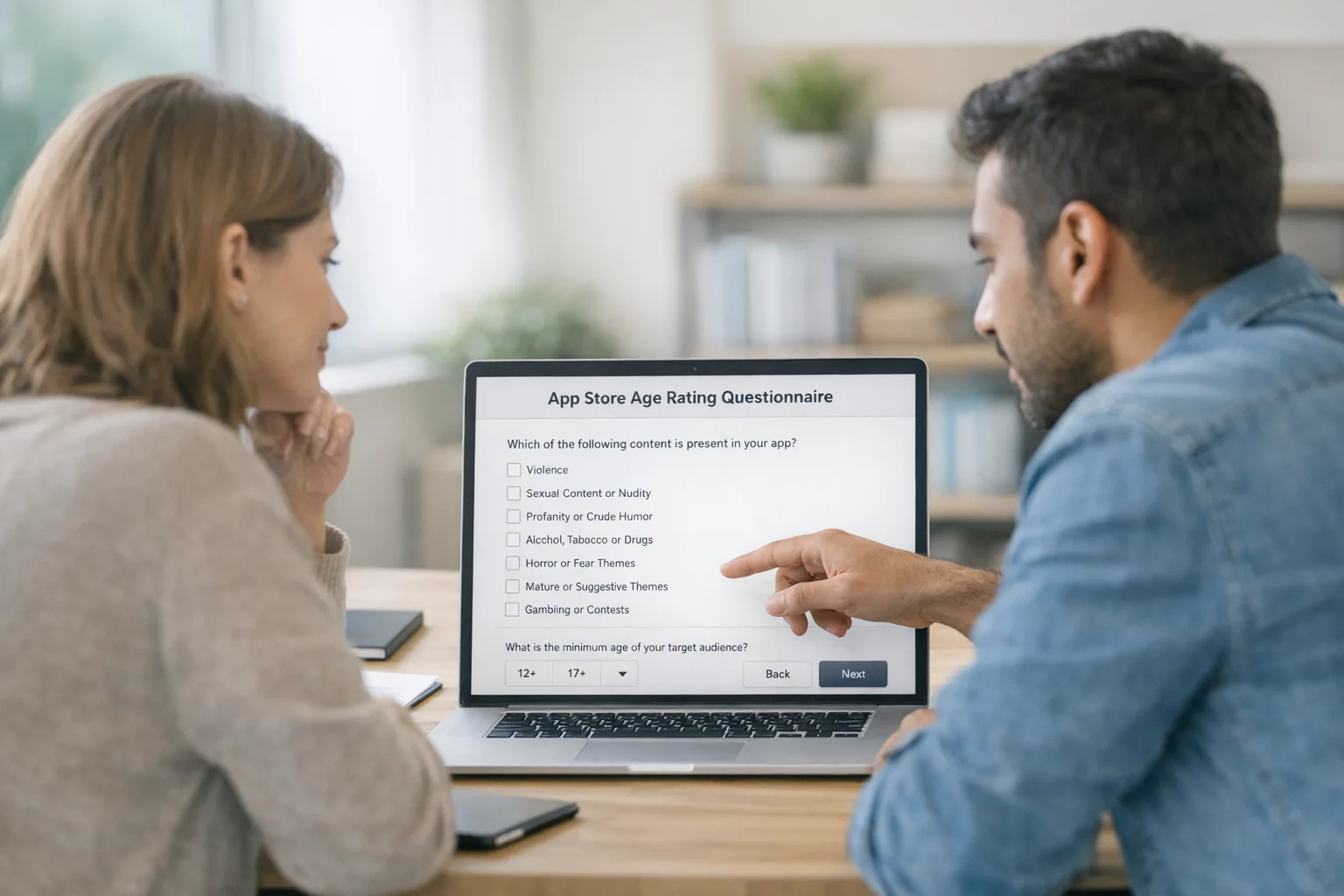
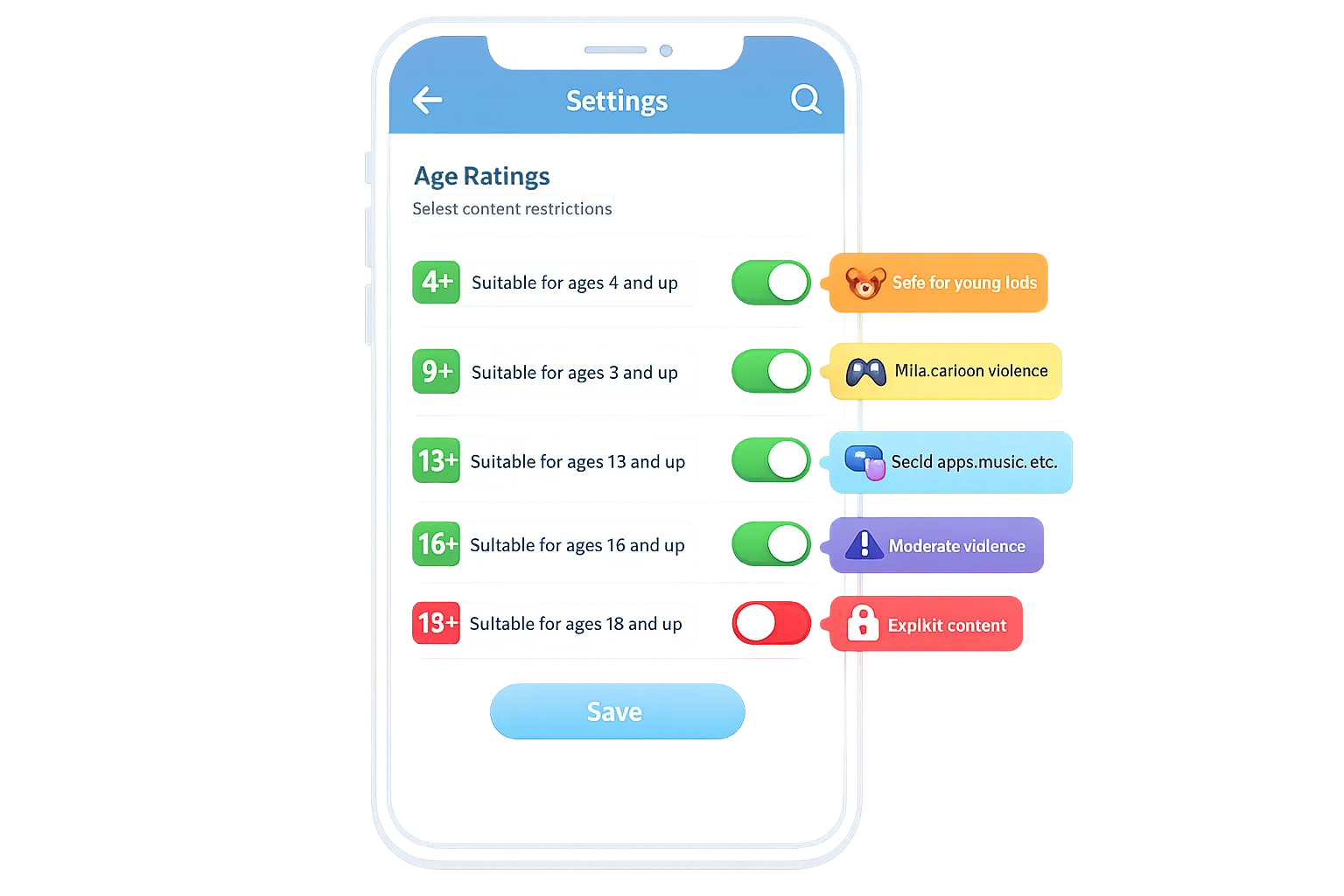
The App Store age rating 2026 update lands with a hard stop: answer Apple’s new questionnaire by January 31, 2026 or your app updates get blocked in App Store Connect. Apple has already reassigned ratings under its revamped tiers—4+, 9+, 13+, 16+, and 18+—and those values surface across devices running iOS 26, iPadOS 26, macOS Tahoe 26, tvOS 26, watchOS 26, and visionOS 26. Treat this as a product release, not admin work. You’re not just updating forms; you’re aligning your content model, parental controls, and growth tactics with new platform expectations.
What changed—and why it matters in January
Apple’s new age tiers add clarity for parents and regulators and force developers to be explicit about sensitive content, in‑app controls, and how features like AI assistants, UGC, and wellness content behave. Apple re‑scored apps automatically based on prior answers, but now requires updated responses to a broader set of questions. If you don’t respond by January 31, 2026, you can’t submit new updates until you do. For product teams, that means two things: first, you must audit the app against the new definitions; second, you need UX affordances that match your declared rating.
Here’s the thing: age rating touches more than content. It affects the flows you show to teens, whether you gate live features behind parental consent, when you show sensitive toggles, and how your merchandising appears for different age ranges. If your answers don’t match your UX, expect rejections and support overhead.
The App Store age rating 2026 checklist (ship in one sprint)
Use this one‑sprint plan to complete the questionnaire and harden the experience. Yes, you can ship this in a week—if you cut scope and focus.
Day 1: Inventory and mapping
Catalog content and features that influence your rating: violence, sexual content or nudity references, realistic vs. cartoon intensity, medical or wellness guidance, simulated gambling, UGC and moderation, AI chat output, advertising, and links to purchases. Map each item to Apple’s definitions and the new tiers. If you run multiple surfaces (iOS + tvOS + watchOS), note differences—your highest exposure dictates the rating story you tell.
Day 2: Policy answers and evidence
Draft your App Store Connect answers as a team: product owner (source of truth), trust & safety (moderation policy and escalation), and engineering (feature flags and platform APIs). Wherever you mark “infrequent/mild” or “frequent/intense,” add a quick note and a screen capture link in your internal doc so you can justify choices later.
Day 3: UX alignment and gating
Add or confirm age‑appropriate controls: content filters, “hide sensitive previews,” profanity toggle for comments, and reporting tools for UGC. If your rating lands at 13+ or 16+, make the controls discoverable on first run for users in those ranges. If you’re 18+ due to themes or realistic violence, remove teaser placements in public areas, keep screenshots aligned with your declared rating, and avoid suggestive imagery in onboarding.
Day 4: Parental features and switchbacks
Ensure flows don’t dead‑end for minors. Provide an obvious path to parent approval (if and when required by regional rules), a read‑only or limited mode, and clear messaging when a feature is hidden due to age settings. Offer an e‑mail summary a parent can review if your app is used by families. Keep all of this consistent with what you attest in App Store Connect.
Day 5: QA matrix and submission
Run through a concise test plan: new install on iOS 26, signed‑in upgrade, and a “teen” persona with restrictions. Validate copy in any feature that surfaced in your answers. Submit the updated questionnaire, then ship the smallest possible binary change that brings your UX into alignment. If you’ve already got a release pending, complete the questionnaire first so you avoid a block on submission.
Designing the UX so your answers stick
Ratings are a promise. If your listing says 13+, your UI can’t nudge toward 18+ content—algorithms included. Concretely: disable “show explicit lyrics” by default for 13+ audiences, hide graphic thumbnails behind a tap‑to‑reveal, and tone down haptic or visual intensity for realistic violence. Use runtime feature flags to change visibility based on detected age range. Remember that regional suitability applies: a 16+ rating in one country may differ elsewhere, so string your policy copies and keep layouts flexible.
Think screenshots and promo text, too. Store reviewers will notice if your imagery overshoots your declared tier. If your core loop or differentiator requires mature themes, own it—don’t water it down to chase distribution. A smaller, right‑fit audience beats a mismatched one that drives support tickets and churn.
Engineering gotchas: APIs, AI, ads, and UGC
Two areas cause surprise. First, AI features. If you ship an assistant or generative feed, your moderation and safety rails determine your rating, not your intent. That means category filters on prompts, refusal policies, and a backstop for hallucinated sensitive content. Expose a “safe mode” toggle and log violations for review so you can tighten models without an app update.
Second, UGC. Your rating answers imply you have reporting, blocking, and removal tooling. If you declare that you moderate submissions before display, your pipeline and SLAs must match. For apps with ads, the creatives you accept matter—if a partner ad breaks your promised tier, it’s your problem. Lock a brand‑safety tier with your ad providers that matches your rating.
People also ask: Do I need a new binary to comply?
Usually, you can complete the age rating questionnaire without a fresh binary. But if your current UX contradicts the answers—say you mark “mild references” yet display graphic thumbnails—you should ship a minor build with flags and copy changes. Otherwise, expect rejections on your next submission.
What happens if I miss January 31?
App Store Connect will block new updates for apps that haven’t completed the updated questionnaire by January 31, 2026. Existing versions remain live, but you’ll be stuck until you finish. If you’re mid‑release, pause and update the answers before you resubmit.
Will my rating vary by country?
Yes. Apple assigns ratings by country or region, aligned to local suitability standards. Your app may show different ratings across markets even with identical binaries. Plan your screenshots, descriptions, and customer support macros with that in mind, and avoid hard‑coding rating numbers in UI.
Regulatory cross‑winds: Texas, parental consent, and why to plan for change
Zooming out, U.S. states continue to test age verification and parental consent rules for app distribution and purchases. Some of those laws are tied up in court; others have APIs and sandbox flows available for testing in current iOS versions. What’s the practical takeaway for a nationwide app? Architect your onboarding so you can: 1) present an age‑range confirmation when required, 2) request or validate parental approval for minors, 3) notify parents about material changes, and 4) offer revocation paths. Even where enforcement is in flux, these are sensible defaults that reduce risk and build trust.
If your team needs a broader January roadmap—new ratings plus store policy shifts—align it with a simple, shippable plan. Our January ship list for store policies covers adjacent deadlines and integrations you might be juggling in parallel.
Merchandising, UA, and growth: how ratings change distribution
Age ratings now influence where your app can appear across editorial and curated surfaces. A tighter rating can be a feature, not a bug, if it matches the audience you actually monetize. For subscription apps, lower tiers can improve install‑to‑trial (parents are less likely to block), while higher tiers can improve ARPPU by embracing a more adult value prop. The mistake is targeting everyone and delighting no one. Declare the right audience, then tune storefront assets and in‑app value accordingly.
If you operate on both iOS and Android, remember that Apple’s age ratings and Google’s policies move on different clocks. For teams also implementing external links or alternative billing on Android, work in two tracks: keep age rating/parental UX work isolated on iOS, and handle Play links and billing separately. We maintain a practical breakdown in our Google Play external links builder’s guide so your team doesn’t blur requirements between platforms.
Copy that passes review (steal these patterns)
Good compliance copy is specific, short, and consistent with your answers. Three patterns we’ve seen work well:
• “Sensitive previews are hidden for your age settings. You can change this anytime in Settings.”
• “You’re using Safe Mode: we filter explicit language and limit graphic images.”
• “Parental approval required to use live rooms. Ask a parent to approve this feature in Settings.”
Match the language to your declared intensity level. If your rating is 13+, avoid “explicit.” If it’s 16+, explain what’s limited (“live chat with strangers is off by default”). If 18+, be frank: “This experience includes mature themes for adults.”
A lightweight governance model that scales
Compliance isn’t one person’s job. Assign durable owners:
• Policy answers: Product manager (final approver) with Legal review
• UGC moderation: Trust & Safety lead with weekly audits
• Ad quality: Growth lead with brand‑safety tiers enforced in ad networks
• AI safety: ML lead maintains allow/deny lists and fallback responses
• QA: Test lead runs an age persona matrix each release
Put those owners on a 30‑minute monthly “rating review” calendar invite. If no changes, cancel the meeting. If something shifted (new feature, new market, or new ad partner), adjust the questionnaire answers and UX before your next release train.
Pitfalls we keep seeing (and how to avoid them)
• Rating drift: Teams tweak feeds, content sources, or ad partners without revisiting the age rating answers. Fix by adding a “rating impact” checkbox to your launch checklist.
• Screenshot mismatch: Marketing swaps in edgier screenshots than your declared tier allows. Fix by versioning assets by region and tier, and locking editorial approval to product.
• Unstaffed moderation: You claim pre‑moderation but operate post‑moderation in practice. Fix by rewriting the answer or changing the pipeline; you can’t do both.
• AI output surprises: Generative features can cross rating lines late. Fix by keeping a rules layer that blocks disallowed categories server‑side and returns a generic safe response.
What to do next (the fast path)
1) Finish your answers in App Store Connect today—don’t wait for the next code freeze.
2) Ship a small UX patch that makes your controls discoverable for teens and adds “safe mode” defaults where appropriate.
3) Run the three‑device QA matrix (new install, upgrade, teen persona).
4) Align screenshots and promo text with your declared tier.
5) Put owners on the calendar for a monthly review so you never scramble again.
If you need a deeper walkthrough, we break down the questionnaire and product changes step‑by‑step in our detailed ship‑ready playbook for the 2026 age rating update and a shorter “ship by Jan 31” guide for teams under time pressure. For Android leads working in parallel, pair this with our January security update dev playbook so your patch cadence doesn’t slip while iOS ships.
The bottom line
The App Store age rating 2026 work is achievable in days, and the right UX choices will reduce rejections and support load long after the deadline. Treat the questionnaire as your spec, ship lightweight gating and clear copy, and you’ll stay compliant while preserving growth. Make this the release that simplifies your onboarding and content controls across regions—because the best way to pass review is to design for it.








Comments
Be the first to comment.