App Store Age Rating 2026: The Field Guide
Apple’s App Store age rating 2026 overhaul is no longer theoretical—it’s a blocking requirement on January 31, 2026. If you don’t complete the updated age rating questionnaire in App Store Connect, new app updates will be rejected until you do. The change brings new 13+, 16+, and 18+ tiers, refreshed questions, and tighter alignment with parental controls across Apple’s platforms. Below is the practical guide I’m giving clients this week so you can brief leadership, unblock engineering, and ship on time.
App Store age rating 2026: what changed and when
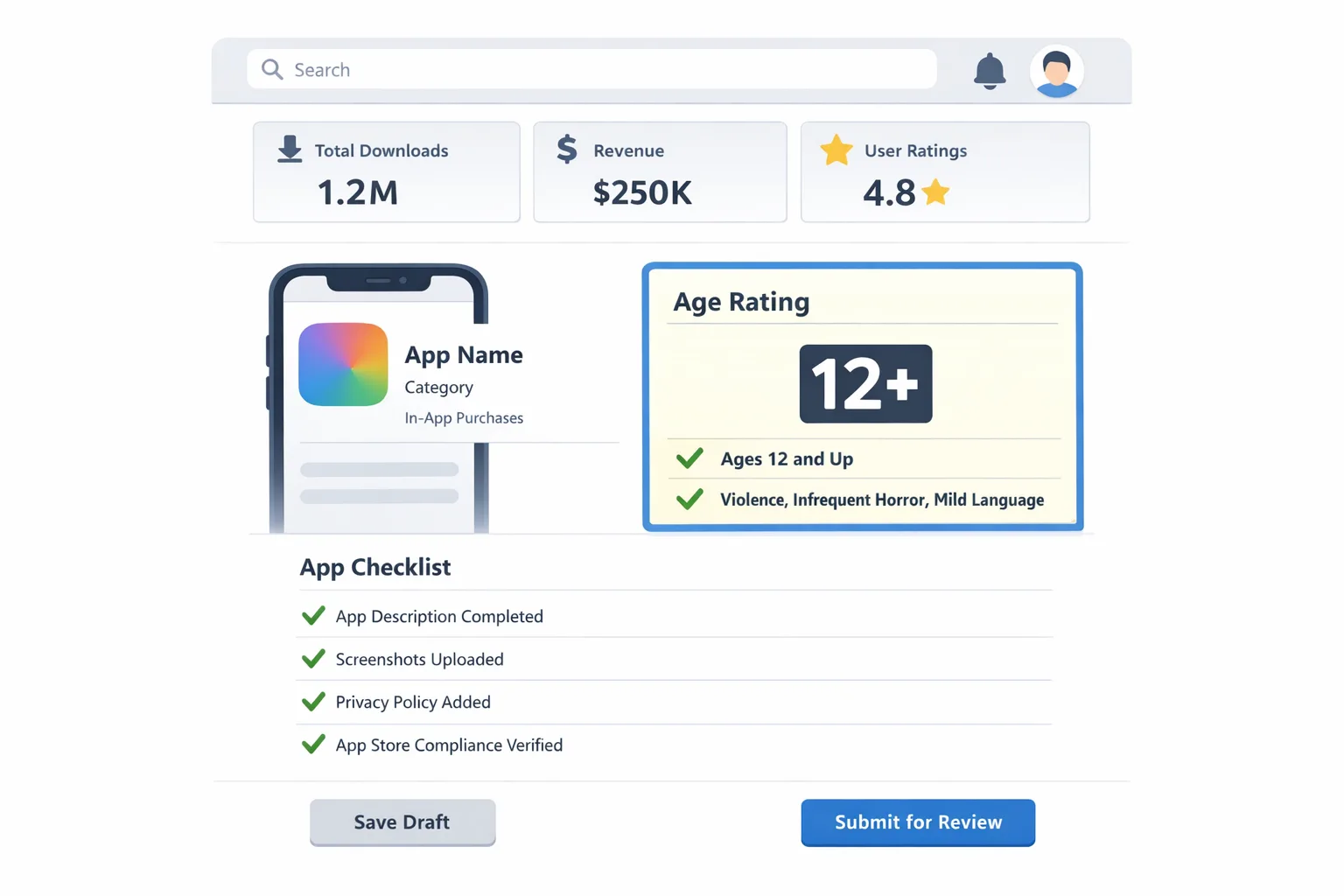
Apple expanded its rating tiers to 4+, 9+, 13+, 16+, and 18+, removing the old 12+ and 17+ buckets. Ratings are recalculated based on new, mandatory questions in App Store Connect. Apple also signaled closer ties between ratings and system‑level safeguards—parents’ Screen Time settings and Ask to Buy now interact more predictably with what shows up in the App Store and what a child account can install.
Key dates and platform notes to anchor your plan:
- July 2025: Apple announces the overhaul and the new age tiers.
- Fall 2025: New ratings appear in OS betas; App Store Connect questionnaire begins rolling out.
- January 31, 2026: Developers must answer the updated questions; otherwise, you can’t submit new updates.
- OS alignment: Ratings surface consistently across iOS 26, iPadOS 26, macOS “Tahoe” 26, tvOS 26, watchOS 26, and visionOS 26.
On product pages, you’ll also see clearer disclosures when an app includes user‑generated content, messaging, advertising, or built‑in parental controls. That matters for trust, conversion, and editorial placement.
For a shorter, ship‑now version of this article, use our Ship‑Ready Playbook for the App Store age rating update, then come back here for the rationale and edge cases.
What it means for product, legal, and marketing
Here’s the thing: this isn’t just a storefront label change. The new tiers and questions push teams to declare how your app behaves in practice—especially around UGC, AI features, commerce, and wellness content—and that declaration can suppress visibility for the wrong audience or block installs behind parental gates. If you advertise “teen‑friendly” features but ship a rating that pushes you into 16+, your UA funnel will quietly shrink. Conversely, under‑rating is a short path to enforcement and takedowns.
Legal teams will care because the questionnaire references sensitive areas—data practices for kids, health claims, and “frequencies” of content exposure. Marketing will care because ratings now influence what appears for minors in Today, Games, and Apps tabs, not just the product page. Engineering will care because some answers imply in‑app controls you need to implement and document.
The R.A.T.E. plan: ship safely by January 31
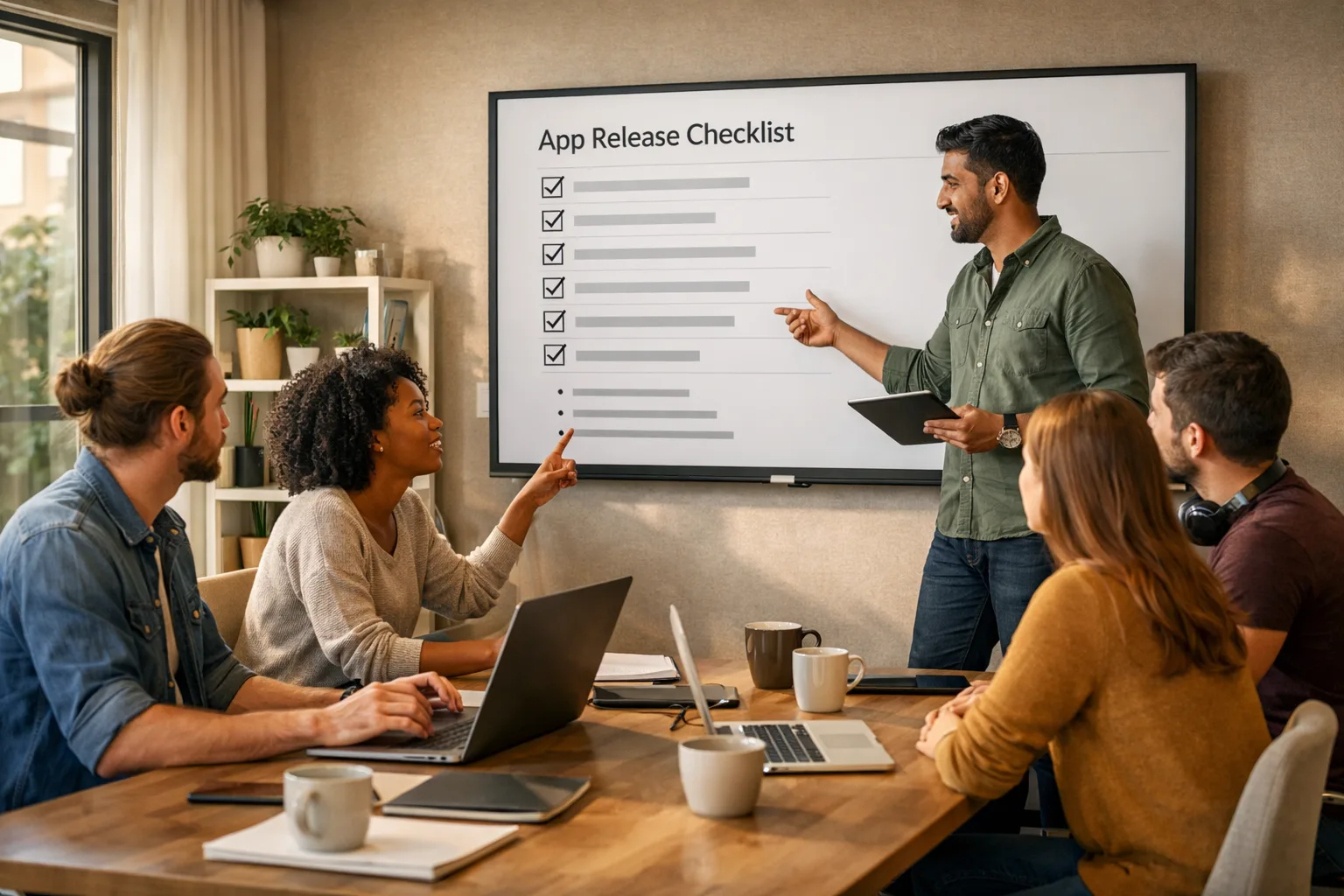
I’ve been running teams through a four‑step cadence that fits into a one‑week sprint. Call it R.A.T.E.: Review, Answer, Test, Enforce.
1) Review: inventory content, features, and flows
Map every feature that could affect a rating. Include the dark corners you rarely demo: invite flows, comment replies, deep‑linked screens, bonus levels, and temporary promos. For each, capture: (a) what users can post or view, (b) whether unfiltered media can appear, (c) whether nudity, violence, or profanity is possible or moderated, (d) whether messaging or friend/follow actions exist, (e) any health, wellness, or medical guidance. If you use generative AI, gather prompts, safety filters, and escalation policies.
Tip: screenshot proof. If Apple questions your answers, you’ll want a dated, internal doc with examples and moderation settings.
2) Answer: the new App Store Connect questionnaire
Expect questions in four clusters: in‑app controls, capabilities, medical/wellness, and violent themes. The tricky parts aren’t philosophical—they’re about specificity. For example:
- UGC and messaging: Do users exchange DMs? Can they post images or links? Are uploads screened before or after they’re visible? What’s your block/report path?
- AI assistants and chatbots: Can AI generate images or text with minimal guardrails? Do you provide user‑level controls to limit topics or block explicit content?
- Wellness: Do you provide advice that could be construed as medical? Are disclaimers present? Do you gate advanced content behind age checks?
- Violence: Can users experience realistic violence (even if stylized) frequently? Is gore possible via UGC or mods?
Answer conservatively and truthfully. You may voluntarily choose a stricter rating than Apple assigns. If your audience includes minors, a slightly higher rating with robust controls often outperforms a borderline lower rating that triggers enforcement later.
3) Test: verify parental controls, Screen Time, and visibility
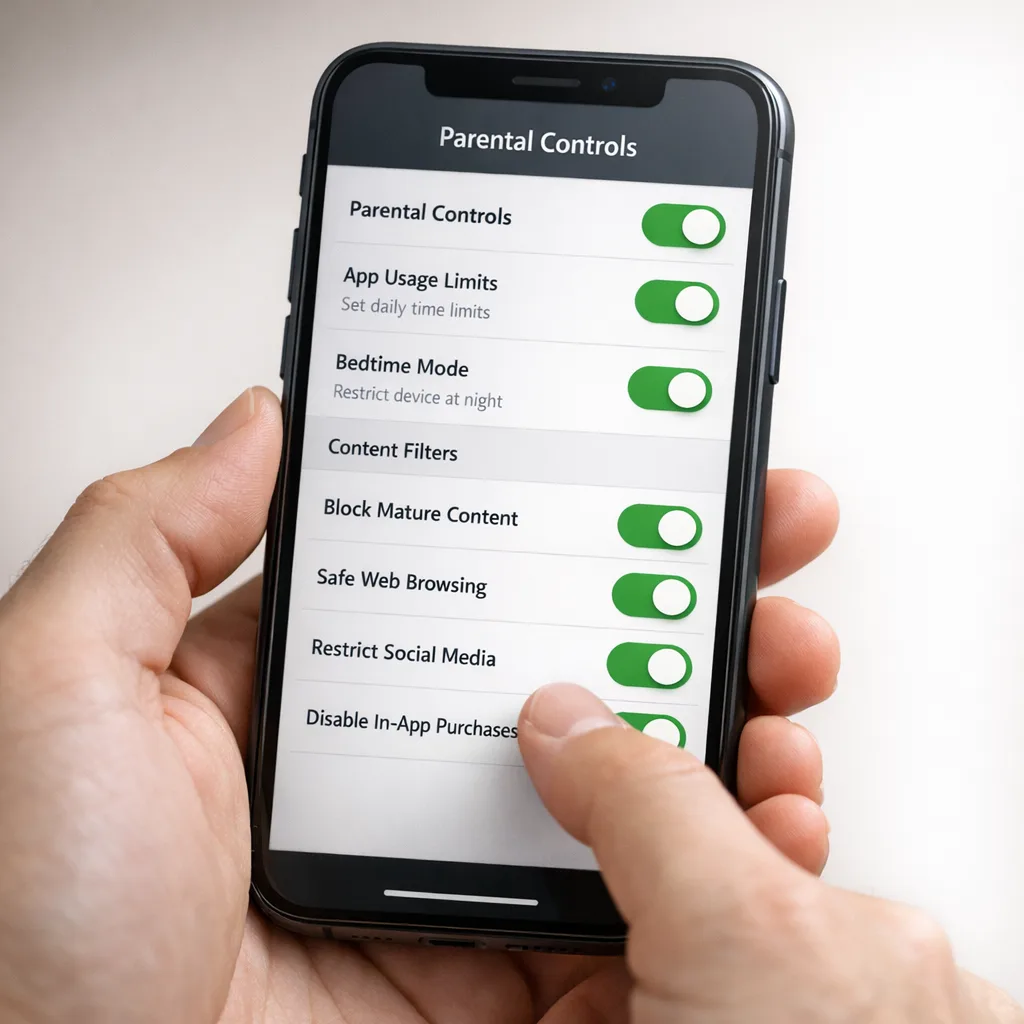
Set up a Family Sharing sandbox with at least one child account (under 13) and one teen (13–17). Configure Screen Time content restrictions at 9+, 13+, and 16+ and watch what disappears from search and recommendation surfaces. Validate Ask to Buy behavior, especially for subscription trials and restore‑purchase flows. If your app includes messaging or follows, test permission prompts and any new age‑gating you added.
Document the results. QA should log which tabs and carousels your app vanishes from at each restriction level; marketing should know that reality before planning seasonal placements.
4) Enforce: ship in‑app controls to match your answers
If you said you have content controls, they must exist and be visible. Add a “Safety & Controls” screen with toggles for message requests, comment filters, and media previews. Implement fast account blocking and clear reporting. For AI features, surface a “safe mode” that defaults on for minors. In wellness flows, add prominent disclaimers and links to professional help if claims might be interpreted as medical advice.
Once controls ship, update your product page copy to reflect them. That listing‑level transparency can raise trust and reduce support tickets.
People ask us...
Do I need to resubmit my app to keep shipping?
You must answer the new questions for each app by January 31, 2026. If you don’t, App Store Connect will block new updates. You do not need to upload a new binary solely to change answers—but if your answers imply new in‑app controls, ship them before you submit the next update.
How do 13+, 16+, and 18+ map to other regions?
Apple aligns age ratings with local norms and regulatory frameworks, so final labels vary by storefront. Practically, answer based on your app’s actual content and controls; Apple will normalize across regions. If you operate in countries with stricter youth‑protection laws, assume the stricter interpretation wins.
Are AI chatbots treated differently?
Yes, in the sense that Apple expects you to account for generative content risks. If an AI can surface sexual content, hate speech, or violent images without strong filters, expect a higher rating. Provide per‑user controls and robust moderation, then reflect those controls in your answers.
What if my audience spans teens and adults?
Pick a rating that reflects real exposure, then tailor the experience. Many teams now ship a teen‑friendly default with optional unlocks for adults (e.g., stricter UGC filters and limited DMs until age is verified or parental consent is granted). Communicate those differences clearly in settings.
Common pitfalls and edge cases
I keep seeing the same issues across audits. If any of these ring a bell, fix them now:
- Unmoderated link previews: URL previews can show NSFW content from third‑party sites. Disable previews for minors or scrub with a safe‑link service.
- Ephemeral rooms with screenshots allowed: Disappearing content isn’t invisible to rating logic if screenshots or exports are possible.
- Paywalled adult‑adjacent sections: If a 13+ user can navigate to titles, thumbnails, or tag names for mature content—even if the content is locked—you’re still exposing them.
- AI image generators without upload filters: Diffusion models can recreate nudity or gore from benign prompts. Use content classifiers and blocklists, and default minors to a safe mode.
- “Wellness” that drifts into medical advice: Breathwork is fine; diagnosing conditions without disclaimers is not. Add clear non‑medical language and escalation paths.
- Moderation that’s policy‑only: If you claim proactive screening, back it with real queues, ML filters, and enforcement SLAs.
Data points and timelines to brief your execs
Give leadership facts and a crisp plan. Here’s the skinny you can paste into your weekly note:
- New tiers: 13+, 16+, 18+ added; 12+ and 17+ removed.
- Submission gate: Updated questionnaire required from January 31, 2026 onward.
- OS alignment: Ratings visible across iOS 26, iPadOS 26, macOS “Tahoe” 26, tvOS 26, watchOS 26, visionOS 26.
- Storefront behavior: Child/teen accounts see limited tabs and promos based on ratings; Ask to Buy and Screen Time integrate more tightly.
- Product page disclosures: Clear flags for UGC, messaging, ads, and in‑app parental controls.
If you need a first‑principles walkthrough with screenshots, use our step‑by‑step App Store Age Rating Update: 2026 Shipping Guide. For teams juggling multiple policy deadlines, our January 2026 App Store ship list keeps everything in one place.
Let’s get practical: the worksheet
Copy this and run it as a same‑day working session:
- Assemble cross‑funcs (PM, iOS, backend, design, legal, trust & safety, CS). Timebox to 90 minutes.
- List every feature that enables messaging, follows, posting, or AI generation. Mark which are usable by minors.
- For each, decide controls: pre‑moderation, auto‑filters, rate limits, reporting, block, age‑gated toggles. Assign owners and ship dates.
- Draft your App Store Connect answers in a doc. For each answer, paste a link or screenshot proving the behavior or control exists.
- Update in‑app Settings with a “Safety & Controls” panel. Add help text and links to your policy.
- Run a Family Sharing test from a teen account with Screen Time limits at 13+ and 16+. Log visibility and any crashes or loops.
- Make one copy change on your App Store product page to reflect new controls (this helps support and editorial teams).
- Submit the questionnaire, then file a follow‑up release if you changed controls or copy.
Cross‑store reality: if you also ship on Android
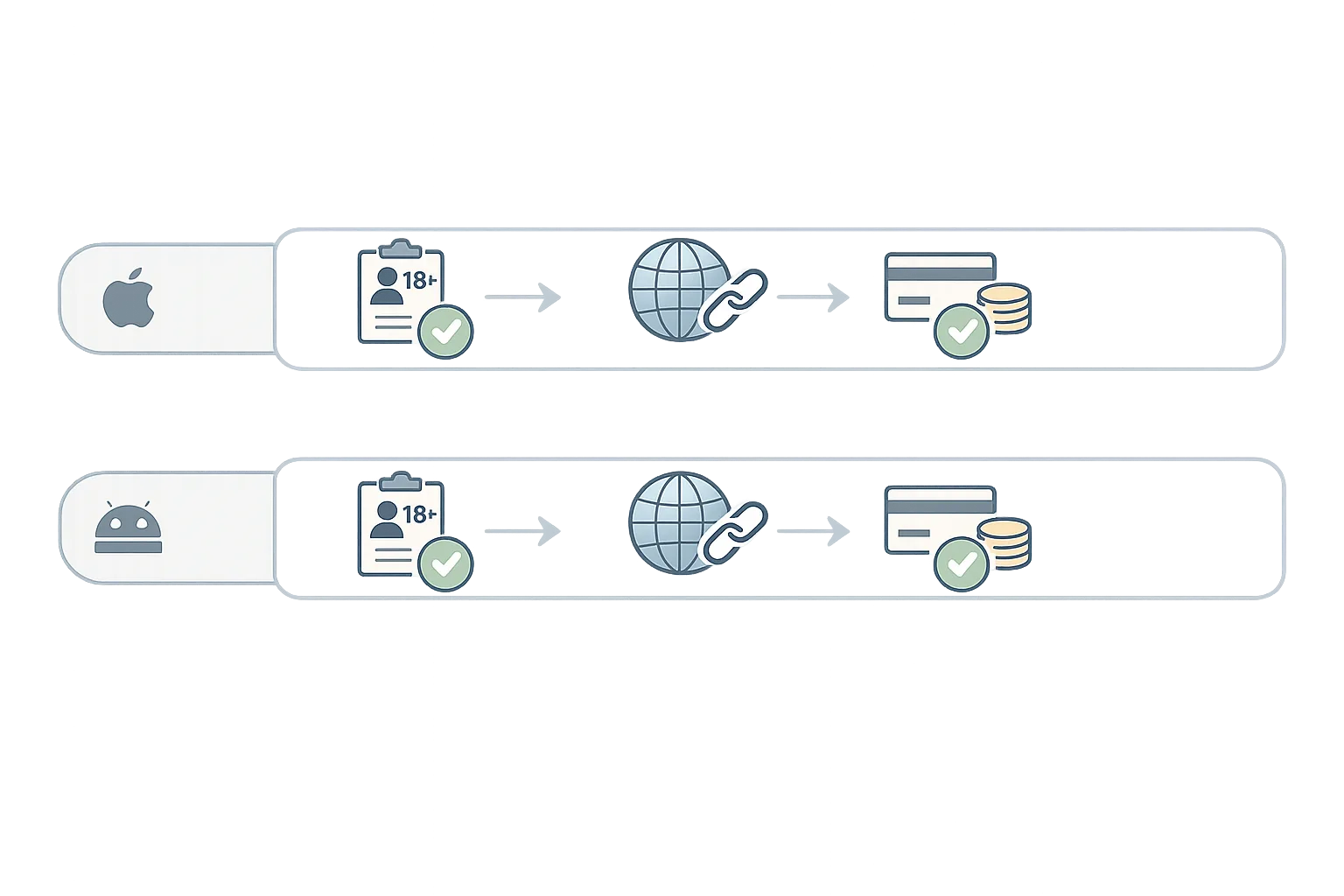
Different store, similar pressure. Google has been formalizing policies around external links and alternative billing with specific enrollment steps and potential fees, plus review hooks to verify off‑Play transactions. If your go‑to‑market leans on external links or diversified billing, make sure product and finance understand those cost curves and compliance steps.
We maintain a practical set of Android guides. Start with the Google Play External Links: 2026 Builder’s Guide for enrollment, review flows, and measurement, then follow the engineering deep dive in The Engineering Plan when you wire up APIs and webhooks.
What to do next (this week)
If the deadline is looming, prioritize these actions:
- Book a 90‑minute R.A.T.E. workshop with the people who can ship changes immediately.
- Create a Family Sharing test plan and record the results for stakeholders.
- Stand up a “Safety & Controls” settings screen if you don’t have one.
- Draft and review questionnaire answers with Legal and Trust & Safety the same day.
- Update your App Store copy to call out UGC moderation and parental controls.
- Plan a minor follow‑up release in case Apple requests clarifications.
How bybowu can help
If you’d rather move faster with a partner, we run focused shipping sprints for mobile compliance and storefront optimization. See what we do for product and platform teams, browse mobile case studies in our portfolio, or reach out via contacts to schedule a working session before January 31.
Zooming out, the rating overhaul rewards teams that treat safety and clarity as product features, not compliance chores. Answer the questionnaire honestly, back it with visible controls, and your teen‑facing experience will be more resilient—and your release cadence won’t skip a beat.








Comments
Be the first to comment.