App Store Age Rating 2026: The Engineer’s Guide
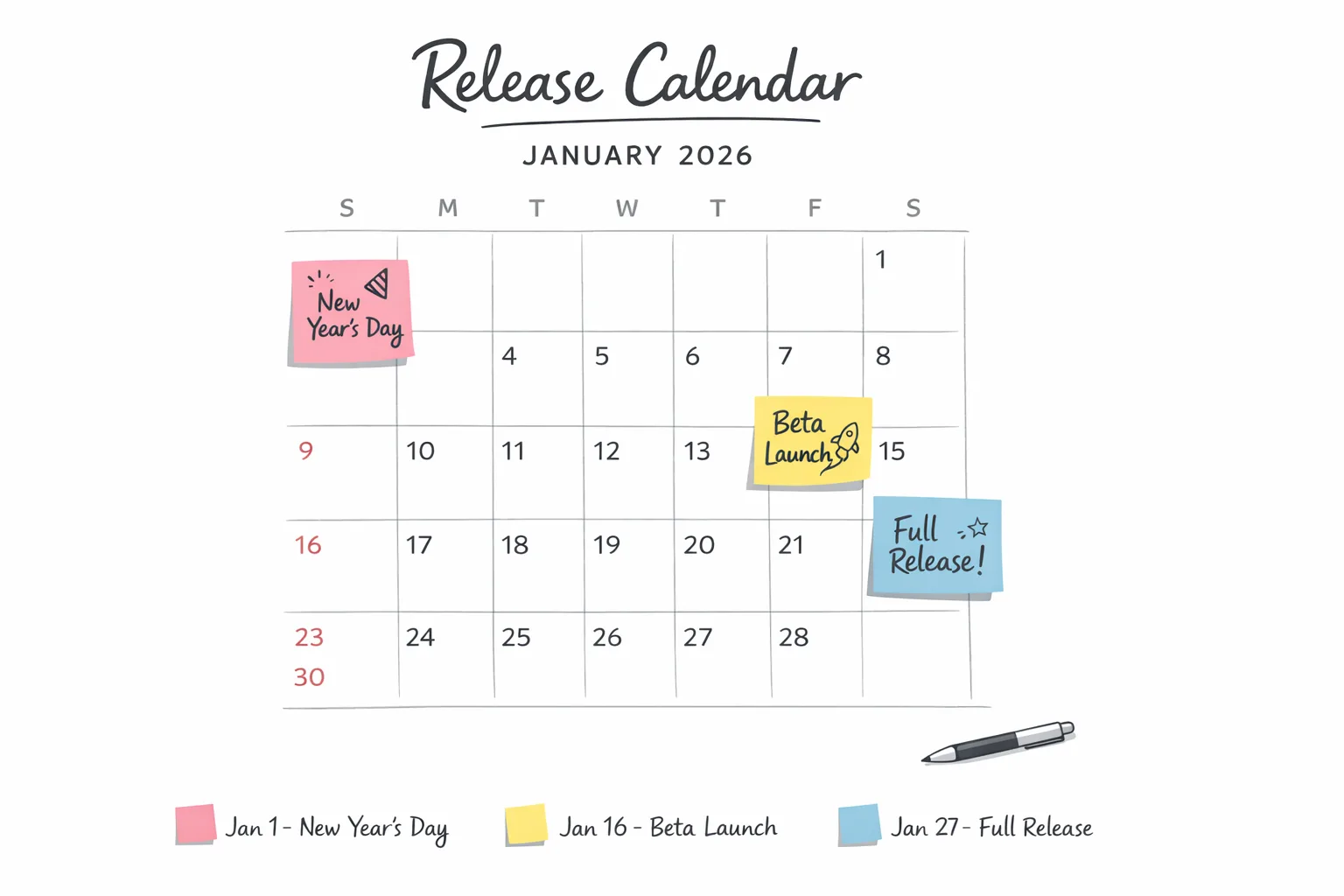
Apple’s App Store age rating 2026 update isn’t a minor paperwork tweak. It changes how your app is classified, when you can ship, and which features might push you into a stricter tier. The key date is January 31, 2026. If your team hasn’t answered Apple’s new age‑rating questions in App Store Connect by then, your updates get blocked. Let’s turn that risk into a checklist you can run this week—so you keep shipping without drama.
What changed—and why it matters now
Apple has overhauled its age rating model with more granular tiers and a refreshed questionnaire. Instead of the longstanding 12+ and 17+ options, there are new 13+, 16+, and 18+ tiers alongside 4+ and 9+. Apple has already auto‑recalculated ratings based on your previous answers, and devices running the latest OS lines surface the new labels. But there’s a catch: until you answer the new set of questions in App Store Connect, your ability to submit updates will be interrupted.
There’s also a platform reality check. Since April 24, 2025, App Store uploads must be built with Xcode 16 or later using current SDKs. If your CI still targets older toolchains, you’ll be juggling two blockers at once—SDK compliance and the age rating questionnaire—right when you’re trying to ship.
App Store age rating 2026: what can change for your app?
Plenty. The new questionnaire goes deeper on content exposure and controls. Beyond obvious categories like violence or sexual content, it probes:
- User‑generated content (UGC) and whether you moderate it effectively.
- In‑app controls: filters, reporting tools, block/mute, and visibility gates.
- Capabilities: private messaging, audio/video chat, location sharing, payments, and links out to the web.
- Medical or wellness content that could influence behavior or expectations.
- AI assistants and chatbots that can generate or expose unpredictable content.
If your app includes UGC, AI chat, or an embedded web view that can surface third‑party material, your rating can drift upward unless you implement robust controls and disclose them accurately. That’s the heart of this update: not just what your app ships with by default, but how easily users can encounter sensitive content—and how quickly they can protect themselves.
What happens if I miss January 31?
Your next submission or update gets blocked in App Store Connect until you complete the questionnaire. That alone can derail sprint plans, paid campaigns, or a seasonal release. If you’re coordinating cross‑platform launches, a blocked iOS update can also skew feature parity and support load across iOS and Android. Don’t let a metadata task become a release blocker—treat this like a code dependency you must upgrade.
Let’s get practical: the 90‑minute compliance checklist
I’ve run this flow with multiple teams this month. Budget 90 minutes for a clean pass if your app is straightforward; more if you handle UGC or AI. Bring a PM or producer to confirm feature scope, and a QA lead for edge cases.
- Inventory exposure paths (15 minutes). List every feature that can display content not fully curated by you: comments, profiles, feeds, DMs, web views, external links, ad placements, imported media, and any AI or LLM output. Don’t forget transient surfaces like notifications and previews.
- Map controls to surfaces (10 minutes). For each exposure path, note the control you provide: report, block, mute, hide content types, parental restrictions, message requests, invite‑only rooms, NSFW filters, profanity filters, or on‑device nudity detection if applicable.
- Confirm moderation architecture (10 minutes). Human review queues? Vendor classifiers? Rate limits? Abuse detection? Spell out what’s automated vs. manual and your SLA for takedowns.
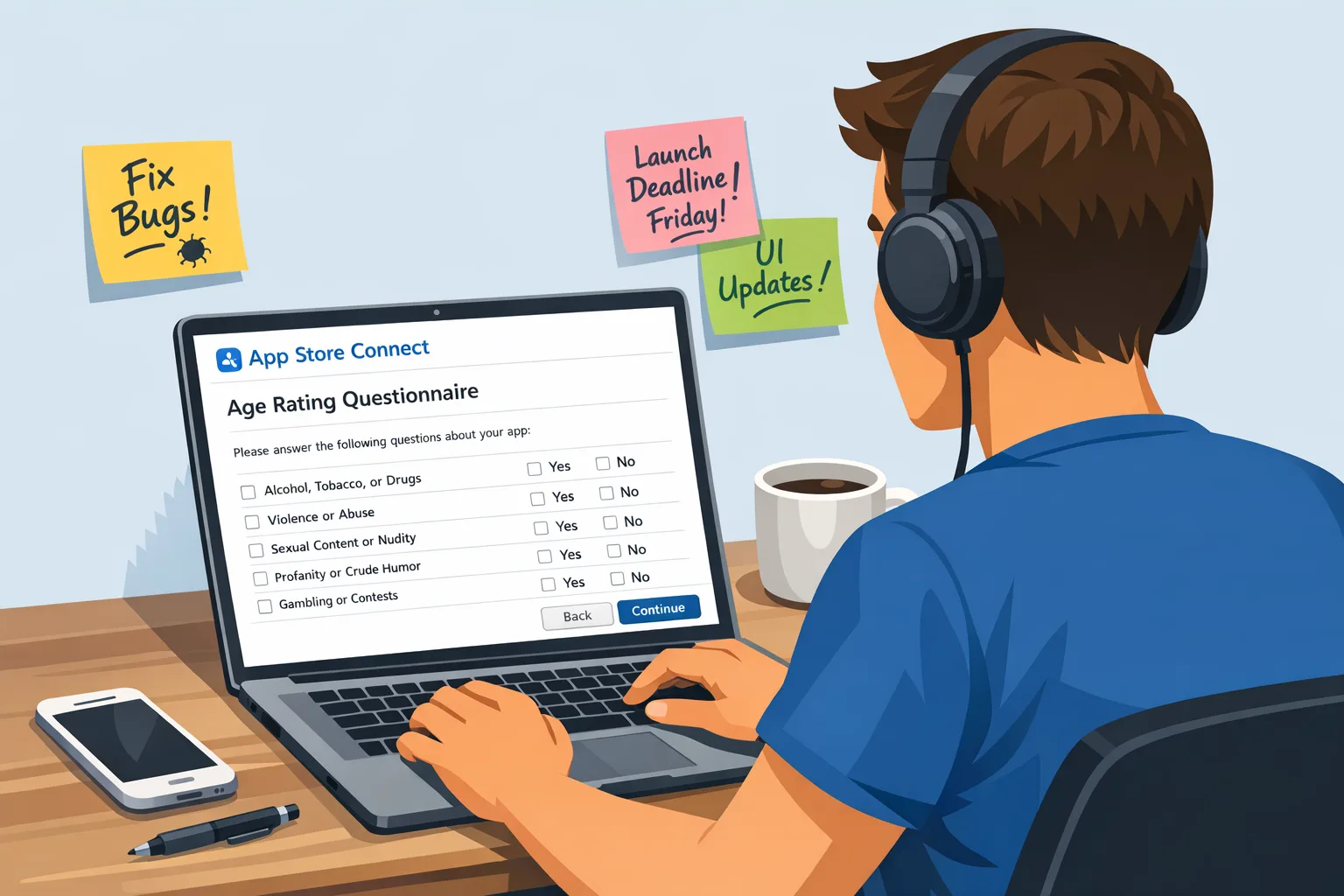
- Run App Store Connect questionnaire (20 minutes). In App Information → Age Rating, answer the new questions precisely. Reference your inventory and controls mapping. Avoid wishful answers; reviewers can test your paths.
- Adjust in‑app copy and gating (15 minutes). If the questionnaire pushed you into a higher tier, consider adding in‑app age gates, clarifying CTAs, or disabling risky flows for under‑18 users. Document these changes in your release notes.
- Verify toolchain (10 minutes). Ensure CI/CD uses Xcode 16+ with current SDKs; otherwise you’ll pass the questionnaire but still fail at upload time.
- Pre‑submission QA sweep (10 minutes). Test visibility: new users under restricted ages, logged‑out flows, deep links, and web view navigation. Screenshots and a short Loom/clip can help reviewers validate controls quickly.
Engineering deep dive: what actually counts as content exposure?
Here’s the thing: many apps assume “we don’t host UGC” so they’re safe. Then a seemingly harmless feature trips the rating.
AI assistants and chatbots
If an AI feature can generate or summarize content beyond your editorial control, that’s exposure. Mitigations that help: safe‑completion settings, guardrail prompts, blocking sensitive topics for minor accounts, rate limiting, and an in‑UI report button that sends context. Document these in your questionnaire answers.
Embedded web views and external links
Any route to the open web is exposure. If your app opens articles, profiles, or storefronts you don’t fully curate, implement:
- Age‑aware gating for minors.
- Clear “opens external site” affordances.
- Domain allowlists where possible.
- Content filters or restricted browser modes for under‑18s.
If you also ship on Android and are implementing external purchase links there, coordinate policy logic across platforms so the iOS experience remains age‑appropriate even when the Android build allows more direct flows. Our breakdown in this Google Play external links builder’s guide shows how to separate platform policy from product flows cleanly.
Advertising and third‑party SDKs
Ads and cross‑promo feeds can nudge your rating up if they surface mature themes, gambling, or implied romantic content. Set network‑level filters, pass declared age ranges when allowed, and audit creatives in your highest‑volume geos. If you can’t guarantee control, assume a higher tier in your answers.
Health, wellness, and medical advice
Even well‑intended guidance can be sensitive—especially for minors. Provide disclaimers, avoid diagnostic language, and keep parental or professional escalation pathways visible. If your content could shape behavior (diet, mental health exercises), expect stricter classification unless there’s robust guidance and gating.
QA scenarios to run before you hit Submit
Don’t guess. Test like a reviewer will.
- Fresh account under 13, 16, and 18. Confirm default visibility of feeds, search results, profiles, and DMs for each bracket.
- Message requests and follow requests. Ensure minors must approve or are blocked from unsolicited contact.
- Web view deep link. From a push, email, or QR scan, verify the app respects age gating before loading an external page.
- Report/Block from every surface. Feed card, profile, media viewer, chat thread. The control must be one tap away, not buried.
- Ad surface review. Load test ad slots with representative creatives. Capture screenshots to prove filters are in place.
- AI output guardrails. Prompt stress tests: sensitive topics, slang, and edge phrasing. Confirm safe completions and rate limits.
Release train impacts you should plan for
Two operational notes are catching teams off guard:
First, App Store uploads require Xcode 16+ and current SDKs. Lock your CI image and validate on a throwaway build early in the sprint. Second, if your questionnaire answers trigger a higher rating, Apple may expect UI proof of controls. That can add one or two minor tickets to your sprint—copy tweaks, an additional confirmation, or a settings toggle—so schedule a 24‑hour buffer before you cut the release candidate.
If you’re also shipping Android this month, pencil time for security patch uplifts. See our January 2026 Android security update playbook to avoid last‑minute launcher mismatches and Play Console warnings.
How Apple reviewers are likely to evaluate your app
Reviewers don’t have to find a single explicit piece of content to justify a higher rating. They only need to find a plausible path where a typical user could encounter it. That means your defaults matter more than your best‑case settings. If minors can enable a risky feature in two taps without friction, your rating rises.
What impresses reviewers: consistent controls, clear copy, and parity across surfaces. If you can report or block in chat, you should be able to report or block from profiles and search results, too. A mismatch across surfaces reads like a loophole, which undermines questionnaire answers.
People also ask
Do I need to resubmit if only the age rating changed?
No new binary is required to answer the questionnaire, but if your answers imply different feature gating or disclosures, ship a minor update to align the experience. That keeps reviewers and users on the same page.
Can I lower my rating by adding parental controls?
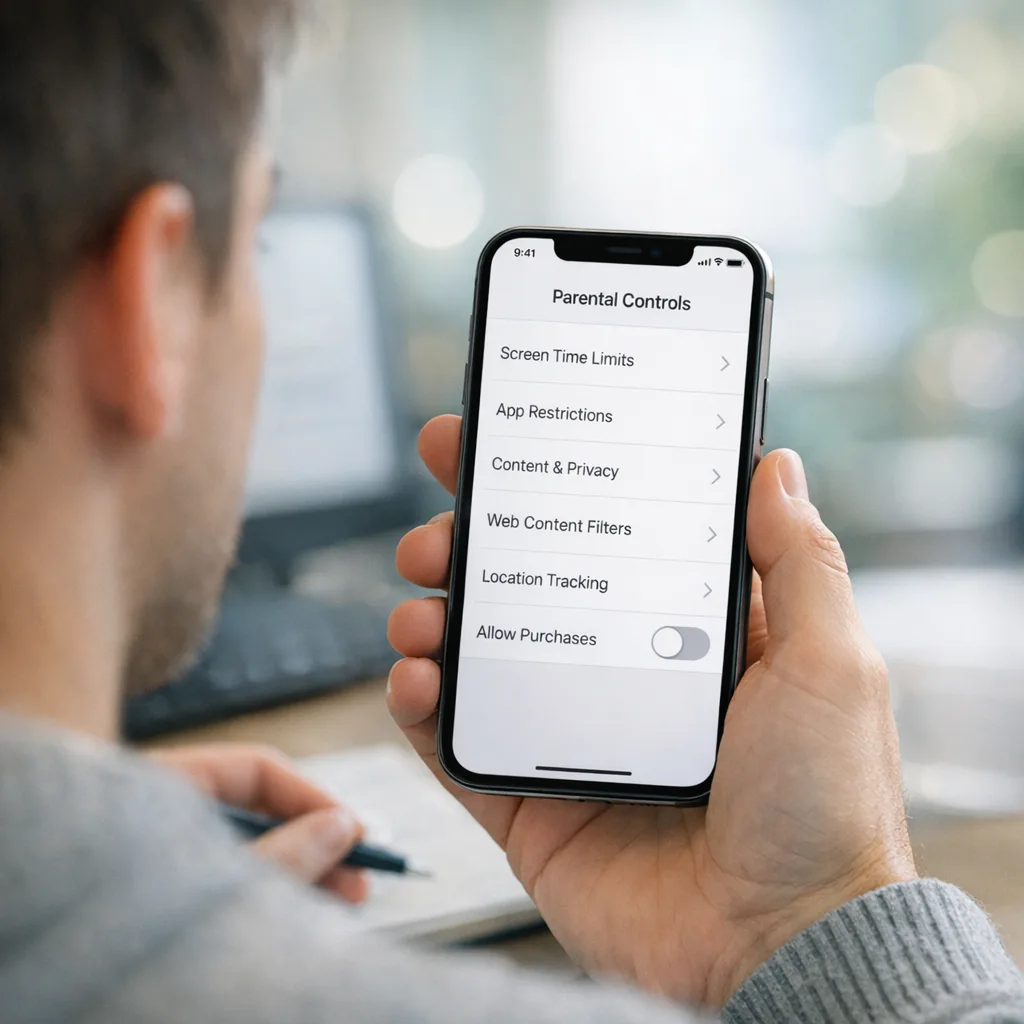
Often, yes—if the controls are effective by default for minors and easy to access for parents. Think message requests instead of open DMs, filter presets, and a visible report button. Document these in your App Store Connect answers and your support pages.
How do regional differences affect my rating?
Apple aligns ratings to regional standards under one umbrella label. You can’t cherry‑pick a lower tier for one country. If your app exposes sensitive content broadly, the global rating tends to reflect the strictest reasonable interpretation. When in doubt, gate regionally sensitive features by age at runtime.
A practical framework you can reuse next quarter
Use this four‑step framework—RISK—to keep future features aligned before the next policy shift:
- Routes: enumerate every route to uncurated content (UGC, links, AI).
- Inhibitors: add friction for minors (requests, filters, rate limits).
- Signals: declare age range and content preferences to SDKs and services where supported.
- Kill‑switch: maintain feature flags to disable risky surfaces quickly if rating pressure rises.
Run RISK at the spec stage. It’s cheaper than retrofitting control surfaces in code freeze week.
Common pitfalls I’ve seen this month
Three patterns keep causing avoidable friction:
- Hidden reporting. A single report button in settings isn’t enough. Put it on the content surface.
- Inconsistent copy. If your age gate says “18+ only,” but your store listing targets teens, expect questions.
- Old toolchains. Teams fix the questionnaire but get blocked by outdated Xcode images. Validate CI early.
If you need examples and a ready‑to‑ship task list, our step‑by‑step shipping guide for Jan 31 includes templates for report flows, copy snippets, and QA scripts.
Zooming out: policy churn isn’t slowing
Between Apple’s ratings overhaul and parallel platform changes on Android and Play policy, January is historically a rough month for mobile teams. Keep a single source of truth for compliance in your repo—docs that name the current SDK baselines, store requirements, and policy checklists. If you need a quarterly heartbeat across Apple and Google requirements, bookmark our January 2026 policy ship list and check back each month on the ByBOWU blog for updates.
What to do next (this week)
- Block 90 minutes to complete the questionnaire with a PM and QA lead.
- Audit AI, UGC, web views, and ad surfaces; add missing report/block controls.
- Lock CI to Xcode 16+ images; run a dry‑run upload.
- Prep a minor update with copy and gating tweaks if your rating changed.
- Document your RISK analysis in the repo so new features stay compliant.
If you want an end‑to‑end playbook with example answers and reviewer notes, see our Ship‑Ready Playbook for the 2026 age rating update. And if you’re juggling both stores, pair it with our what to ship by Jan 28 for Google Play to keep the entire release train aligned.








Comments
Be the first to comment.