App Store Age Rating 2026: Ship‑Ready Plan
Apple’s App Store age rating 2026 update is here, with a non‑negotiable date: you must answer the new age‑rating questions in App Store Connect by January 31, 2026 or your app updates won’t go through. That alone can halt your roadmap. But the bigger story is product: new 13+, 16+, and 18+ tiers, revised questions that touch AI, UGC, wellness, and violence themes, and more precise controls that will surface (or suppress) your app depending on a family’s settings. This guide is the field plan I’d hand my own team to keep shipping.
What changed in the App Store age rating 2026 update?
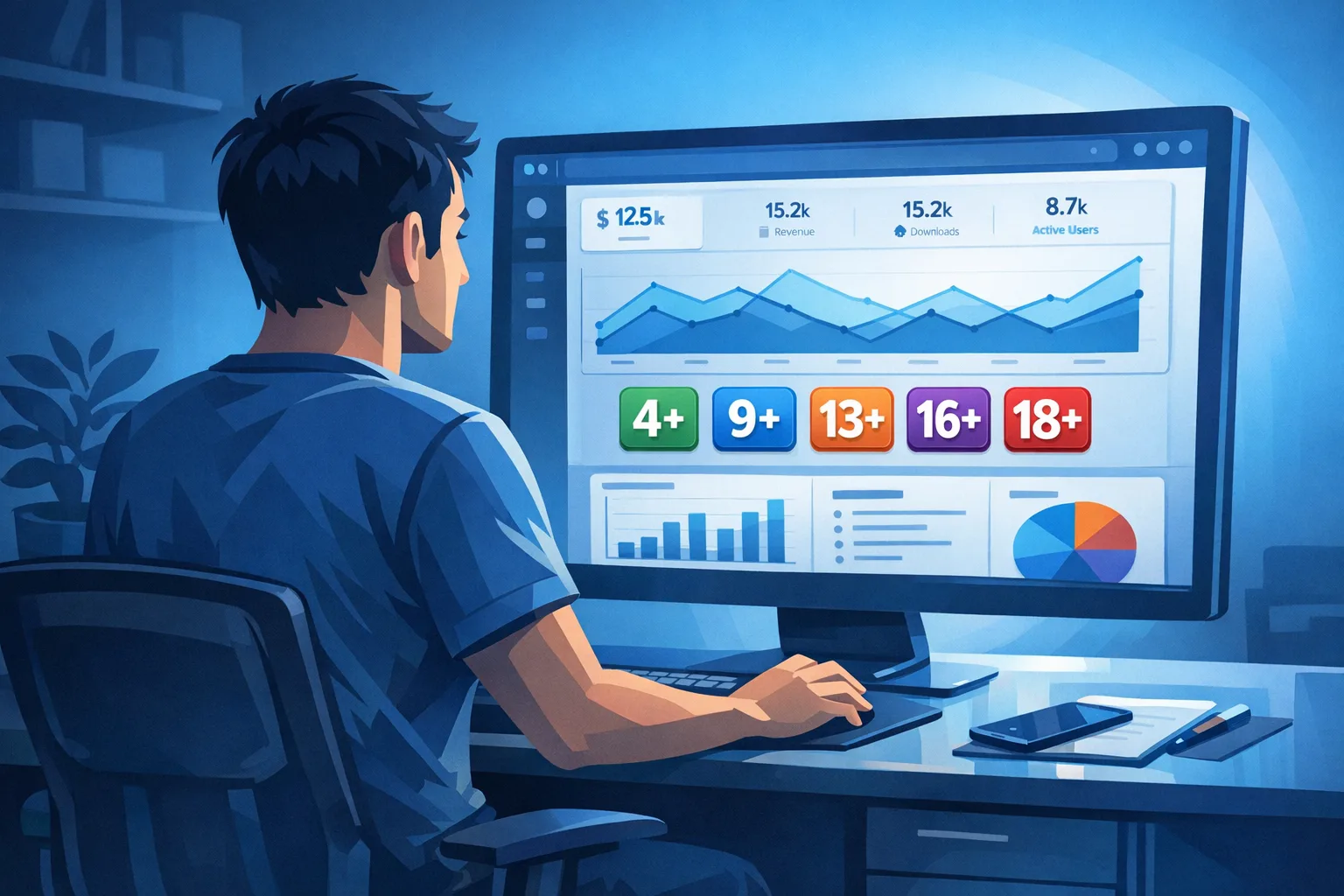
Apple added three new age tiers—13+, 16+, and 18+—and retired the old 12+ and 17+ buckets. Ratings for existing titles have been auto‑mapped, but you must complete Apple’s expanded questionnaire for each app to keep submitting updates after January 31, 2026. The new prompts cover in‑app controls, app capabilities, medical or wellness content, AI assistants/chatbots, violent themes, and more. Ratings will display on devices running the 2026 platform family (iOS 26, iPadOS 26, macOS Tahoe 26, tvOS 26, visionOS 26, watchOS 26).
Here’s the thing: the questionnaire drives your public rating and discoverability. If you under‑report content intensity or miss a feature (say, a new GenAI reply mode), you risk takedowns, age‑gated distribution, or a forced re‑rating later—each of which is a production freeze by another name.
The Rating Delta Framework: map old → new in one week
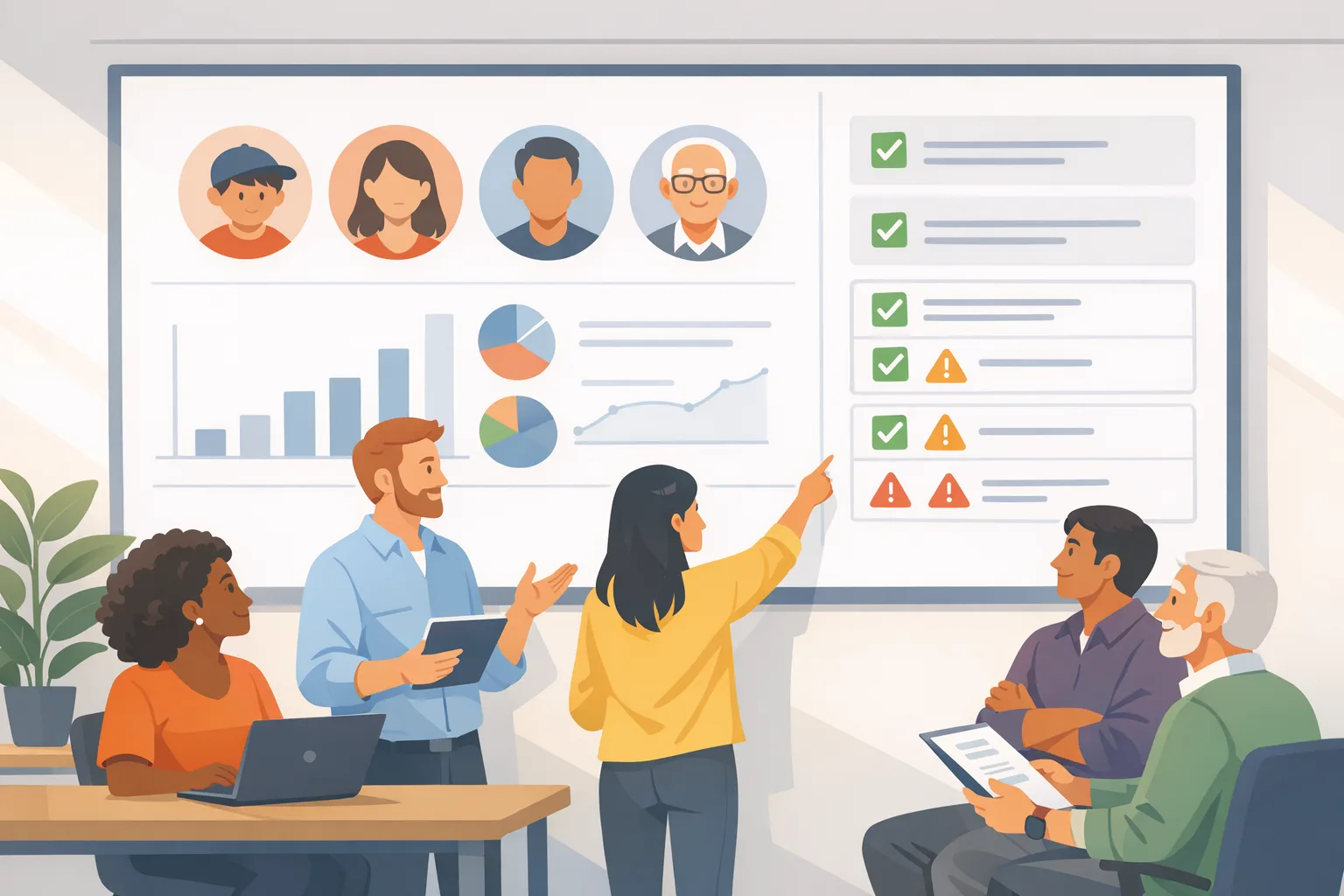
To avoid hand‑wavy debates, run a crisp, seven‑day "+/– rating delta" pass. The goal is to compare your current store facts to the new system and decide where to change code, copy, or ops.
Day 1–2: Inventory and evidence
Build a fast inventory of features that can influence rating tiers:
- UGC: text, images, audio, video; moderation coverage and SLA.
- AI features: assistants, summarizers, image generators, RAG search.
- Interaction intensity: chat frequency, live voice, streams.
- Wellness and medical: advice surfaces, disclaimers, expert review.
- Commerce and chance: simulated gambling, loot boxes, contests.
- Ads and partners: ad networks, contextual vs. behavioral signals, targeting controls.
- Violence themes: stylized vs. realistic, frequency, intensity.
For each, attach proof: screenshots, short clips, policy pages, and a one‑liner describing frequency and intensity. Store this in your repo wiki. You’ll reference it when answering the questionnaire and during audits.
Day 3–4: Rate the surface, not the aspiration
Rate what users actually experience today, not what the product brief promises. If your AI assistant occasionally refuses unsafe prompts but sometimes hallucinates edgy content, you must answer as if the unsafe case can occur. If your UGC relies on post‑moderation, note it truthfully; pre‑moderation materially changes your rating in some categories.
Day 5: Decide on guardrails vs. rating
Two ways to pass the bar: tighten guardrails or accept a higher age tier. For growth apps in family segments, choose guardrails. For pro tools with adult audiences, a higher tier may be fine. Make the trade explicitly:
- Guardrails path: feature flags for stricter filters, safer defaults, and parental controls; demote or remove borderline content; pre‑moderate sensitive media.
- Higher‑tier path: keep features intact, update marketing and onboarding to match 16+ or 18+ expectations, and communicate clearly.
Day 6–7: Ship the minimal viable compliance changes
Lock in text updates, toggle stricter filters in remote config, and prepare your App Store Connect answers. If your rating likely rises, update screenshots and product copy to match the audience.
Engineering checklist to stay unblocked
Let’s get practical. This is the bare‑minimum engineering work I recommend before you revisit your growth backlog.
Feature flags and remote config
Create flags for: AI content filter levels, UGC upload types, live feature access (voice/chat/video), referral links, and ad personalization. You want to switch these without a binary release if reviewers push back.
On‑device gating
Implement a lightweight age gate for content within the app when appropriate. Respect platform settings and family controls. Don’t collect unnecessary PII—defer to system‑level controls where available. For teen audiences, add a simple in‑app “request parent approval” flow that hands off to platform mechanisms.
Moderation pipeline
If you have UGC, wire a pre‑mod pipeline for images and text that can be enabled in real time, with fallbacks for scale spikes. Keep an audit log of model versions, thresholds, and reviewer decisions. This is defensible if rating disputes arise.
Instrumentation (log what matters)
Track events: age_gate_shown, age_gate_passed, content_blocked, parental_request_initiated, ugc_flagged, ugc_removed, ai_filter_adjusted. For privacy, aggregate and anonymize. You need trend lines to show intent and improvement if regulators or platforms ask.
Release engineering
Freeze risky features until your rating is settled. Add a pre‑submit checklist in CI that verifies the App Store Connect questionnaire was updated for the current version. If you manage multiple SKUs, store rating responses alongside each app’s release config.
Answering the questionnaire without shooting yourself in the foot
Be specific, consistent, and conservative. If your app can surface medical or wellness content, say so and link to in‑app disclaimers. If you generate images or text with AI, answer as if the model might surface PG‑13 themes—then tighten filters to minimize it.
For ad‑supported apps, document how you classify and filter creatives. If you rely on network partners, configure strict categories at the ad server and keep a screenshot. Reviewers don’t want your aspirations; they want proof you’re in control.
Will my rating change hurt growth?
Sometimes. If you move from a teen‑friendly rating to 16+ or 18+, your visibility can shrink in families with parental limits. But there’s a catch: excessive guardrails that neuter core features can also hurt retention. Use experiment flags to tune filters for new users versus power users. Your job is to earn the lower rating without gutting the experience.
People also ask
What happens if I miss January 31, 2026?
Apple will block new updates in App Store Connect for that app until you answer the new questions. Your live build remains, but you can’t ship fixes or features. Treat January 31 as a hard stop on your release calendar.
Do I need to resubmit if nothing changed?
Yes—every app needs updated answers, even if the product is static. Apple auto‑mapped many ratings, but your submission gate depends on the new questionnaire being complete.
Can I choose a stricter rating than Apple assigns?
Yes. If you prefer to position as 16+ for brand reasons even if your content could qualify for 13+, you may choose a stricter rating. Ensure your store copy and screenshots align with that choice.
Does this interact with state or regional laws?
Yes. Platform controls increasingly reflect regional rules around minors. For U.S. developers, expect tighter parental consent flows and account restrictions in certain states. Build to the platform APIs and avoid collecting extra personal data beyond what’s required.
UX and copy updates that reduce review friction
Small words, big effect. Add an “Age‑aware experience” note in your onboarding or settings explaining parental controls and content filters. For apps with wellness or AI features, include concise disclaimers and a link to your safety page. Update your store screenshots to avoid showing borderline content if you’re targeting 13+.
If you include community screenshots, demonstrate reporting, mute/block, and safe search toggles. This reassures reviewers you’re not just claiming controls—you surface them to users.
Data and dates you should pin to the wall
- Now through January 31, 2026: complete new age‑rating questions in App Store Connect for each app.
- Post‑deadline: you can’t submit updates until the questionnaire is done; the live app remains available per its current rating.
- Platform visibility: updated age badges display on the 2026 OS family (iOS 26 and peers). Families relying on those settings will see your app accordingly.
Tie these dates to your release branches. If your January sprint includes critical fixes, front‑load the questionnaire work so you don’t miss a submission window.
Risk scenarios I’ve seen—and how to mitigate them
UGC drift. Your community posts shift edgier over time and nudge your app into a higher tier. Solution: deploy classifier audits weekly; add mod queues for high‑risk categories; create “safe hours” for teen users with stricter thresholds.
AI regressions. A model update increases realistic depictions or suggestive content. Solution: version your models, pin safety configs per release, and run A/B shadow tests before rollout. Keep a rollback switch at the CDN or feature flag layer.
Ad creative surprises. An ad partner slips in a borderline creative during peak hours. Solution: require strict category filters, add a kill switch in your mediation layer, and log advertiser IDs to trace offenders.
Wellness ambiguity. A new “insights” panel is interpreted as medical advice. Solution: add clarifying copy, expert review, and a visible link to your safety policy in the same view. If you can’t staff it, constrain the feature for teen accounts.
Cross‑store parity: what about Google Play?
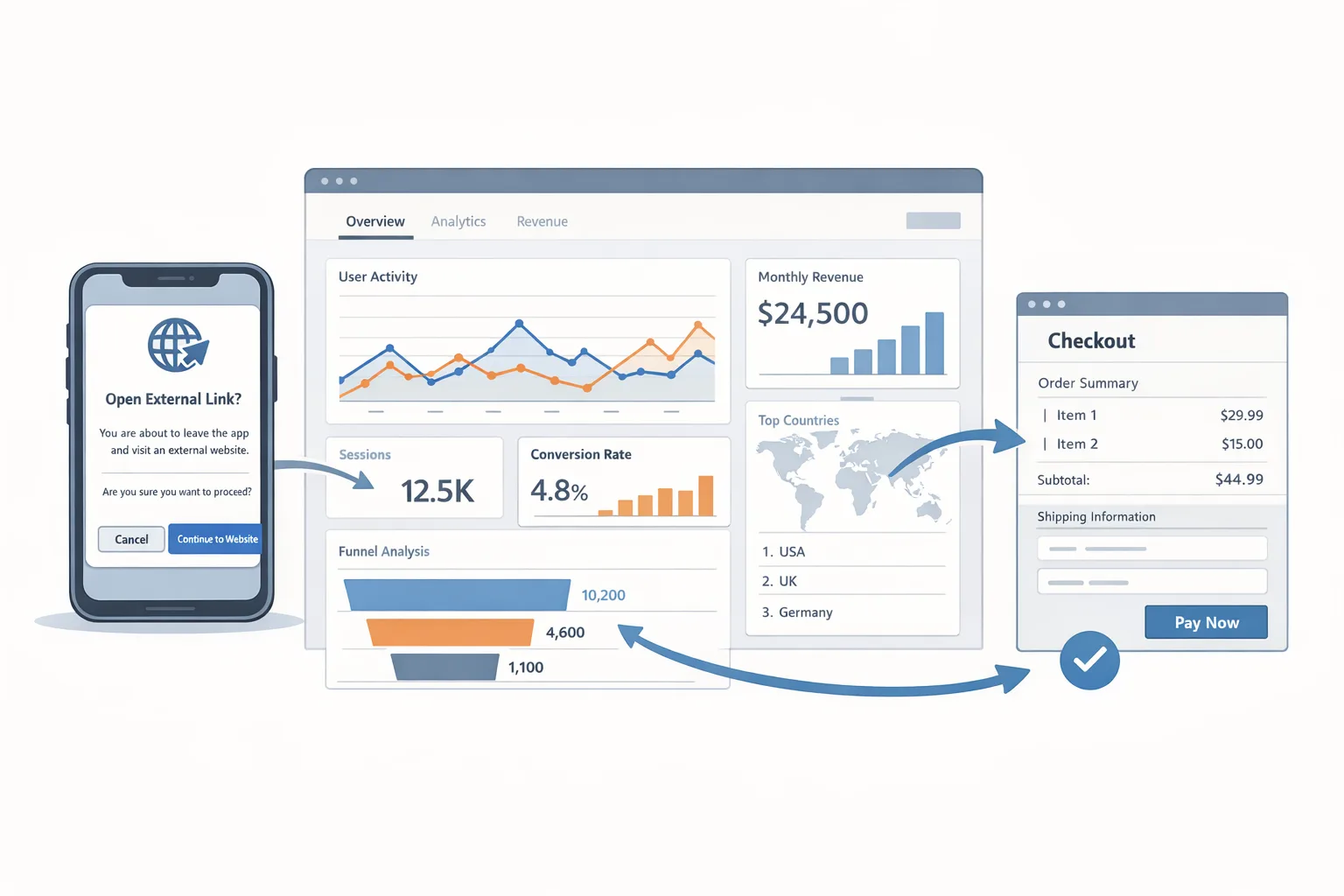
Even if your main revenue is on iOS, mirror your policy work on Play. Align age‑based content controls, moderation logs, and store copy so support and marketing aren’t managing two truths. If you’re updating purchase flows or external links, our engineering deep dives on Play policy changes can save time—see our Google Play external links builder’s guide and the companion piece on engineering flows and safeguards.
Governance: make compliance a product surface, not a panic button
Embed a lightweight compliance review in your product discovery. Any feature touching content intensity, AI generation, wellness claims, or ads must carry a “rating impact” line item and a go/no‑go flag. This avoids last‑minute surprises when you file metadata.
Document your choices and link them in the release PR. During app review disputes, this record is gold. If you need a deeper playbook, we maintain shipping guides and policy change trackers—start with our Ship‑Ready Playbook for the age rating update and the quick “Ship by Jan 31” checklist.
Answer these before you hit Submit
Use this pre‑submit checklist to catch the most common blockers:
- Have we answered every new App Store Connect question with current, verifiable details?
- Do our screenshots and copy reflect the intended rating tier?
- Are AI and UGC filters pinned and testable per release, with rollback?
- Can we turn stricter policies on with a flag if review requests it?
- Do we log age‑gate and moderation events with privacy‑safe aggregation?
- Is support briefed on the new age tier and parental controls?
What to do next (developers and product leads)
- Calendar block: schedule a two‑hour working session this week to complete the questionnaire for your active SKU(s).
- Implement two feature flags: “safe_content_mode” and “ads_strict_categories” and wire them to remote config.
- Ship a lightweight “Safety & Controls” settings page linking to parental controls and your policy.
- Review ad partner settings; screenshot your category blocks and keep them in your audit doc.
- Run a 48‑hour UGC and AI safety audit; fix obvious gaps.
- Plan one follow‑up release dedicated to compliance hardening before end of January.
How Bybowu can help
If you’re short on runway, our team can take the baton: audit your features, implement flags, and align store metadata with your growth goals. Browse recent app launches we’ve shipped, see what we do for mobile product teams, or reach out via our contact page. For a broader view of January platform shifts that might affect your roadmap, check our January 2026 policy change list.
Zooming out
The age rating refresh isn’t a one‑off. Expect platforms to keep tightening controls around minors and sensitive content, with more programmatic checks and state‑level nuances. Teams that treat rating and safety as product inputs—not emergency paperwork—ship faster and argue less with review. Do the work once, instrument it well, and you’ll free up headspace for actual product bets.



Comments
Be the first to comment.