App Store Age Rating 2026: Ship It the Right Way
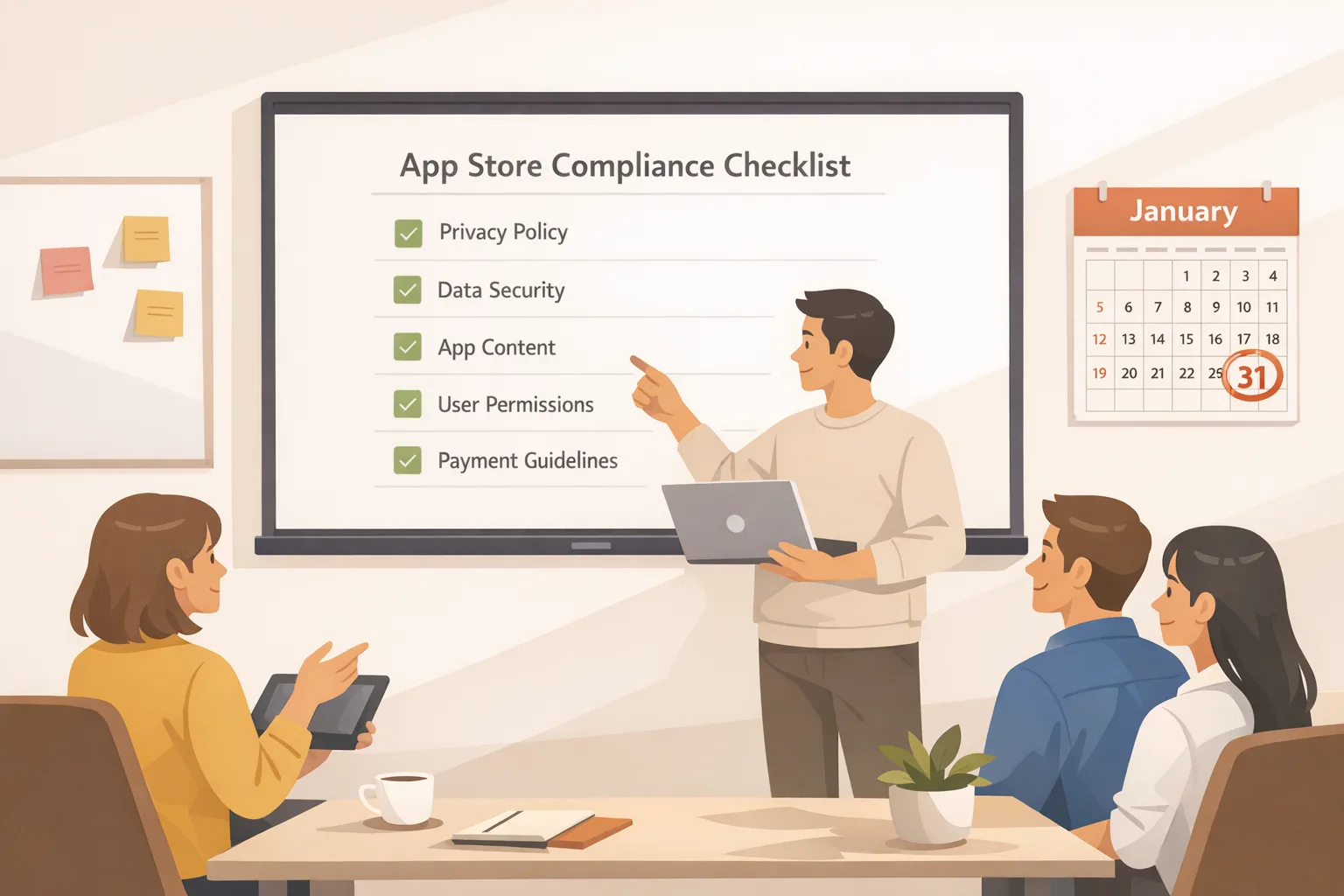
Apple’s overhaul lands with a clear date: complete the new questionnaire for the App Store age rating 2026 update by January 31, 2026 or your app updates get blocked in App Store Connect. Beyond the deadline, the move adds new 13+, 16+, and 18+ tiers, tighter links to parental controls, and product page disclosures that can help—or hurt—conversion. This guide distills what changed, the practical engineering work you need to ship, and how to turn policy into ASO and retention upside.
What changed—and why it matters now
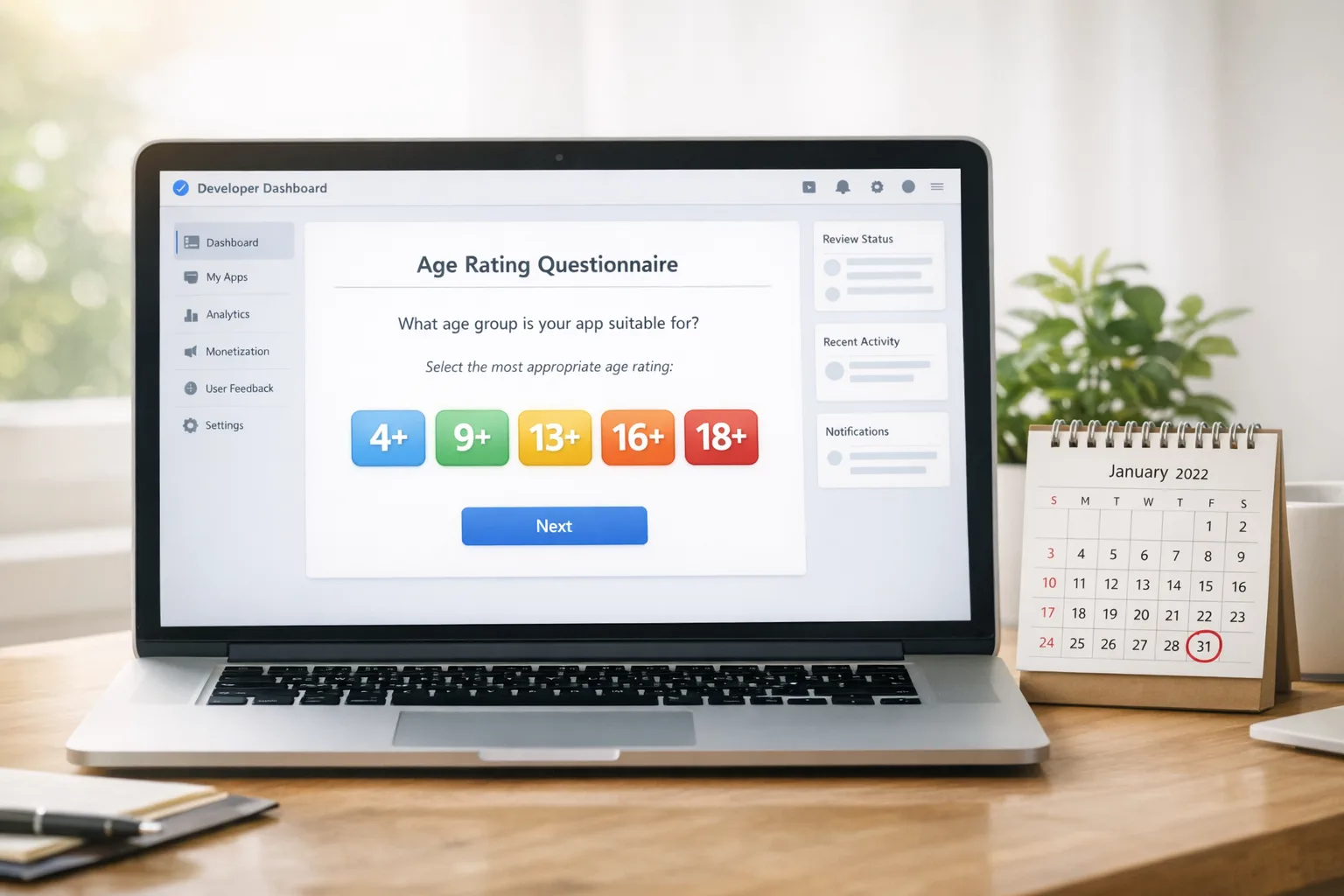
Apple added three new rating tiers—13+, 16+, and 18+—alongside existing 4+ and 9+. Ratings are now more tightly integrated with parental controls across iOS 26, iPadOS 26, macOS Tahoe 26, tvOS 26, watchOS 26, and visionOS 26. Apple also auto-assigned preliminary ratings to existing apps using your historical questionnaire answers, but you must confirm or update responses by January 31, 2026 to keep shipping updates. Expect product page flags for things like user‑generated content (UGC), messaging, advertising, and in‑app content controls to be more visible to parents and teens.
Here’s the thing: the new taxonomy isn’t just semantics. It governs visibility across editorial surfaces for underage accounts, interacts with Screen Time restrictions, and can change who even sees your app in search. If you ship in education, wellness, social, gaming, marketplaces, or AI chat, you’re affected.
Do I need to act if my app’s rating didn’t change?
Yes. Even if Apple’s automatic reassignment looks right, the updated questionnaire has new required questions. If you don’t answer them, App Store Connect will block new submissions after January 31, 2026. Also, the new disclosures (like whether you include UGC or messaging) appear on product pages—so aligning copy, screenshots, and in‑app controls with your declared rating is smart marketing, not just compliance.
App Store age rating 2026: the product + engineering checklist
Use this as a single sprint plan you can paste into your tracker. Treat it like a release: scope, implement, verify, and announce.
- Inventory sensitive features: UGC (posts, comments, profiles), messaging/DMs, livestreams, AI chat/assistants, wellness or medical advice, realistic violence, simulated gambling, contests, alcohol/tobacco references, and advertising. Map them to on/off flags.
- Implement age‑aware gating: For features that escalate your rating, add runtime checks tied to the OS‑declared age range where available, and maintain a server‑side override for older OS versions. Provide clear parental controls or content filters when feasible.
- Update content controls UI: If you declare “includes in‑app controls” in the questionnaire, show them prominently: Settings → Safety & Controls. Add a learn‑more link and release notes snippet.
- Refresh onboarding: For teen tiers (13+ and 16+), surface choices: “Show mature community posts” defaulted to off, with a parent‑friendly description. Log the decision to your privacy‑safe preferences store.
- Adjust ads and data sources: If you declare advertising, ensure your ad stack can honor teen‑safe contextual ads and disable interest-based ads for under‑18 flows where required.
- Guard rails for AI: Add moderation prompts, profanity filtering, and image/NSFW blocks to AI assistants. For 13+ and 16+ modes, restrict certain topics or add a “sensitive content” shield with opt‑in.
- App Store Connect updates: Complete the updated questionnaire, confirm the new age rating, and ensure product page disclosures are accurate (UGC, messaging, ads, in‑app controls).
- ASO alignment: Update screenshots and copy to show safety controls and supervision options; avoid phrases that conflict with your declared rating (e.g., “uncensored” on a 13+ app).
- QA matrix: Test on iOS 26 with various Screen Time settings, plus older OS versions to verify your fallback logic.
- Release notes + help center: Add a “Safety & Controls” summary and a support article that matches your in‑app controls.
Questionnaire gotchas that teams miss
AI assistants count. If your app offers generative chat or image tools, the content classification and frequency questions apply. Moderate outputs and document safeguards.
Advertising counts even if indirect. If you run house ads or cross‑promote other apps, that’s still “advertising.” Make sure ad experiences honor under‑18 norms (no interest-based tracking; sensitive categories excluded).
UGC includes profiles and comments. If users can upload avatars, bios, or comment, that’s UGC. Provide reporting, blocking, and mute features, and expose them in the first‑run tips.
Turn compliance into ASO and conversion lift
Apple’s finer‑grained ratings create new shelves for discovery. Apps that responsibly target 13+ or 16+ can now be more discoverable to the right users without over‑restricting themselves to 17+. Done well, this can increase qualified impressions and reduce parental friction at download time.
Here’s how to convert that into measurable lift:
- Re‑segment screenshots by age tier: Produce one set highlighting safety controls and content filters for teen audiences.
- Rewrite the first two lines of your description: Mention supervision options, report/mute features, and default‑safe settings. Parents skim; give them confidence quickly.
- Add a help article link from your product page: Many parents tap through; seeing a Controls & Supervision article reduces anxiety and drop‑off.
- Target ratings deliberately: If you can legitimately be 13+ with appropriate gating, do the work. A lower, accurate rating expands your reachable audience.
If you want a deeper walkthrough of metadata tactics and policy nuance, our team published a step‑by‑step Ship‑Ready Playbook for the 2026 age rating update and a pragmatic Shipping Guide that includes example copy blocks and changelog templates.
Risk areas and edge cases (don’t skip these)
Feature drift vs. declared rating. If you add livestreams or a new chat format mid‑cycle, your rating may need to change. Keep a policy review step in your release checklist.
Regional differences. Ratings map to region‑specific standards. If you ship global, monitor markets where explicit categories (e.g., gambling, dating) are treated more strictly and add region‑based feature flags.
Teen privacy and data use. If you rely on interest‑based ads or third‑party tracking, ensure teen flows fall back to contextual targeting and minimize data collection. Document this in your privacy policy with plain‑English summaries.
Off‑platform content. Linking to web content from within your app still affects perceived rating. Apply the same filters to in‑app webviews and external links you open in SFSafariViewController.
Moderation debt. UGC at 13+ requires reliable reporting, fast review queues, and transparent outcomes. Add dashboards and alerting for spikes in reports so Trust & Safety isn’t overwhelmed.
QA: a test matrix that actually finds issues
“Looks good on my device” isn’t enough. Use this targeted matrix to catch rating‑related defects before they trigger complaints or escalate your age tier:
- OS versions: iOS 26 (latest), one prior major (if supported). Confirm declared age handling gracefully degrades where OS age APIs differ.
- Account types: Standard adult, 16‑year‑old with Screen Time restrictions, 13‑year‑old in Family Sharing with Ask to Buy. Verify visibility of rated content and blocks.
- UGC scenarios: Attempt to upload borderline content (profanity, suggestive terms); verify filters, warnings, and report flow. Confirm shadow‑banned or removed content experiences are clear.
- AI guard rails: Prompt for sensitive outputs; confirm safeties respond appropriately for teen tiers.
- Ads behavior: Under‑18 accounts should not receive interest‑based ads or sensitive categories.
- Store presence: Check your product page from a managed teen device; confirm age‑appropriate presentation and help links.
Release management: a two‑week sprint template
If you’re on a tight clock, borrow this plan. It assumes a small cross‑functional squad of PM, iOS, backend, design, QA, and Trust & Safety.
Days 1–2: Inventory features, draft gating rules, and identify questionnaire answers. Update privacy/ads posture for teen flows. Design the Safety & Controls settings panel.
Days 3–5: Implement flags, moderation prompts, and ad fallback logic. Build the settings UI. Draft App Store copy variants for 13+/16+. Prepare help center article.
Days 6–7: Wire OS age signals and fallbacks. Add server‑side overrides. Integrate report/mute tooling if missing. Internal test flight with teen personas.
Days 8–9: Fill the questionnaire in App Store Connect; iterate as needed. Run the QA matrix. Fix any mismatches between declared rating and behavior.
Days 10–11: Finalize screenshots and description. Publish the support article. Prep release notes with a safety summary.
Day 12: Submit. Monitor reviews, crash logs, and report rates. Be ready with rapid config toggles if needed.
If you need help pressure‑testing your plan, browse our portfolio of shipped mobile work and get in touch via Bybowu Contacts. We’ve guided multiple teams through policy‑driven rollouts on tight deadlines.
People also ask
Will my app disappear for teens if I choose 18+?
For managed teen accounts and devices with content restrictions, 18+ apps can be hidden from browse surfaces and blocked from download without parental overrides. Choose 18+ only if your content truly requires it; otherwise, ship proper gating and qualify for 16+ or 13+ where legitimate.
Do I need to submit a new binary to update the rating?
No. You can update the questionnaire and rating in App Store Connect without a new binary. However, if your declared controls or behavior changes, ship a build that includes those controls so your in‑app experience matches what you declare.
What about Google Play?
Play uses the IARC questionnaire and its own policies, but the same product truths apply: align features, controls, and disclosures. While you’re tuning safety, also keep your Android house in order—January’s security update and policy changes tend to arrive early in the year. Our Android January 2026 Security Update: Dev Playbook outlines the patching plan and regression traps to avoid.
Documentation and privacy updates
Update your in‑app help and privacy policy to reflect:
- What content controls exist, where to find them, and their default state by age tier.
- Whether your app shows ads and how teen accounts are handled.
- How you moderate UGC, including reporting, review timelines, and appeals.
- What data is collected for safety features and how long it’s retained.
Consistency matters: the text in your help center should mirror the terms you declare in App Store Connect. If you note “parental controls,” the UI and documentation must make those controls obvious.
Cross‑functional ownership
Policy work stalls when it’s nobody’s job. Assign explicit owners:
- PM/Policy lead: Owns questionnaire truthfulness; schedules re‑review for major features.
- iOS lead: Implements gating, fallbacks, and safety UX. Maintains the age‑aware feature flags.
- Trust & Safety: Sets moderation SLAs and escalation paths; tunes filters.
- Marketing/ASO: Aligns store copy and screenshots to the declared rating and controls.
- Legal/Privacy: Reviews ads posture, data handling, and regional differences.
Common failure modes (and how to avoid them)
Mismatch between declaration and behavior. You mark “includes in‑app controls” but bury them three menus deep. Fix: place controls within two taps from home; add a first‑run card pointing to them.
Moderation blind spots in new surfaces. You moderate feed posts but not profile bios or image captions. Fix: unify filters and reports across all UGC fields and attachment types.
Ad SDK surprises. Your ad network silently serves interest‑based ads to under‑18 users. Fix: configure teen‑safe modes; audit with a test device on teen settings and a network proxy.
Hard‑coded ages. You gate features by “under 18” checks only. Fix: model 13+, 16+, and 18+ thresholds separately so you can right‑size features per tier.
What to do next
Time is short. Here’s a prioritized action list you can start today:
- Complete the updated questionnaire in App Store Connect and confirm your new age tier.
- Ship a settings panel titled “Safety & Controls,” with defaults that align to your tier.
- Add moderation and ad safeguards for teen accounts; verify with real devices.
- Refresh store copy and screenshots to showcase controls and supervision.
- Publish a help article that mirrors your declarations and links from in‑app settings.
- Plan a re‑review workflow any time you add UGC types, chat, or AI features.
Need a fast assist? See our ship‑by‑Jan‑31 guide and talk to us about a one‑sprint compliance boost via Bybowu Services. We ship policy‑tight builds that still move metrics.
Shipping to policy doesn’t have to be a drag. With the right guard rails, you’ll earn trust with parents, reduce store friction, and broaden your eligible audience—while staying free to experiment with new features inside the lines. The App Store age rating 2026 update is a forcing function. Use it to build a better, safer product—and to keep your release train on time.









Comments
Be the first to comment.