
SharePoint CVE-2026-45659: Your 72‑Hour Playbook
If your organization runs on‑prem SharePoint, the SharePoint CVE-2026-45659 remote code execution bug just turned your collaboration stack into a priority-one incident. It was added to CISA’s Known Exploited Vulnerabilities catalog on July 1, 2026, with a federal patch deadline set for July 4, 2026. Translation: threat actors are already weaponizing it, and patching isn’t a someday task—it’s the next thing you do.
What is SharePoint CVE-2026-45659?
At its core, CVE-2026-45659 is a deserialization of untrusted data flaw that enables an authenticated attacker (low privileges are enough) to execute arbitrary code over the network. Think of it as receiving a Trojan horse object that your server helpfully unpacks. In the wrong hands, that becomes command execution, data exposure, lateral movement, and eventually ransomware staging.
Affected products include SharePoint Enterprise Server 2016, SharePoint Server 2019, and SharePoint Server Subscription Edition. Microsoft shipped fixes in May 2026, but active exploitation in early July forced the issue into emergency territory.
Why this one matters more than a typical Patch Tuesday
SharePoint isn’t just another app; it’s where a lot of your sensitive documents live—project plans, financial models, HR artifacts, procurement workflows, executive communications. A working RCE here often means the attacker lands in a business-critical data store with legitimate-looking access, and your detection surface is noisy by design because SharePoint is constantly moving content.
Here’s the thing: the exploit path requires authentication, but in real environments that bar is lower than it looks. Compromised contractor accounts, legacy SSO trust, stale service principals, and reused passwords all make “authenticated” less reassuring than it sounds.
People also ask
Is SharePoint Online (Microsoft 365) affected?
No, this is an on‑premises SharePoint Server issue. SharePoint Online is serviced by Microsoft and isn’t impacted by the on‑prem CVE-2026-45659 patch requirements.
What build numbers are safe?
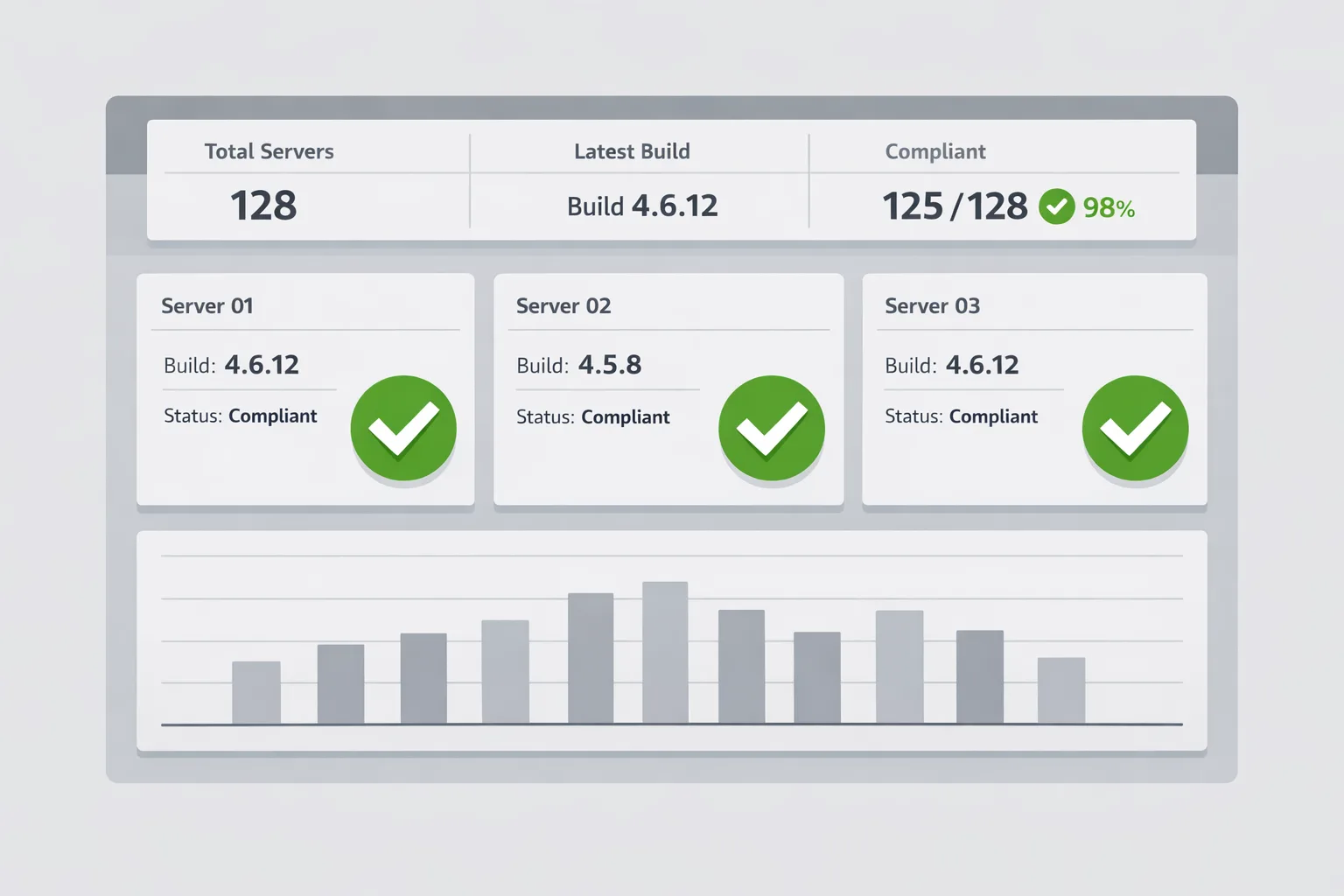
Verify you’re at or above the fixed builds for your version. In practice, teams are standardizing on the May 2026 cumulative updates. For SharePoint Server Subscription Edition, admins report 16.0.19725.20280 as the patched baseline. For SharePoint Server 2019 and 2016, ensure your farm build is at or above the May 2026 security update equivalents for those lines. Always confirm against your Microsoft release notes and update catalogs before proceeding.
Does enabling AMSI help?
Yes—SharePoint’s integration with the Windows Antimalware Scan Interface (AMSI) gives you an additional layer that inspects script-like content and can block malicious requests in real time when paired with Microsoft Defender or a compatible engine. Do not treat AMSI as a patch substitute; use it as a compensating control during rollout and thereafter.
The 72‑Hour Response Plan
This is a realistic, operations-friendly plan we’ve used with enterprise teams that can’t afford downtime. Tailor it to your change window, but keep the order: visibility, isolation, upgrade, verification, and hunt.
Hour 0–8: Establish control
Start with a short war-room call and the right owners: SharePoint admin, Windows server admin, identity, networking, SOC/IR, and a decision-maker who can greenlight exceptions. Write down one farm at a time and who’s on point.
- Snapshot current state: farm topology, versions, and health. Run
Get-SPFarm | Select-Object BuildVersionon each server and capture results. - Limit blast radius: if Internet-facing, temporarily place WAF restrictions and geofencing on SharePoint web apps that don’t need global reach. Exception: don’t block your own patching channels or admin VPNs.
- Identity hardening sprint: require MFA for all SharePoint admins, revoke stale sessions, rotate service account passwords where feasible, and disable unused legacy auth flows.
- AMSI now: if you’re using SharePoint’s AMSI integration, ensure it’s active and Defender is in Full Mode. If not enabled, plan to turn it on immediately after the patch with a rollback path if performance regressions appear.
Hour 8–24: Patch with intent
This is where execution speed and quality collide. Don’t get paralyzed by edge cases—plan the upgrade, notify stakeholders, and move.
- Stage updates per environment: dev ➝ test ➝ pilot prod web front end ➝ remaining WFEs ➝ app servers. Maintain quorum; don’t strand central admin or the search topology.
- Backups and checkpoints: verify last night’s VM snapshots or database backups are usable. If not, take fresh, tested snapshots of WFEs and app servers.
- Install the May 2026 security updates for your SharePoint line: 2016, 2019, or Subscription Edition. Reboot where required and rerun the SharePoint Products Configuration Wizard or its PowerShell equivalent across all nodes in turn.
- Confirm build baselines: re-run
Get-SPFarm | Select BuildVersionand document the new numbers. Map each server to the expected patched baseline for your version.
Hour 24–36: Verify and harden
Once patched, you’re not done. You’ve closed the door; now make sure no one slipped in before you locked it.
- Health checks: confirm crawl, search, and timer services are stable. Validate critical site collections with power users from each department.
- AMSI configuration review: enable or confirm AMSI integration for SharePoint and ensure Defender or your AMSI-compatible engine is actively scanning. Use a safe EICAR-equivalent script test where documented to confirm interception—do not test live exploits.
- Reduce attack surface: turn off unused legacy endpoints and web apps, remove obsolete service accounts, and ensure minimal permission on content databases and app pools.
- Network microsegmentation: if SharePoint is flat on the LAN, create security groups for WFEs, app servers, and SQL, and restrict lateral east-west flows.
Hour 36–72: Hunt and monitor
Active exploitation means you should assume attempts were made. Look for weak signals that commonly follow SharePoint exploitation.
- SIEM queries: hunt for suspicious w3wp child processes, unexpected PowerShell spawned by IIS, and archive utilities run under SharePoint service accounts.
- File integrity: check web roots and
layouts/_app_binfor recently added DLLs or ASPX files. Validate last-write times during your vulnerable window. - SQL telemetry: look for anomalous service account activity or spikes in content database access patterns.
- Endpoint detections: review Defender or EDR alerts on exploit-like behavior, including AMSI hits, encoded command lines, and LOLBIN usage.
How to verify you’re actually safe
Patching without validation is hope-as-a-strategy. Use this quick closure checklist:
- Farm build numbers meet or exceed the patched baselines for your SharePoint version.
- All servers in the farm have been updated, not just WFEs. Don’t leave app servers behind.
- AMSI integration is enabled and your antimalware engine is in the recommended mode.
- No unexpected files or scheduled tasks were added during the exposure window.
- Identity hygiene is improved (MFA on admin accounts, stale tokens revoked, privileged roles reviewed).
Developers: what changes for you
If you maintain custom solutions, you may see two immediate impacts.
First, stricter scanning via AMSI and hardened deserialization paths can flag brittle code that relied on permissive behaviors. That’s a good thing. Replace unsafe binary formatters with contract-based serializers, validate types before materialization, and avoid magic-casting objects pulled from untrusted sources. Second, WAF and segmentation may break assumptions around external system calls from SharePoint-hosted add-ins; document the egress you truly need and request explicit firewall rules instead of broad allowlists.
Security and IT Ops: tuning without breaking collaboration
Performance is the usual pushback. In our experience, AMSI overhead is noticeable only under synthetic load or when scanning is misconfigured. Keep exclusions minimal and precise, don’t blanket-exclude the entire SharePoint web root, and monitor real user latency for the first 24 hours after enabling. For WAF rules, prefer rule IDs that target malicious patterns rather than blunt IP blocks. And always stage changes through a pilot web app before system-wide rollout.
Incident comms that keep the business calm
Stakeholders don’t need packet captures; they need clarity and a timeline. Communicate three points: 1) What the vulnerability allows and why it matters to your data; 2) What you’ve already done (patch, isolation, monitoring); 3) What remains (hunts and follow-up hardening) with specific dates. Provide a single status page for executives and a Slack/Teams channel for power users to report issues.

A compact framework you can reuse
Use the RISK-LOOP for platform vulnerabilities that demand speed:
- Record: inventory systems, versions, and owners within two hours.
- Isolate: apply temporary network and WAF controls to reduce exposure.
- Ship: deploy vendor updates with a staged but fast rollout.
- Know: verify build numbers and health, and document evidence of completion.
- Look: hunt for artifacts and anomalous behaviors during the exposure window.
- Operate: tune monitoring and policies for steady-state resilience.
Roadmap implications: on‑prem vs. cloud
Zooming out, the last two years have shown a pattern: on‑prem collaboration platforms repeatedly become priority incidents. If you’re stuck on-prem for regulatory or integration reasons, budget for sustained patch velocity, compensating controls (AMSI, EDR, WAF), and isolation-by-design. If you can migrate read-most or public-facing workloads to a managed service, do it. Fewer internet-exposed endpoints mean fewer 2 a.m. calls.
Practical build numbers and commands
Here are details teams keep asking for when they triage this vulnerability:
- SharePoint Server Subscription Edition patched baseline commonly referenced: 16.0.19725.20280 (May 2026 CU).
- 2019 and 2016 lines require the corresponding May 2026 security updates; verify your farm reports build versions at or above the patched thresholds for those releases.
- Command to verify farm build:
Get-SPFarm | Select-Object BuildVersion(run under SharePoint Management Shell as a farm admin). - AMSI enablement: configure SharePoint’s AMSI integration and ensure Microsoft Defender (or compatible) is in Full Mode on all SharePoint servers.
What to do next
Let’s get practical. Over the next week:
- Close today: finish patching all SharePoint servers and enable AMSI; capture build screenshots for audit.
- 48 hours: complete threat hunts; rotate credentials for service accounts with access to SharePoint content databases.
- 7 days: implement microsegmentation and finalize WAF tuning; document a recurring monthly maintenance window for SharePoint.
- 30 days: run a tabletop exercise simulating an authenticated RCE on SharePoint to validate detection and response playbooks.
Where we can help
If you want an extra set of eyes on your rollout, our team’s handled these exact upgrades under tight downtime windows. Explore how we run security reviews and emergency patch engagements, see a sample of complex integrations in our portfolio, and reach out via ByBowu contacts to get an on‑call engineer lined up for validation and after‑action reports. For security-focused checklists, our 14‑day security migration plan for npm v12 defaults shows the kind of stepwise execution we bring to platform changes.
FAQ for execs and program managers
What’s the business risk if we wait?
Real attacks are happening now. Delaying patching on an internet-exposed SharePoint farm invites credential theft, data exfiltration, and ransomware anchoring in a system that holds your institutional knowledge.
Will patching break our customizations?
Most farms update cleanly, but you should pilot on a single WFE and run smoke tests for your top five business-critical sites. The bigger changes often come from enabling AMSI or WAF rules; plan a rollback toggle and monitor latency.
How do we prove to auditors that we acted?
Keep a simple evidence pack: change tickets, build numbers pre/post, AMSI configuration screenshots, hunting queries with results, and a short incident summary dated between July 1–8, 2026.
Final take
You can’t stop zero-days from shipping, but you can design your team to out-execute them. For SharePoint CVE-2026-45659, the winning sequence is clear: patch quickly, verify precisely, harden what stays exposed, and keep proof. Do that this week and you’ll sleep better next week—your data will, too.







Comments
Be the first to comment.