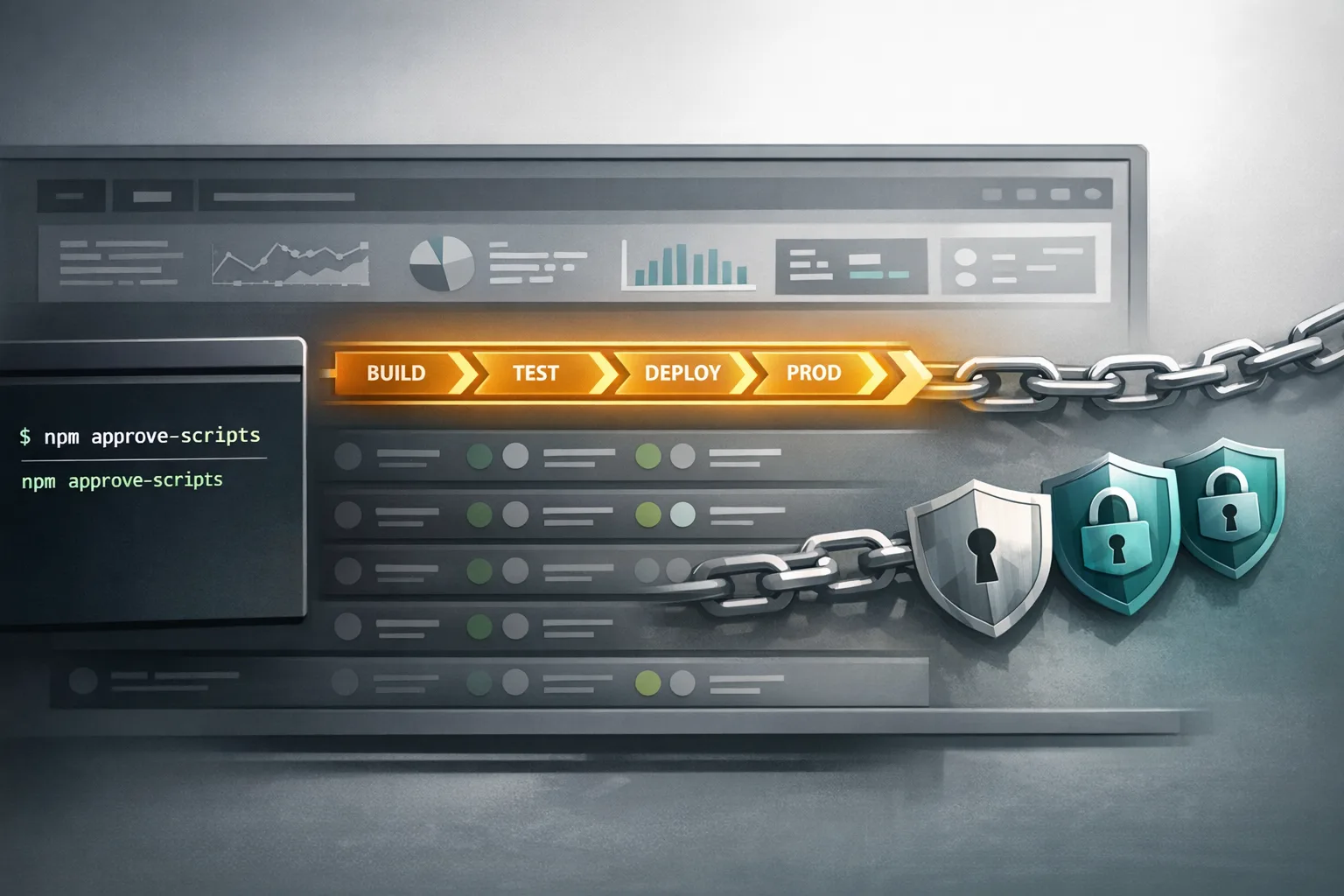
npm v12 Security Defaults: Your 14‑Day Migration Plan
npm v12 security defaults are about to land, and they change how installs work at a fundamental level. Starting in July 2026, install scripts won’t run unless explicitly approved, and Git and remote URL dependencies are blocked by default. If you ship JavaScript—apps, libraries, CLIs, Electron, serverless—you need a fast, orderly plan so production and CI don’t grind to a halt the day you update your build images.
What the npm v12 security defaults actually change
Here’s the thing: npm has allowed a lot of convenience over the years—convenience attackers have abused. v12 flips that model to opt-in.
Three defaults matter most:
- allowScripts defaults to off.
npm installno longer runspreinstall,install, orpostinstallfrom dependencies unless you explicitly approve them. The approval lives inpackage.jsonvia anallowScriptsfield managed bynpm approve-scriptsandnpm deny-scripts. - --allow-git defaults to none. Git dependencies (direct or transitive) won’t resolve unless you set
--allow-gitto a permissive value. This closes paths where a repo’s config could trigger unexpected code execution during install. - --allow-remote defaults to none. Installs from remote URLs (for example, HTTPS tarballs) are blocked unless explicitly permitted with
--allow-remote.
You can preview the impact today on npm 11.16+: run npm install in CI or locally and look for warnings, then generate an approval list with npm approve-scripts --allow-scripts-pending. When you upgrade to v12, only approved scripts will execute.
Why now? Because the supply chain has been bleeding
Over the last few months, high‑profile incidents reminded everyone how brittle default‑allow can be. Attackers hijacked popular packages via compromised maintainer accounts and CI tokens, and worm‑style campaigns abused install‑time hooks. Those weren’t theoretical “what‑ifs”; they were noisy, public, and expensive. npm v12’s new defaults cut off the most abusable paths by making installs inert unless you—and your repo—say otherwise.
If you missed our earlier deep dive on identity‑first publishing and OIDC hardening after the Red Hat namespace incident, bookmark our blueprint: Fix OIDC trust for package publishing. It pairs well with the v12 changes you’re rolling out now.
Who’s most affected—and how
Not every project will feel this equally. Here’s how I’d triage impact:
- Native addons (node‑gyp builds). Packages like image processing or cryptography often build during install. With allowScripts off by default, those builds stop unless you approve them—or switch to prebuilt binaries.
- Monorepos and internal toolchains. If you’ve been leaning on Git dependencies between packages while cutting releases, v12 will block that by default. You’ll need to publish prereleases to your registry or move to workspaces that don’t fetch from Git.
- Polyglot repos using remote tarballs. Any install from a URL (common in infra or quick prototyping) will need an explicit allow, or a shift to registry artifacts.
- Electron and desktop apps. These often depend on native modules and postinstall steps. Without an
allowScriptspolicy, your installer and auto‑updates will start failing when your build containers pick up npm v12.
The 14‑Day npm v12 rollout plan
Use this as your pragmatic path to green builds. Treat days as workdays; fold steps together if you’re a small team.
Day 1–2: Baseline and inventory
Upgrade local and CI runners used for dry runs to npm 11.16+. Run your normal install and capture warnings. Then:
npm approve-scripts --allow-scripts-pending > .tmp/pending.txt
Open .tmp/pending.txt. You’ll see which dependencies try to run install‑time scripts. Start classifying: required, suspicious, or removable.
Day 3–4: Draft your allowlist, deny the rest
For trusted packages, add targeted approvals:
npm approve-scripts sharp canvas
Pin approvals to exact versions (the default) to minimize blast radius, and record rationale in your repo’s SECURITY.md. For anything unnecessary or risky, explicitly deny:
npm deny-scripts some-transitive-pkg
Commit the package.json changes (the allowScripts field).
Day 5–6: Replace Git/URL dependencies
Search your manifests for Git or remote URL deps. Your options:
- Publish prereleases of internal packages to your private registry and depend on those versions.
- Adopt workspaces for within‑repo linking so you’re not pulling from Git during install.
- Last resort: plan to pass
--allow-gitor--allow-remotein tightly scoped CI steps while you transition, guarded by policy.
Day 7–8: Native addons: build or buy time
If you rely on node‑gyp builds, decide quickly:
- Approve known‑good packages via
npm approve-scriptsand pin versions. - Or switch to prebuilt binaries (e.g., prebuildify flows). This reduces build fragility and speeds CI.
Whichever route you choose, update your Docker images with compiler/build tools as needed and cache the toolchain layers so CI stays fast.
Day 9–10: CI/CD hardening
Update pipelines to fail‑closed and surface actionable logs:
- Run
npm ci(notnpm install) for clean, reproducible builds. - Block unreviewed scripts by default. Only pass
--allow-gitor--allow-remotein jobs that truly need them—and document why. - Gate changes to
package.json’sallowScriptsbehind CODEOWNERS review. This is policy, not just tooling. - Scan lockfiles in PR for unexpected source changes (e.g., a dependency silently switching to a URL tarball).
Day 11–12: Staging cutover
Create a staging branch that turns the new defaults on in CI runners to mirror v12 behavior. Run integration, smoke, and install‑from‑scratch tests on clean agents. Fix any missed approvals and Git/URL stragglers.
Day 13–14: Production cutover and rollback plan
Roll the updated build images to production pipelines. Keep a fast rollback ready: an image with npm 11.16 and your last known‑good config, plus a feature flag to bypass newly blocked installs for urgent hotfixes. Document everything you allowed (and why) in SECURITY.md.
People also ask: will this break my builds?
Will npm v12 block my node‑gyp builds even if I don’t define an install script?
Yes. Many native modules rely on implicit node-gyp rebuild at install time. With v12’s allowScripts default‑off stance, those won’t run unless explicitly approved. That’s by design.
What if I depend on a Git repo while waiting for a fix to be released?
Two choices: publish a prerelease to a registry you control, or temporarily pass --allow-git in a tightly scoped CI job and remove it as soon as the fix hits the registry. Don’t leave that flag enabled broadly.
Does npm approve-scripts --all defeat the purpose?
It’s a migration tool, not a lifestyle. Use it to snapshot today’s status, commit, then chip away at denials and pins so only vetted scripts remain allowed going forward.
What about npx and global installs?
For global or npx behavior, align with the same principle: minimize automatic script execution and prefer explicit approvals or curated internal tooling images.
Designing your allowScripts policy like an adult
Policies beat vibes. Here’s a minimal, defensible standard you can adopt in any org:
- Default deny. Only explicitly approved packages may run install‑time scripts.
- Version‑pin approvals. Approve [email protected] unless a strong reason exists to allow all future versions.
- Change control. All edits to
allowScriptsrequire SECURITY or SRE approval via CODEOWNERS. - Review cadence. Quarterly review of allowed entries; remove anything that no longer needs scripts.
If you don’t have the cycles to stand this up, our team can help. See application security and DevEx modernization services or drop a line via contact.
Field notes: common gotchas and clean fixes
“But this transitive dependency needs postinstall for a patch.”
Forks and patches are fine, but publish them to your private registry with provenance instead of pulling from Git. You’ll keep reproducibility, SBOM parity, and your v12 defaults intact.
Electron packaging broke after cutover
Electron‑heavy stacks often scatter native modules and postinstall scripts. Centralize the logic into your build step (not install), approve the minimum set of dependencies, and move the rest to prebuilt assets your pipeline pulls from a trusted bucket.
Monorepo linking via Git subpaths
Switch to workspaces for local linking, or publish prerelease tags to an internal registry. Git subpaths are brittle and now default‑blocked; workspaces and proper versioning are easier to maintain.
A simple decision tree for every new dependency
Adopt this four‑question filter before adding or updating a dependency:
- Does it run an install‑time script? If yes, is that script essential? If not, deny it or replace the package.
- Is the source a registry artifact? If it’s Git/URL, convert it to a registry publish or plan a short‑lived exception with a ticket and owner.
- Do we have provenance and signatures? Prefer packages with attestations and a trustworthy publisher history.
- Is there a prebuilt path? Prebuilt binaries beat ad‑hoc compilers scattered across CI runners.
SEO angle for teams shipping docs or blogs
If you’re documenting these changes for customers or open‑source users, weave the primary phrase naturally—npm v12 security defaults—and answer the exact questions your devs will paste into search. Keep it crisp, show commands, and include the rationale. If you want examples of editorial structure that balances technical accuracy with findability, browse our recent posts on the blog.
What to do next
- Run
npm approve-scripts --allow-scripts-pendingon npm 11.16+ today; commit an initial allowlist. - Eliminate Git/URL dependencies; move to workspaces or prereleases.
- Pick a strategy for native addons: pinned approvals or prebuilt binaries.
- Harden CI:
npm ciby default, codeowner‑gatedallowScriptsedits, tight scoping of--allow-*flags. - Schedule a staging cutover before July 2026 so production isn’t your first test.
Zooming out: one policy to rule your installs
Security defaults only help if your culture and tooling back them up. npm v12 gives you a safer baseline; your process makes it durable. Approve intentionally, deny loudly, and treat exceptions like radioactive material—contained, labeled, and short‑lived.
If you want a second set of eyes on your rollout or a turnkey playbook for large repos, see what we do for engineering teams. You’ll ship faster and safer.







Comments
Be the first to comment.