You may be able to keep your current website and CRM. Start with one inquiry type and the tools you already use before paying for a replacement.
Write down what one request should do
Here is an illustrative scope for a service business: a visitor asks for an estimate, the CRM saves their contact details and job description, a team member gets the request, and the visitor sees a confirmation. It is an example of a workflow to agree, not a claim about results from a client project.
Before choosing a connector, decide:
- Which details are needed to answer: name, preferred contact method, service and a short description.
- Whether a returning customer becomes a new contact, an update to an existing contact, or a separate inquiry attached to that contact.
- Who owns the next step, including when the usual person is unavailable.
- What the customer is told immediately, and what requires a human reply.
A contact and an inquiry are different things. The same customer might ask about two jobs. Keeping one contact should not erase the second request or silently replace the first job description.
Check the CRM's own form first
If your CRM has a form that can live on your website and supports the fields and notifications you need, that may be enough. HubSpot's form documentation, for example, describes creating or updating CRM records, embedding a form on an external page, and configuring notifications. Some options depend on the subscription and permissions. That is a feature of HubSpot, not a promise that your current plan includes every workflow.
Look at the actual account before accepting a quote. Can the form use your required fields? Does it fit on a phone? Where do submissions appear? Can the people answering inquiries see them? A working demonstration with fictional details is more useful than a list of connector logos.
When a separate connection makes sense
You might need to keep an existing form because it has service choices, quote questions or styling that the native form cannot provide. Or you may need a request to reach more than one system. In that case, a supported connector or a small custom connection can be reasonable.
Ask the developer to confirm your website platform, CRM edition, available connection method and account permissions. Name each direction of travel. Sending a new inquiry to the CRM does not automatically mean that changes in the CRM will update your website, calendar or accounting tool.
Keep the first release narrow. One form feeding one agreed destination is easier to inspect than a project that also replaces your CRM, imports years of records and automates every follow-up.
Test what happens when something goes wrong
A success message on the website is not evidence that the CRM received the request. Agree where the original submission is retained, who can see delivery failures and how a missed request is recovered. The fallback should suit your tools and the information you collect.
Ask to see these tests before the old process is removed:
- A normal request appears with the right fields and reaches the responsible person.
- A repeated submission does not create accidental duplicate work.
- An existing contact can make a second inquiry without losing the first.
- A missing required field gives the visitor a useful error.
- A disconnected destination or expired access is visible to someone who can act.
Use fictional customer details for testing. If a connection retries a failed delivery, those retries must not create multiple jobs or send the same follow-up repeatedly.
Keep accounts and customer information under your control
Your business should control the CRM, domain and any paid connector account. Give a developer the access needed for the work, then review that access at handover. Do not put private API keys in the website's public code or send passwords through an inquiry form.
Collect information you actually need to answer the request. An estimate form should not ask for payment-card details. Agree where customer information is stored, who can access it and how it can be exported or removed. Explain any follow-up marketing separately from answering the customer's question.
Price the connection and its upkeep separately
A useful quote names the form, destination, field mapping, contact-matching rule, notifications, tests and handover. It also identifies what is excluded: old-data cleanup, a CRM migration, additional forms or two-way synchronization, for example.
CRM subscriptions, connector charges and later changes to an outside provider can affect the ongoing cost. Ask who checks a reported failure, which bug fixes are included, and how additional work is quoted. Buying a connection does not make every future CRM change free.
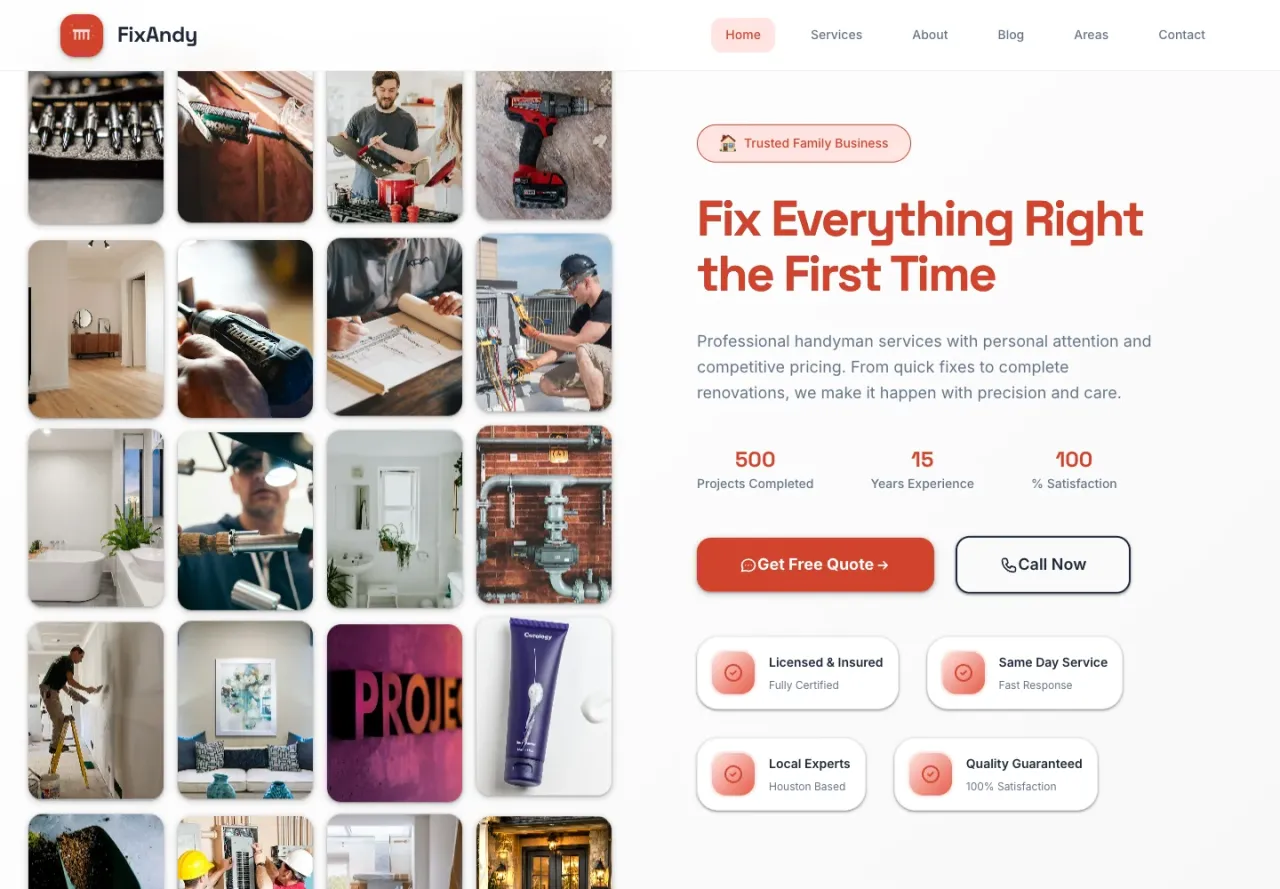
For a real example of website inquiry work, see FixAndy: BYBOWU built its service website, saved quote requests and quote administration. It is evidence of that delivered scope, not a claim that FixAndy uses your CRM or achieved a particular lead count.
See our business integration service and published website prices. Send your website link, CRM name and one example of what should happen after an inquiry. We can check the fit and agree the scope before work starts.