Start by walking through one booking from the customer's first click to the staff member who will deliver the service. Write down the decisions that cannot be left to a button.
Decide whether the customer is booking or asking
A consultation with fixed length and a known price can often be booked immediately. A repair that needs an inspection may need a request first. Calling both actions “Book now” creates confusion when the customer thinks the job is confirmed but your team still needs to review it.
For a request, say what happens next and whether a time is only a preference. For a confirmed appointment, define the duration, available staff, service location, time zone and any preparation time between bookings. A group tour also needs capacity; a home visit may need travel time.
Write these rules down before choosing the tool. They determine the work much more than the appearance of the booking button.
Try the existing scheduling tool before commissioning a new one
If your scheduling provider already handles your calendar and appointment rules, its hosted booking page or supported website embed may be the simplest route. Check it on a phone, including the step that opens payment. Do not assume every feature available on a direct link also works inside an embed.
One documented example is Calendly's Stripe integration. On supported plans, an event can require payment when an invitee books. The documentation also notes differences between account and event types. Refunds are handled by the account holder through the payment provider; Calendly does not automatically process them for you.
This may suit a straightforward paid appointment. It does not establish compatibility with your account, solve every deposit arrangement or provide a custom dispatch system. Confirm the actual plan and workflow before paying for setup.
A deposit needs a balance and a cancellation rule
State the amount due now, what it reserves and how the rest will be collected. If the final price is unknown until an estimate is accepted, explain that rather than displaying a misleading total.
For an illustrative appointment, the agreement might be a fixed deposit at booking and a remaining balance after the service. That description still needs an answer to who collects the balance, where the payment is recorded and what happens when the appointment changes. It is not a promise that a booking tool automatically manages both payments.
- Can customers cancel or reschedule, and until when?
- Who decides whether a deposit is refunded or kept under the agreed policy?
- What happens if your business cancels?
- Does moving an appointment carry the original payment with it?
Put the terms where the customer can read them before paying. Your staff also need a way to locate the booking and its payment reference without searching through unrelated emails.
Know what a payment link does
Stripe Payment Links can provide a hosted payment page without building your own checkout. A link can be useful for collecting an agreed payment. On its own, it does not determine which calendar slot is available or reserve staff and equipment.
If payment and booking happen separately, agree how they are matched. A customer who pays but never finishes the booking needs a clear next step. Someone who starts booking and abandons payment should not leave a permanent reservation without an agreed reason.
Use a hosted payment provider or its supported payment interface rather than collecting raw card details in an ordinary website form. Read the provider's security guidance and confirm your responsibilities for the chosen setup. Using a provider does not remove every data-handling obligation.
Test failed and repeated actions
For custom payment connections, ask the developer to show how the server learns the actual payment result. Stripe documents server notifications, signature checks, retries and duplicate events. A customer reaching a thank-you page is not enough to establish payment and complete a booking.
The tests should include a successful booking, declined payment, abandoned checkout, two customers attempting the last available slot, a repeated payment notification, and a cancellation or refund. Use the provider's test environment and fictional customer details before any agreed live check.
You should be able to see what is confirmed, unpaid, cancelled or awaiting attention. Someone on the team needs to own exceptions, including a payment received without a matching booking.
Agree ownership, costs and handover
The business should own the scheduling and payment-provider accounts and control where its money is paid out. The quote should name the provider, supported plan, appointment types, payment rules and any connection to your CRM. Complex availability, multiple locations, historical imports and bespoke pricing need their own scope.
Separate the setup price from subscriptions, payment-processing charges and ongoing support. Ask who changes prices and hours, who handles refunds, what is covered if the new work has a bug, and how a provider change is quoted. Do not choose an integration solely from the lowest build estimate.
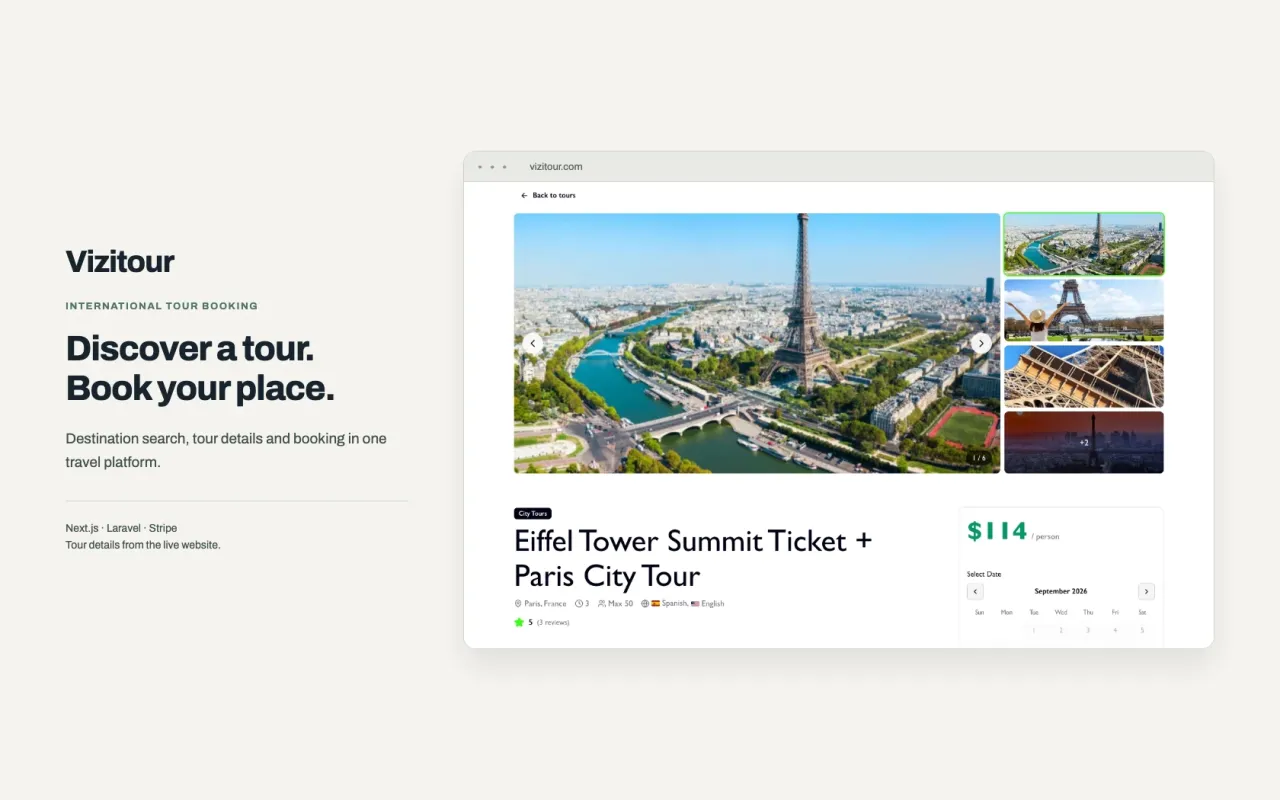
Our Vizitour case shows a delivered tour-booking platform with dates, time slots, guest quantities, Stripe-hosted checkout and a custom admin panel. It illustrates custom booking scope; it is not a claim that every website needs that build.
For your existing site, start with business integrations and compare our published prices. Share the website, scheduling tool and one service you want customers to book. We can confirm whether a native setup fits or quote the additional work.