Cloudflare AI Crawler Controls: Ship Your Playbook
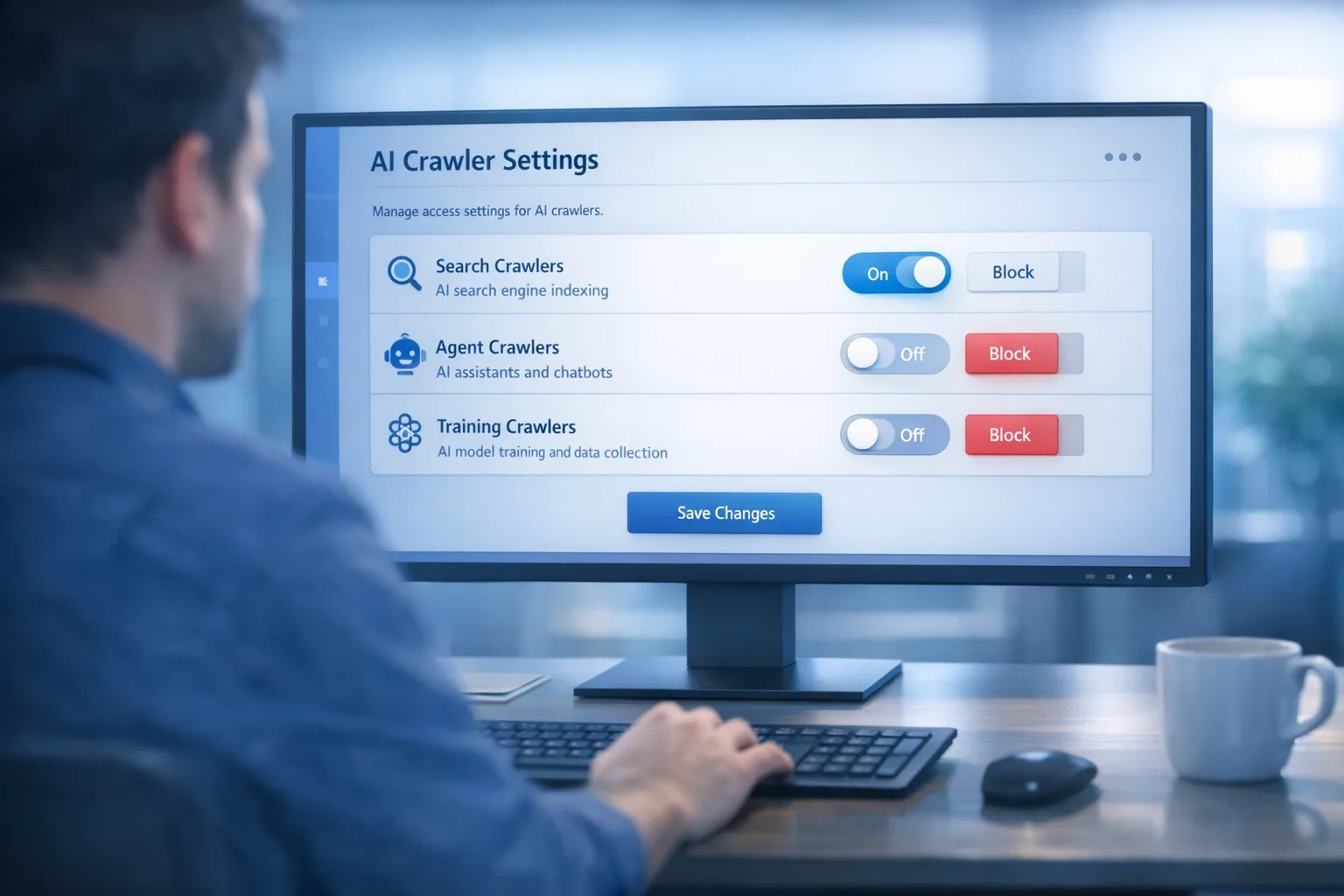
Cloudflare AI crawler controls moved from theory to practice this week. You can now manage AI bots by behavior—Search, Agent, and Training—on every plan, and Cloudflare has a clear timeline for new onboarding defaults in 2026. If you run a content site or a SaaS with docs, you finally have the knobs to welcome discovery traffic that sends readers and revenue, while blocking extraction that never pays you back.
What changed, exactly? The dates that matter
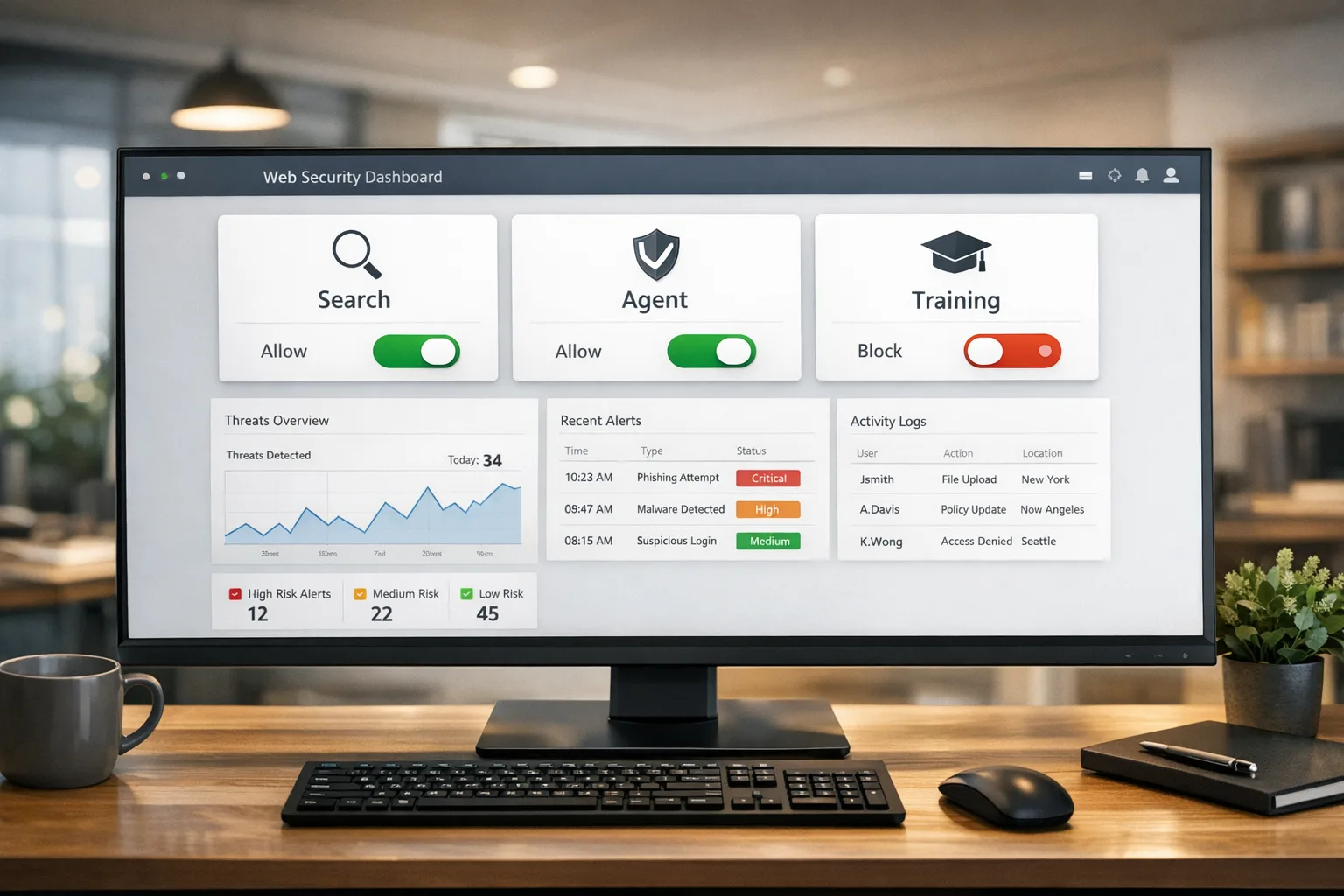
As of July 1, 2026, Cloudflare groups AI traffic into three behaviors you can control independently:
• Search: crawlers building an index to answer questions and send referral traffic.
• Agent: live, on-demand fetching on a user’s behalf (chat assistants, browser-use agents).
• Training: bots that ingest content for model training or fine-tuning.
Every plan—including Free—can now set policies for these behaviors. And there’s a real deadline: starting September 15, 2026, new domains onboarding to Cloudflare will default to allowing Search while blocking Agent and Training on pages with ads. Existing customers can opt out or align early; new zones inherit the defaults unless you customize them.
Why this matters for SEO and revenue
Here’s the thing: AI search is now part of your acquisition mix whether you asked for it or not. Blocking all AI bots can cut off meaningful discovery, while allowing everything often subsidizes someone else’s product with your content. The new controls let you draw the right line per template: allow Search where referral value exists, be strict on Training where there’s no compensation, and make Agent a business decision based on latency, load, and downstream conversions.
If you run display ads, the default block for Training and Agent on ad-supported pages (for new zones from September 15) is a rational baseline. It protects page RPMs from agentic summaries that replace a click and it stops silent training on your most monetized inventory. For subscription and documentation sites, you can carve out allowlists for Search on public previews while keeping full content behind authenticated fetches that agents can’t reach.
Cloudflare AI crawler controls: the new baseline
Let’s get practical. The simplest, durable setup takes 15 minutes and gives you a defensible stance with stakeholders in SEO, ads, and legal.
15‑minute setup for small and mid‑size sites
1) Open your Cloudflare dashboard and locate the AI traffic/bot policies panel. Turn on per‑behavior controls.
2) Set Search to Allow globally. If you’ve been blocking everything, consider a staged allow on low‑risk sections first.
3) Set Training to Block. If you want a carve‑out for selected partners, use a path‑based allow rule for a public preview area or a static feed that you watermark and monitor.
4) Set Agent to Block on ad‑supported pages. Where you don’t run ads, choose Allow or Monitor depending on your server capacity and attribution goals.
5) Save and test. Use your analytics or a log stream to confirm which operators hit which URLs after the change; spot‑check error budgets.
Result: you keep the discovery that can rank and refer, you stop training by default, and you prevent agents from replacing high‑value pageviews.
Advanced patterns for large sites
• Per‑template overrides: Create rules for /blog/ and /guides/ that Allow Search and Block Training, while for /pricing/ and /account/ you Block all AI behaviors except known verification bots.
• Ads awareness: On pages with ads, enforce Block for Agent and Training. On subscription article previews, Allow Search but throttle request rates.
• Partner allowlists: Maintain a short, reviewed list of AI operators allowed to fetch structured feeds (sitemaps, RSS/Atom, or gated JSON snapshots) at a fixed cadence with watermarks or honey tokens to trace leakage.
• Monitoring: Use your bot analytics to track crawl‑to‑referral ratios by operator. If a crawler drinks heavily from your site with no measurable referrals, flip it to Block or push for a licensing conversation.
People also ask: Should I block AI training crawlers entirely?
Most publishers should start with Block for Training. It’s the cleanest negotiating posture, and it protects upside while the licensing market matures. If an operator offers real consideration—distribution, links, or licensing terms—you can create a scoped allow rule for a defined path or feed. Re‑evaluate quarterly; crawlers and behaviors change.
People also ask: How do I let AI search in but keep agents out?
Two tactics work well together. First, set behavior policies: Allow for Search, Block for Agent on ad templates. Second, reinforce at the path level: allow only pre‑rendered pages and documented APIs; block headless browsing and unbounded query patterns that agents love. For dynamic pages, add challenge modes or authenticated fetch requirements so a live agent can’t scrape paywalled or user‑specific content.
An actionable framework: A.C.T. for content owners
A.C.T. stands for Allow, Control, Throttle.
• Allow: Let Search index your canonical, monetizable URLs. Keep your sitemaps tidy and surface structured data so AI search answers cite you and send traffic.
• Control: Block Training until there’s compensation. Block Agent where it replaces monetized sessions. Add per‑template exceptions only with a clear business case.
• Throttle: Rate‑limit high‑churn sections (e.g., /news/) and heavy API endpoints. Agents spike unpredictably; put guardrails on burst traffic to preserve user performance.
Run A.C.T. as a monthly governance check with SEO, product, and legal. The meeting is 30 minutes: review bot referral panels, decide policy changes, and record exceptions with owners and expiry dates.
Operational guardrails you should enable now
• Budget alerts: Turn on spend and usage alerts from the product sidebars for Workers, KV, D1, R2, Queues, Vectorize, Durable Objects, and Containers. It’s the fastest way to catch an agent or crawler gone rogue.
• Memory and latency visibility: Check P50/P90/P99 memory for Workers and Durable Objects in the dashboard. Long‑tail memory spikes often correlate with scraping patterns; address before they trigger cold‑starts or timeouts.
• BotBase and attribution dashboards (Enterprise): If you have access, use the operator directory and the crawl‑to‑referral ratio views to identify who’s paying you back—and who isn’t.
Data residency just got simpler: Durable Objects “us” jurisdiction
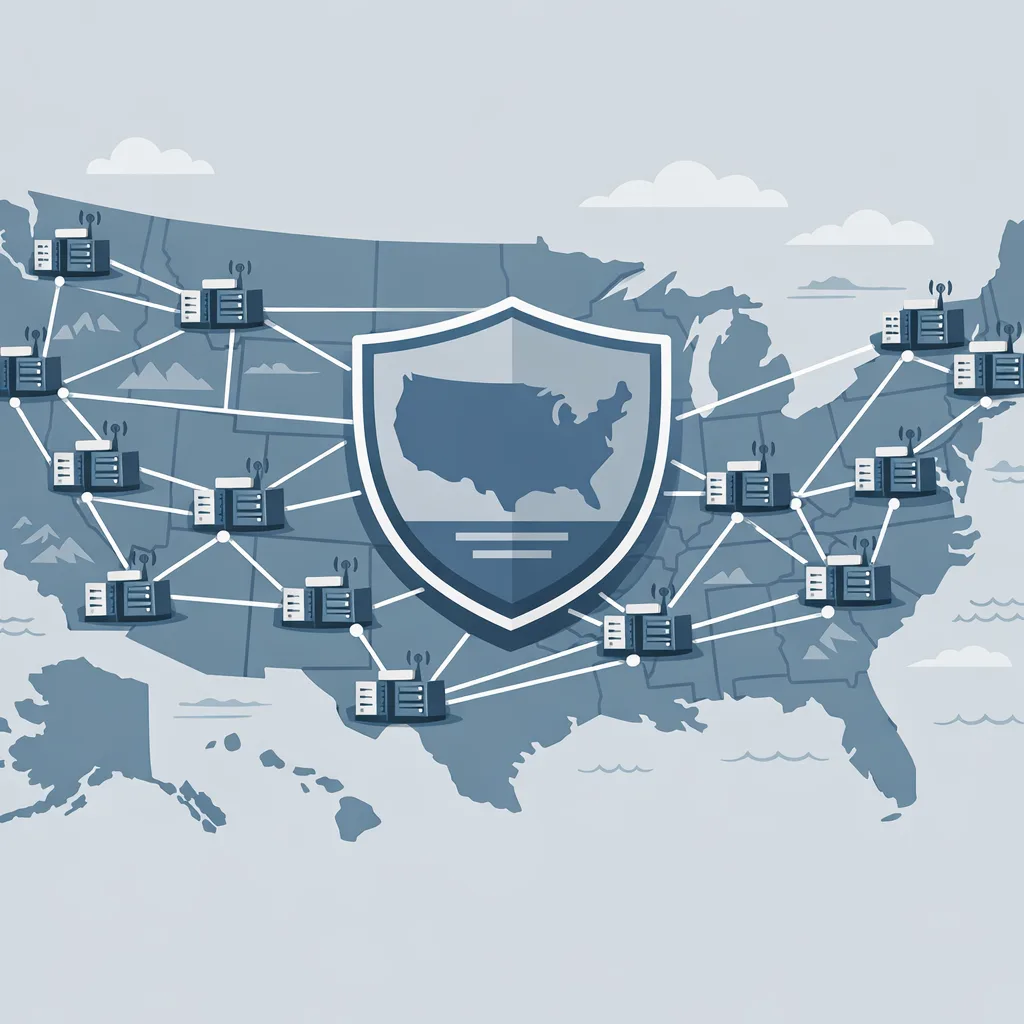
On June 26, 2026, Cloudflare added a us jurisdiction for Durable Objects. It constrains compute and storage for those stateful instances to the United States while allowing global access to the object via the network. Translation: you keep the state where your contract or regulator requires it, without rewriting traffic routing. For US‑only PII or health data linked to content personalization, this is the cleanest path we’ve seen at the edge.
Practical notes from shipping this in production:
• Create jurisdiction‑scoped namespaces for data that must stay in the US; keep other objects global to reduce latency for international customers.
• Expect slight latency increases for non‑US users when they hit US‑pinned state. Hide that with optimistic UI and background synchronization.
• Jurisdiction keeps the object’s compute and storage in the US. Your Workers can still call it from anywhere, so design idempotent RPCs and log access patterns.
For leadership teams tracking regulation, align this move with your regional privacy roadmap. If you’re mapping system boundaries for compliance, read our EU AI Act build plan next; many of the same governance ideas apply to US state laws and enterprise contracts.
Related change worth flipping on: Cache variants by Vary
Cloudflare now honors origin Vary in Cache Rules and lets Workers set per‑request cf.vary. That matters for SEO because you can cache language or format variants properly while serving the right version every time. If you run international sites, normalize Accept‑Language to collapse equivalent headers and lift hit ratios—no app rewrite needed.
Implementation checklist (copy/paste for your next standup)
1) Policies: Set Search=Allow, Training=Block, Agent=Block on ad pages; add overrides for docs and previews.
2) Sitemaps: Keep them fresh, scoped to indexable URLs, and include news or video feeds where applicable.
3) Rate limits: Add reasonable per‑IP and per‑token ceilings on dynamic endpoints to handle agent surges.
4) Vary: Enable cache variants for language and format; use normalize where possible.
5) Budget alerts: Turn on usage alerts across Workers storage products; pick thresholds based on last month’s 95th percentile.
6) Residency: Create a US‑scoped Durable Objects namespace for sensitive state; document which features depend on it.
7) Monitoring: Track crawl‑to‑referral ratios and switch policy states for operators that don’t return value.
FAQ for engineering and SEO leads
Will allowing Search expose private or paywalled content?
No—policies apply to what’s reachable. Keep private content behind authentication, block headless browsing on account areas, and avoid exposing full text in preview meta tags. Allow Search on canonical, public URLs; everything else stays gated.
What about mixed‑purpose crawlers that do both Search and Training?
From September 15, new‑zone defaults will treat the Training portion as blocked (especially on ad pages). If you need a carve‑out, create a partner rule that allows Search but restricts Training to a low‑fidelity feed—or negotiate a license first.
Do I need enterprise bot tools to use this?
No. Every plan can set behavior policies. Enterprise adds visibility and directories that make investigation faster, which helps on very large sites. But the baseline controls work fine on Free, Pro, and Business.
How do I measure success without obsessing over every operator?
Set quarterly targets for referral sessions, RPM on AI‑exposed pages, and time‑to‑index for new posts. Review the bot referral dashboard monthly. If a crawler’s ratio of crawl to referral is flatlining, tighten. If a partner starts sending qualified readers, consider wider allow rules.
Real‑world scenario: a media site on ads + subs
A US news site monetizing via ads and a light paywall adopts the baseline: Allow Search, Block Training and Agent on all ad templates. It creates a us jurisdiction Durable Objects namespace for subscriber state and session personalization, keeping regulated data inside the US while serving global readers. It also enables language‑based cache variants to improve TTFB for Spanish‑language readers. Outcome: search referrals hold steady, ad RPM stabilizes, training leakage drops, and subscriber churn calls drop because personalization stays snappy and compliant.
Where we can help
If you’d like a second set of hands on policy design, measurement, and implementation, our team does this end‑to‑end—from analytics instrumentation to safe rollouts. See our Cloudflare and SEO services, learn more about our approach, and if you’re bracing for a high‑stakes launch, talk to us via contacts. And if you need to shore up traffic quality post‑core update, our June 2026 spam update playbook pairs nicely with the AI bot setup you shipped today.
What to do next
• Ship the 15‑minute baseline today; calendar a 30‑day review.
• Enable Vary‑based caching for language/format variants.
• Stand up a US‑jurisdiction Durable Objects namespace for sensitive state.
• Turn on budget alerts and set a Slack alert for spikes in bot traffic.
• Document partner exceptions with owners and expiry dates.

Zooming out: these controls shift power back to site owners. You can be generous with the AI that sends you customers and firm with the AI that free‑rides. Set the rules, measure outcomes, and renegotiate as the ecosystem evolves. That’s how you protect today’s revenue and earn tomorrow’s growth.








Comments
Be the first to comment.