
Chrome Zero‑Day 2026: Patch Fast and Prove It
The February browser update cycle brought a real-world exploit and a swift fix. That makes “Chrome zero‑day 2026” more than a headline—it’s a stress test of your patch muscle. If you manage fleets on Windows, macOS, or Linux, you’re shipping Chromium somewhere: Chrome, Edge, Brave, Vivaldi, Opera, maybe even kiosk builds. The only question is whether you can update fast—and demonstrate it with evidence.
Here’s the thing: browsers sit at the blast radius of phishing kits, malvertising, and drive‑by JS. When a zero‑day drops, hours matter. You need a repeatable, cross‑OS playbook that gets you to 95% coverage inside 48 hours and includes proof your leadership, customers, and auditors will accept.

What actually changed—and why it matters
Mid‑February saw a security update that patched a vulnerability actively exploited in the wild. Desktop Chrome on Windows and macOS landed in the 145.0.7632.75/76 range, with Linux on the 144.0.7559.75 track. The bug (CVE‑2026‑2441) sits in the CSS font value path and can trigger memory corruption, enabling arbitrary code execution within the browser sandbox via a crafted page. That’s not theoretical; it’s enough for drive‑by exploitation and it targets one of the most exercised surfaces on the web.
Two context points matter for risk owners. First, Chromium’s architecture helps, but the sandbox boundary isn’t a magical wall—renderer compromises still enable credential theft, session hijacking, and lateral movement through extensions. Second, this wasn’t the only February patch: prior builds shipped fixes for a VP8/VP9 libvpx overflow and a V8 type confusion. Translation: if your patch pipeline lags, the CVE stack compounds.
Does this affect Edge, Brave, and others?
Yes. Chromium‑based browsers pull from the same upstream. Microsoft Edge, Brave, Vivaldi, Opera—each maintains its cadence, branding, and features, but security content originates in Chromium. The exact fixed version numbers differ, so your verification shouldn’t key off “145.x equals safe.” Instead, assert “vendor-patched build present” per browser and platform. We'll cover proof points below.
Extended fleets often include a mix: Chrome for engineering, Edge on corporate builds, Brave on research rigs, and a Chromium kiosk for digital signage. The right model is channel‑agnostic: detect the vulnerable component, patch through your native tooling, and confirm the fix by version and date, not just “updated = true.”
Image of impact: the exploit surface

Font parsing, JS engines, media decoders—these are hot paths that ads, trackers, and modern app frameworks exercise constantly. A sandboxed RCE still gives an attacker session tokens, localStorage secrets, extension data, and a path to prompt users for native permissions. If your users hold privileged access to SaaS admin panels, the browser is effectively a keys‑to‑the‑kingdom client.
Chrome zero‑day 2026: a 48‑hour patch SLO you can defend
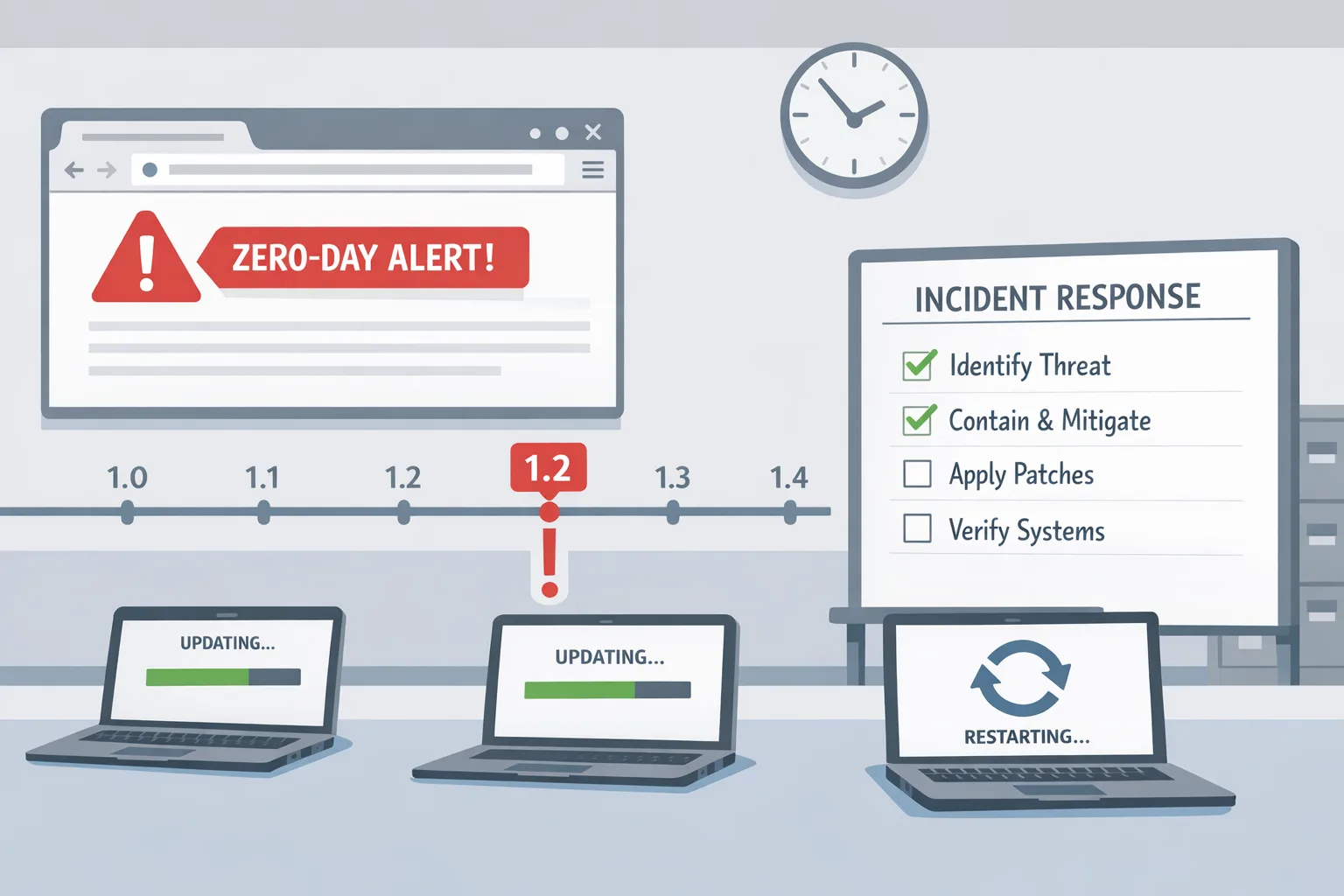
Speed is a feature. Here’s a rollout framework that’s simple to run and easy to audit. Use it regardless of whether the vulnerable browser is Chrome or Edge—swap tooling specifics as needed.
1) Declare severity and start the clock
Mark CVE‑2026‑2441 as a P0. Set the objective: 95% of managed endpoints patched within 48 hours of release detection; 99% within 7 days. Non‑compliant devices escalate to IT ops and the business owner of the impacted unit.
2) Freeze risky changes and clear the runway
For the next 48 hours, pause non‑urgent workstation changes that compete for reboots or lockfiles. Inform support that browsers may auto‑restart; publish a two‑sentence internal banner linking to self‑serve “About > Relaunch to update.”
3) Push via your native MDM/endpoint manager
Use what you already pay for:
- Windows: Microsoft Intune or ConfigMgr. Assign the Current Channel (or Stable) update, enable silent auto‑update, and allow force relaunch after grace period outside business hours.
- macOS: Jamf Pro or Kandji. Deploy the pkg/dmg and set managed preferences (com.google.Keystone or com.microsoft.Edge) to enable automatic updates and relaunch prompts.
- Linux: Your repo manager (APT/YUM/Zypper). Pin to the vendor’s patched build and run a staggered rollout.
For mixed fleets, standardize on auto‑update plus an emergency “accelerate” switch you can flip during zero‑days.
4) Verify with telemetry, not vibes
Build three layers of evidence:
- Fleet view: daily ingest of browser versions by hostname and OS.
- Device view: a local check script returns JSON with browser names, versions, channel, last update time.
- User‑visible confirmation: for holdouts, display a small tray notification with a one‑click relaunch.
Evidence beats assurance. Archive the reports with timestamped dashboards.
5) Nudge, then force‑relaunch
Most browsers stage the update until a relaunch. Give users a 2‑hour nudge window, then force a relaunch after local file activity is idle. Communicate the why: “Security fix live; all tabs restore.”
6) Kill the long tail
By hour 36, target stragglers: VPN‑only laptops, lab machines, kiosks, and VDI pools. Temporarily block SaaS admin consoles for devices below the patched build. Yes, that’s strict; it also closes your biggest risk gap.
7) Write the after‑action in 200 words
When the dust settles, publish a short internal note: release detected, versions deployed, coverage achieved, exceptions, and the plan to eliminate repeat causes. Store it where audits live.
8) Convert the ad‑hoc into policy
Codify a standing SLO for browsers: P0 zero‑days in 48 hours, P1 in 7 days, P2 in the next scheduled window. Tie it to a named owner and a weekly test of the pipeline using a harmless “dummy update.”
Proving you’re patched: queries and checks
Verification has to be scriptable and OS‑aware. Borrow these snippets and adapt them to your stack.
Windows (PowerShell)
Chrome:
$path = "$Env:ProgramFiles\Google\Chrome\Application\chrome.exe"; if (Test-Path $path) { (Get-Item $path).VersionInfo.ProductVersion }Edge:
$edge = "$Env:ProgramFiles (x86)\Microsoft\Edge\Application\msedge.exe"; if (Test-Path $edge) { (Get-Item $edge).VersionInfo.ProductVersion }macOS (bash/zsh)
Chrome:
/usr/libexec/PlistBuddy -c 'Print :CFBundleShortVersionString' "/Applications/Google Chrome.app/Contents/Info.plist"Edge:
/usr/libexec/PlistBuddy -c 'Print :CFBundleShortVersionString' "/Applications/Microsoft Edge.app/Contents/Info.plist"Linux
Chrome:
google-chrome --version 2>/dev/null || /opt/google/chrome/chrome --versionChromium/Edge (as packaged):
chromium --version || microsoft-edge --versionRoll these into an osquery pack if you prefer a single pipeline:
SELECT name, version FROM programs WHERE name LIKE '%Chrome%' OR name LIKE '%Edge%' OR name LIKE '%Chromium%';Save the results with hostname, user, timestamp, and a normalized “meets minimum” boolean.
Extended Stable vs Stable: which should you run?
Many enterprises choose Chrome’s Extended Stable to reduce feature churn. That’s sensible—if you keep security hotfixes flowing immediately. Extended Stable still receives security content; it just spaces feature drops. The trap is confusing “extended” with “deferred.” If you don’t have proof that Extended Stable is ingesting the February security builds, switch to Stable until you can guarantee parity.
For Edge, the mapping is similar: align channels to your change‑tolerance, then enforce emergency override for security updates. Feature velocity and security velocity are different dials—treat them that way.
How to handle unavoidable edge cases
Kiosks and digital signage: Schedule maintenance windows and auto‑restart to apply updates. Keep a secondary, pre‑patched offline image ready in case repo mirrors lag.
VDI/Non‑persistent pools: Bake patched browsers into the golden image and force recompose. Track pooled sessions separately; conventional device‑based compliance reports will undercount.
Developer rigs with locked versions: Some test suites pin browser builds. Carve a short exemption with a compensating control: disable access to production credentials until the workstation updates.
Extensions that break on update: Maintain an allowlist curated by security. If an extension blocks updates, it’s the extension that goes—not the patch.
People also ask
How do I know I’m safe from the February exploit?
On any device, open the browser’s About page and confirm the vendor’s patched build number for your OS. Then relaunch. In fleets, your inventory should show a patched build recorded after mid‑February and within 48 hours of your internal advisory.
Do I need to push updates if my users have auto‑update?
Yes. Auto‑update plus a pending relaunch is the norm. Without a nudge or enforced restart, you’ll have a long tail of “updated but not effective.” Treat relaunch as part of the patch.
Will a sandboxed RCE let attackers steal my data?
It can. Even inside the sandbox, session tokens, cookies, and extension data are in scope. Attackers don’t always need a full escape to cause real damage in SaaS admin panels.
What’s a realistic metric to report to leadership?
Report percent of active devices on patched builds at T+24 and T+48 hours, broken out by OS and business unit, plus exceptions and time‑to‑closure.
Let’s get practical: a one‑page rollout checklist
Print this and stick it next to your incident runbook.
- Severity set to P0; 48‑hour SLO defined.
- Change freeze for noisy workstation updates.
- MDM pushes configured for Chrome/Edge across Windows, macOS, Linux.
- Silent update enabled; force relaunch after grace on.
- Fleet and device‑level version checks scheduled hourly.
- User comms: banner with one‑click relaunch; help desk briefed.
- Straggler play: block admin SaaS for unpatched endpoints.
- After‑action note filed; evidence stored in your audit space.
Risk beyond the browser: AI agents and outbound controls
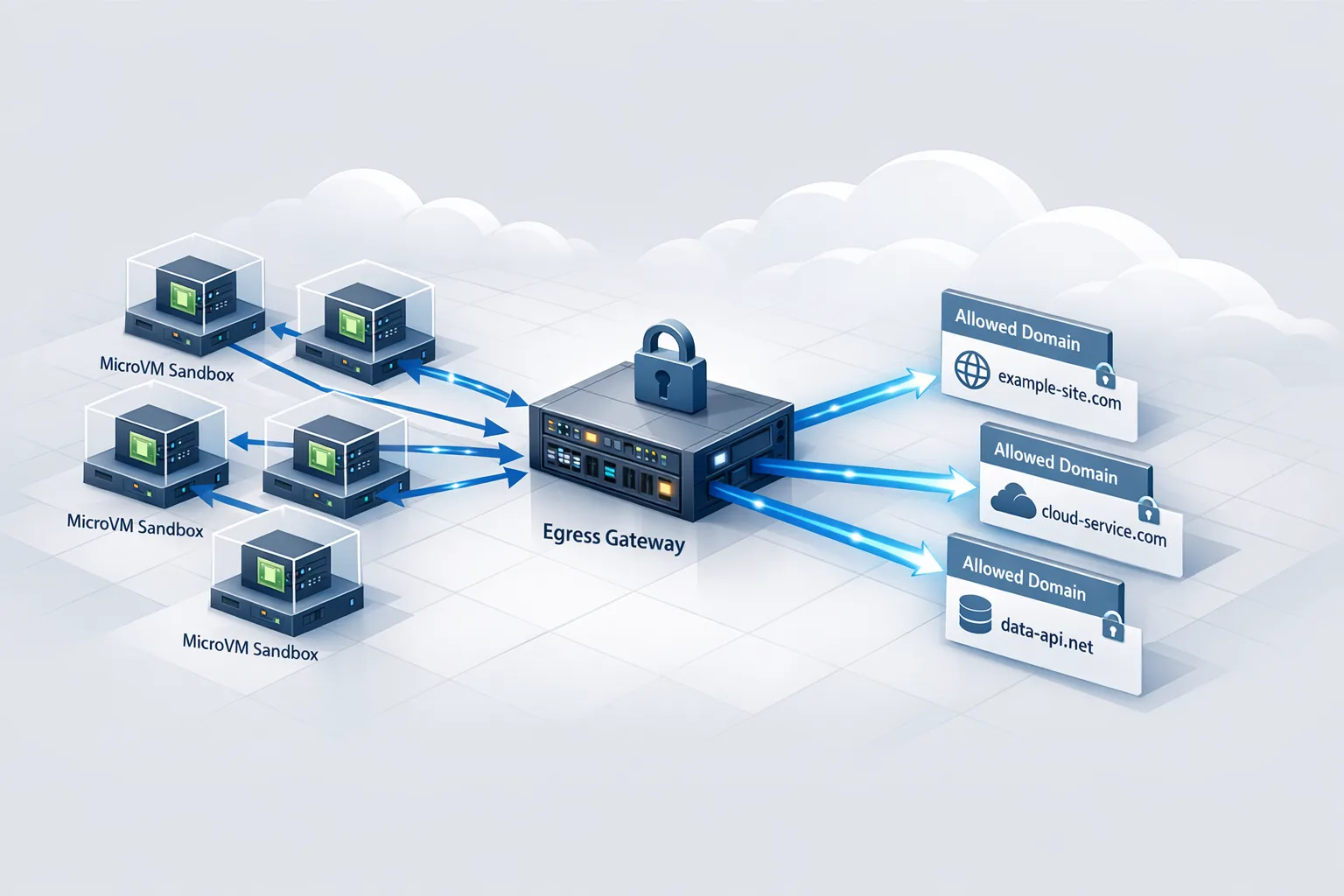
If you’re piloting embedded AI agents in the browser or running headless automation, a renderer exploit becomes a high‑leverage entry point. Pair a fast patch pipeline with tight egress controls so compromised sessions can’t phone home freely. Our field guide on egress firewalls for AI agents walks through a practical pattern you can apply this week.
Budget and ownership: who pays for the last 5%?
The last 5% are where incidents are born. Assign a business owner for each unit and bill unpatched exceptions back to that cost center after the 7‑day window. When leaders feel the drag cost, the stragglers evaporate.
Operationalizing for the rest of 2026
Expect more zero‑days. Build muscle memory now: a standing emergency distribution group, canned comms, pre‑baked MDM policies, and version queries packaged as code. Rehearse once a quarter with a dry run that forces a browser relaunch and captures audit evidence automatically.
If you want help tuning this pipeline or need a second set of hands during the next patch race, skim what we do and our services, then look through a few relevant builds in our portfolio. We’ve shipped similar "48‑hour upgrade" playbooks across runtimes too—see our 45‑day Node.js upgrade guide for how we de‑risk at scale.

What to do next (today)
Take ten minutes, then move:
- Confirm your organization’s minimum safe versions for Chrome and Edge from mid‑February and document them in your internal wiki.
- Enable forced relaunch after update in Intune/Jamf with a 2‑hour grace period.
- Deploy the version queries above via your endpoint manager and save the output to your SIEM.
- Set a recurring calendar entry: quarterly zero‑day drill with evidence capture.
- Name a business owner for exceptions and agree to the 48‑hour/7‑day SLO.
Zero‑days aren’t rare anymore. But with a crisp playbook, clear ownership, and verifiable proof, they don’t have to be scary. The best time to build that muscle was yesterday; the second‑best is right now.







Comments
Be the first to comment.