Android Developer Verification: The 90‑Day Plan
Android developer verification is no longer theory. On June 18, 2026, Google confirmed dates, APIs, and even a user‑visible sideloading "advanced flow." On September 30, 2026, enforcement begins in four countries (Brazil, Indonesia, Singapore, and Thailand) across seven stores (Google Play, Samsung Galaxy Store, Xiaomi GetApps, vivo V‑Appstore, OPPO’s OPlus/OPPO App Market, HONOR App Market, and Transsion’s Palm Store). If your app reaches users in those markets — or you distribute outside Play anywhere — this 90‑day plan will keep installs and updates working when Android developer verification flips to “required.”
What actually changed — and when
Here’s the thing: the policy doesn’t just touch Play. Verification ties an app’s installability on certified Android devices to a verified developer identity, regardless of whether the user installs from Play or a participating third‑party store. The headlines and dates you need to plan against:
- June 2026: Google starts rolling out a system service to devices that later enforces verification checks.
- July 2026: The Android Developer ID Status API opens globally; early access for the Android Developer Console API starts so you can script registration.
- August 2026: The “advanced flow” for installing from unverified developers launches (it adds explicit friction and a waiting period).
- September 30, 2026: App registration by a verified developer becomes mandatory in Brazil, Indonesia, Singapore, and Thailand for installs/updates via the seven partner stores above. Sideloading remains possible via ADB and the advanced flow, but standard taps to install will fail for unregistered packages on certified devices.
- 2027: Expansion to additional regions/devices after Google digests feedback.
Translation: if you ship to any of the four pilot countries through those stores, you must verify and register package names now. If you distribute only via direct APKs or alternative stores, you still need to decide whether to verify or ask users to endure the advanced flow.
Who must act (and who can probably relax)
Not everyone has the same urgency. Map yourself to one of these profiles:
- Play‑only developers: Most Play publishers are already identity‑verified; Google says the vast majority of their apps are auto‑registered. Still, check your Play Console for any stragglers and register missing packages.
- Outside‑Play distributors (direct APKs, alternative stores): You need an Android Developer Console account to verify identity and register package names. If you don’t, installs/updates via partner stores will be blocked in the first four countries and many users will hit friction when sideloading.
- Hobbyists/students: Limited distribution accounts let you share to up to 20 devices without a government ID or fee. Great for learning and small pilots — not a production strategy.
- Enterprise/MDM deployments: If you ship to managed devices via Managed Google Play or your EMM, verification is typically satisfied by existing Play/enterprise processes — but review vendor guidance and confirm your package registrations.
- Power‑user communities: Sideloading isn’t “dead,” but users will face extra steps and a delay via the advanced flow to install from unverified developers. Expect more support tickets.
Android developer verification, explained in one minute
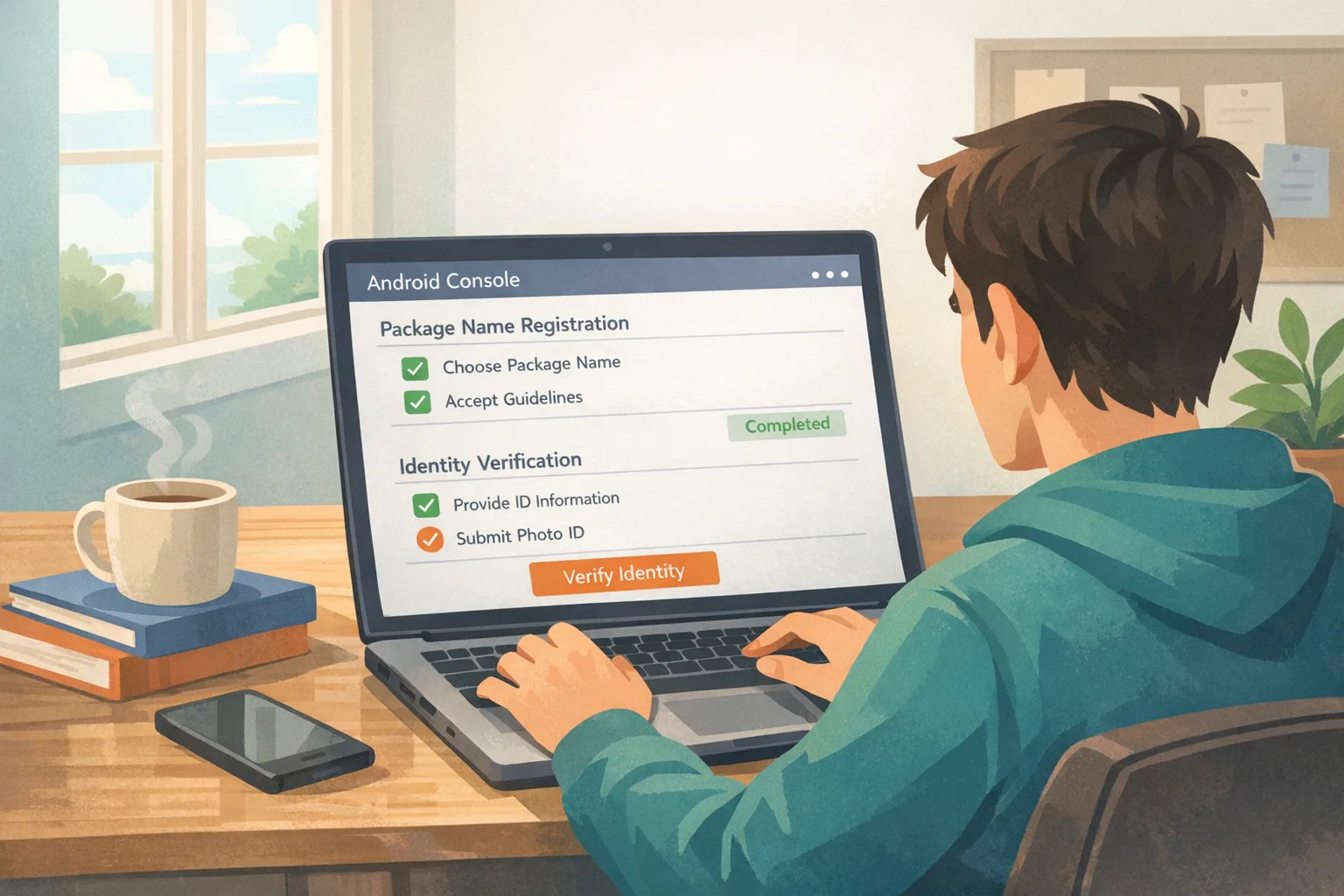
The program links your legal identity (or organization identity) to the package names you publish. Two big tasks: verify your identity (individual or organization) and register each package name by proving it’s signed with your key. For Play developers, most of this is already done. For everyone else, the Android Developer Console is your home base to complete verification and bulk‑register packages. New APIs let you automate checks and registration in CI/CD.
The 90‑day plan to ship on time
We’ve run this plan with multiple mobile teams that straddle Play and alternative stores. It’s designed to be boring and successful.
Weeks 1–2: Scope, decide, and verify
- Inventory distribution paths: List where your app is available today: Play, Galaxy Store, GetApps, V‑Appstore, etc., plus any direct APKs. Flag exposure to Brazil, Indonesia, Singapore, and Thailand.
- Choose account type: Individual vs. organization. If org, get your D‑U‑N‑S and a domain you control ready.
- Complete identity verification: Legal name, address, contact, and (if requested) government ID. Assign a backup admin to avoid single‑point failure.
- Decide your sideload stance: Will you verify and keep one consistent binary everywhere, or consciously push power users to the advanced flow/ADB? Document the choice.
Weeks 3–4: Register packages and harden signing
- Register every package name: Assert ownership for production, beta, canary, and region‑variant identifiers. Don’t forget internal test builds that leak to the wild.
- Review signing key hygiene: Confirm who holds the upload/signing keys, rotate if necessary, and ensure HSM or cloud KMS storage with least‑privileged access. Write the runbook for emergency revocation.
- Align variants: If you fork SKUs per store or region, standardize on one set of package names and configs to reduce registration drift.
Weeks 5–6: Wire APIs into CI/CD
- ID Status checks in pipelines: Call the Developer ID Status API during build to fail fast if a package isn’t registered or an ID mismatch appears.
- Console automation: Use the Android Developer Console API (early access first, then GA) to bulk‑register packages and keep a machine‑readable manifest in your repo.
- Secrets discipline: Scope OAuth credentials narrowly, rotate them, and add drift detection alerts on registration state.
Weeks 7–8: Test user experience and comms
- Exercise the advanced flow: On a test device, enable developer options and run through the advanced flow to see the prompts, timing, and waiting period. Capture screenshots for your support docs.
- Plan store‑specific QA: Validate installs/updates on the seven partner stores using verified packages. Pay attention to update behavior on devices purchased in the four pilot countries.
- Update help center and in‑app messaging: Prepare copy for users who fail a standard install so they know what to do, or where to get a verified build.
Weeks 9–10: Cutover prep
- Freeze identifiers: Don’t introduce new package names after September 15 unless they’re pre‑registered.
- Regional rollout flags: Add server‑side feature flags to roll out verification‑dependent experiences first in the four countries, then globally.
- Run a brownout test: For 24 hours, direct a slice of pilot‑country traffic to a staging channel and verify zero install/update failures on certified devices.
Weeks 11–12: Ship and watch
- Ship the verified builds: Push to your stores of record and publish a direct‑download page only if it points to verified packages or clearly explains the advanced flow.
- Monitor telemetry: Track install success rate, update failure codes, and support ticket volume by country and storefront. Add a dashboard tile just for pilot regions.
- Retrospective: In week 12, retire any alternate package names, archive the runbook, and schedule quarterly registration audits.
Gotchas we’ve seen on real teams
Policies read clean; real life doesn’t. Watch for these edges:
- Unregistered canary IDs: Teams often register only the release identifier. If your crash‑fix hotpatch rides a canary package name, updates will fail in pilot countries.
- Third‑party store SKU drift: A minority of store integrations still assume custom package names. Align or register them; don’t rely on “we rarely update that channel.”
- Contractor keys: If an agency built your v1 and still holds the signing key, settle ownership now. Rotate into your org’s KMS and update registration.
- Geo‑mix traffic: Users travel. Devices bought in Jakarta are later used in Sydney. Test updates on devices whose purchase region is in a pilot country.
- Support muscle memory: Your Tier‑1 scripts probably say “just sideload this APK.” Update them to verified flows, or you’ll drown in repeat tickets.
Does Android developer verification kill sideloading?
No — but it changes the default path. Standard taps to install from unverified developers will hit guardrails on certified devices. Power users can still install via ADB or the advanced flow, which adds deliberate friction (including a waiting period) to blunt social‑engineering installs. Teams that depend on casual sideloading for beta distribution should move to internal testing tracks, managed beta programs, or verify and keep their direct downloads aligned with registered packages.
People also ask
Do we need to verify if we only ship on Google Play?
Most likely you’re covered — Play already requires identity checks. Still, confirm every package you ship is registered, especially regional SKUs and testing channels. Your Play Console will show status and let you register any outliers.
What happens if we don’t verify by September 30, 2026?
In the four pilot countries, installs and updates through the seven partner stores will fail for unregistered packages on certified devices. Direct downloads will push users into the advanced flow (or ADB), which is measurable friction that increases abandonment and support costs.
We’re an indie team. Can we avoid submitting IDs?
Limited distribution accounts let hobbyists share to up to 20 devices without a government ID or fee. That’s useful for learning and tiny pilots, but not a path to broad consumer distribution. If you want mainstream reach, you’ll need verification.
Does this affect managed enterprise deployments?
If you deploy via Managed Google Play with an EMM/MDM, your identity is typically handled through existing Play/enterprise flows. Still, register all package names and verify your update paths on pilot‑country devices.
A lightweight compliance framework you can reuse
Use the V.E.R.I.F.Y. checklist whenever you add a new app or SKU:
- V — Verify entity: Confirm org/individual identity is current; assign a backup admin.
- E — Enumerate packages: List every identifier (release, beta, store variants) and register them.
- R — Rotate/retain keys: Store signing keys in HSM/KMS; document recovery and rotation.
- I — Integrate APIs: Add ID Status checks and Console automation to CI/CD.
- F — Field‑test flows: Exercise advanced flow, store installs, and regional updates on real devices.
- Y — Yellow‑flag risk: Track support and telemetry in pilot regions; plan mitigations.
Product and business impact — zooming out
Expect a short‑term bump in install friction where you haven’t verified. Over time, verified identity paired with store coverage should reduce impersonation and scam clones in pilot markets. That’s good for brand trust. The trade‑off: you’ll spend some engineering time wiring APIs and cleaning up package sprawl. For teams juggling iOS and Android, it’s a nudge toward treating distribution identities as first‑class configuration, not a last‑mile afterthought.
If you need help scoping or executing, our team at ByBowu ships mobile programs end‑to‑end. See how we structure engagements on what we do, browse recent mobile work in our portfolio, and review our mobile app development services. When you’re ready to move, get in touch.

Your pre‑September 30 readiness checklist
- Confirm whether any user segment in Brazil, Indonesia, Singapore, or Thailand installs or updates via the seven partner stores.
- Complete identity verification for your organization and add a backup admin.
- Register every package name you ship (release, beta, store variants) and store the authoritative list in your repo.
- Integrate ID Status checks and Console automation into CI/CD; fail builds that aren’t registered.
- Exercise the advanced flow on a test device; update support scripts with screenshots and exact wording.
- Align store listings and SKUs; remove legacy identifiers that you don’t plan to maintain.
- Run a brownout test and instrument dashboards for pilot‑region install/update success.
What to do next (today, this week, this quarter)
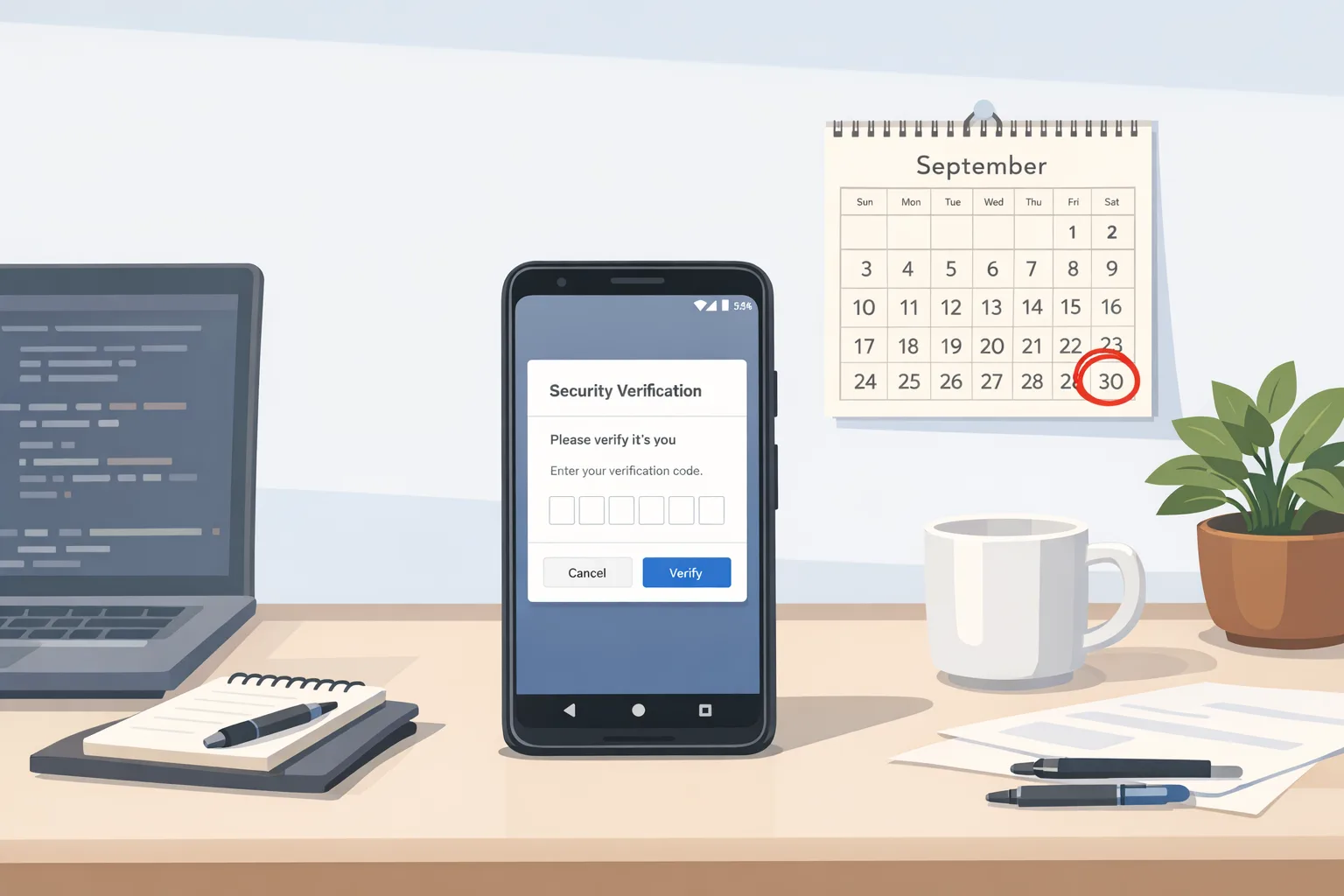
Today: Assign an owner, export your package inventory, and book identity verification. Add a calendar hold for September 30, 2026 with a clear go/no‑go checklist.
This week: Register missing package names, wire a minimal ID Status check into your CI, and schedule store‑specific QA on devices sourced from the pilot countries.
This quarter: Ship verified builds to every storefront you support, publish updated help‑center docs, and review telemetry weekly. Cut a short internal video that shows the advanced flow so your support team can respond in seconds, not hours.
If you’ve been burned by last‑minute platform shifts before, you know the cost isn’t just installs failing — it’s reputation, star ratings, and churn. The good news: Android’s timeline is public, the APIs are straightforward, and a disciplined 90‑day push gets you to green. Treat identity, package names, and CI checks as product infrastructure. That mindset will pay for itself, this September and beyond.








Comments
Be the first to comment.