
The primary keyword here is simple: Shai‑Hulud 2.0. If you ship JavaScript or run Node in CI, the new wave matters right now. Since November 24, 2025, researchers and vendors have confirmed a rapid second campaign that compromises maintainer accounts, plants preinstall hooks, steals CI/CD and cloud secrets, and republishes tainted packages within minutes. The payload is new, the propagation is faster, and the cleanup bill grows with every unattended pipeline run.

What changed in Shai‑Hulud 2.0 compared to September?
The first incident in mid‑September seeded a worm into npm via postinstall scripts and a large obfuscated bundle.js. This time, the attacker moved earlier in the lifecycle and split the payload. You’ll see two noisy artifacts:
setup_bun.js— a dropper disguised as a Bun installer.bun_environment.js— a ~10MB, heavily obfuscated core payload executed via Bun.
Shai‑Hulud 2.0 also improves evasion and spread. Instead of predictable repo names, it creates randomized GitHub repositories to dump secrets, making detection by simple pattern searches harder. The variant leans on CI, harvesting tokens and service credentials from environment variables, then turns around and publishes malicious versions of any npm package the stolen tokens can touch—often dozens in a single run. Some analyses also describe destructive logic that triggers only under certain conditions, including attempts to overwrite the victim’s home directory when persistence fails.
Who’s actually affected and by how much?
By the afternoon of November 24–25, multiple research teams reported thousands of new repos containing encoded secrets linked to the attack. Depending on snapshot time and methodology, counts ranged from roughly 25,000 to 27,000 public GitHub repositories created during the second wave. Package‑side tallies varied, too: one major team logged just over 600 compromised packages across 800+ versions; others tracked closer to 700 and, in some lists, more. The names have included well‑known scopes—AsyncAPI, ENS Domains, Zapier, PostHog, Postman—and many smaller community maintainers. A common estimate put unique affected maintainer accounts around the mid‑hundreds during peak hours.
Two important caveats: (1) these numbers were changing hour‑to‑hour as takedowns and new publications raced each other; and (2) your risk surface depends less on a headline count and more on whether any infected version ever entered your supply chain—directly or transitively—then ran in a context with real tokens.
Is the Bun runtime compromised?
No. The attacker uses Bun as a convenient execution environment. The preinstall hook fetches or invokes Bun to run the malicious bun_environment.js. That’s it. Treat references to Bun in this context as an IOC, not as an indictment of Bun itself.
Is this about npm itself or stolen credentials?
Mostly credentials. The core theme is compromised maintainer accounts and tokens—npm, GitHub, and cloud. Once tokens leak from a developer laptop or a permissive CI environment, the worm has everything it needs: publish to npm, push to GitHub, manipulate Actions, and harvest more secrets. Some organizations halted the spread quickly by disabling lifecycle scripts in CI and rotating tokens organization‑wide. Others saw cascading republish events as build agents kept running unattended with broad privileges.
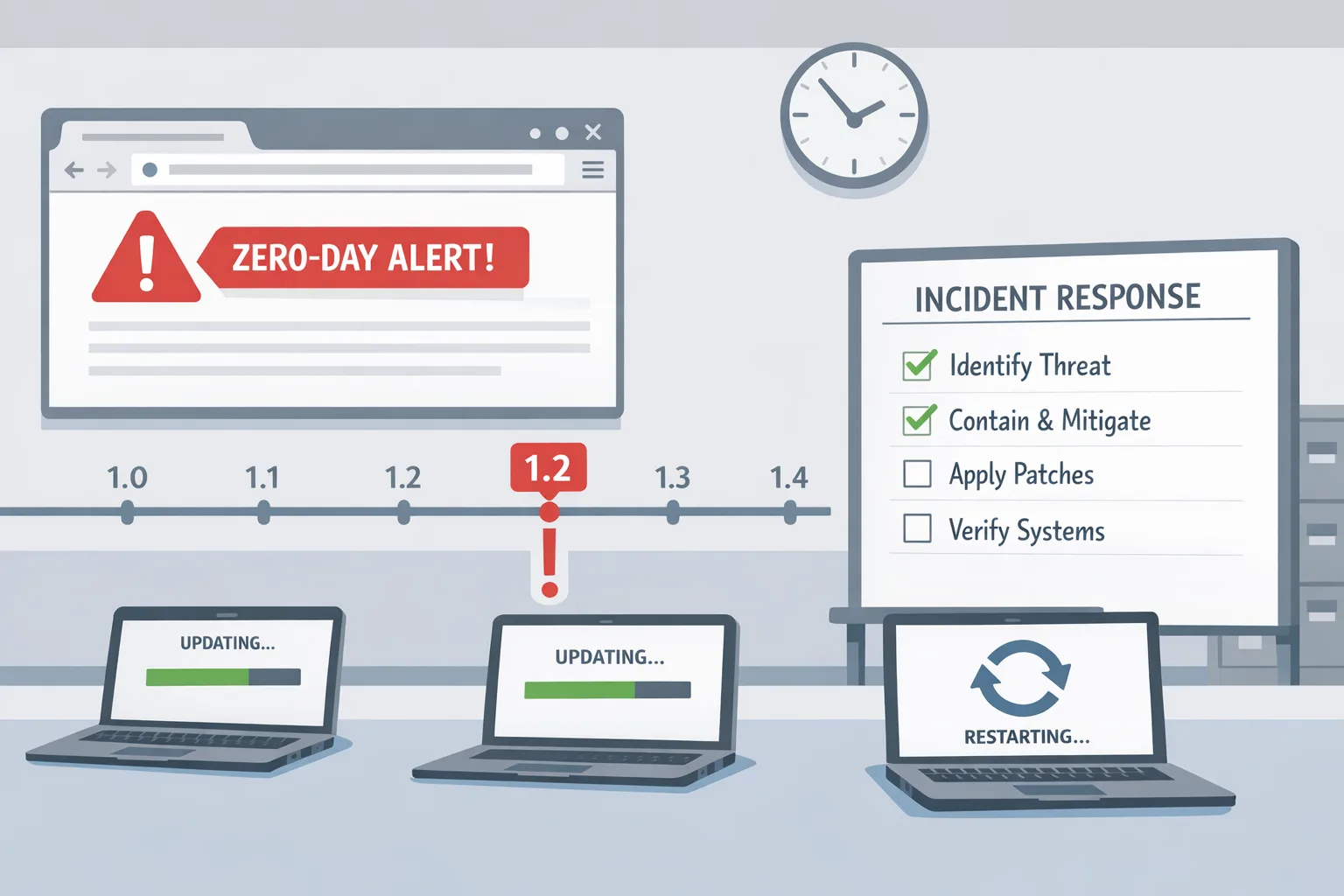
The 60‑minute triage plan (run this today)
Here’s a practical, time‑boxed flow any engineering leader can drive. The goal is to stop the bleeding, reduce blast radius, and buy time for deeper forensics.
Minutes 0–15: Hit the brakes and isolate
- Temporarily pause CI pipelines that run
npm installorpnpm/yarninstalls on commit. If you can’t stop all of them, at least block new deployments and cron‑triggered builds. - Force all Node installs to skip scripts: set
NPM_CONFIG_IGNORE_SCRIPTS=1(or runnpm install --ignore-scripts) at org level for CI. For Yarn, set--ignore-scriptswhere available; for pnpm, use--ignore-scriptsas well. - Broadcast a Slack/Teams message: don’t run package installs locally until a green light is issued.
Minutes 15–30: IOC sweep in repos and runners
- Search your org for malicious files:
setup_bun.jsandbun_environment.jsanywhere undernode_modulesand cached build artifacts. - Audit
.github/workflowsfor unexpected files such asdiscussion.yamlor randomformatter_*.ymlcreated recently. - List self‑hosted runners and look for suspicious names, especially any referencing "shai" or similar patterns; revoke unknown runners immediately.
- Check your GitHub org for public repos created in the past 72 hours by unexpected actors. If you find repositories with encoded dumps or odd descriptions, presume compromise and file an internal incident ticket.
Minutes 30–45: Token lockdown and rotation
- Revoke npm tokens for affected maintainers. Replace them with granular, short‑lived credentials or, ideally, switch projects to Trusted Publishing (OIDC) so CI never stores a long‑lived token.
- Rotate GitHub PATs, App private keys, and environment secrets tied to Actions. Prioritize org‑level secrets used by many repos.
- Rotate cloud credentials (AWS, GCP, Azure) exposed to CI. Invalidate sessions and require re‑auth for federated roles, focusing on the identities your pipelines assume.
Minutes 45–60: Clean installs and dependency cuts
- For priority services, delete
node_modulesand lockfiles, then reinstall with scripts disabled. Manually remove any identified bad versions frompackage.jsonand regenerate a clean lockfile. - Vendor or pin critical dependencies to known‑good versions. If a package’s scope shows up on any public watchlists from this week, hold upgrades until the maintainer posts a signed remediation note.
- Turn on organization‑wide secret scanning and alerting for new commits and new repos. Raise failures to blocking for pipelines that attempt to run lifecycle hooks.
How do I know if I’m compromised?
Use indicators and quick checks:
- You find
setup_bun.jsorbun_environment.jsin a project, build image, or runner cache. - Unexpected GitHub repositories suddenly appear under your account or org, sometimes with opaque names and large Base64 blobs in files.
- Your workflows directory contains new YAML files you didn’t review.
- npm packages in your org were republished unexpectedly in the last 72 hours, especially with patch versions that no one on your team authorized.
- Build logs show unknown
curlorbashactivity pulling large blobs during install, or attempts to install Bun where it wasn’t previously used.
If any of the above is true, assume credentials or runners are compromised. Isolate first; investigate second.
A fast, defensible dependency policy for the next 7 days
Here’s a blunt but effective short‑term policy while the dust settles:
- Freeze upgrades to any package from a scope that appears in current incident lists unless the maintainer has posted a clear remediation (and you’ve reviewed diffs).
- Prefer
npm ciwith scripts disabled in CI. In production build steps, fail hard on any attempt to run lifecycle hooks unless explicitly whitelisted. - Use
--omit=devor equivalent in production images to reduce attack surface. Dev dependencies are frequent vehicles for install‑time malware. - Rebuild base images for Node services with today’s date. Don’t rely on cached layers built earlier in the week.

Token hygiene: what “good” looks like after this week
Shai‑Hulud 2.0 is a wake‑up call that long‑lived, over‑scoped tokens are no longer acceptable defaults.
- Adopt npm Trusted Publishing (OIDC) so your CI exchanges short‑lived tokens per publish. No static secrets in the repo or runner.
- Scope everything: npm tokens to specific packages; GitHub PATs to specific repos and permissions; cloud creds to least‑privileged roles. Enforce expirations measured in days, not months.
- Require passkeys/WebAuthn for maintainer accounts. Enforce organization‑wide 2FA and session timeouts.
- Separate build and publish identities. A build agent that runs tests doesn’t need publish rights.
- Turn on secret scanning and push protection for both code and Actions artifacts. Treat red findings as release blockers.
People also ask: Will disabling scripts break all my installs?
Sometimes—but that’s the point. The temporary breakage highlights which dependencies rely on install‑time execution. Each one should be reviewed and whitelisted explicitly. Many projects can ship fine with scripts disabled in CI and only enable them in a controlled packaging step.
People also ask: How long should we freeze upgrades?
Short freezes work best: 48–72 hours for initial triage, followed by a staged thaw where each dependency change is reviewed. If a package scope you rely on was confirmed in this wave, wait for the maintainer’s signed remediation and consider pinning to a pre‑incident version while you engage them.
A pragmatic review checklist for maintainers
If you publish to npm, run this before pushing any remediation release:
- Audit npm access: who can publish, via what mechanism, and with what token lifetime?
- Rotate credentials and invalidate classic tokens. Move CI to OIDC‑based publishing. Require code owners for
package.jsonand workflow changes. - Add a
prepare/prepublishOnlyguard that refuses to publish if a long‑lived token is detected. - Publish a signed advisory in the repo and the registry that lists affected versions, clean versions, and how consumers can validate integrity.
What about transitive dependencies and SBOMs?
This is where SBOMs earn their keep. Generate a fresh SBOM for each critical service and store it with the artifact. Compare SBOMs across builds this week to surface unexpected package inflows. If you don’t have SBOM automation yet, start by producing CycloneDX from your package manager and storing it alongside the image in your registry.
Business impact: translating tech risk for executives
Expect three concrete line items this week: (1) engineering capacity diverted to incident response; (2) potential downtime or slowed delivery while scripts are disabled; and (3) cloud and SaaS credential rotation work, possibly triggering temporary access issues. The right conversation is not “Do we pause work?” but “Which systems are revenue‑critical and must be cleaned first?” Assign a single incident commander and a comms channel per product area. Timebox decisions. Green‑light purchases only if they reduce mean‑time‑to‑detect or enable OIDC publishing immediately.
Let’s get practical: a minimal supply‑chain guardrail stack
Here’s a no‑nonsense stack you can stand up in a day:
- Organization‑wide script policy in CI: default to
--ignore-scripts, opt‑in per project. - OIDC/Trusted Publishing for npm releases; deny classic tokens at the org boundary.
- Required reviews for workflow files and
package.jsonchanges; block force‑pushes to default branches. - Secret scanning + push protection everywhere (including private repos) with on‑call paging for new leaks.
- Nightly dependency diff report against lockfiles; flag new scopes or install scripts.
What to do next (developers)
- Run a full reinstall with scripts disabled and audit your lockfile for any affected scopes from this week.
- Search your org for recent repo creations you don’t recognize; report and remove.
- Rotate every token you’ve ever stored in a dev machine or CI variable. Yes, all of them.
- Move publish pipelines to OIDC and drop long‑lived tokens permanently.
What to do next (engineering leaders)
- Make “ignore install scripts in CI” the default by policy, not suggestion.
- Fund immediate OIDC migration for npm publishing and cloud roles.
- Schedule a 72‑hour dependency freeze with a staged thaw and explicit approvals.
- Set and publicize incident SLAs: detection in minutes, token rotation measured in hours, org‑wide review in days.
Related deep dives and help
If you need a structured incident checklist, see our earlier playbook Shai‑Hulud 2.0: The npm Supply Chain Attack Playbook. For a recent “drop everything and fix it” example in mobile tooling, our note on the React Native CLI vulnerability shows how to drive same‑day remediation. If you’d like support hardening CI, dependency governance, or OIDC rollout, our team’s approach is outlined on what we do—and you can reach us directly via contacts.
FAQ for auditors and compliance folks
What dates should our post‑incident review cover?
Start with November 21–29, 2025 to be safe. Pull logs and artifact manifests for all builds, deploys, and publishes. Preserve runner images for forensics if you can.
Which evidence should we retain?
Lockfiles, build logs, workflow logs, newly created repos, and any artifacts that contained or referenced setup_bun.js or bun_environment.js. Include tickets documenting token rotations and access changes.
Do we need to notify customers?
If secrets tied to customer environments were exposed (e.g., cloud keys, database credentials, API tokens), assume yes. Prepare rotation timelines, impacted service lists, and compensating controls. Share which dependencies and versions were involved and how you validated clean rebuilds.
The uncomfortable truth—and why this will keep happening
Package managers weren’t built to police what a maintainer does in an install script, and CI pipelines weren’t built to treat dependencies as adversarial executables. Shai‑Hulud 2.0 exploited that gap. The fix isn’t a single patch; it’s a set of norms: default‑deny install scripts in CI, stop using long‑lived tokens, and isolate publishing behind federated identities. The teams that adopt those norms turn a headline into a non‑event. Everyone else rolls the dice every time npm install runs.

If you’ve read this far, do one thing before you switch tabs: set --ignore-scripts in CI and revoke any token older than a week. Then hand this article to the person who owns your release process. That’s how you turn Shai‑Hulud 2.0 into a blip, not a breach.







Comments
Be the first to comment.