App Store Age Rating 2026: Shipping Blueprint
The App Store age rating 2026 update is now a hard release gate. On January 31, 2026, Apple will require every app to answer a new set of age rating questions in App Store Connect or you’ll be blocked from submitting updates. Apple has already recalculated ratings under the new system and they’ll surface on devices running the latest OS family (iOS 26, iPadOS 26, macOS Tahoe 26, tvOS 26, visionOS 26, watchOS 26). (developer.apple.com)
Here’s the thing: this isn’t just a form. The answers ripple through product eligibility, parental controls, app discovery, and store compliance. Teams that treat it as a checkbox risk last‑minute rejections and visibility loss; teams that operationalize it protect their roadmap and ship on time.
What actually changed in Apple’s age ratings?
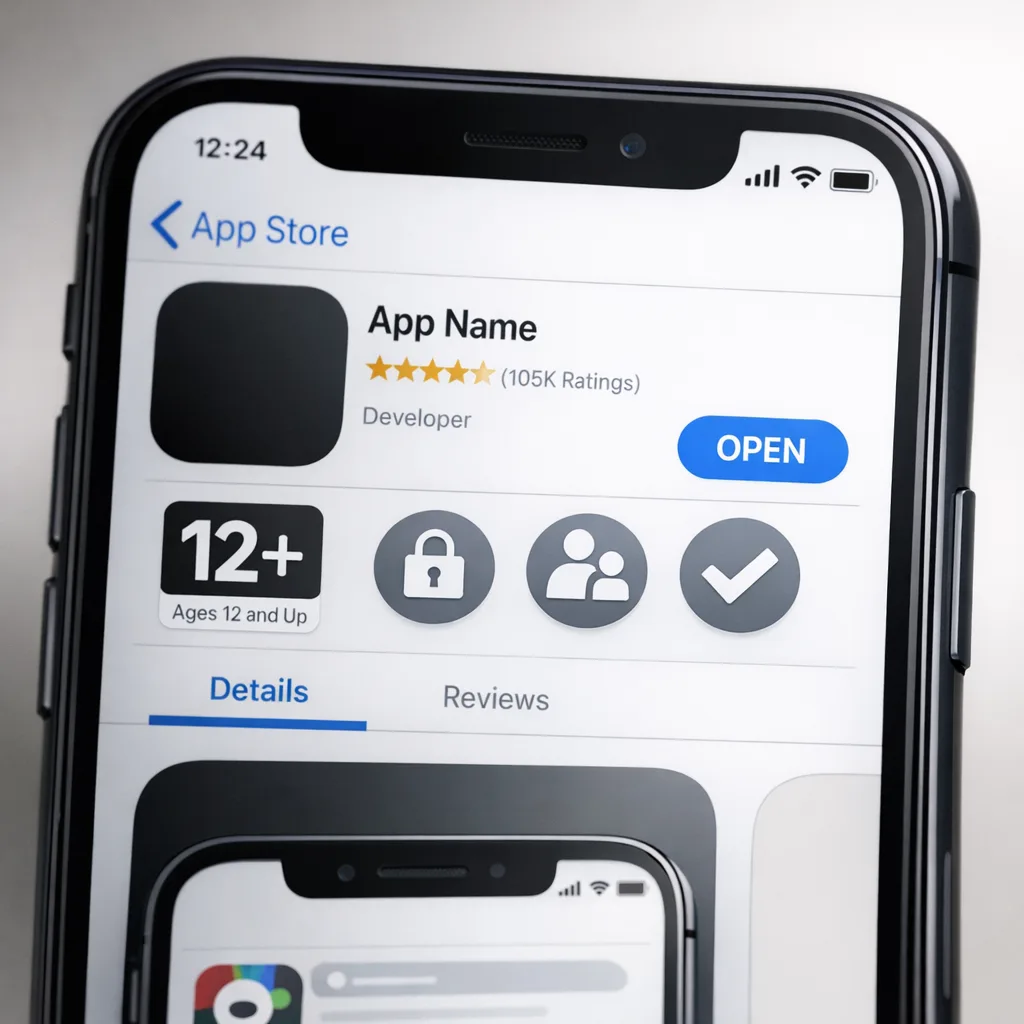
Apple expanded the rating tiers to include 13+, 16+, and 18+ (removing the prior 12+ and 17+ labels), and introduced new mandatory questions covering in‑app controls, capabilities, wellness/medical topics, and violent themes. If you don’t complete the questionnaire by January 31, 2026, submissions will be interrupted until you do. (macrumors.com)
Apple has already auto‑updated ratings based on your prior disclosures, and the updated labels appear across the new OS lineup. Developers confirm or adjust by answering the new questions in App Information → Age Rating within App Store Connect. (developer.apple.com)
Why this matters for product, legal, and revenue
First, missed compliance equals delayed revenue. If your update pipeline is blocked on January 31, your hotfixes, seasonal events, and growth experiments stall. Second, age ratings influence where and how your app appears. Apple notes that App Store surfaces respect a child’s content restrictions, so a higher rating can reduce exposure for family accounts. (apple.com)
Finally, the questions touch areas many teams under‑document: UGC moderation, messaging, AI assistants, and advertising. If your answers don’t match in‑app reality (or drift after a feature flag rollout), you’re inviting review delays.
App Store age rating 2026: the implementation checklist
Let’s get practical. Run this across every SKU in your portfolio:
- Inventory features that affect ratings. Create a one‑page matrix per app: UGC (posts, comments, profiles), messaging (DMs, group chat), external links, user‑to‑user interactions, ads and ad targeting, AI assistants or chatbots, sensors/health/wellness guidance, depictions of violence. If it exists behind a feature flag, list it.
- Define “on by default.” The questionnaire reflects the typical user experience. If a feature is gated to a minority cohort or disabled by default, document that and keep your rollout configs handy.
- Map features → questionnaire answers. Draft the answers in a shared doc. Include release notes and screenshots for App Review. Cross‑check with legal for COPPA/age‑assurance implications and with privacy for data collection consistency.
- Build content gates, not just disclaimers. If your rating will increase solely because of a feature used by adults, ship a runtime age gate (account‑level or parental control awareness) and a safe default for new users. The gate needs to function without third‑party SDKs the first time the app runs.
- Add remote kill switches. Wire a server‑controlled flag to immediately disable higher‑risk content categories if review feedback arrives.
- Align store copy and in‑app reality. Your App Store screenshots and descriptions must reflect the post‑questionnaire state. If you’ve turned off public comments for minors, don’t advertise “unlimited chat for everyone.”
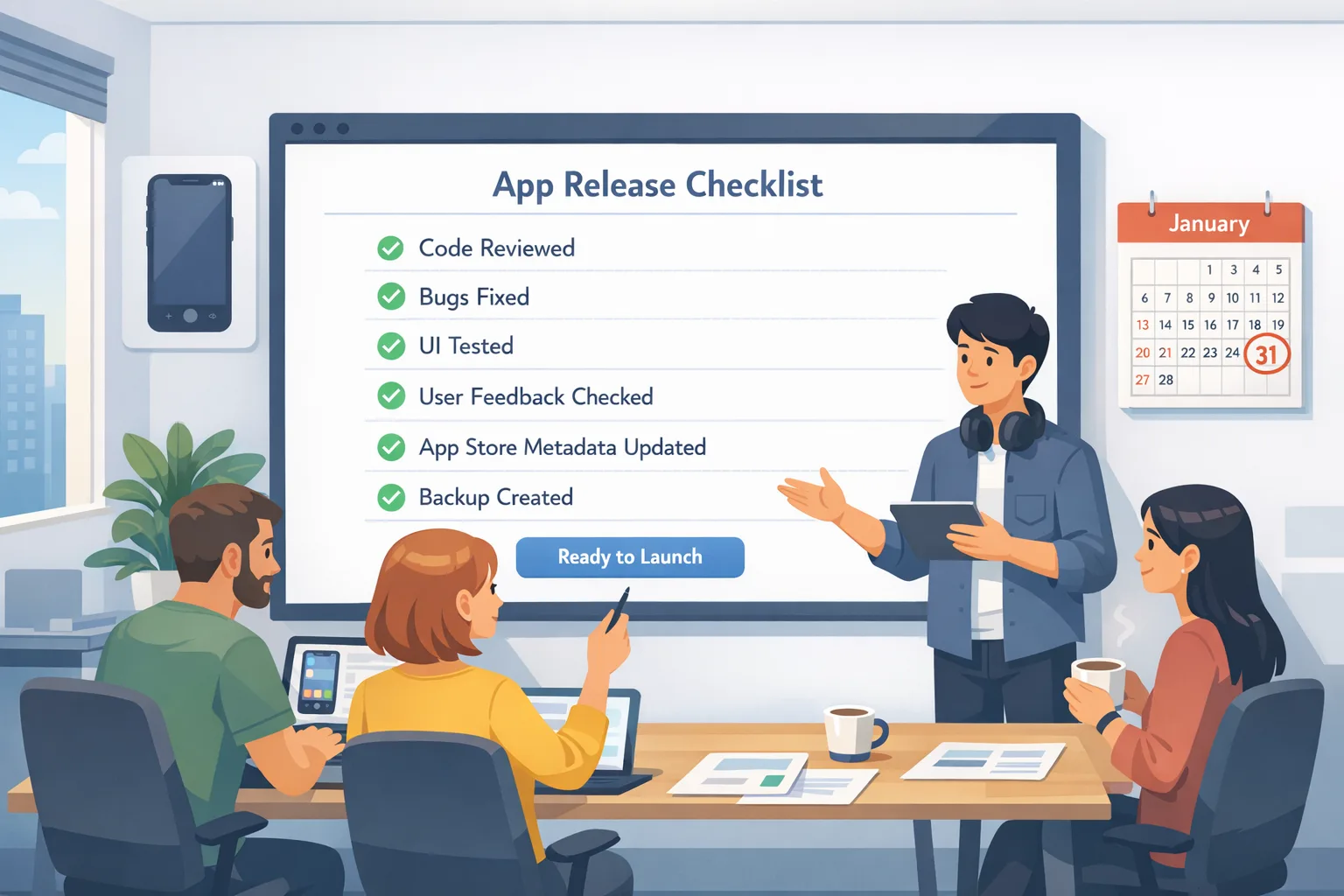
- Record decisions in your release checklist. Put the final questionnaire answers in your release PR template so they’re re‑validated before every submission.
Key dates and versions you can’t ignore
Two dates matter for planning: Apple’s January 31, 2026 deadline to answer the new age rating questions, and the fact that the new labels display on the iOS 26 family and peers. If you haven’t seen the new ratings in production, check a device on those OS versions or App Store Connect’s app page. (developer.apple.com)
Also relevant for your tooling: since April 24, 2025, uploads must be built with Xcode 16 or later using the current SDKs. If you’re still on older build systems in CI, update now so your compliance sprint isn’t blocked by toolchain debt. (developer.apple.com)
How to answer the tricky parts (with examples)
User-generated content and messaging
If profiles, comments, or DMs exist, assume they affect your rating. Don’t claim “no UGC” if you host avatars, bios, or usernames—moderation still applies. For messaging, differentiate between support‑only contact (one‑way to your staff) and user‑to‑user chat. The latter raises both rating and moderation requirements. (9to5mac.com)
AI assistants and chatbots
Apple’s communication to developers calls out AI assistants and chatbot functionality as content considerations. If your assistant can generate or surface sensitive content, reflect that in your answers and implement safe defaults for younger users. (9to5mac.com)
Wellness and medical
Apps that provide wellness tips, symptom tracking, or device‑sensor insights should answer the new medical/wellness prompts precisely. If you’re not a medical device, avoid clinical claims in copy to keep your rating and review scope aligned. (9to5mac.com)
Engineering patterns that save you during review
Over the last few cycles, we’ve seen three design patterns consistently reduce review friction:
- Capability tiers by account age. At sign‑in, retrieve the Apple family context when available and default to restricted toggles for known minors. Where that’s not accessible, default to restrictive settings until an adult account status is clear. Keep the experience usable without nudging kids to over‑share.
- Moderation‑first UGC architecture. All UGC flows batch through a moderation queue with automated filters and a manual override path. Use hold‑backs for new users. Expose a runtime switch to flip comments into pre‑moderation during review.
- Single source of truth for disclosures. Maintain a YAML/JSON manifest of sensitive capabilities (ugc: true, messaging: group, ads: contextual, ai_assistant: safe) consumed by both the app (for gating) and a build‑time script that populates a checklist for release managers.
People also ask
What happens if I miss January 31, 2026?
App updates will be blocked in App Store Connect until you complete the new questionnaire. You won’t be kicked off the store, but your release train pauses. (developer.apple.com)
Do I need age verification inside my app?
Apple’s system changes your public age rating and how the store and parental controls treat your app. There isn’t a single “drop‑in” in‑app age‑verification API that resolves all obligations; instead, you should implement appropriate in‑app controls that match your disclosures and local laws. Apple’s family features and content restrictions also shape visibility for child accounts. (apple.com)
Will the new labels reduce my reach?
Potentially, if your answers push the rating higher. That’s why capability gates matter—offer a youth‑appropriate default and reserve mature features for adult accounts or opt‑ins. This lets you remain discoverable while staying honest on the questionnaire.
A fast, team-ready workflow (RACI included)
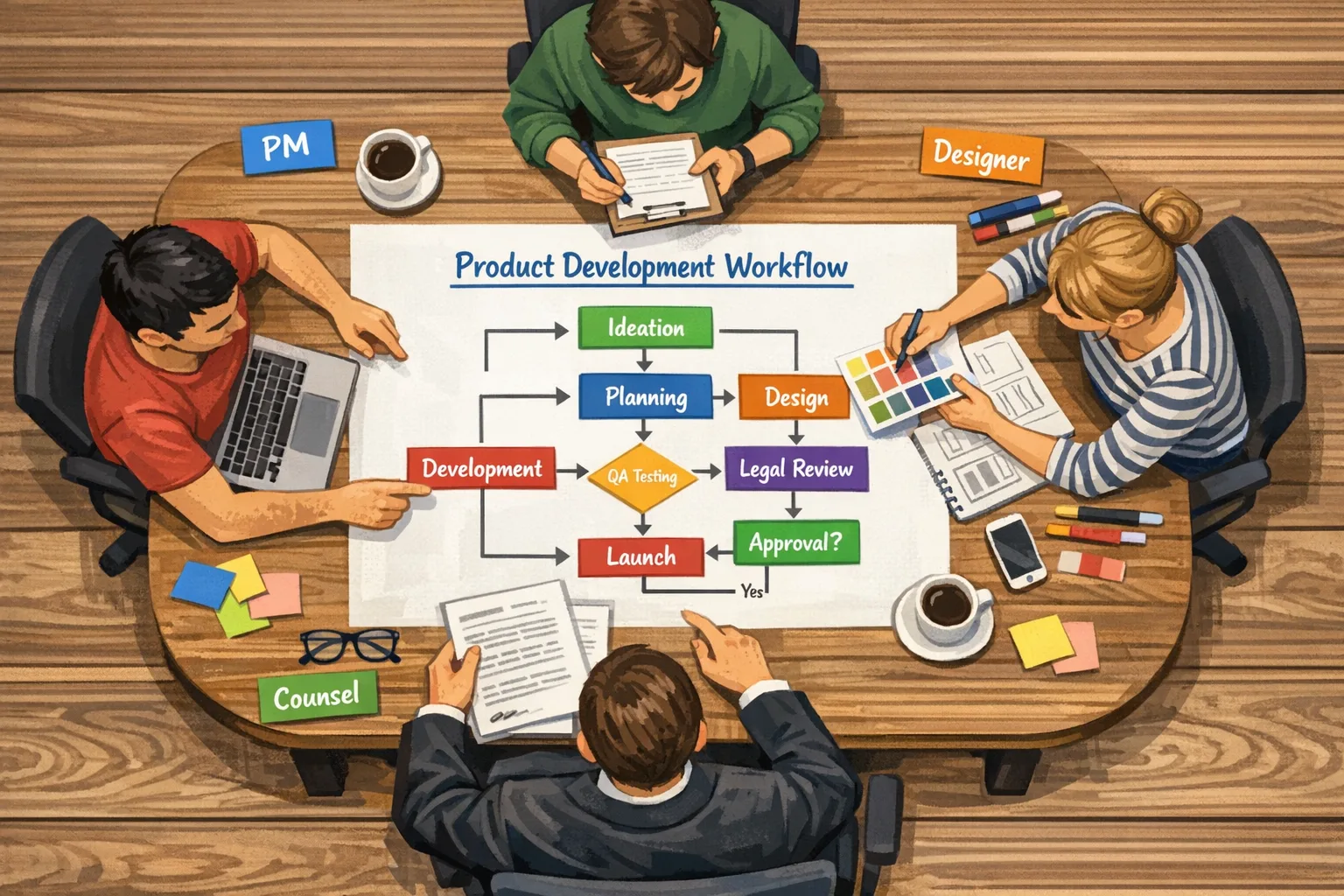
Use this lightweight RACI to get the answers right in a week:
- Responsible (PM/Producer): Drives the feature inventory, drafts answers, assembles screenshots.
- Accountable (Engineering Manager): Confirms defaults, wires gates, ensures kill switches exist.
- Consulted (Legal/Privacy): Reviews UGC, messaging, ads, AI, and wellness claims for regulatory fit (e.g., COPPA, regional age‑assurance laws).
- Informed (Marketing/Support): Updates store copy and help content to match the stated behavior.
Put the answers in a tracked doc plus a PR template. Each submission re‑confirms the state so the questionnaire doesn’t drift from reality two sprints later.
Avoid these four common traps
- “We’re 4+ because we moderate.” Moderation helps, but content capability matters. If users can post images or text, it’s UGC.
- Feature‑flag amnesia. If 10% of users have group chat via a rollout, you have messaging—even if it’s not in the main nav.
- Copy drift. Don’t advertise features you disabled to keep a lower rating. Reviewers will check.
- One‑time compliance. Treat this as an ongoing control. New features must pass the same questionnaire mapping before launch.
What to do next (this week)
- Today: Export your feature inventory, draft questionnaire answers, and identify any gating work. Thirty minutes with your leads is enough to spot gaps.
- Within 48 hours: Implement or verify kill switches for UGC and messaging; set conservative defaults for unknown‑age users; update your release checklist.
- By end of week: Complete App Store Connect answers for every SKU, update store copy, and schedule a dry‑run submission on a test branch.
If you need a deeper breakdown by feature set, we published a ship‑focused walkthrough you can hand to your team: see our ship‑ready playbook and the concise Ship by Jan 31 guide. For broader launch planning, our product and engineering services cover compliance‑aware release pipelines end‑to‑end.
Cross‑platform context you shouldn’t ignore
Even if your core business is iOS, align the strategy across platforms. Google has advanced its billing and external linkage programs with new fees and enrollment requirements under regulatory pressure in late 2025, and additional deadlines have rolled into January 2026. If you plan to route users to the web or alternative billing, model the fee impact and engineering work now rather than scramble post‑launch. (theverge.com)
We’ve broken down Android‑side changes and security updates separately; if your team ships on both stores, hand your Android leads our January 2026 Android security playbook and the Google Play external links builder’s guide for deeper implementation details.
Health check: are you actually ready?
Run this five‑minute audit before you click Submit for Review:
- Your internal doc lists UGC, messaging, ads, AI assistant, wellness/medical, links, and violence content—with yes/no answers and defaults.
- There’s a runtime switch to disable UGC and messaging globally.
- New users on unknown‑age accounts land in a restricted mode.
- Store screenshots and text match the live defaults.
- Someone other than the author verified the App Store Connect answers against the latest build.
Zooming out: the strategic upside
Compliance work is rarely fun, but the new rating system can be a forcing function to implement safer defaults and clearer experiences. Teams that separate adult‑oriented features and flip them behind deterministic eligibility have an easier time localizing, selling into education, and partnering with family‑oriented brands. Your support volume drops when expectations match reality out of the box.
FAQ for executives
How much will this cost?
For most teams, one sprint of product and engineering time plus a few hours of legal review. The bigger cost comes from not doing it: delayed releases and reduced store visibility for family accounts.
Do we need a separate build for younger users?
No. The smarter path is capability gating with a common codebase. You can test it with feature flags and server‑driven configs, then codify defaults by account type or consent state.
Will Apple second‑guess our answers?
Apple can and does challenge mismatches between disclosures and reality. Keep evidence (screens, configs) ready. If a reviewer flags something, use your kill switches, adjust defaults, and resubmit—don’t argue philosophy in the resolution center.
If you only do three things today
- Open App Store Connect → App Information → Age Rating and finish the new questionnaire for your top‑grossing app. (developer.apple.com)
- Ship or verify capability gates for UGC, messaging, ads targeting, and AI features.
- Update your release checklist so every submission re‑validates the answers.
Need help tightening the plan? Our team at Bowu can step in with an accelerated audit and implementation sprint. Start a thread with us via our contact page and we’ll get you ship‑ready before the deadline.









Comments
Be the first to comment.