
Runtime Upgrade Strategy That Ships in 2026
Your backlog won’t save itself. With annual release cadences and tighter end‑of‑life windows, you need a runtime upgrade strategy that’s predictable, fundable, and boring in the best way. In March 2026, teams are juggling Java’s six‑month cadence, Node.js development 20 heading into April end‑of‑life, and Android’s developer verification deadlines. The good news: you can industrialize upgrades so they feel like routine maintenance, not a fire drill.
Here’s the thing—most organizations don’t fail at upgrades because of technical difficulty. They fail because the process is ad hoc, the risk is invisible until it bites production, and nobody can answer the CFO’s question: “What do we get for this spend?” Let’s fix that.
Why the old LTS habit broke—and what replaced it
For years, teams hid behind long-lived LTS versions. That worked when release cycles spanned years and breaking changes were rare. The ground shifted. Java pushes a release every six months; non‑LTS trains still carry valuable performance and tooling updates. Node.js moved to an annual rhythm with sharper EOL cliffs. Android’s ecosystem is tightening policy and identity around who ships apps. Waiting two or three years now concentrates risk, debt, and surprise all at once.
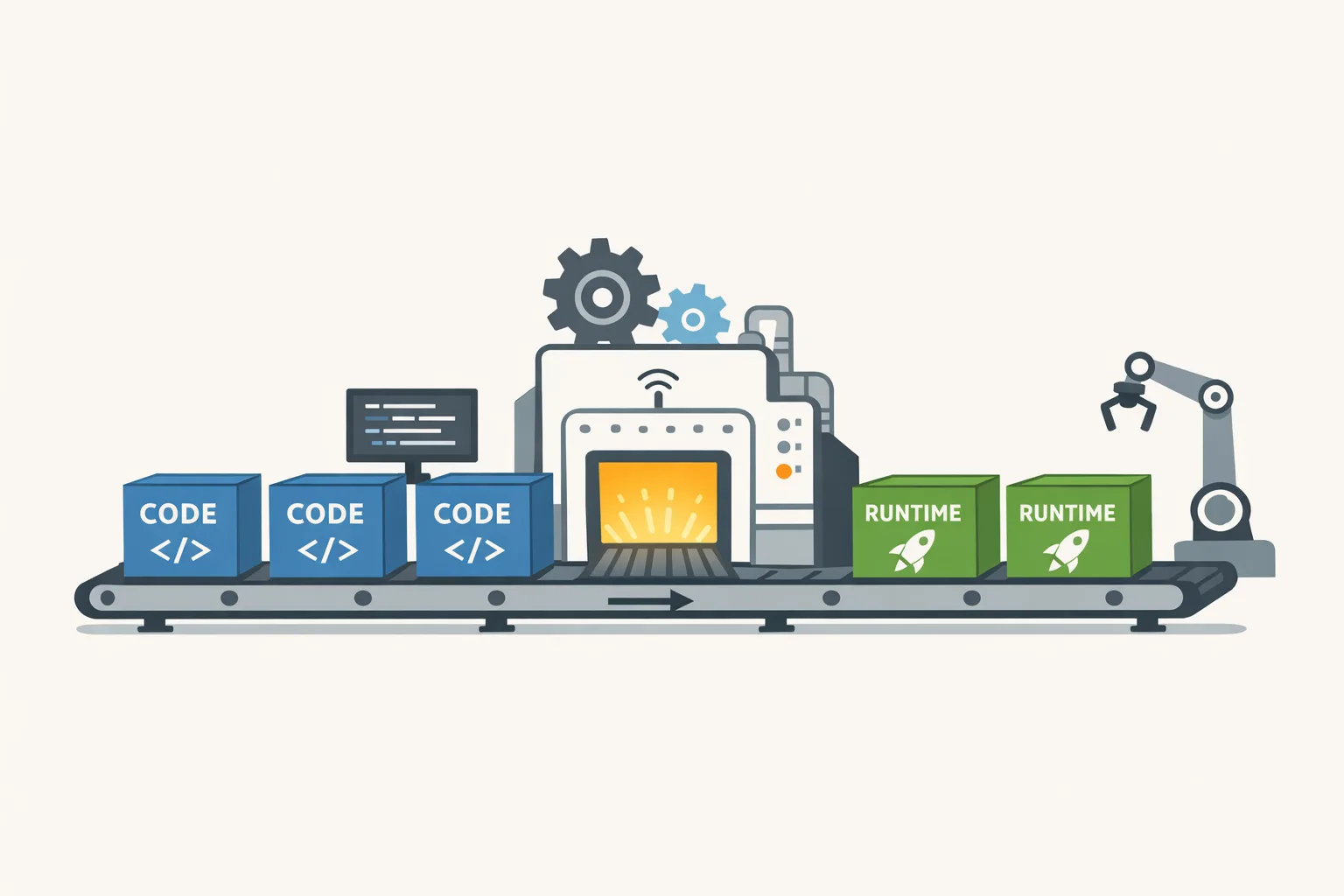
Zooming out, the pattern is obvious: vendors optimize for faster iteration and ecosystem health; enterprises must optimize for continuous compatibility. That requires a factory mindset, not a hero project every 24 months.
The runtime upgrade strategy we use with clients
This is the operating model we deploy on teams that ship revenue-critical software. It’s lightweight, auditable, and ready to present to leadership.
PACE-12: a one‑year upgrade operating model
PACE-12 stands for Policy, Assessment, Calendar, Execution—on a rolling 12‑month window.
Policy: Decide what you will and won’t do. Examples: “Stay within one major of current for Node.js,” “Adopt every Java LTS within 90 days, evaluate non‑LTS on a case‑by‑case basis,” “Security patches within seven days.” Put this in writing and approve it at the engineering leadership level.
Assessment: Maintain a living inventory of runtimes, frameworks, libraries, and their EOL dates. Flag anything entering a six‑month risk window. Tie each asset to an owner and a confidence score: code coverage, deployment automation, rollback readiness, and third‑party risk.
Calendar: Lock two upgrade waves per year, plus a reserved security sprint per quarter. The waves become predictable events with scoped goals—“Spring Wave: Node.js and build toolchain; Fall Wave: Java and Kubernetes base images.”
Execution: Treat each upgrade as a product. Write a one‑page brief (scope, risks, success metrics), run a smoke-test plan, execute a canary rollout, and capture post‑mortems as checklists so the next run is faster.
The Upgrade Brief (one page, no fluff)
Use this template for every runtime upgrade:
Goal: What version and why now. Scope: Services touched, build infra, CI jobs. Risks: Incompatibilities, performance regressions, licensing. Tests: Unit thresholds, contract tests, chaos tests. Rollout: Canary plan, blast radius, rollback triggers. Success: p95 latency delta, error rates, cost impact, time‑to‑restore.
Data you should care about in March 2026
Let’s get concrete. As of March 21, 2026:
• Node.js 20 is entering its end‑of‑life window in April 2026. If you still have production workloads on 20, you’re about to lose routine security updates. Budget the work now, not when an auditor asks later.
• Java 26 landed this March 2026 release train. It’s not an LTS, but it carries compiler, JIT, and platform improvements teams may want in dev/test, with a plan to converge on the next LTS when timing makes sense.
• Android developer verification has March 2026 enforcement milestones—if mobile revenue depends on Play, make sure your org identity and compliance workflow are squared away before app updates are blocked.
Want deeper details? We’ve written hands‑on guides you can hand to your team leads: a practical JDK 26 upgrade guide, a focused Node.js 20 EOL playbook, and context on Node.js moving to an annual release schedule.
How often should you upgrade?
Here’s a pragmatic rule of thumb:
• Security patches: Weekly intake, seven‑day SLA to production for critical CVEs.
• Non‑LTS feature releases: Evaluate in dev/test within 30 days; adopt when they reduce operational cost, fix a known defect, or unlock a roadmap dependency.
• LTS majors: Adopt within 90 days for back‑end workloads and 120 days for client apps with app‑store review or OEM constraints.
• Policy changes (identity, publishing, store rules): Treat like security: compliance by the posted enforcement date minus 30 days.
These targets aren’t dogma. They’re defaults you can defend to a CTO and a CISO, and they line up with the reality of annual release schedules.
What breaks most upgrades (and how to avoid it)
Four pitfalls show up again and again:
1) Underspecified test surfaces. Upgrades fail in the seams—serialization, time zones, TLS, and dependency injection edges. Build three safety nets: contract tests against downstreams, golden data sets for 10 hot endpoints, and performance smoke tests on a production‑like dataset.
2) Hidden transitive risk. Your app might be fine, but that one PDF library from 2019 is not. Freeze transitive versions during the upgrade branch. Then unfreeze with an allowlist after you clear the runtime jump.
3) Infrastructure drift. Base images, buildpacks, and GitHub Actions runners pin old toolchains. Make them first‑class assets in your inventory with owners and EOL dates.
4) Release discipline. If you only deploy monthly, a runtime upgrade becomes a big bang. Increase deploy frequency for the upgrade wave—daily to low‑risk environments, twice weekly to canaries, weekly to 100%—until the wave ends.
People also ask: is a non‑LTS release worth it?
Sometimes. If you’re chasing performance for batch jobs, trying to unblock a compiler bug, or aligning with a dependency that already requires the new baseline, piloting a non‑LTS in one service can pay off. Keep it contained and bake in a convergence plan back to the next LTS. Your policy should codify when you’ll do that.
How long does a safe Node.js major upgrade take?
For a medium service with good tests and CI, plan two sprints end‑to‑end: week one to update toolchains, fix breaking changes, and pass CI; week two for performance baselining, canary, and production rollout. If you’re light on tests or heavy on native modules, double it.
Can we pin dependencies to avoid churn?
Pinning is fine during the upgrade branch to stabilize the experiment. But treat long‑term pinning as technical debt that blocks security. After the runtime moves, re‑enable version ranges with a weekly dependency update job and a small fixed maintenance budget.
A concrete 45‑day runtime upgrade plan
Use this when a version sunset is 30–60 days away. It’s battle‑tested on Node.js and Java, and it generalizes to most platforms.
Days 1–3: Inventory and branch. Create a dedicated upgrade branch, freeze lockfiles, capture baseline p95/p99, error budgets, memory, and cold start metrics. List native modules and OS/package dependencies.
Days 4–7: Tooling and compile. Update CI runners, Docker base images, buildpacks, linters, and formatters. Make the code compile and unit tests pass on the new runtime. Document any flags you turned on.
Days 8–14: Functional compatibility. Run contract tests, repair deprecations, fix serialization/auth/session issues, and validate framework adapters. Add targeted tests where you got bit.
Days 15–21: Performance and memory. Compare before/after using identical datasets. Budget for 5–10% variance; investigate anything beyond that. Profile obvious hotspots and retune thread pools, GC flags, or event‑loop settings.
Days 22–28: Canary rollout. Ship to 5%, then 25%, watching tail latency, error rates, and saturation metrics. Define automatic rollback triggers and practice the rollback once.
Days 29–35: 100% and observability. Complete rollout. Add dashboards and SLOs specific to the new runtime. Archive the branch cleanly and write the post‑mortem as a checklist.
Days 36–45: Dependency unfreeze and platform clean‑up. Re‑enable weekly dependency updates. Rotate any temporary feature flags. Remove unused compatibility code that crept in during the rush.
Proof your plan with a “pre‑mortem”
Before you start, run a 45‑minute pre‑mortem: assume the upgrade failed in production. Why? Typical answers: a subtle TLS handshake regression, a forgotten queue consumer, or a GC tuning mismatch under lunchtime traffic. Turn each imagined failure into a test or a canary check. The act of writing these down prevents real incidents.
Risk budgeting that leadership will actually fund
Executives hate surprises more than they hate maintenance spend. Translate upgrades into three numbers they can bank on:
• Annual effort envelope: “Two upgrade waves, four sprints total, five engineers each wave.”
• Change failure rate target: “Under 10% of upgrade deploys trigger rollbacks; 100% are recoverable in under 30 minutes.”
• Cost outlook: “Non‑LTS pilots must show ≥5% performance or cloud cost improvement to justify adoption outside of security need.”
Package this as a slide you refresh each quarter. Suddenly, upgrades feel like a utility bill—predictable and budgetable.
Gotchas you’ll meet in 2026
• Container base images drift faster than your app. Bake base image updates into the plan; otherwise, your “runtime upgrade” quietly ships old OpenSSL or glibc.
• Licensing and telemetry toggles change names. Keep a compliance checklist; a renamed flag can flip your data export behavior after a minor version bump.
• Build cache invalidation. A runtime jump often rearranges build graph outputs. Clear caches on the first successful green build to avoid phantom test failures.
• Third‑party SDK deadlines. Payment and analytics SDKs sometimes set cutoff dates tied to OS-level changes. Track these in the same inventory as runtimes.
Let’s get practical—your next week
Do these six things before Friday:
1) Publish your policy. One page, signed by eng leadership. Post it where people can see it.
2) Build your inventory. A spreadsheet is fine. Columns: asset, owner, current version, target version, EOL date, tests present (Y/N), native deps (Y/N).
3) Book your waves. Put two four‑week windows on the 2026 calendar. Invite the people who will say “we’re too busy.”
4) Automate the boring parts. Add a weekly dependency update PR bot with a small fixed budget to merge.
5) Write two golden-path tests. Pick your hottest endpoint and your most failure‑prone job. These will catch 80% of “we didn’t expect that” issues.
6) Choose one pilot. A low‑blast‑radius service gets the new runtime first. Document what hurt and what didn’t.
When to call in help
If your team is staring at April deadlines and a wall of unknowns, bring in experienced hands for a four‑week upgrade wave. We’ve helped companies stand up this exact operating model and hit their dates without drama. Start with a quick intro on our services page, browse relevant case work in our portfolio, or just contact us to compare notes with an architect for 30 minutes.
FAQ your stakeholders will ask
“What’s the ROI of all this?” Fewer surprise outages, lower patch panic, and measurable performance gains on targeted pilots. You also avoid the audit finding you can’t remediate without a six‑month scramble.
“Do we need to upgrade everything at once?” No. Inventory, set a policy, then batch by risk and size. Small, boring wins compound faster than heroic all‑hands pushes.
“Can we pause for Q4 peak?” Yes, that’s why you have two planned waves. Protect peak season; move work earlier, not later.
“Should we leapfrog directly to a future LTS?” Only if security posture allows and your dependencies are verified compatible. Otherwise, step through supported majors; it’s often faster and safer in practice.
Your steady state by the end of 2026
By December, aim for this picture: a visible policy, an inventory with owners, two completed upgrade waves, SLOs proving stability, and post‑mortems captured as checklists. New hires learn the system in week one. Leaders see predictable spend. Auditors see a living program, not a slide deck.
That’s what a real runtime upgrade strategy looks like—calm, documented, and fast enough to matter. If you want a hand pressure‑testing your plan against the exact deadlines hitting in 2026, our team’s already shipping on these rails. And if you’re curious how we think about emerging release patterns, our blog stays current on the details that decide whether your next upgrade is a non‑event or a 2 a.m. page.
Frequently Asked Questions
Why is this topic important for developers and businesses?
Staying current with web development trends and best practices directly impacts your product quality, security, and performance. Teams that adapt quickly gain a competitive advantage and avoid costly technical debt.
How long does this upgrade or migration typically take?
The timeline depends on your codebase size and complexity. Small projects may take a few hours, while larger applications could require a week or more of testing. Start with a staging environment and run your full test suite before deploying to production.
How do I turn these insights into business results?
Start by identifying which recommendations apply to your situation, then prioritize by impact. For personalized guidance on growing your digital presence, BYBOWU offers free strategy consultations for businesses at bybowu.com/contacts.







Comments
Be the first to comment.